



3 Star Hotels in Málaga

Special offers for you







1/10
Showing 2.000+ hotels in Málaga
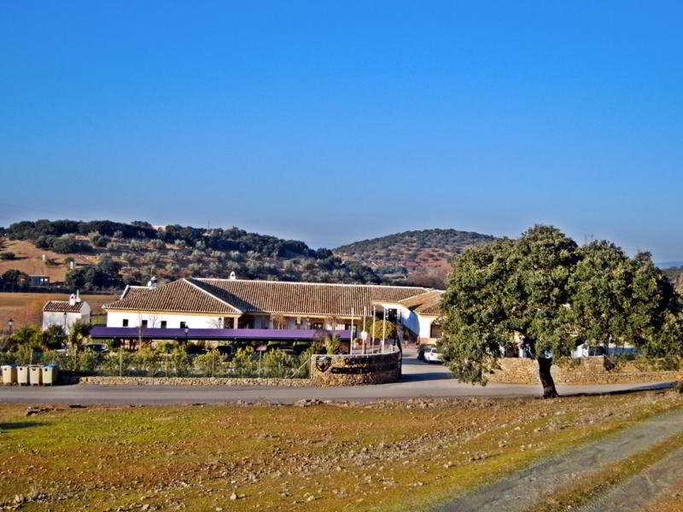
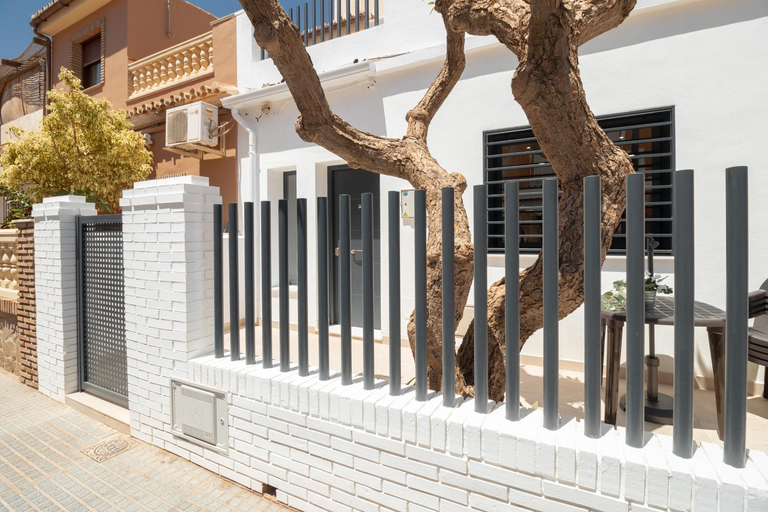

Torresol Torrecilla 315 Casasol
APARTAMENTO MARQUEZ
Mijas Costa Blue Sky Sea Views by ALFRESCO STAYS
Hotel Rural Carlos Astorga
Marbella Milla de Oro/ Golden Mille Marbella
Acogedor apartamento en Malaga
Apartamento Almijara 2
Coronado Apartment
Apt/ BenalBeach Parque Acuatico
LXR Bellavista 3Hab. Next to Sea
C05 - El Palo Beach 2 Bedroom With Terrace
Holiday Apartment The Wave Carvajal
Precioso apartamento muy cerca de la playa
Top2Stay Alhondiga
Awesome 3 bedroom apt metres from the beach RDR289
iloftmalaga Atico Carihuela
Suite Homes Anna Valentin
La Rada beach Estepona centro
Los Naufragos Beach Apartment
Boliches parking & beach

How to Book Hotels on tiket.com
1. Find the hotelEnter the name of the city, area, or hotel to find the place you want.
2. Select a roomOn the hotel detail page, you will see the available room options. Select a room that suits your needs.
3. Complete the booking detailsInput the contact details (the person who will be contacted by tiket.com and the hotel about the booking) and the guests’ details.
4. Select Add-onsYou can also buy additional services such as meal packages, transportation, and many more.
5. Pay your bookingSelect the payment method and complete your transaction. Don’t forget to use the promo code to get a cheaper hotel price at tiket.com.
6. Get the reservation e-voucherAfter the payment is successful, the e-voucher will be available on the Your Orders menu and sent to the email listed in the contact details.