



Hotels in Hortaleza
Showing 56 hotels in Hortaleza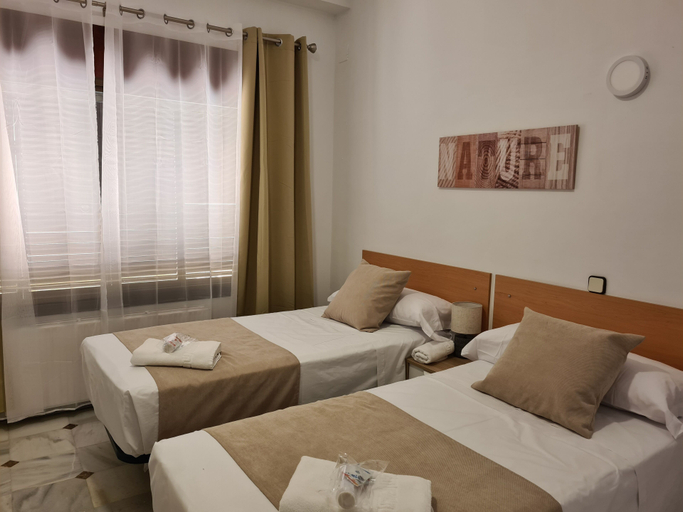 See details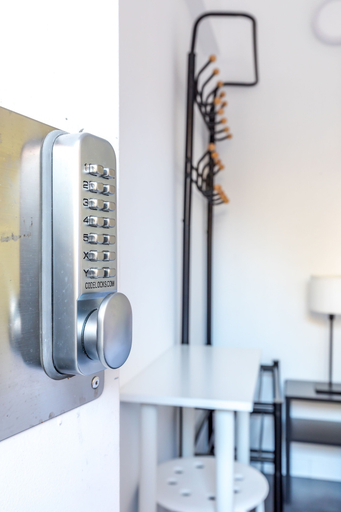
Residencia Casa Santo Angel - Solo Adultos
Property Location
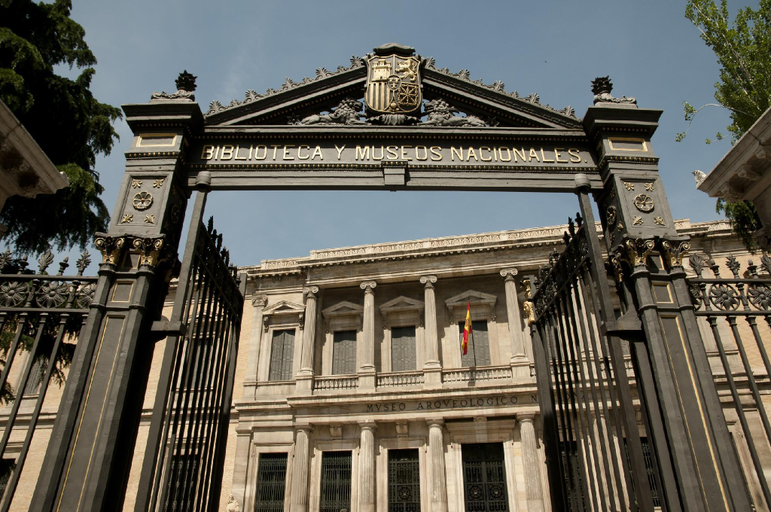
With a stay at Residencia Casa Santo Angel - Solo adultos in Madrid (Hortaleza), you'll be within a 5-minute drive of IFEMA and Plaza de Castilla. This hostal is 2.4 mi (3.9 km) from Santiago Bernabéu Stadium and 3.8 mi (6.1 km) from WiZink Center.
Rooms
Make yourself at home in one of the 20 air-conditioned rooms featuring flat-screen televisions. Complimentary wireless internet access is available to keep you connected. Bathrooms have showers and complimentary toiletries. Conveniences include desks, and housekeeping is provided daily.
Business, Other Amenities
The front desk is staffed during limited hours.
AYZ Ulises - Auto check-in property
AYZ Ulises - Auto check-in property Location
With a stay at AYZ Ulises - Auto check-in property in Madrid (Hortaleza), you'll be a 4-minute drive from Bernabéu Stadium and 9 minutes from Gran Via. This hostel is 4.6 mi (7.4 km) from National Prado Museum and 4.8 mi (7.8 km) from Puerta del Sol.
AYZ Ulises - Auto check-in property Rooms
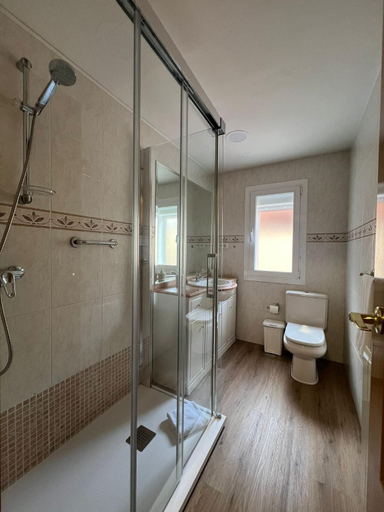
Make yourself at home in one of the 15 guestrooms. Complimentary wireless internet access is available to keep you connected. Bathrooms have showers and hair dryers.
See detailsWith a stay at AYZ Ulises - Auto check-in property in Madrid (Hortaleza), you'll be a 4-minute drive from Bernabéu Stadium and 9 minutes from Gran Via. This hostel is 4.6 mi (7.4 km) from National Prado Museum and 4.8 mi (7.8 km) from Puerta del Sol.
AYZ Ulises - Auto check-in property Rooms
Make yourself at home in one of the 15 guestrooms. Complimentary wireless internet access is available to keep you connected. Bathrooms have showers and hair dryers.
AYZ Ulises - Auto check-in property
AYZ Ulises - Auto check-in property
Hello Madrid
Las Huertas - Modern Accommodation in Madrid Conde Orgaz
Located in Madrid, Las Huertas - Modern Accommodation in Madrid Conde Orgaz offers accommodation with easy access to Madrid’s best spots. The property features swimming pool, WiFi, and fitness center.
Rooms at Las Huertas - Modern Accommodation in Madrid Conde Orgaz are equipped with AC, TV, and refrigerator. The bathroom is fitted with shower and bathtub.
See detailschalet villa inside Madrid
Located in Madrid, chalet villa inside Madrid offers accommodation with easy access to Madrid’s best spots. The property features kitchen, swimming pool, and private pool.
Rooms at chalet villa inside Madrid are equipped with AC, TV, and refrigerator. The bathroom is fitted with hair dryer and free toiletries.
See detailsHotels in Hortaleza
Don't feel hesitant to book hotels in Hortaleza at tiket.com! We'll make sure to provide all conveniences you need when doing a room reservation. Book your favourite hotel now only at tiket.com!

How to Book Hotels on tiket.com
1. Find the hotelEnter the name of the city, area, or hotel to find the place you want.
2. Select a roomOn the hotel detail page, you will see the available room options. Select a room that suits your needs.
3. Complete the booking detailsInput the contact details (the person who will be contacted by tiket.com and the hotel about the booking) and the guests’ details.
4. Select Add-onsYou can also buy additional services such as meal packages, transportation, and many more.
5. Pay your bookingSelect the payment method and complete your transaction. Don’t forget to use the promo code to get a cheaper hotel price at tiket.com.
6. Get the reservation e-voucherAfter the payment is successful, the e-voucher will be available on the Your Orders menu and sent to the email listed in the contact details.