


Hotels in Cádiz
Showing 1.000+ hotels in Cádiz

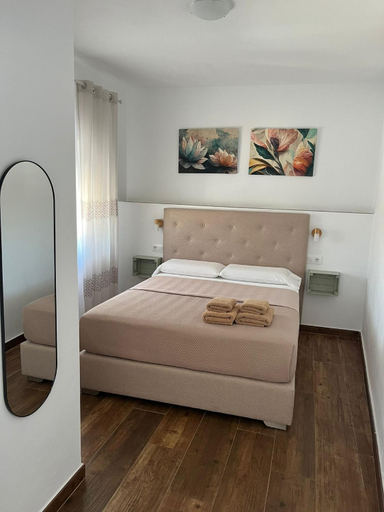
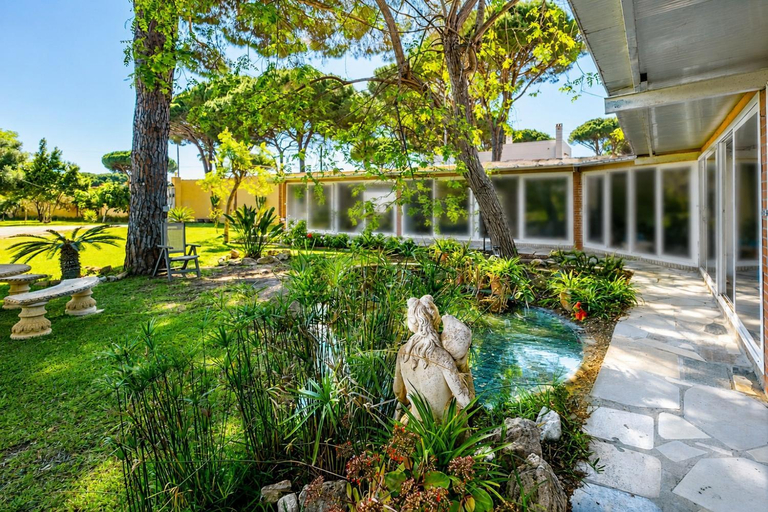
Puesta de Sol
Azvalia - Larga 112
Apartamento Velarde III
El Fogon del Duende
OCEANO Family Home free parking by Cadiz4Rentals
No 10 Cadiz
*TARIFACozyHouse* Penthouse | Pool | Parking
Apartamento Centro
Casa La Camelia con Piscina Grupo AC Gestion
Apartamento Sol - Solo Familias
Atico FULL Balcony by Cadiz4Rentals
Apartamento Ooh La La Cadiz
Estudio La Motilla
Casa Vladimir
Marina 1. Atico de Lujo. Vistas al mar. Piscina.
Jacaranda
Apartamento en la playa de Valdelagrana
Sunflowers
Casa francisco
ACQUARELA Family Home free parking by Cadiz4Rentals
Hotels in Cádiz
Don't feel hesitant to book hotels in Cádiz at tiket.com! We'll make sure to provide all conveniences you need when doing a room reservation. Book your favourite hotel now only at tiket.com!

How to Book Hotels on tiket.com
1. Find the hotelEnter the name of the city, area, or hotel to find the place you want.
2. Select a roomOn the hotel detail page, you will see the available room options. Select a room that suits your needs.
3. Complete the booking detailsInput the contact details (the person who will be contacted by tiket.com and the hotel about the booking) and the guests’ details.
4. Select Add-onsYou can also buy additional services such as meal packages, transportation, and many more.
5. Pay your bookingSelect the payment method and complete your transaction. Don’t forget to use the promo code to get a cheaper hotel price at tiket.com.
6. Get the reservation e-voucherAfter the payment is successful, the e-voucher will be available on the Your Orders menu and sent to the email listed in the contact details.