



Hotels in Málaga
Showing 7.000+ hotels in Málaga
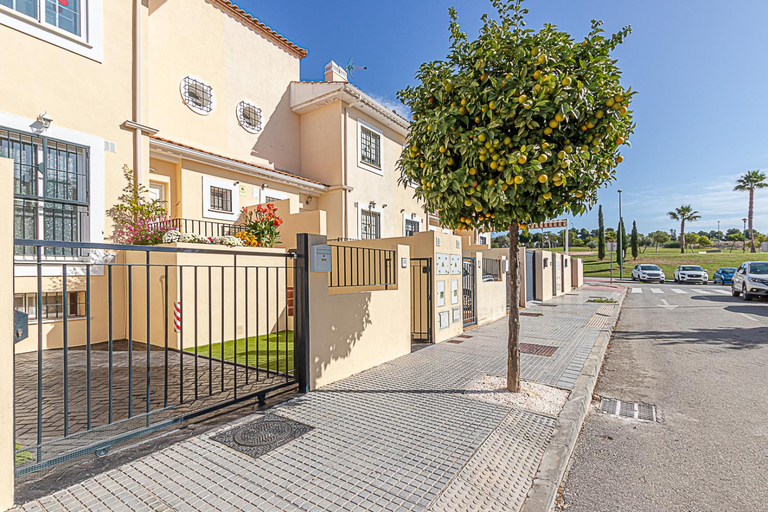
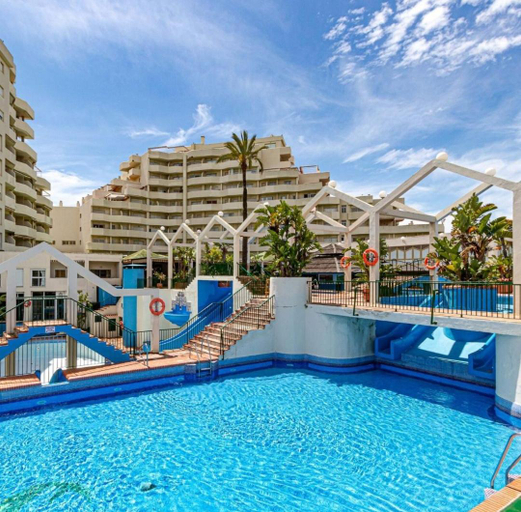
Oasis la Cala 3 ,Pools, Parking and wifi
Villa Lucia de Torrox by Ruralidays
Malagueta Beach Front Mediterranean Apartment
Vivendos - TR17 - Roca Chica
Enjoy La Carihuela Beach at 4 Min.Terrace & Pool.
Rooftop Apartment, Nerja
Beautiful Apartment In Mijas Costa With Outdoor Swimming Pool
Great care is taken to ensure guests experience comfort through top-notch services and amenities. Remain linked during your visit by utilizing the complimentary internet access available.Parking is accessible, supplied by the apartment for guests who arrive by car. The apartment is completely smoke-free.Crafted for coziness, every guestroom provides an array of features, guaranteeing a tranquil night's sleep while maintaining the level of comfort. Expand your in-room entertainment choices with various amenities, such as television offered in certain accommodations.Rest assured that your hydration needs will be met, as some guestrooms are equipped with a refrigerator and a coffee or tea maker.
See detailsENJOY MALAGA - City Center Apartment
Skol 128 - Great 1-Bedroom Apartment with Sea Views
Heart Location & PARKING
Studio Carreteria. En el mismo centro de Malaga
Apartamento Oasis
Chalet Parque Tecnologico
VACATION MARBELLA I Private HEATED Swimming pool, Walking distance to Puerto Banus, Security 24-7, B
Luxy Beach Apartment
EL ESTUDIO DE LA PLAYA BENALBEACH Vistas al Mar
Frontal al mar con increibles vistas ALQ 172
Cubo's Finca Jara
APARTAMENTOS DON DIEGO LA CARIHUELA
Contemporary Apartment across Marbella Club Hotel
Hotels in Málaga
Don't feel hesitant to book hotels in Málaga at tiket.com! We'll make sure to provide all conveniences you need when doing a room reservation. Book your favourite hotel now only at tiket.com!

How to Book Hotels on tiket.com
1. Find the hotelEnter the name of the city, area, or hotel to find the place you want.
2. Select a roomOn the hotel detail page, you will see the available room options. Select a room that suits your needs.
3. Complete the booking detailsInput the contact details (the person who will be contacted by tiket.com and the hotel about the booking) and the guests’ details.
4. Select Add-onsYou can also buy additional services such as meal packages, transportation, and many more.
5. Pay your bookingSelect the payment method and complete your transaction. Don’t forget to use the promo code to get a cheaper hotel price at tiket.com.
6. Get the reservation e-voucherAfter the payment is successful, the e-voucher will be available on the Your Orders menu and sent to the email listed in the contact details.