


Hotels in Málaga

Special offers for you





1/10
Showing 7.000+ hotels in Málaga
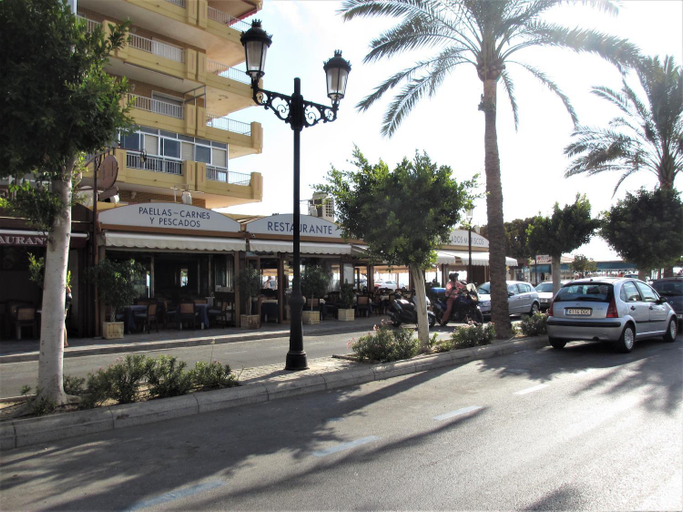
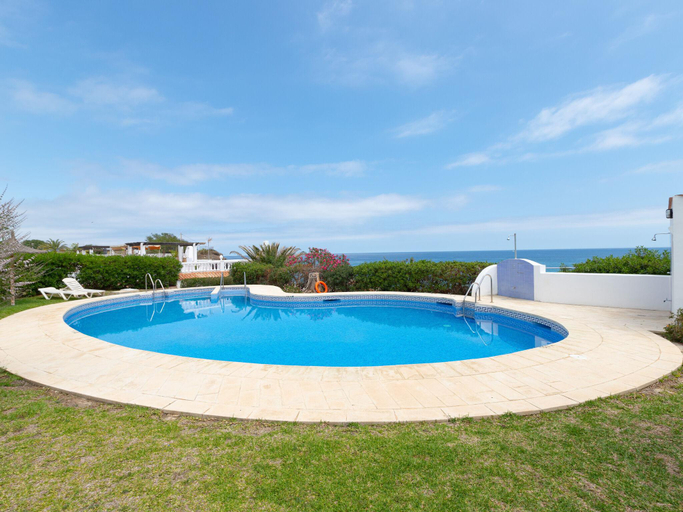

P&P Serrano Fernandez
Studio Port Of Marbella Center - EaW Homes
Rentcostadelsol Los Boliches Penelope
Amazing Sea View in Costa del Sol
PENTHOUSE NEAR BEACH AND MALAGA TOWN also monthly hire and long term RENTAL CAR AVAILABLE
Casa Madre Tierra Competa by Ruralidays
Casa de Ana Rosa
ApartRincon Candelaria
Cubo's View Mountain El Ventorrillo House
Casa Gines Iznajar by Ruralidays
Casa Siloam - House In Torrox-costa. Free Wifi
In order to ensure the utmost level of relaxation, the guestrooms feature an inviting design and are equipped with all basic necessities, creating a delightful stay experience.Within specific rooms, a refrigerator and a coffee or tea maker is conveniently available for your use.
See detailsNice apartment by the sea
Apartamento Mediterraneo
Fabuloso apartamento junto al Soho con parking privado
Urban Chic Loft Malaga City Center
Scandinavian modern apartment
Magnifique villa contemporaine
Penthouse Adelfas del Mar-Private Pool & Beach
Precioso y Amplio apartamento en Torrox Costa
MI CAPRICHO A16 Beachfront Apartment
Hotels in Málaga
Don't feel hesitant to book hotels in Málaga at tiket.com! We'll make sure to provide all conveniences you need when doing a room reservation. Book your favourite hotel now only at tiket.com!

How to Book Hotels on tiket.com
1. Find the hotelEnter the name of the city, area, or hotel to find the place you want.
2. Select a roomOn the hotel detail page, you will see the available room options. Select a room that suits your needs.
3. Complete the booking detailsInput the contact details (the person who will be contacted by tiket.com and the hotel about the booking) and the guests’ details.
4. Select Add-onsYou can also buy additional services such as meal packages, transportation, and many more.
5. Pay your bookingSelect the payment method and complete your transaction. Don’t forget to use the promo code to get a cheaper hotel price at tiket.com.
6. Get the reservation e-voucherAfter the payment is successful, the e-voucher will be available on the Your Orders menu and sent to the email listed in the contact details.