



3 Star Hotels in Madrid
Showing 1.000+ hotels in Madrid


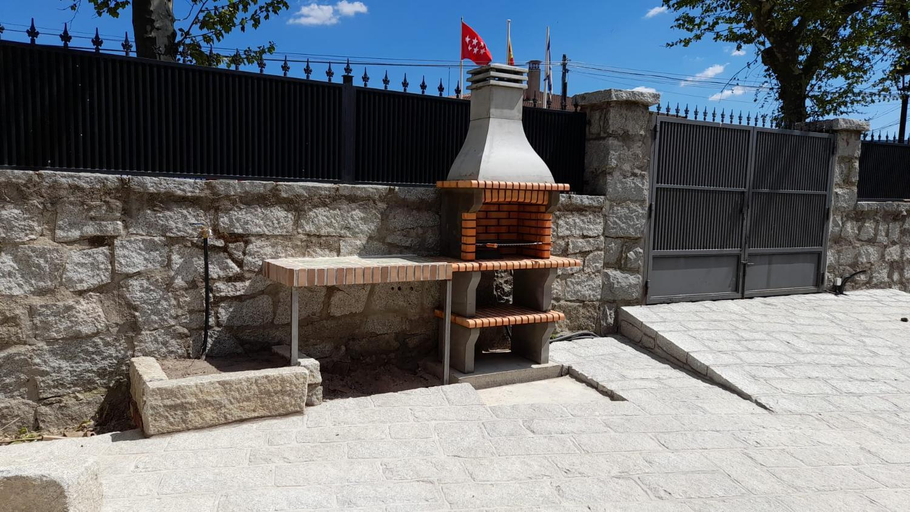
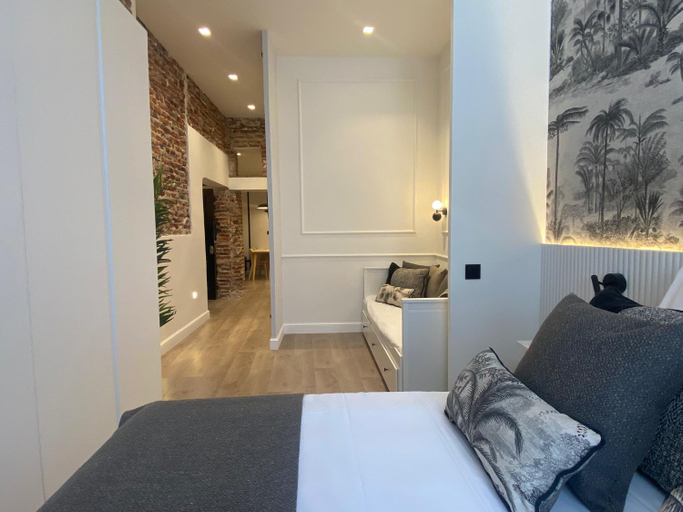
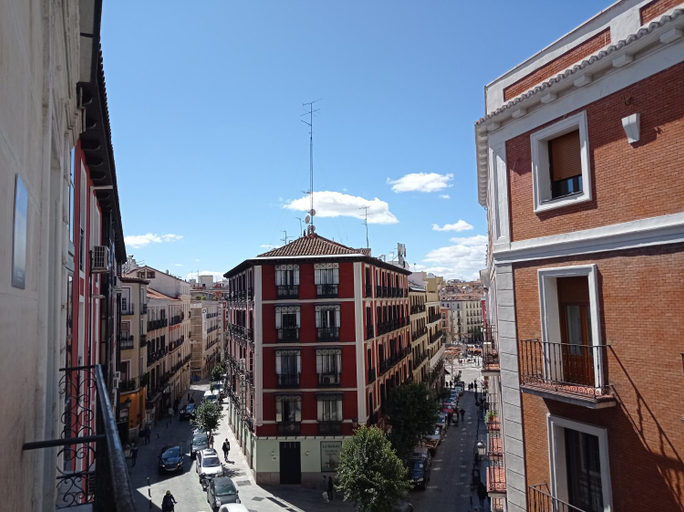
Waou Sol IV - Alquiler Corta Duracion
FANTASTICO APARTAMENTO MADRID RIO-PUERTA DEL ANGEL
City Park EME 5
Apartamento en Santiago Bernabeu
Piso Lacy Ile Temporal
SUITES YOU Platinum
Gran Via Luna - 5 dormitorios en el Centro
Estudios sol
Apartamento Turistico Cava Alta
Hello Home Canillas
CENTRICO APARTAMENTO CON 3 BANOS EN PUERTA DEL SOL y ATOCHA
Casa rural El Abuelo Arturo
Bien situado y comodo
Modern Duplex -2Bedrooms 2Bathrooms-Las Letras
Casa Simba la mejor opcion para ver la Warner Bros
APARTAMENTO CALLE ALCALA
Inhome
4Torres Homes - Carmen
VOLPI MAZZO
HABITACION PRIVADA EN PISO a 10 minutos de Atocha

How to Book Hotels on tiket.com
1. Find the hotelEnter the name of the city, area, or hotel to find the place you want.
2. Select a roomOn the hotel detail page, you will see the available room options. Select a room that suits your needs.
3. Complete the booking detailsInput the contact details (the person who will be contacted by tiket.com and the hotel about the booking) and the guests’ details.
4. Select Add-onsYou can also buy additional services such as meal packages, transportation, and many more.
5. Pay your bookingSelect the payment method and complete your transaction. Don’t forget to use the promo code to get a cheaper hotel price at tiket.com.
6. Get the reservation e-voucherAfter the payment is successful, the e-voucher will be available on the Your Orders menu and sent to the email listed in the contact details.