



4 Star Hotels in Las Palmas

Special offers for you





1/10
Showing 2.000+ hotels in Las Palmas
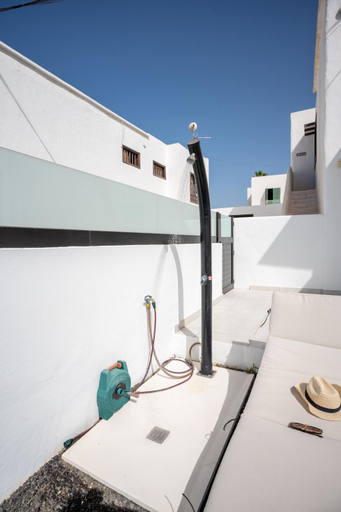
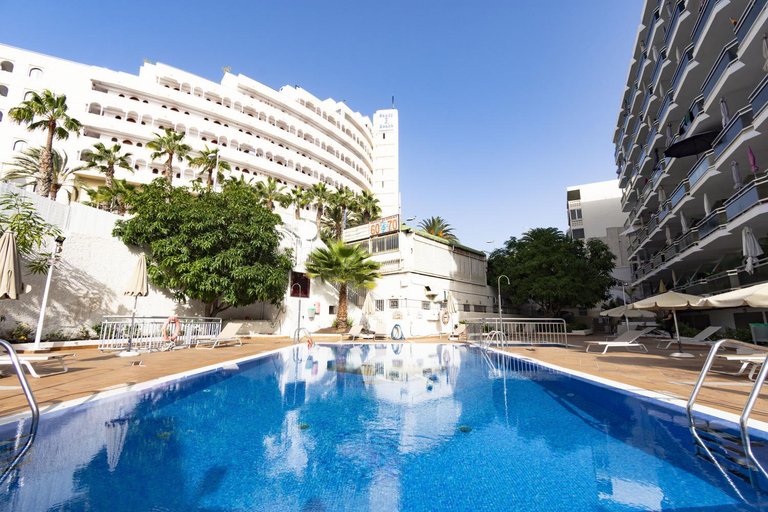
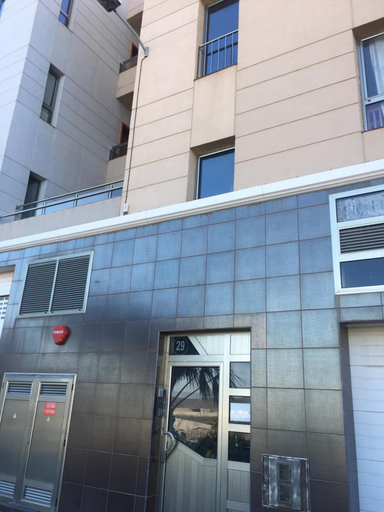

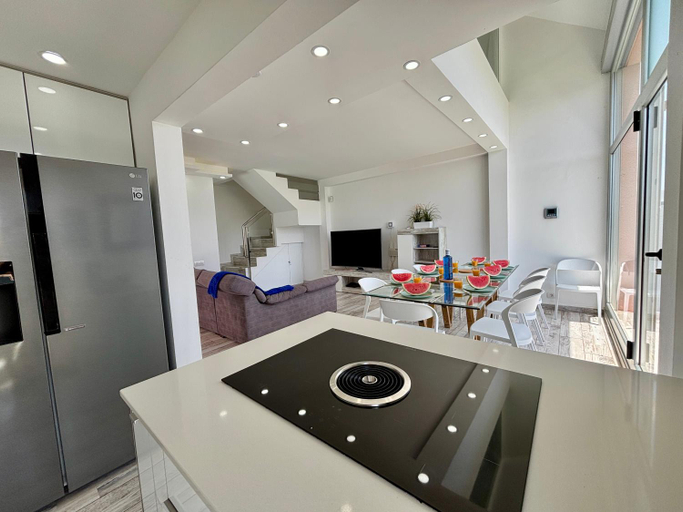
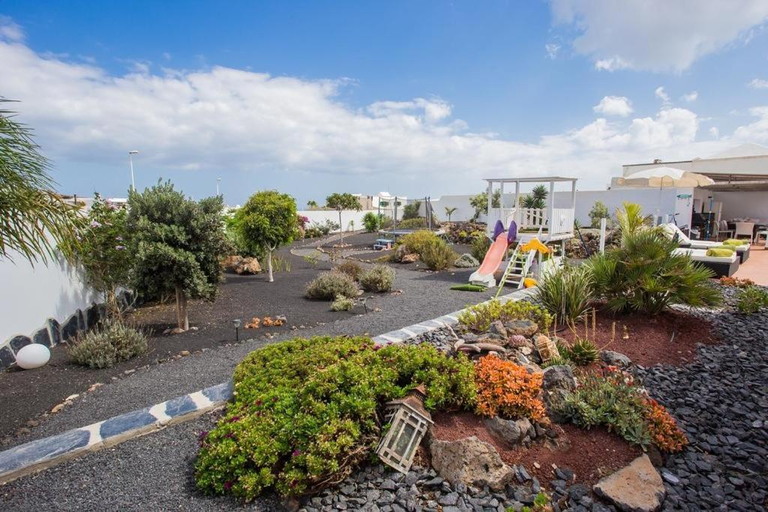
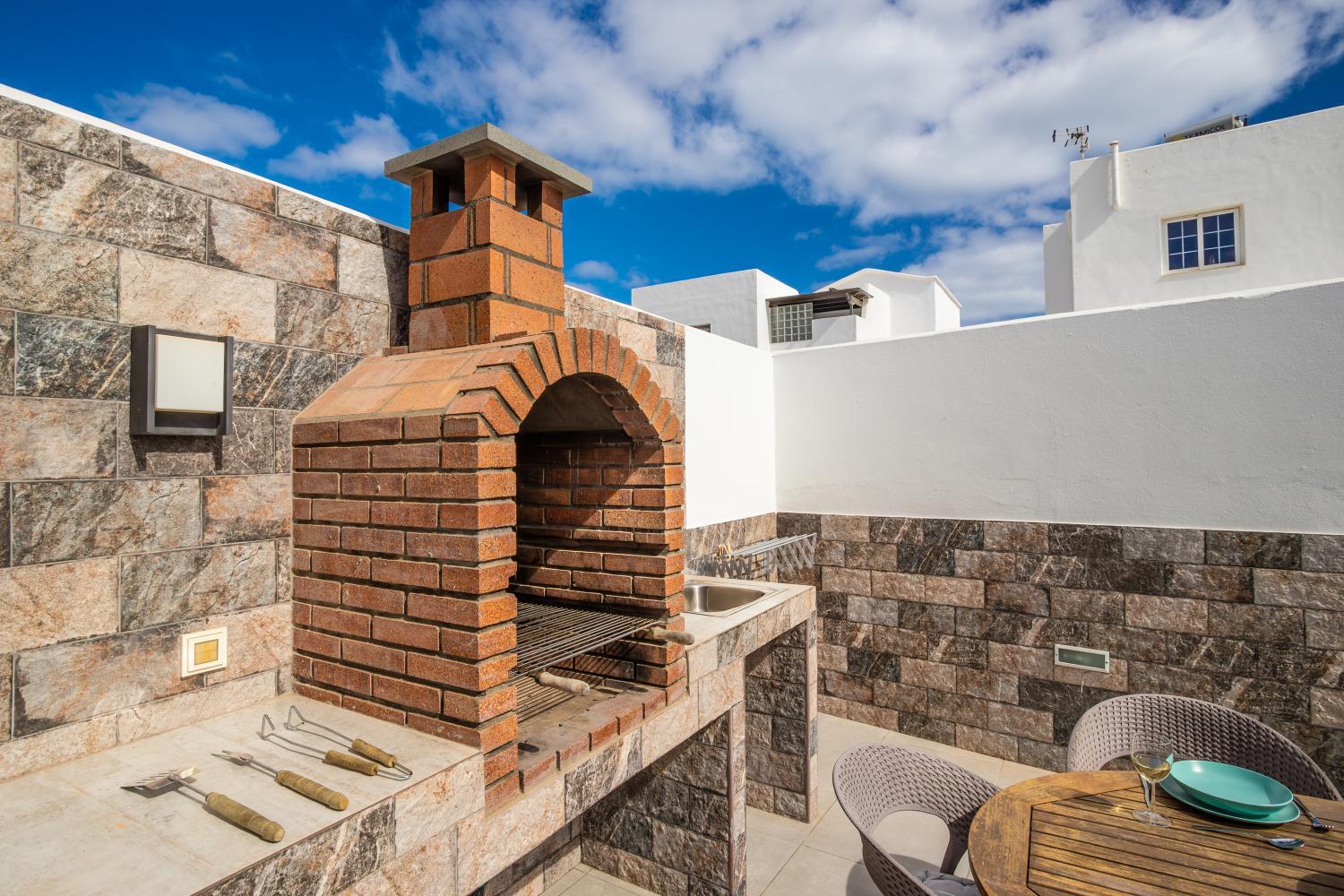
LaLuz451
Casa Marlena - Private Terrace- 4 min to the beach by Lanzarote Vacation Homes
THE WHITE CORNER BY HOMESTAYGRANCANARIA
Newly renovated modern bungalow , near c.c yumbo
Canary House Gold
Rooms at Canary House Gold are equipped with TV, refrigerator, and coffee tea maker. The bathroom is fitted with free toiletries and hair dryer.
Villa Palomino - Sleeps 6 - Parking - Pet Friendly
Villa Vista Oceano
Castle of Light By CanariasGetaway
Stylish Tias Villa - 4 Bedrooms - Villa Tias - Private Pool and Beautiful Views
Stylish Tias Villa - 4 Bedrooms - Villa Tias - Private Pool and Beautiful Views welcomes you to a comfortable stay at Las Palmas. The Villa offers complete facilities to cater to guests’ needs, such as swimming pool, private pool, and kitchen.
The rooms feature (a) TV, refrigerator, and coffee tea maker. The en suite bathroom comes with (a) bathtub, free toiletries, and hair dryer.
See detailsVilla Deseo Puerto Del Carmen
Villa Deseo Puerto Del Carmen welcomes you to a comfortable stay at Las Palmas. The Villa offers complete facilities to cater to guests’ needs, such as swimming pool, parking, and private pool.
The rooms feature (a) AC, TV, and refrigerator. The en suite bathroom comes with (a) free toiletries, hair dryer, and hot tub.
See details
How to Book Hotels on tiket.com
1. Find the hotelEnter the name of the city, area, or hotel to find the place you want.
2. Select a roomOn the hotel detail page, you will see the available room options. Select a room that suits your needs.
3. Complete the booking detailsInput the contact details (the person who will be contacted by tiket.com and the hotel about the booking) and the guests’ details.
4. Select Add-onsYou can also buy additional services such as meal packages, transportation, and many more.
5. Pay your bookingSelect the payment method and complete your transaction. Don’t forget to use the promo code to get a cheaper hotel price at tiket.com.
6. Get the reservation e-voucherAfter the payment is successful, the e-voucher will be available on the Your Orders menu and sent to the email listed in the contact details.