



4 Star Hotels in Santa Cruz de Tenerife

Special offers for you






1/10
Showing 1.000+ hotels in Santa Cruz de Tenerife
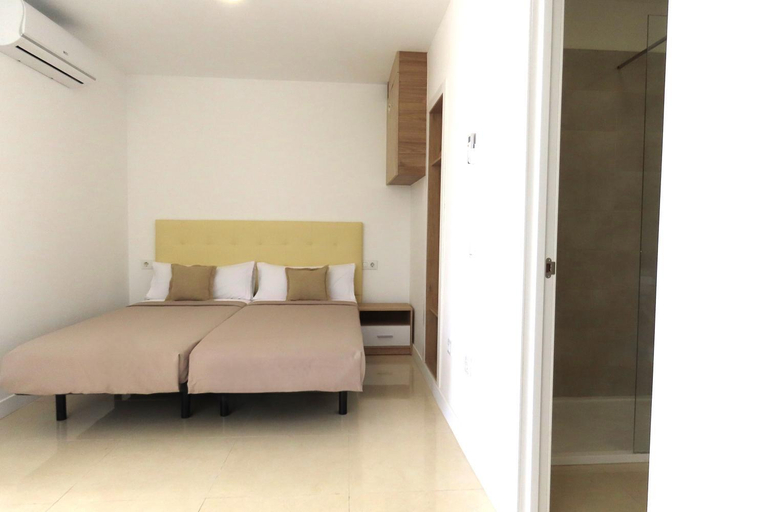
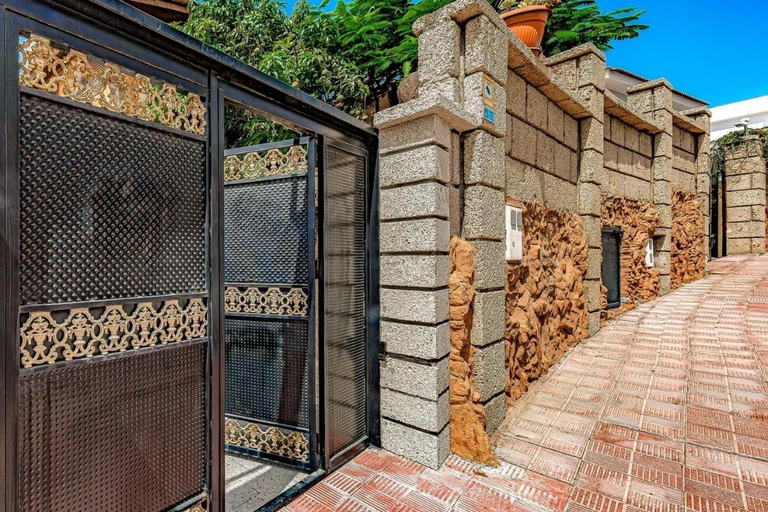
Duplex Las Americas
Virginia
Vacacional Candelaria la Sardina
Gazmira 2-3 DELUXE 1B
Los Gigantes Buenavista Ocean View Swimming Pool
Apartamento Idaira Sun
Beachfront Apartment - Tacoronte
Suncanarias Apartamentos Cristal Playa La Arena
Chilly Apartment - Sunny rooftop terrace with ocean view
Lucky`s Home by TOR
Casa Annie, con jardin y cerca la playa
Casa Calma
Tenerifeopenhome Charming cave villa Costa Adeje
Adjona 1-4 SEA VIEW 2B
BRIGHT AND QUIET WINDSOR PARK APARTMENT
Big 2-bedroom in Tenerife South
Number 5 at The Marina, Playa San Juan beach Tenerife
La Casa de Leo
Luxury Los Diamantes One Bedroom Apartment
Vistas al Mar junto a la Playa 2D

How to Book Hotels on tiket.com
1. Find the hotelEnter the name of the city, area, or hotel to find the place you want.
2. Select a roomOn the hotel detail page, you will see the available room options. Select a room that suits your needs.
3. Complete the booking detailsInput the contact details (the person who will be contacted by tiket.com and the hotel about the booking) and the guests’ details.
4. Select Add-onsYou can also buy additional services such as meal packages, transportation, and many more.
5. Pay your bookingSelect the payment method and complete your transaction. Don’t forget to use the promo code to get a cheaper hotel price at tiket.com.
6. Get the reservation e-voucherAfter the payment is successful, the e-voucher will be available on the Your Orders menu and sent to the email listed in the contact details.