



Hotels in Andalucía

Special offers for you








1/10
Showing 15.000+ hotels in Andalucía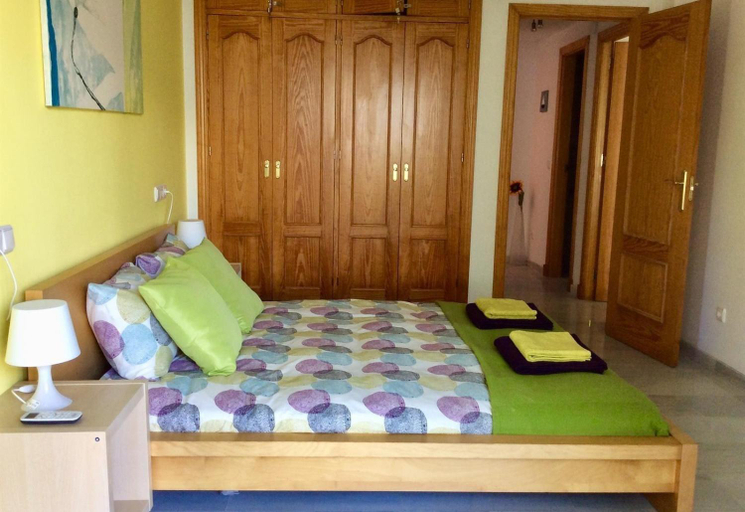


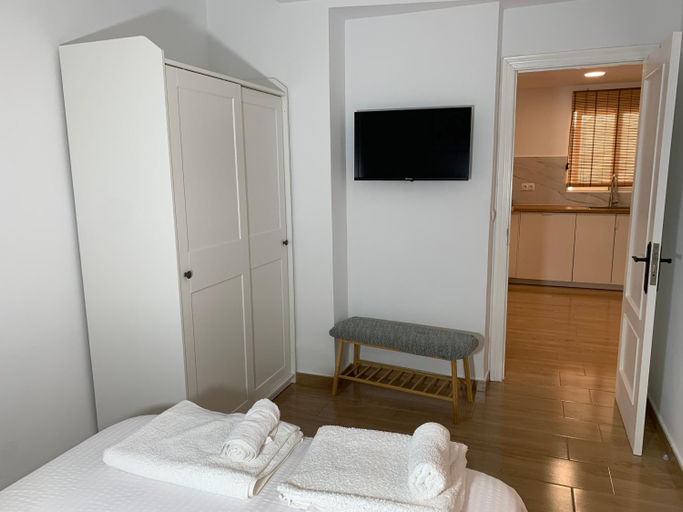
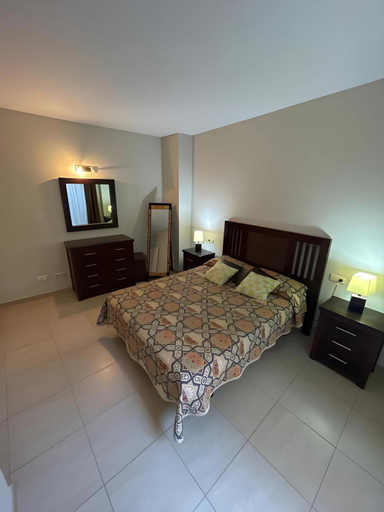
Vista Marina - 2 bedrooms sleeps 4
Cozy apatment just 10 mins from the City Centre
Casa del Agua
Piso de 3 habitaciones en el centro de Punta Umbria recien renovado!
Luz de la Marina
La Colina LadyBlue Apto acogedor cerca de Sierra Nevada y Alhambra
Casa Rural Villa Campito Antequera
Andalusian house - Beach at 85 meters - Terrace
Precioso apartamento con habitacion separada en centro historico de Malaga
Bahia Sur Deluxe
Hazilla de Raya Frigiliana by Ruralidays
Apartamento Los Patios
JUPITER 425 SUITES 4 Pax
Premium Studio Minerva 103 con Piscina y Parque Acuatico
Amelia de Mar Parking
Lujo en banana beach primera linea de playa
Libertad by Gades Gestion
Los Boliches, modernos aptos 1 y 2 Dormitorios fantastica ubicacion
Skol 208A First Line Beach West Facing Duplex
Cute apartment oceanfront
Cute apartment oceanfront provides a superb assortment of leisure amenities for guests to enjoy. During your stay, don't forget to allocate some moments to experience the readily available shoreline.Be sure to drop by the pool at apartment at least once during your stay.
See detailsHotels in Andalucía
Don't feel hesitant to book hotels in Andalucía at tiket.com! We'll make sure to provide all conveniences you need when doing a room reservation. Book your favourite hotel now only at tiket.com!

How to Book Hotels on tiket.com
1. Find the hotelEnter the name of the city, area, or hotel to find the place you want.
2. Select a roomOn the hotel detail page, you will see the available room options. Select a room that suits your needs.
3. Complete the booking detailsInput the contact details (the person who will be contacted by tiket.com and the hotel about the booking) and the guests’ details.
4. Select Add-onsYou can also buy additional services such as meal packages, transportation, and many more.
5. Pay your bookingSelect the payment method and complete your transaction. Don’t forget to use the promo code to get a cheaper hotel price at tiket.com.
6. Get the reservation e-voucherAfter the payment is successful, the e-voucher will be available on the Your Orders menu and sent to the email listed in the contact details.