How to activate a BlibliPay account?
Important info when activating BlibliPay:
- Make sure the device you are using is connected to the internet.
- If you don't have a BlibliPay account yet, you can activate and create a new BlibliPay account at tiket.com using the phone number registered at tiket.com. By entering your phone number, the system will create your BlibliPay account automatically.
- You can immediately activate your BlibliPay account at tiket.com using the same phone number as BlibliPay.
- Make sure you enter not more than 3 (three) attempted PIN.
Follow this steps below to activate Bliblipay account:
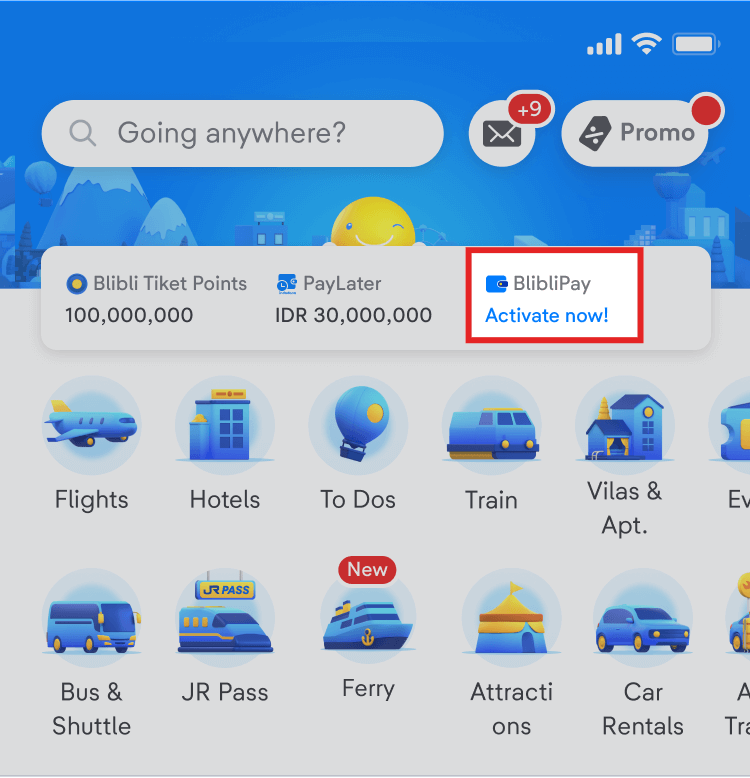
- Log in via tiket.com application then click the "Activate BlibliPay Now!" link in the BlibliPay section on the tiket.com main page.
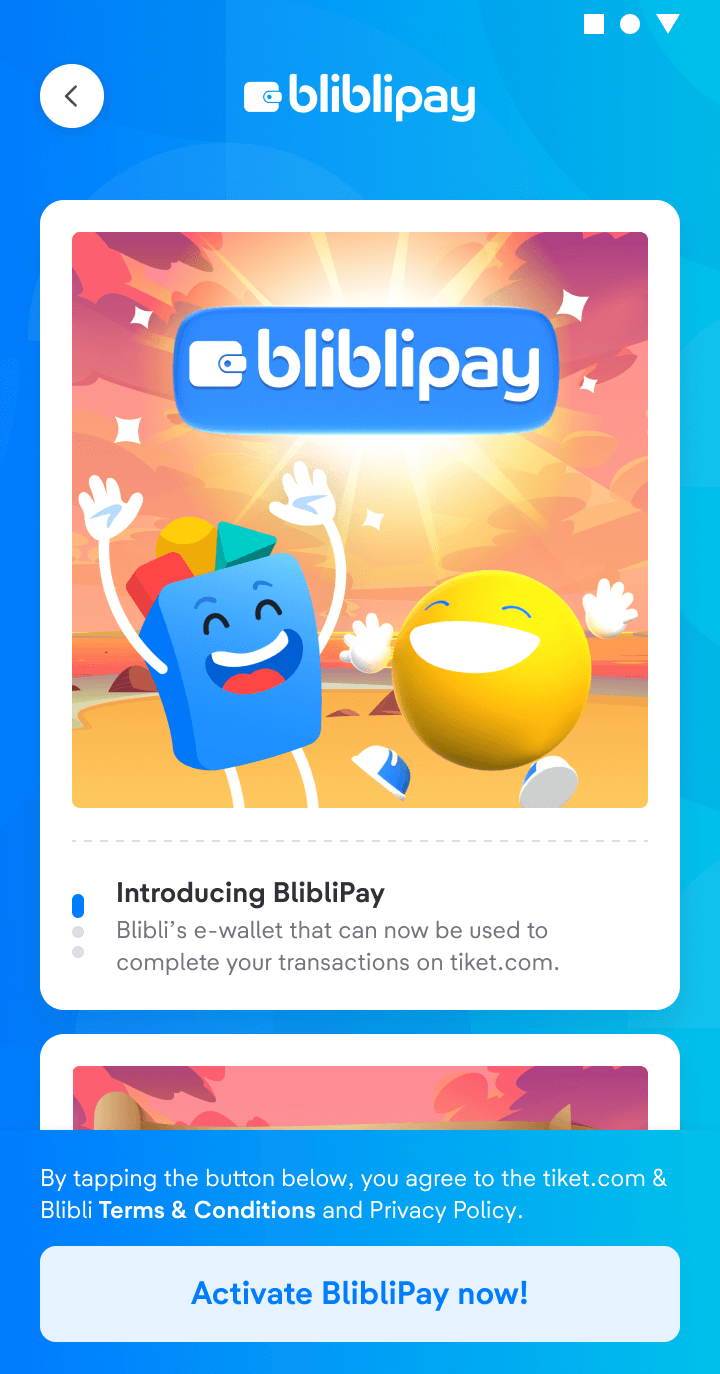
- You will be directed to enter the phone number that you used on tiket.com. Keep in mind that the phone number on tiket.com and BlibliPay must be the same.
If your telephone number has not been verified, you will receive information to verify your telephone number first.
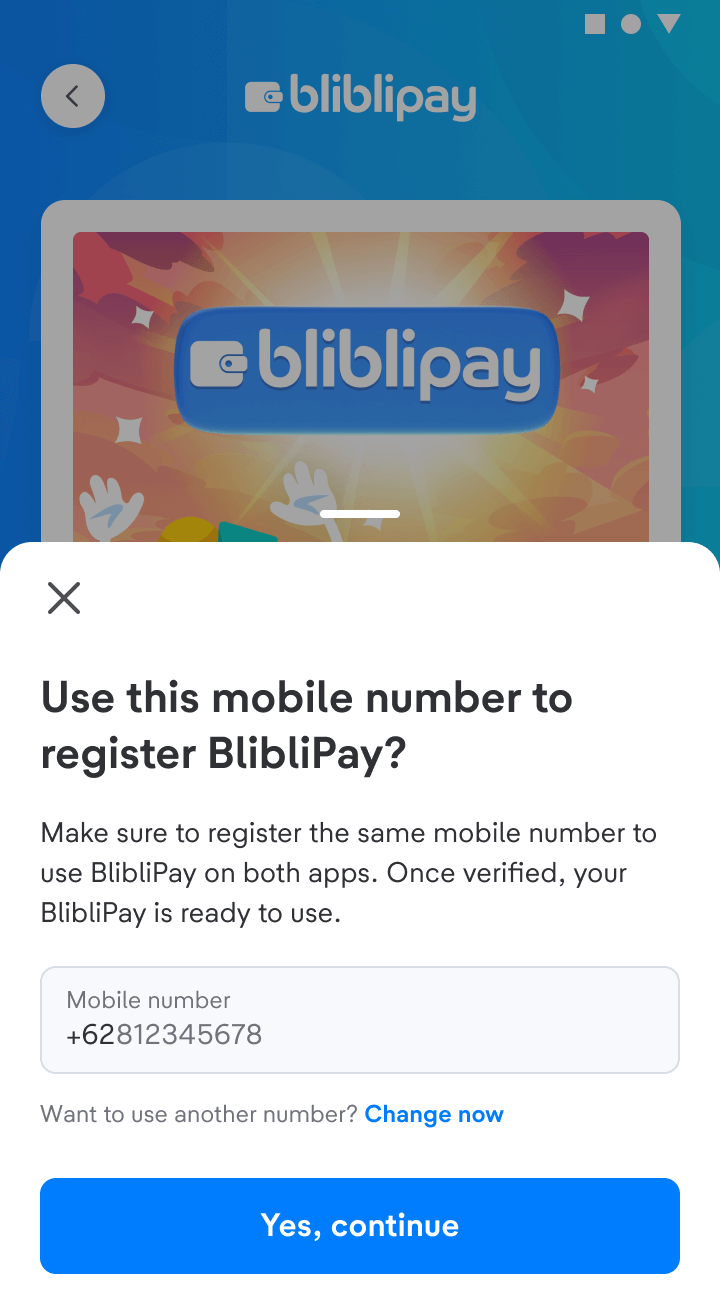
- If the phone number is correct, you need to verify the phone number using the OTP code that will be sent via SMS.
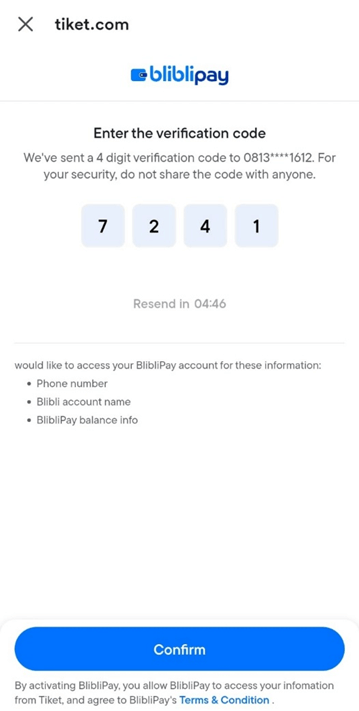
- You will be directed to create a BlibliPay PIN.
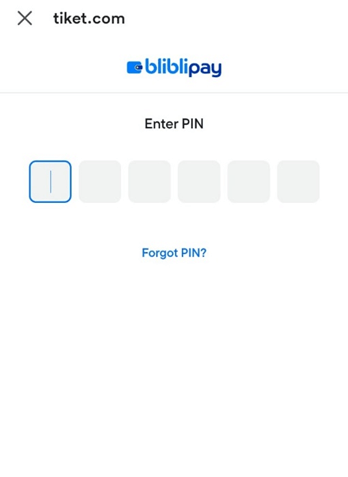
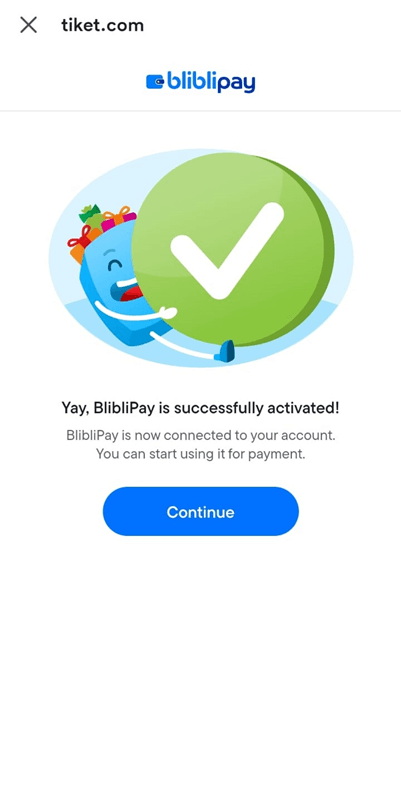
- Your BlibliPay activation process will be successful when all the data is correct.
- You are ready to use BlibliPay for transactions and receive various offers from BlibliPay!