



Apartments in Qingdao
Showing 144 Apartments in Qingdao
 Laoshan, Qingdao
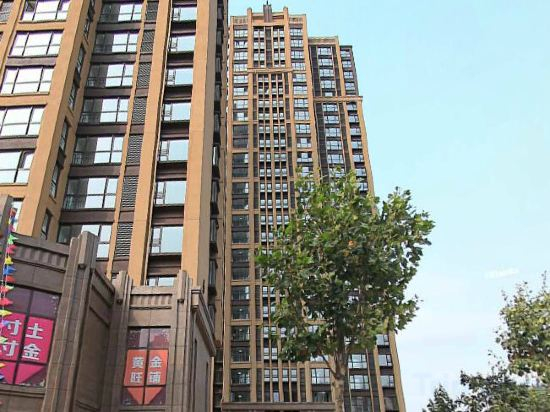 Laoshan, Qingdao
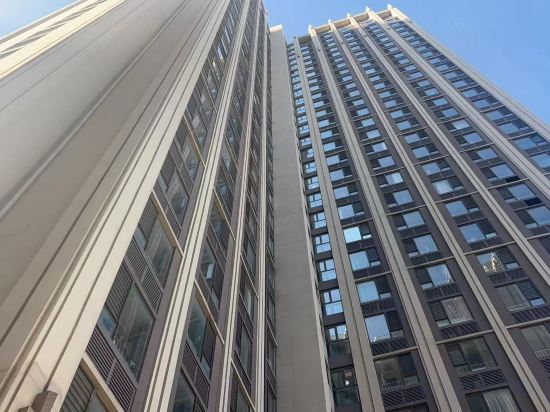 Laoshan, Qingdao
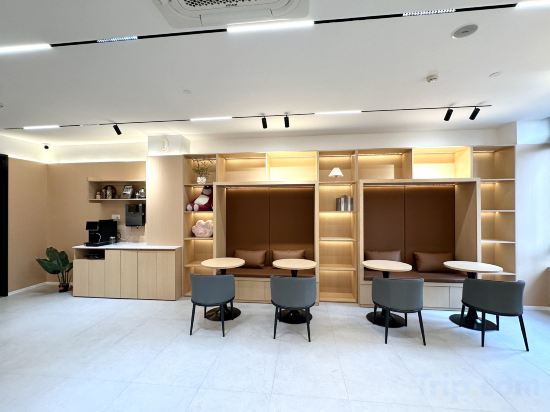 Laoshan, Qingdao
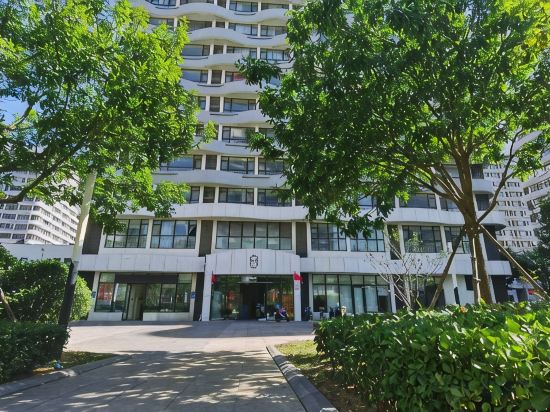
 Laoshan, Qingdao
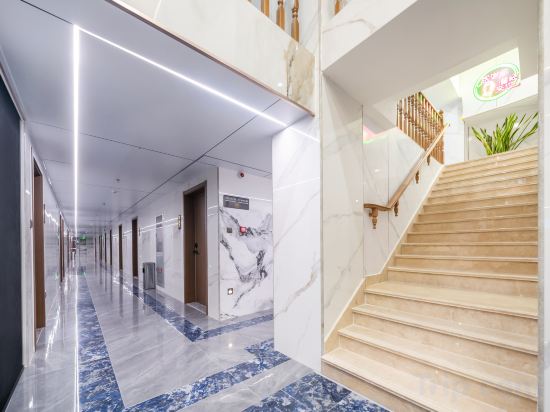 Laoshan, Qingdao
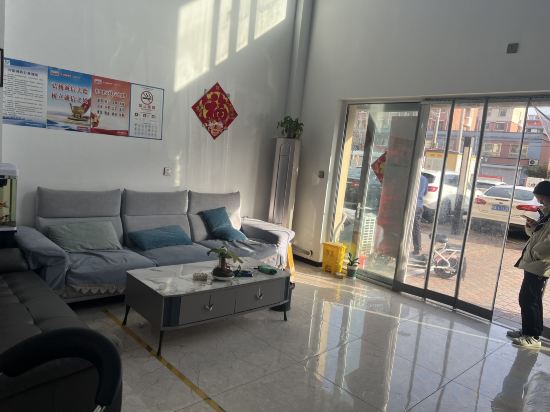 Jiaoxian, Qingdao
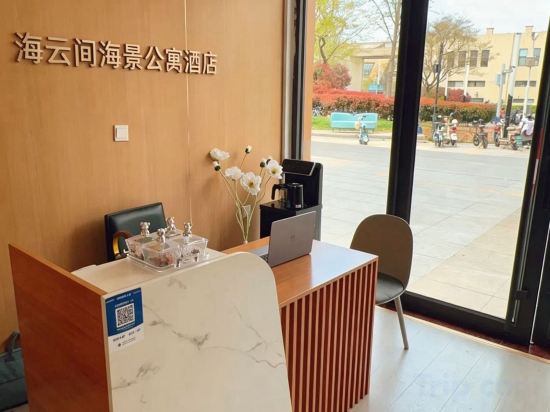 Jiaonan, Qingdao
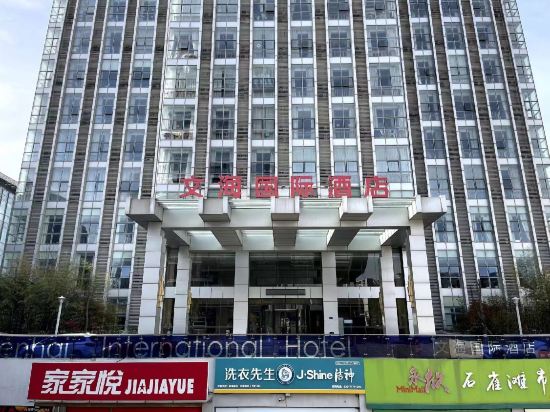
 Jimo, Qingdao
 Laoshan, Qingdao
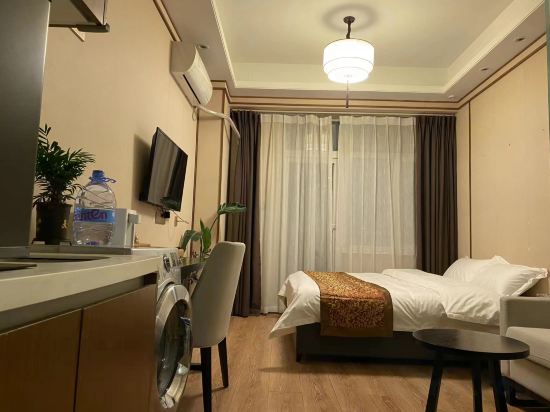 Jiaonan, Qingdao
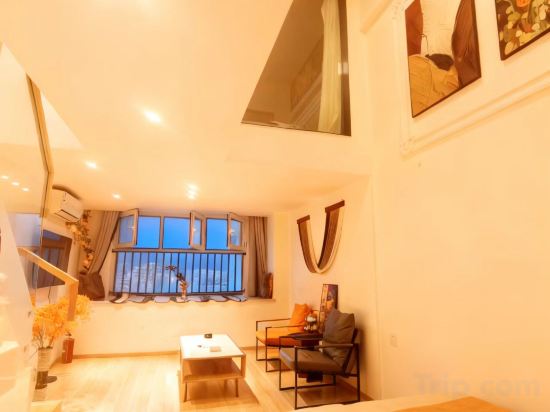 Laoshan, Qingdao
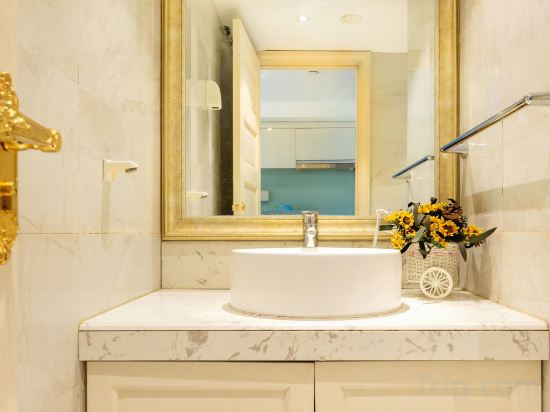
 Laoshan, Qingdao
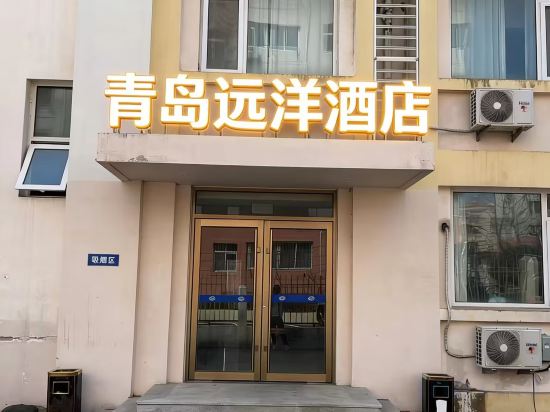 Laoshan, Qingdao
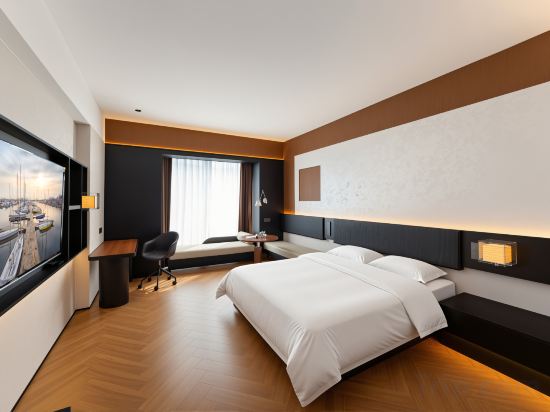 Laoshan, Qingdao
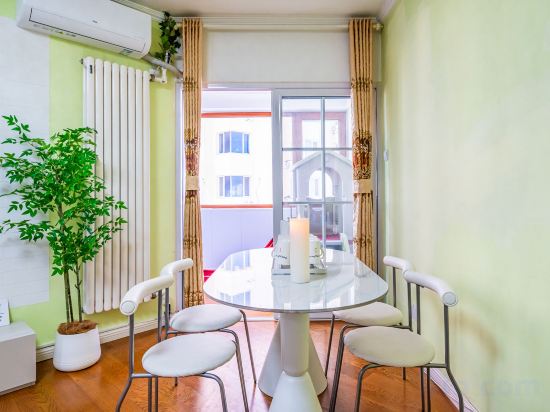 Laoshan, Qingdao
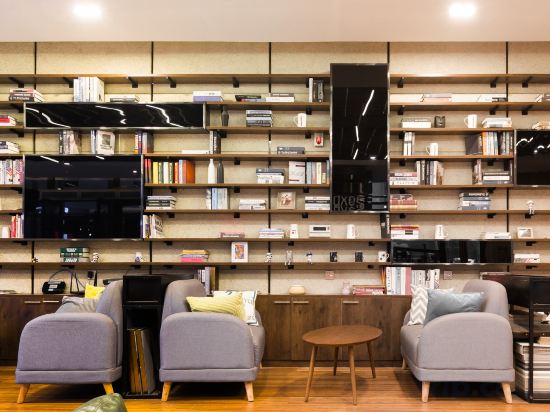 Huangdao, Qingdao
Yuhai Xiaozhu Scenic Apartment (Qingdao No.1 Bathing Beach)
Apartment
Self Contained Apartment (Qingdao Ziyuntai)
Apartment
Xiazhi Apartment
Apartment
Mulan Serviced Apartment (Licun Subway Station Le Ke Cheng)
Apartment
Wanghai Apartment (Oriental Movie Metropolis Sunac Mall)
Yunshui Xiaozhu Apartment (May Fourth Square)
Apartment
Four Seasons Haojia Boutique Apartment
Apartment
Boerjia Apartment (Qingdao Jiaodong International Airport)
Apartment
Haiyunjian Scenic Apartment (Oriental Movie Metropolis Sunac Mall)
Apartment
Qihai · Letu Loft Apartment (Golden Beach)
Qingdao Yunting Scenic Apartment (Blue Silicon Valley Subway Station Shandong University)
Apartment
Linghai Muyue Apartment
Apartment
Qingdao Na Yijia Apartment (China Railway World Expo City)
Apartment
Fangwenshe Loft Apartment (Qingdao Bingo Apartment)
Apartment
Lichen Yuanjing Apartment (Qingdao Tangdaowan Jinggangshan Road Subway Station)
Qingdao Shark's Home Scenic Apartment (May Fourth Square)
Apartment
Qingdao Yuanyang Apartment
Apartment
Qingdao Lanshanhai Designer Serviced Apartment (May Fourth Square MixC Store)
Apartment
Qingdao Fushansuo Subway Station May Fourth Square Duomi Scenic Apartment
Apartment
Fengyue Intelligent E-sports Apartment (City Media Plaza)
Apartment
Apartments in Qingdao
Don't feel hesitant to book Apartments in Qingdao at tiket.com! We'll make sure to provide all conveniences you need when doing a room reservation. Book your favourite hotel now only at tiket.com!

How to Book Accommodations on tiket.com
1. Find the accommodationEnter the name of the city, area, or accommodation to find the place you want.
2. Select a roomOn the accommodation detail page, you will see the available room options. Select a room that suits your needs.
3. Complete the booking detailsInput the contact details (the person who will be contacted by tiket.com and the accommodation about the booking) and the guests’ details.
4. Select Add-onsYou can also buy additional services such as meal packages, transportation, and many more.
5. Pay your bookingSelect the payment method and complete your transaction. Don't forget to use the promo code to get a cheaper accommodation price at tiket.com.
6. Get the reservation e-voucherAfter the payment is successful, the e-voucher will be available on the Your Orders menu and sent to the email listed in the contact details.