



Hotels in Nossa Senhora do O
Showing 1.000+ hotels in Nossa Senhora do O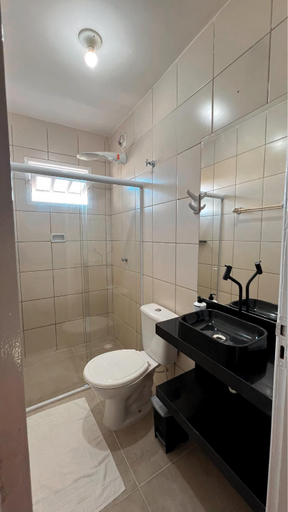
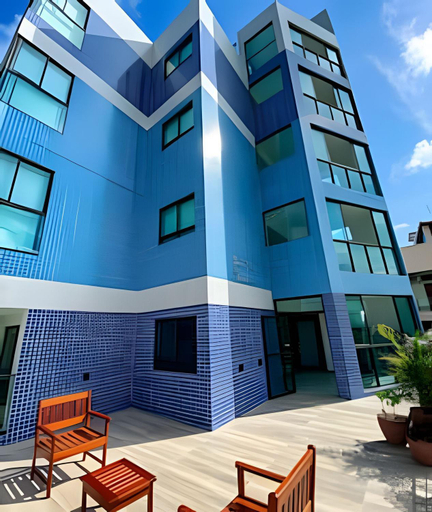

Casas Pe na Areia - Vista Mar
Rosi Flats Porto de Galinhas - novissimo no Centro
Plage du Porto Beira Mar Centro
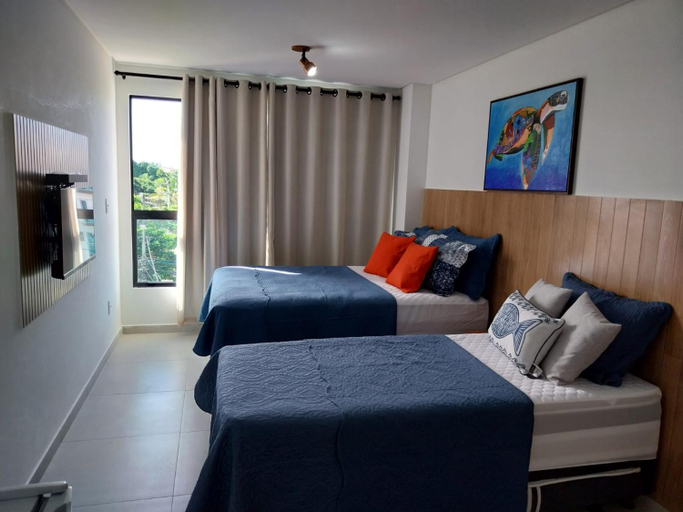
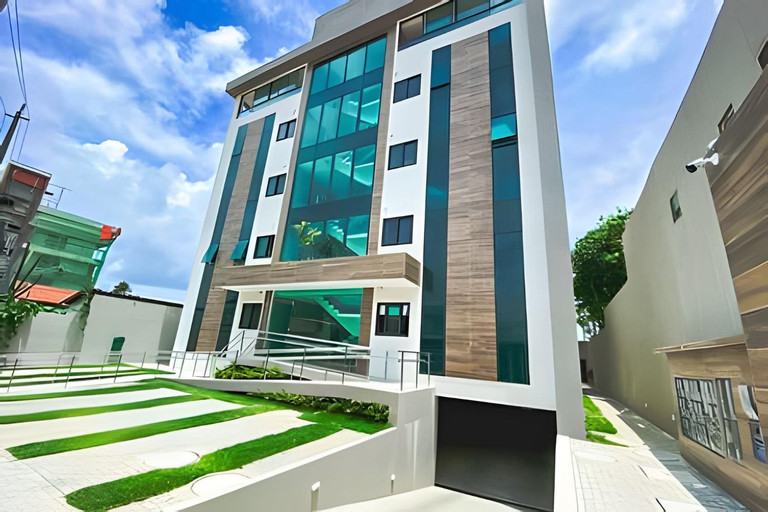
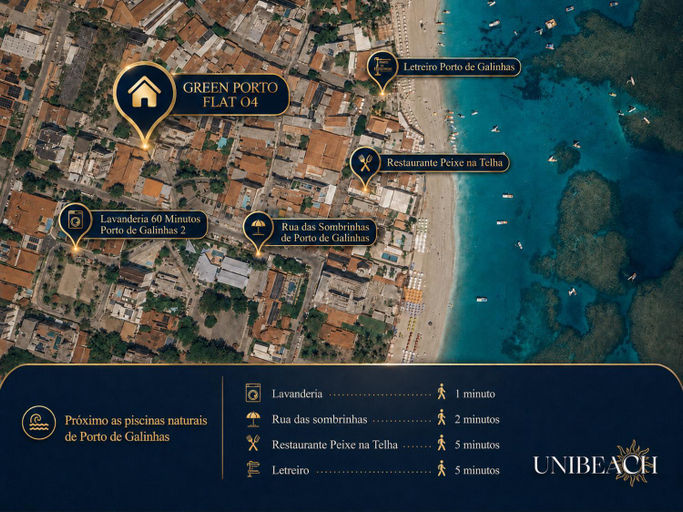
Green Porto Beach – Conforto no Coracao de Porto de Galinhas
Porto Blue Centro de Porto
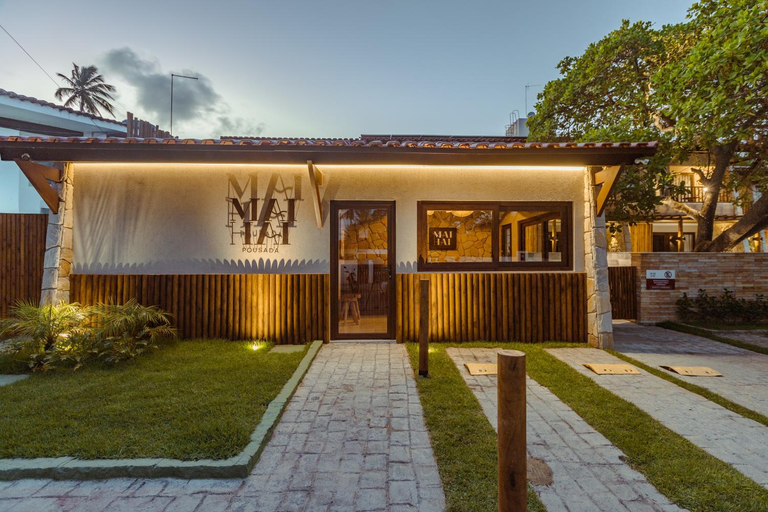
MAIHAI Porto
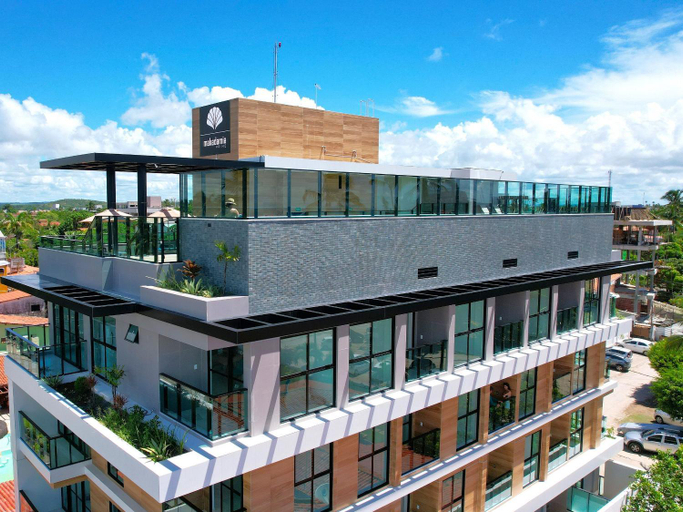
Beira-Mar em Frente as Piscinas Naturais de Porto de Galinhas - Makadamia Flats
No centro de Porto de Galinhas Praia Flats Temporada - Di Mare 104
PORTO DE GALINHAS MAKAMBIRA RESIDENCE
Located in Ipojuca, PORTO DE GALINHAS MAKAMBIRA RESIDENCE offers accommodation with easy access to Ipojuca’s best spots. The property features swimming pool, parking, and elevator.
flatmaravilha
flatmaravilha welcomes you to a comfortable stay at Ipojuca. The Apartment offers complete facilities to cater to guests’ needs, such as swimming pool, parking, and kitchen.
Mahalo residence 06 - Porto de Galinhas
A 50m do mar - flat 2 quartos Porto de Galinhas
Laguna Beach Flat 314- Porto de Galinhas
Porto Mykonos
Apartamento Porto Beach Residence (Beira Mar) - Porto de Galinhas
Flat Porto de Galinhas
Makaiba Residence 003
Makaiba Residence 003 welcomes you to a comfortable stay at Ipojuca. The Apartment offers complete facilities to cater to guests’ needs, such as swimming pool, parking, and kitchen.
Rooms at Makaiba Residence 003 are equipped with AC, TV, and refrigerator. The bathroom is fitted with free toiletries and hair dryer.
See detailsCupe Beach Living - Porto de Galinhas
Flat Manawa A03
Located in Ipojuca, Flat Manawa A03 offers accommodation with easy access to Ipojuca’s best spots. The property features swimming pool, parking, and elevator.
Rooms at Flat Manawa A03 are equipped with AC, TV, and coffee tea maker. The bathroom is fitted with free toiletries and hair dryer.
See detailsApartamento em Porto de Galinhs
Hotels in Nossa Senhora do O
Don't feel hesitant to book hotels in Nossa Senhora do O at tiket.com! We'll make sure to provide all conveniences you need when doing a room reservation. Book your favourite hotel now only at tiket.com!

How to Book Hotels on tiket.com
1. Find the hotelEnter the name of the city, area, or hotel to find the place you want.
2. Select a roomOn the hotel detail page, you will see the available room options. Select a room that suits your needs.
3. Complete the booking detailsInput the contact details (the person who will be contacted by tiket.com and the hotel about the booking) and the guests’ details.
4. Select Add-onsYou can also buy additional services such as meal packages, transportation, and many more.
5. Pay your bookingSelect the payment method and complete your transaction. Don’t forget to use the promo code to get a cheaper hotel price at tiket.com.
6. Get the reservation e-voucherAfter the payment is successful, the e-voucher will be available on the Your Orders menu and sent to the email listed in the contact details.