



Hotels in Ceará
Showing 1.000+ hotels in Ceará


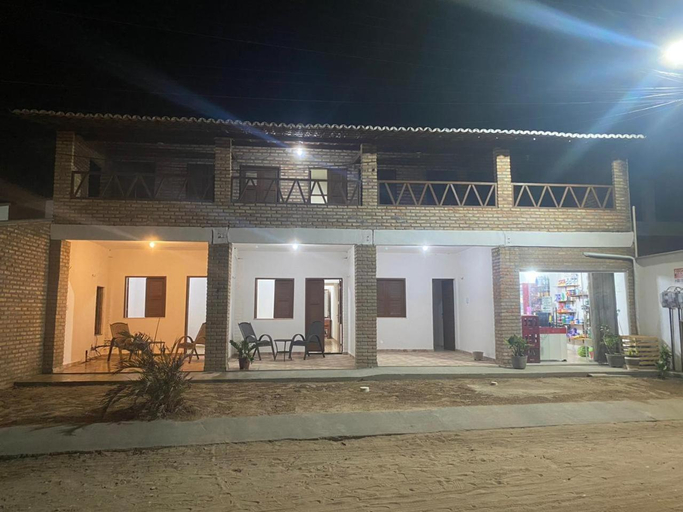
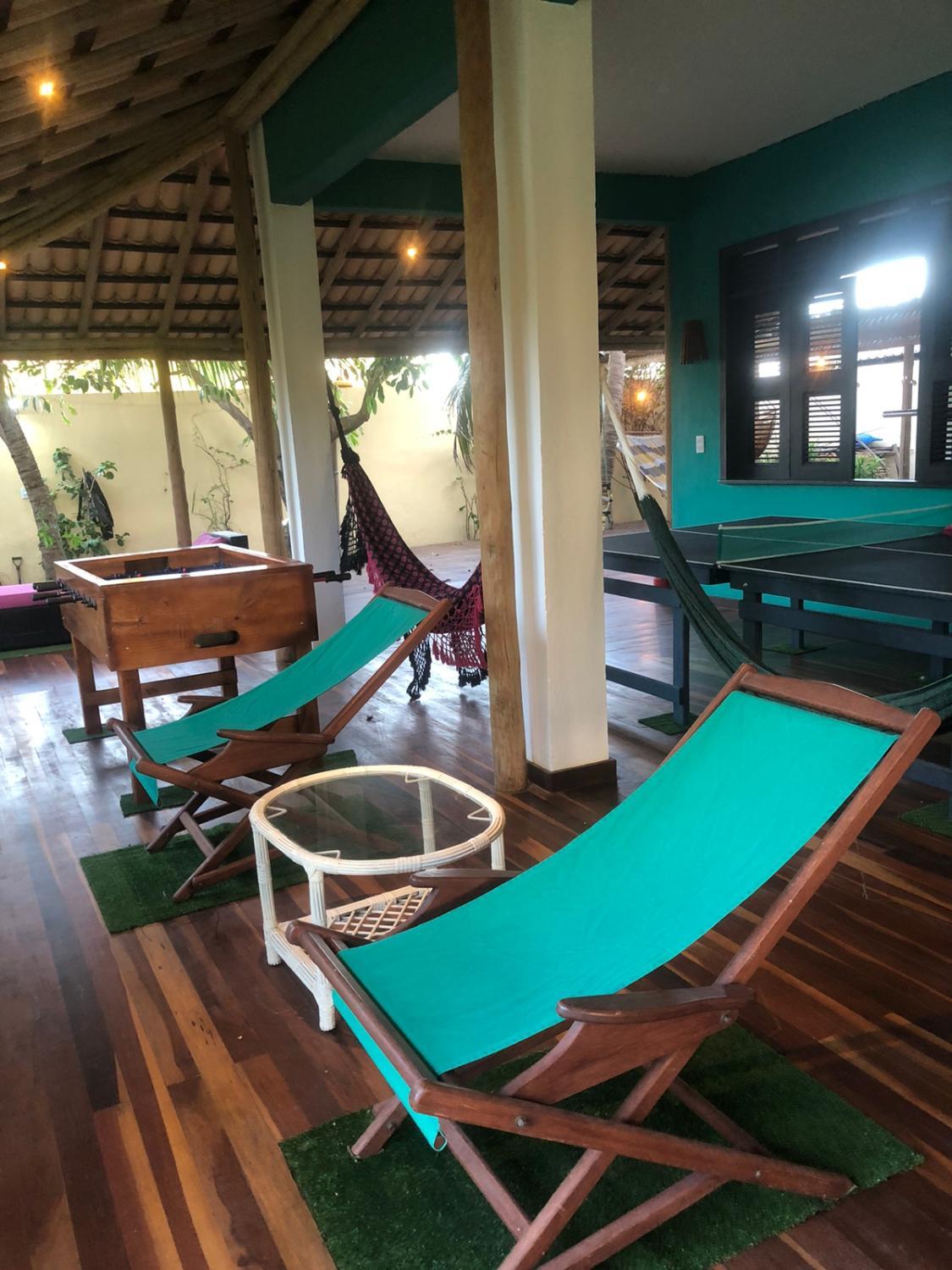


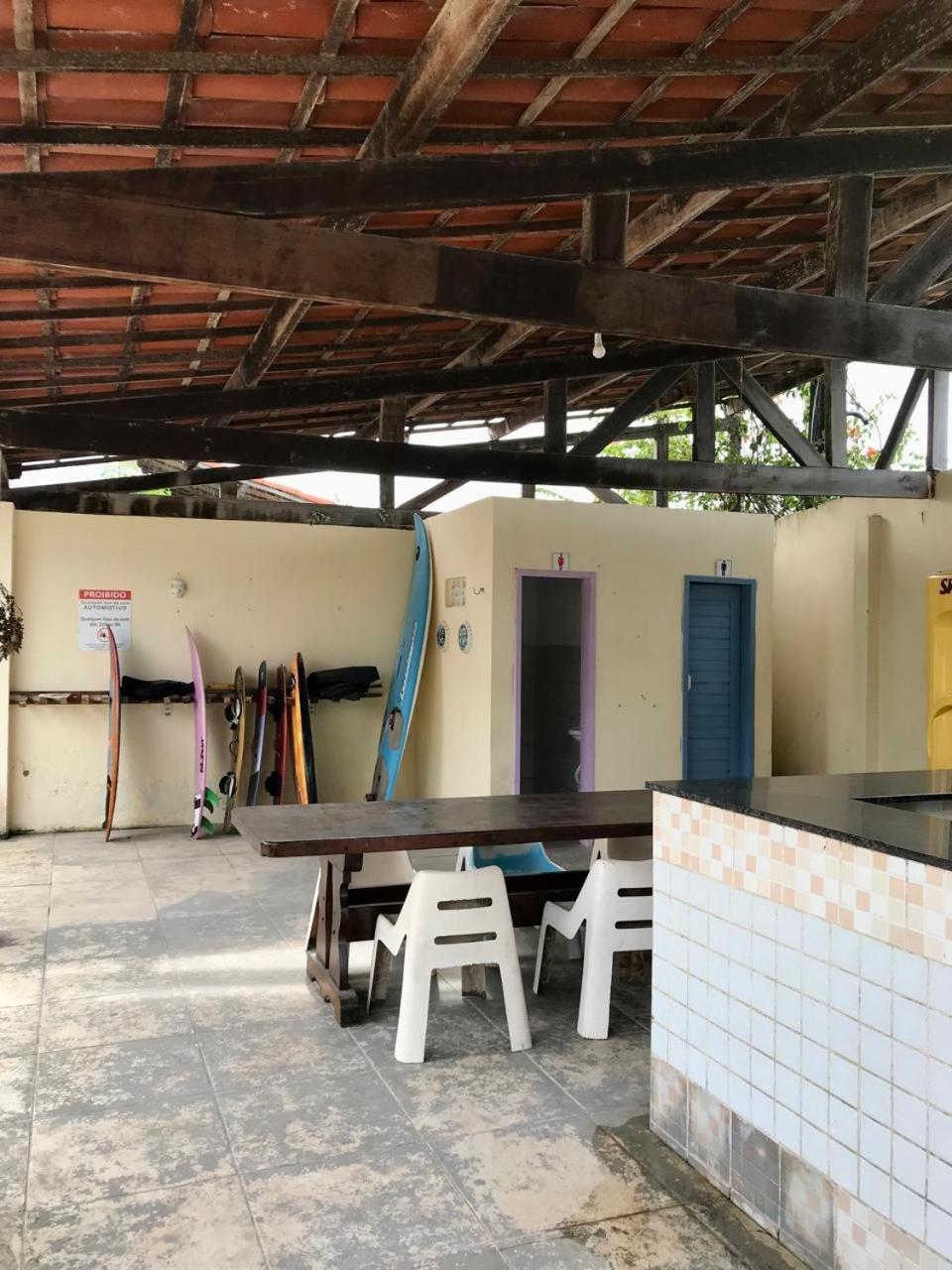
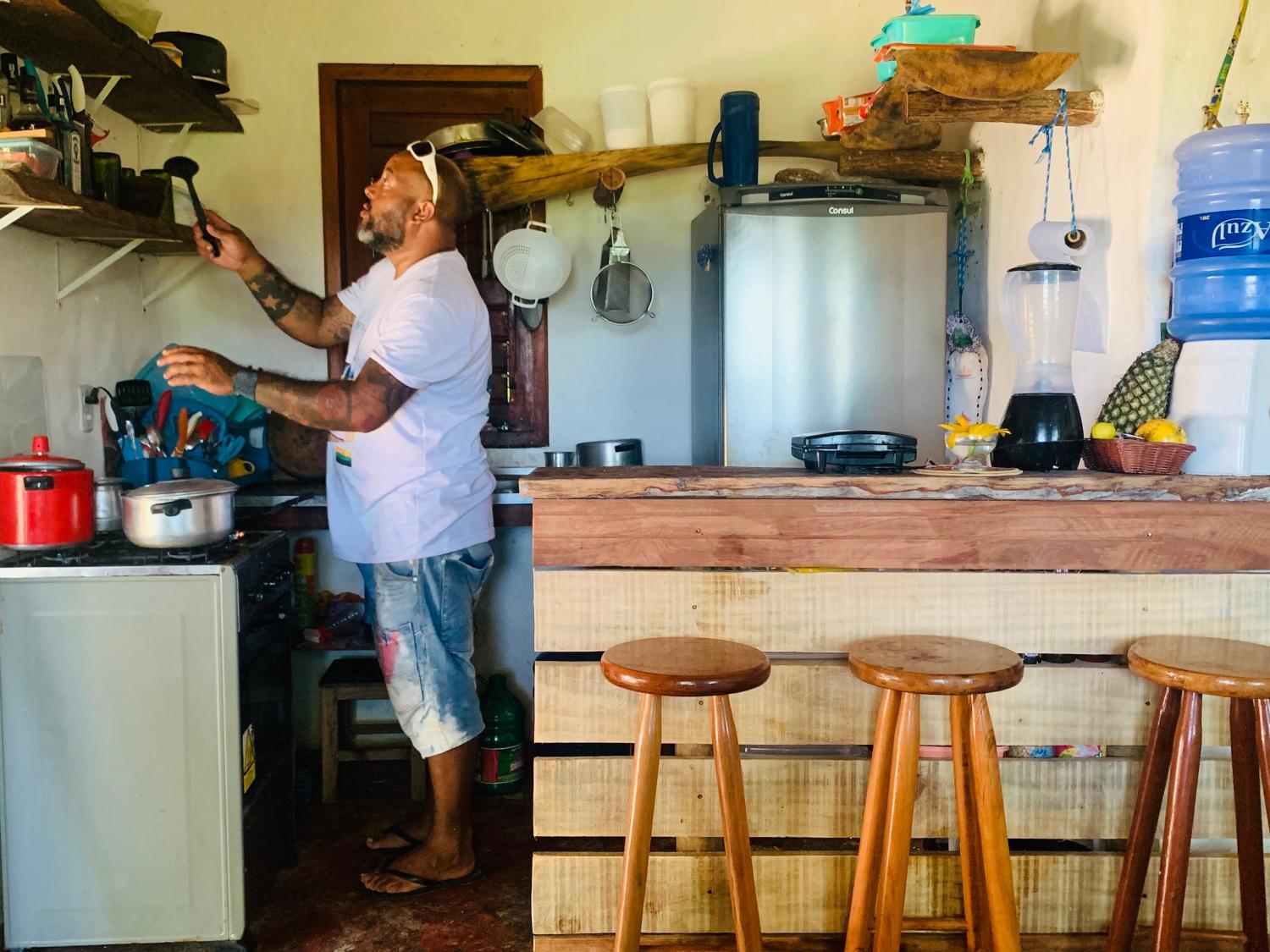


Pousada Villa Aloha
Villa Zen Hotel
Located in Camocim, Villa Zen Hotel offers accommodation with easy access to Camocim’s best spots. The property features restaurant, WiFi, and elevator.
The property offers sauna and bar/lounge. Other facilities include airport transfer (free), first aid kit, and massage.
See detailsFlats Compactos no Mucuripe
Pousada manu
Located in Trairi, Pousada manu offers accommodation with easy access to Trairi’s best spots. The property features WiFi, parking, and kitchen.
Casa Gracinda
Located in Fortim, Casa Gracinda offers accommodation with easy access to Fortim’s best spots. The property features swimming pool, WiFi, and fitness center.
The property offers BBQ facilities and bicycle rental. Other facilities include laundry service/dry cleaning, airport transfer (free), and tours/ticket assistance.
See detailsLa fazenda Canoa Quebrada
CASA ORGANIC
Each room is equipped with AC. The bathroom comes with shower.
Costa Sur House & Kite School, Cumbuco
Located in Caucaia, Costa Sur House & Kite School, Cumbuco offers accommodation with easy access to Caucaia’s best spots. The property features swimming pool, WiFi, and parking.
Guests can enjoy BBQ facilities and vending machine during the course of their stay. Services such as laundry service/dry cleaning and airport transfer (free) are provided at the property.
See detailsChale Lua - Casa Mangara Musicial
Located in Amontada, Chale Lua offers accommodation with easy access to Amontada’s best spots. The property features restaurant, WiFi, and parking.
The property offers washing machine and BBQ facilities. Other facilities include airport transfer (free), concierge services, and tours/ticket assistance.
See detailsCasa Jambo
Guests can enjoy spa and separate dining area during the course of their stay. Services such as airport transfer (free) and free bottled water are provided at the property.
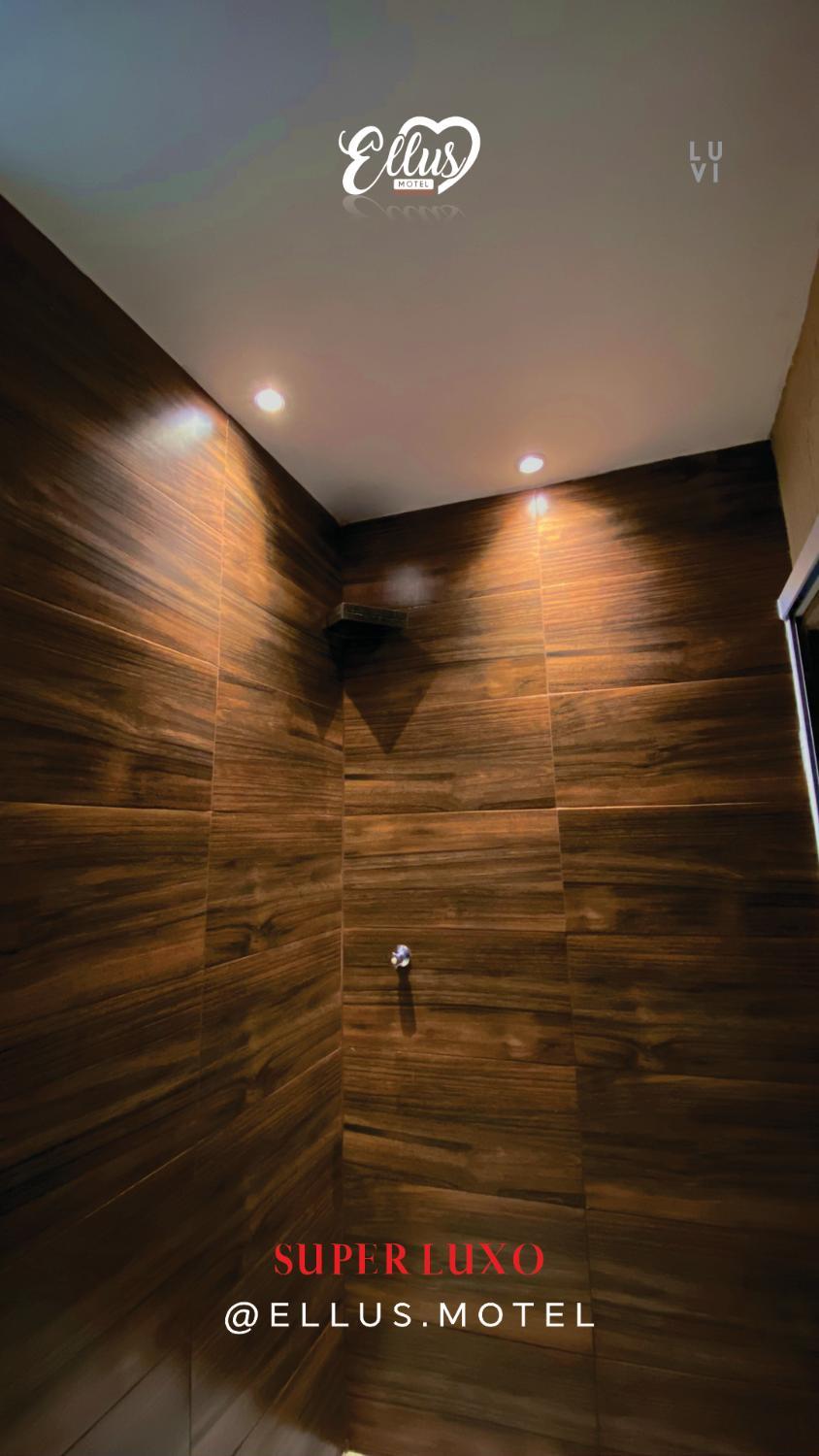
Ellus Motel
Each room is equipped with AC. The bathroom comes with shower.
Chale Flor de Maria
Hotels in Ceará
Don't feel hesitant to book hotels in Ceará at tiket.com! We'll make sure to provide all conveniences you need when doing a room reservation. Book your favourite hotel now only at tiket.com!
How to Book Hotels on tiket.com
1. Find the hotelEnter the name of the city, area, or hotel to find the place you want.
2. Select a roomOn the hotel detail page, you will see the available room options. Select a room that suits your needs.
3. Complete the booking detailsInput the contact details (the person who will be contacted by tiket.com and the hotel about the booking) and the guests’ details.
4. Select Add-onsYou can also buy additional services such as meal packages, transportation, and many more.
5. Pay your bookingSelect the payment method and complete your transaction. Don’t forget to use the promo code to get a cheaper hotel price at tiket.com.
6. Get the reservation e-voucherAfter the payment is successful, the e-voucher will be available on the Your Orders menu and sent to the email listed in the contact details.