



Hotels in Beijing
Showing 3.000+ hotels in Beijing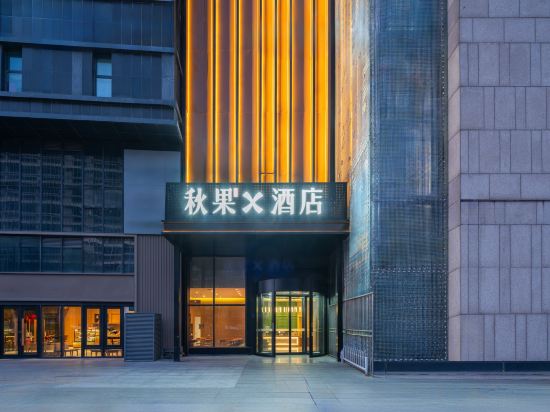
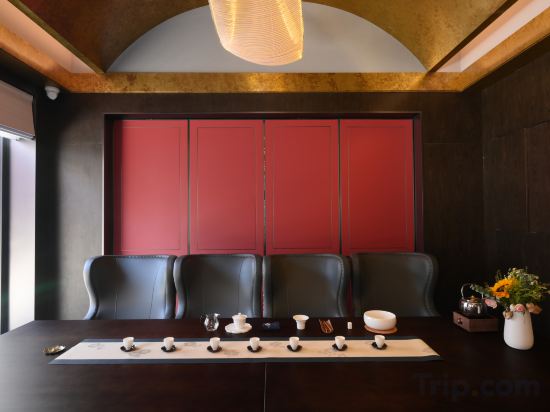
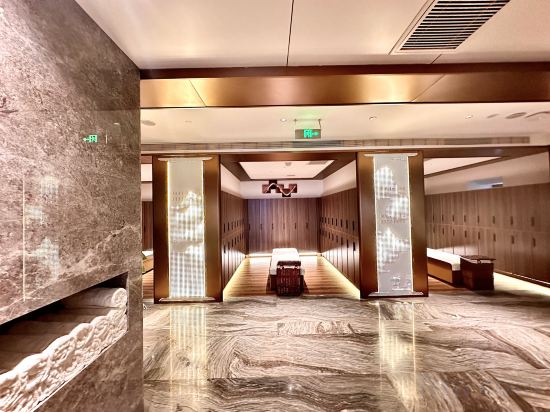
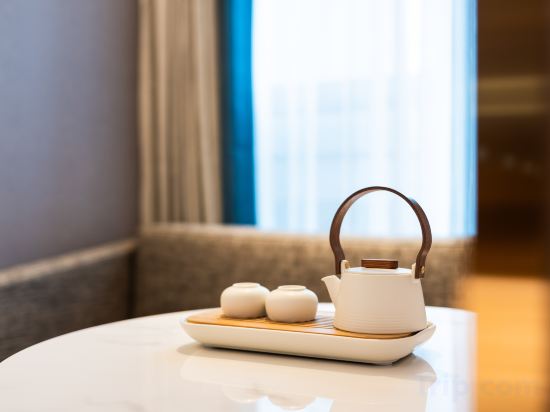
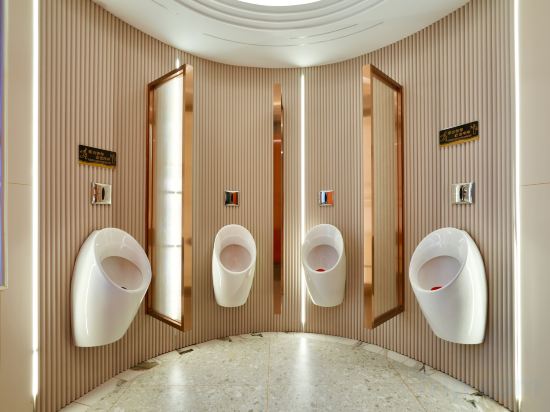
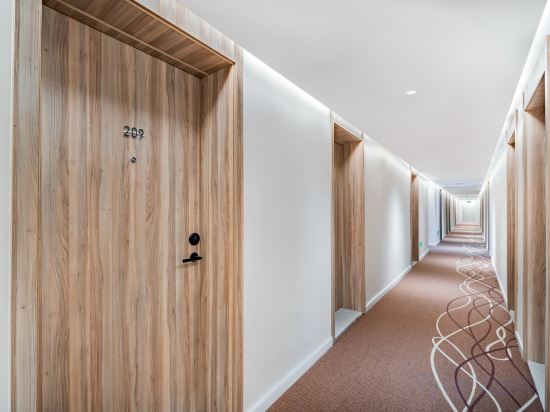
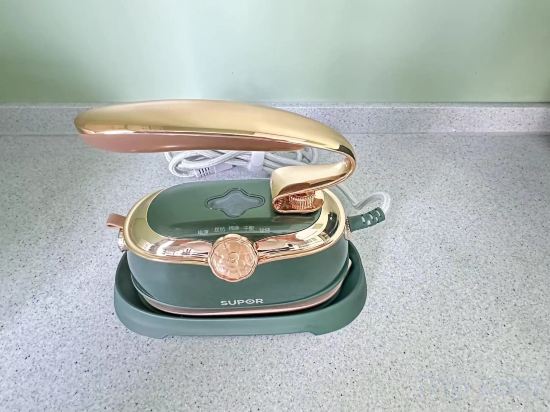
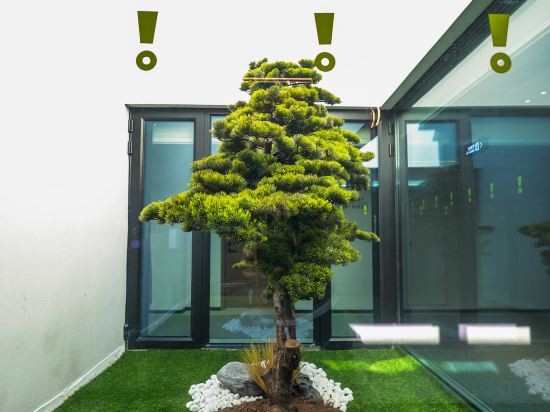
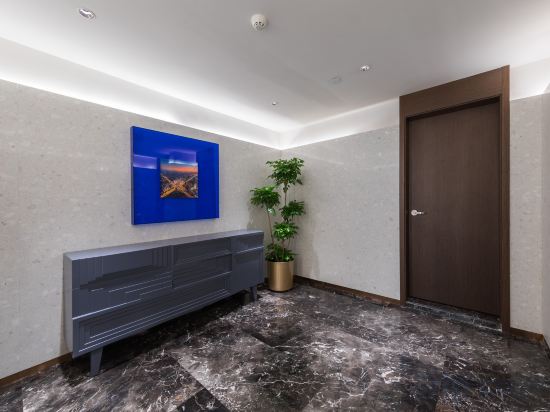
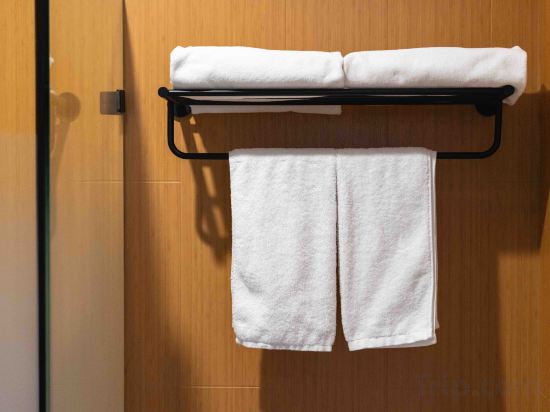
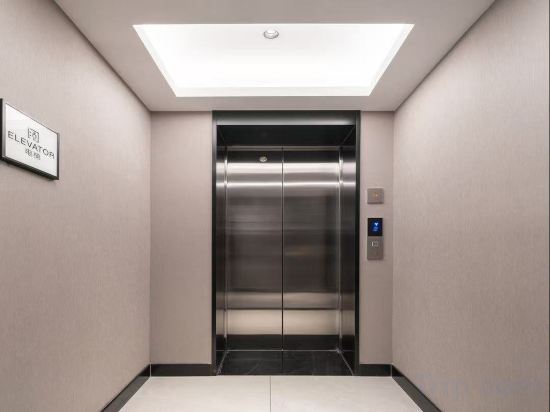
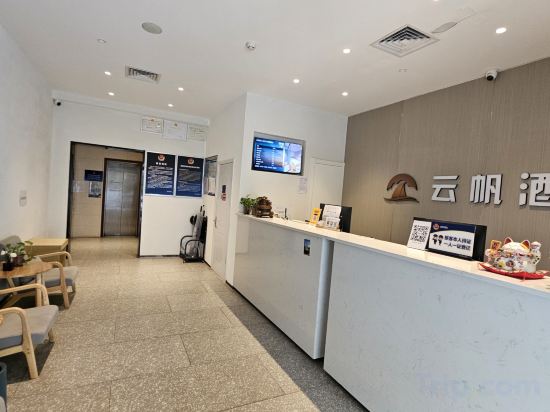
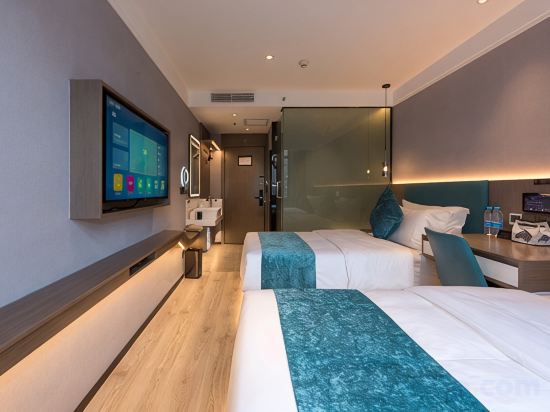


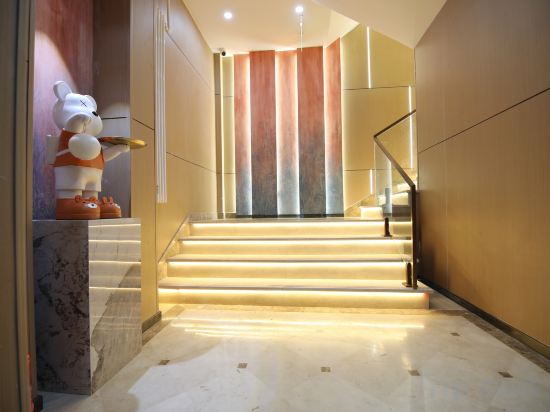
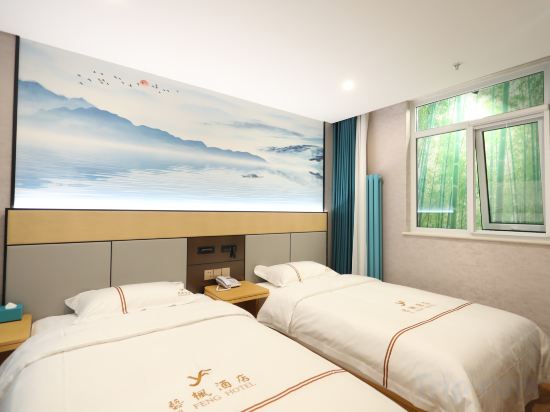
Qiuguo X Hotel (Beijing Dacheng Road 301 PLA General Hospital)
Hefeng Shangyuan Courtyard Hotel(Houhai Gongwangfu Store)
Deshe Yuxiangshan Jingtangquan Resort Hotel
PALACE Beijing International Trade Subway Station CBD Core Area Store
wohkoon ZheXingSun Hotel (South Beijing Station CaoQiao Subway Station)
HanTing Hotel (Beijing Jiujingzhuang Heyi Subway Station)
Haiyou Hotel (Beijing Wangfujing Union Hospital Branch)
MyStyle Hotel (Beijing Xidan Financial Street Branch)
Yitel Hotel
Yunji Hotel (Beijing Chaoyang Hospital Changying Subway Station)
Xana Hotelle Hotel (Beijing Wudaokou Subway Station)
Yunfan Hotel Beijing Guozhan Branch
V hotel
L Hotel (Beijing Tiananmen Square Qianmen Street)
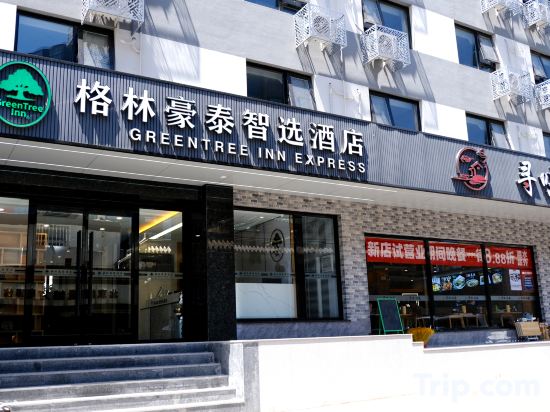
GreenTree Zhixuan Hotel (Beijing Jianguomen Capital Children's Research Institute)
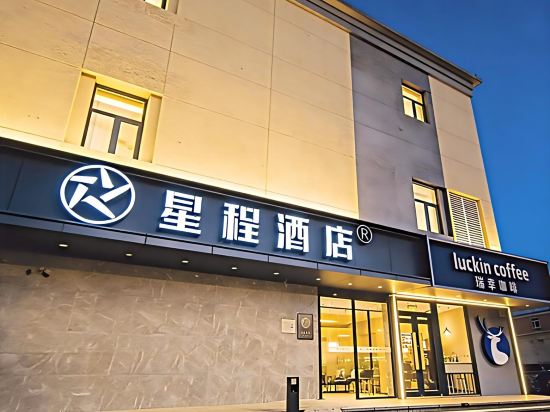
Starway Hotel (Beijing Guozhan Liufang Subway Station)
Homeinn Plus Hotel (Beijing The Temple Of Heaven East Gate)
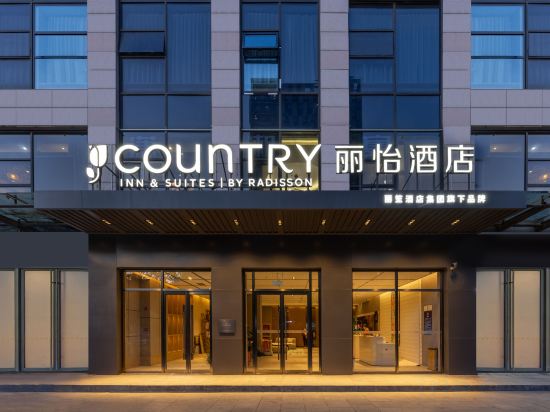
Country Inn & Suites by Radisson Hotel (Beijing Panjiayuan Fangzhuang Subway Station)
Ruyi FREEY Hotel (Guomao Bridge Shuangjing Subway Station Branch, Beijing)
Yifeng Hotel (Beijing Fangzhuang Subway Station 2)
Hotels in Beijing
Don't feel hesitant to book hotels in Beijing at tiket.com! We'll make sure to provide all conveniences you need when doing a room reservation. Book your favourite hotel now only at tiket.com!

How to Book Hotels on tiket.com
1. Find the hotelEnter the name of the city, area, or hotel to find the place you want.
2. Select a roomOn the hotel detail page, you will see the available room options. Select a room that suits your needs.
3. Complete the booking detailsInput the contact details (the person who will be contacted by tiket.com and the hotel about the booking) and the guests’ details.
4. Select Add-onsYou can also buy additional services such as meal packages, transportation, and many more.
5. Pay your bookingSelect the payment method and complete your transaction. Don’t forget to use the promo code to get a cheaper hotel price at tiket.com.
6. Get the reservation e-voucherAfter the payment is successful, the e-voucher will be available on the Your Orders menu and sent to the email listed in the contact details.