



Hotels in Haidian
Showing 781 hotels in Haidian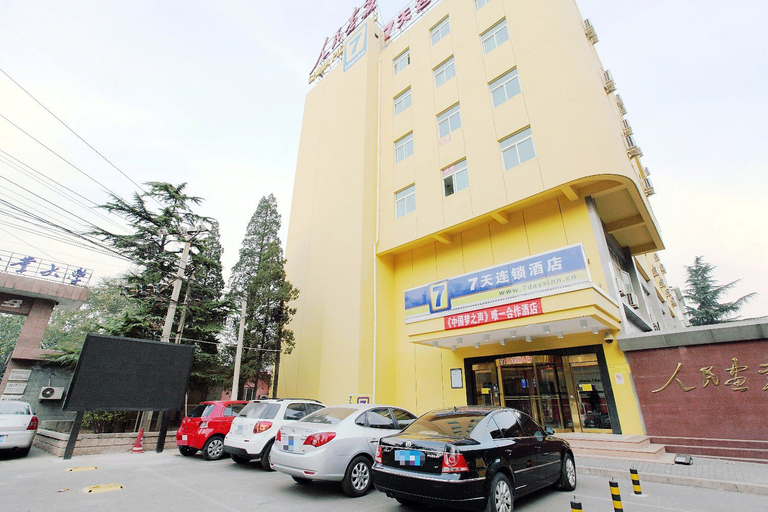

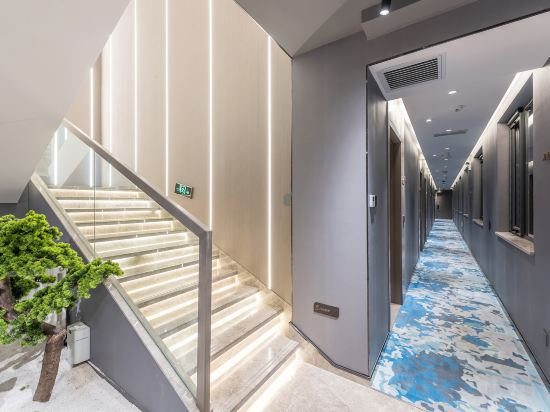
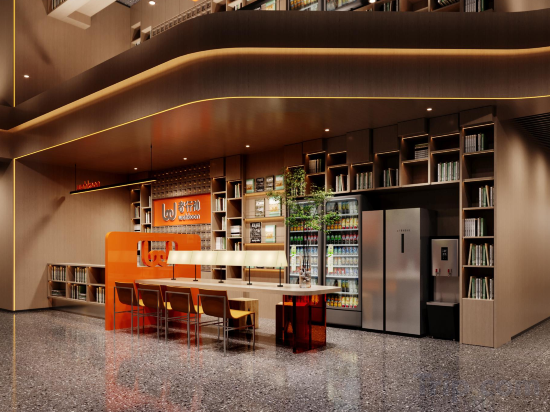
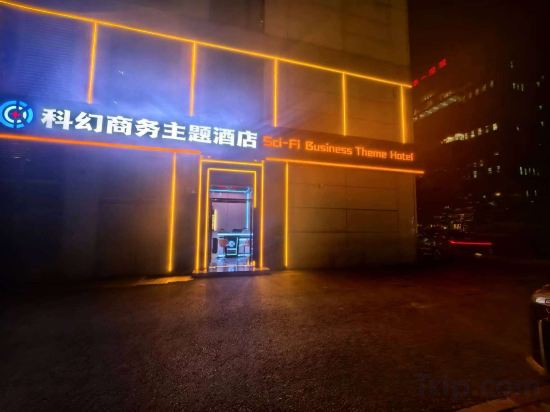
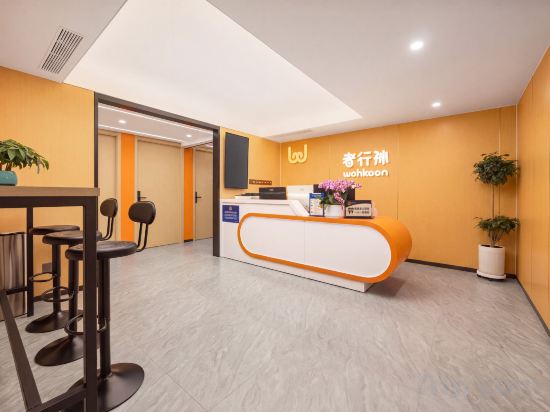
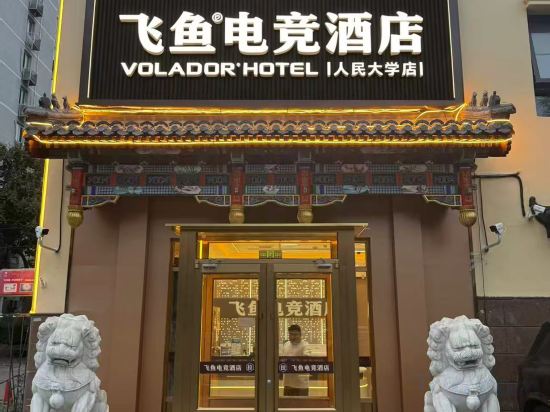
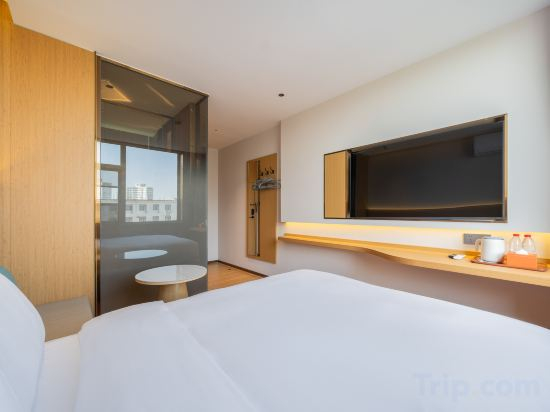

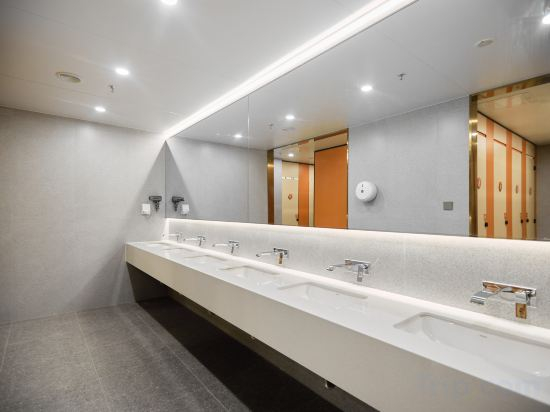
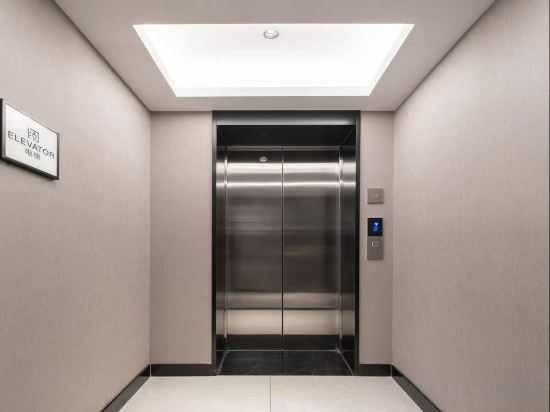
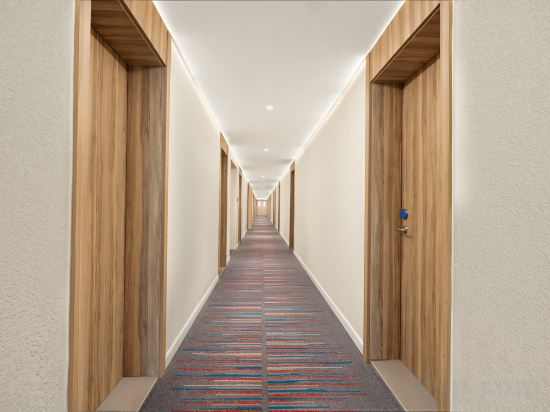
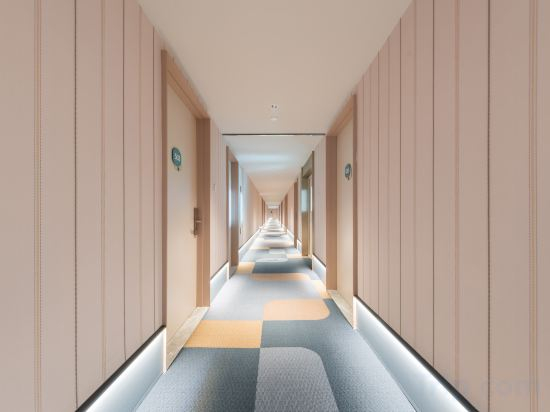
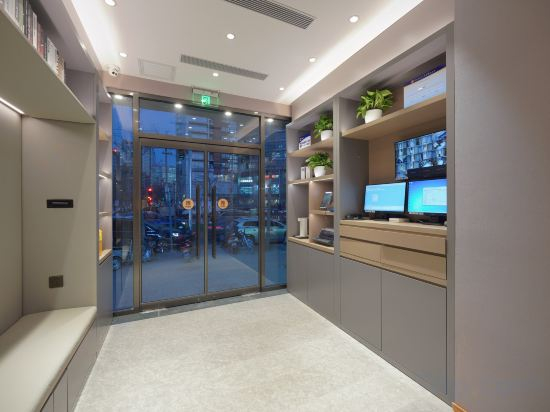
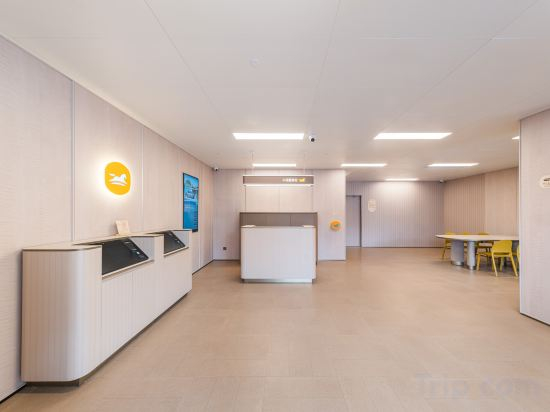
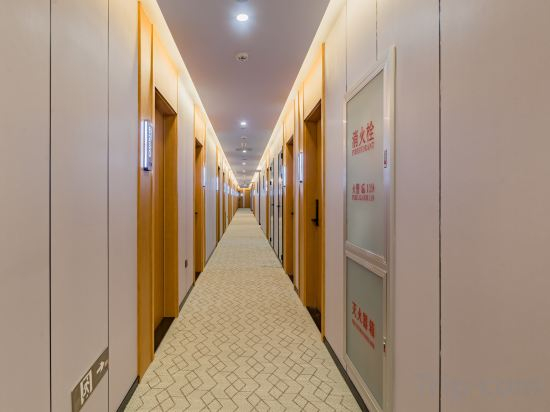
7 Days Premium Hotel (Beijing Capital Normal University Huayuanqiao Subway Station)
Experience an abundance of unparalleled facilities and features at 7 Days Premium Beijing Huayuanqiao Subway Station.Share your photos and respond to emails at your convenience, thanks to the free Wi-Fi internet access offered by hotel.Reception services such as express check-in or check-out and luggage storage are available to accommodate your requirements. Room amenities feature daily housekeeping, allowing you to unwind and make the most of your visit.
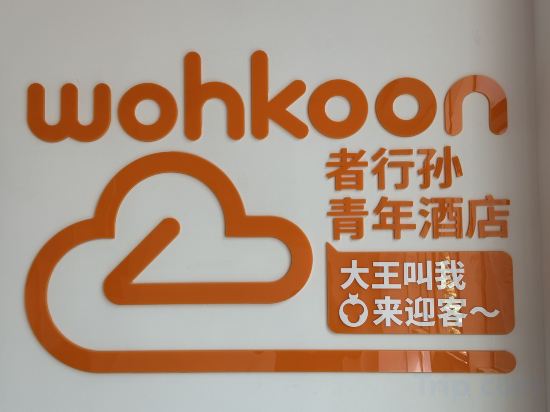
See detailsWohkoon ZheXingsun Hotel (Beijing Xueqing Road Agricultural University Branch)
HanTing Youjia Hotel (Beijing Liudaokou Xuezhiyuan Subway Station)
Huanjie E-sports Business Hotel (Wudaokou Subway Station)
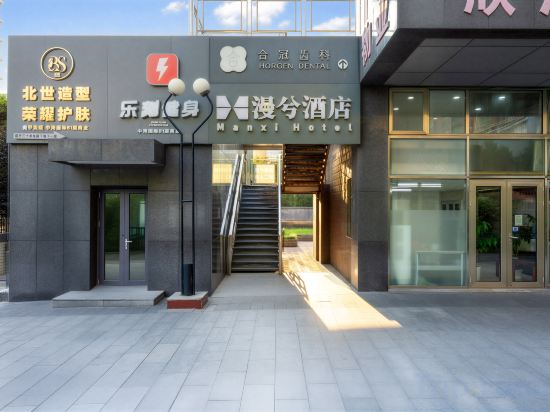
manxi hotel
VIFAN HOTEL (Wudaokou Tsinghua University Branch NO.1)
Wohkoon Zheixing Sun Hotel (Beijing University Zhongguancun Subway Station)
Sci-Fi Business Theme Hotel (Zhongguancun Subway Station)
wohkoon Zhexingsun Hotel (Beijing China Agricultural University Liudaokou Subway Station)
Feiyu E-Sports Hotel (Beijing Zhongguancun Renmin University)
Jifeng Hotel (Beijing University of Science and Technology Beishatan Subway Station Branch)
Zhuxiaoding Hotel (Beijing Renmin University Suzhou Street Subway Station)
Xishe Hotel (Beijing Zhongguancun Subway Station Branch)
Zhuxiaoding Hotel (Beijing Forestry University Liudaokou Subway Station)
Xana Hotelle Hotel (Beijing Wudaokou Subway Station)
Hanting Hotel (Beijing, East Gate of Tsinghua University, Wudaokou Subway Station)
Hanting Hotel (Beijing Zhongguancun, near Peking University
Jifeng Select Hotel (Zhongguancun Suzhou Street store)
Hanting Hotel (Beijing University of Science and Technology Beishatan Metro Station
Super 8 Hotel (Wudaokou subway station, Beijing)
Hotels in Haidian
Don't feel hesitant to book hotels in Haidian at tiket.com! We'll make sure to provide all conveniences you need when doing a room reservation. Book your favourite hotel now only at tiket.com!

How to Book Hotels on tiket.com
1. Find the hotelEnter the name of the city, area, or hotel to find the place you want.
2. Select a roomOn the hotel detail page, you will see the available room options. Select a room that suits your needs.
3. Complete the booking detailsInput the contact details (the person who will be contacted by tiket.com and the hotel about the booking) and the guests’ details.
4. Select Add-onsYou can also buy additional services such as meal packages, transportation, and many more.
5. Pay your bookingSelect the payment method and complete your transaction. Don’t forget to use the promo code to get a cheaper hotel price at tiket.com.
6. Get the reservation e-voucherAfter the payment is successful, the e-voucher will be available on the Your Orders menu and sent to the email listed in the contact details.