



Hotels in Hangzhou
Showing 641 hotels in Shangcheng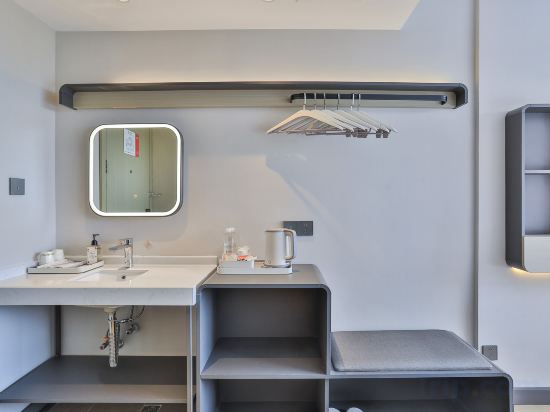

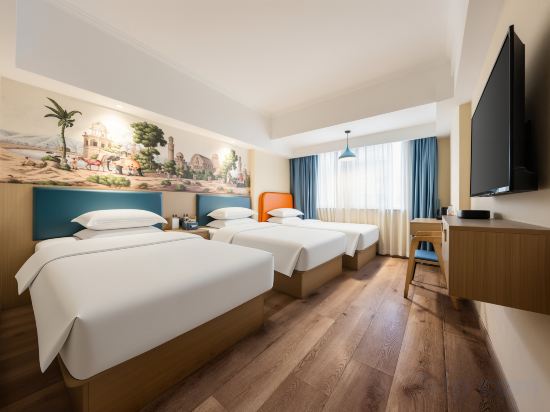
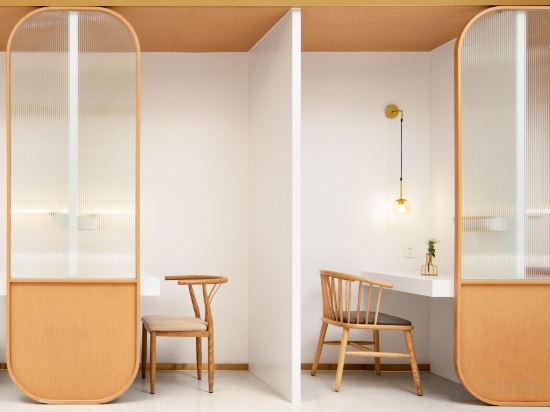
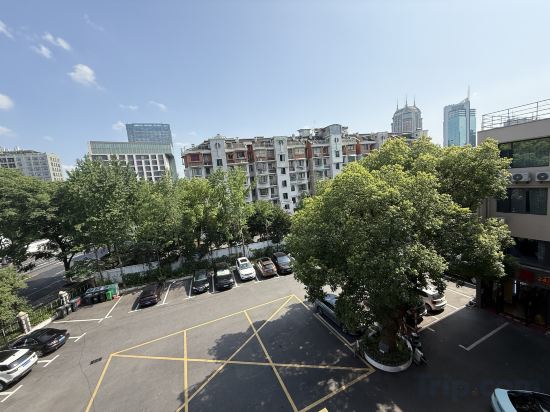
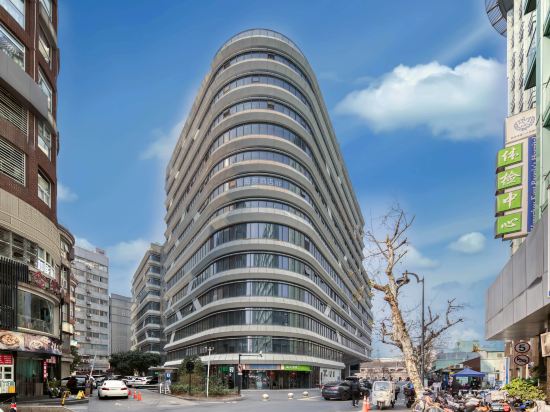
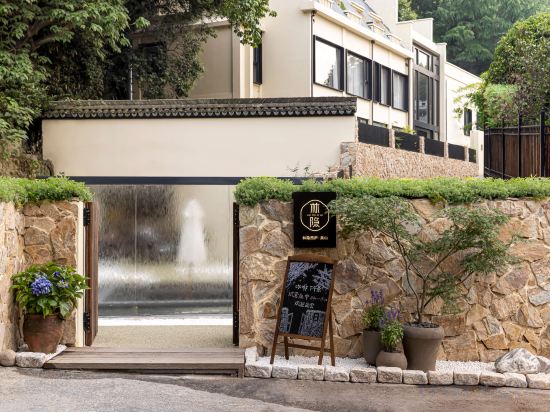
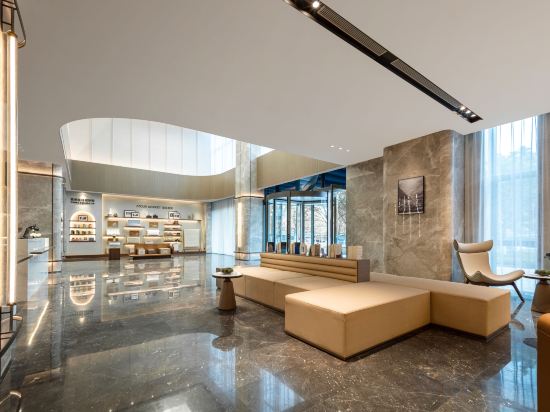
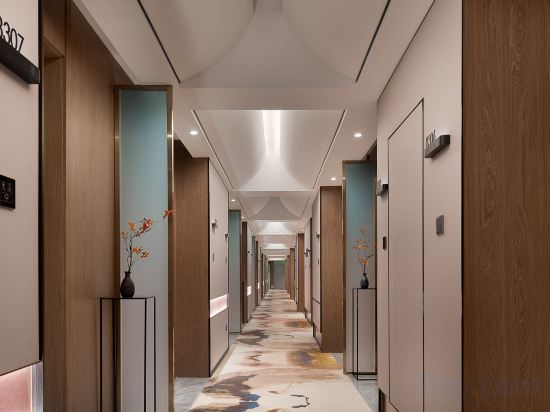
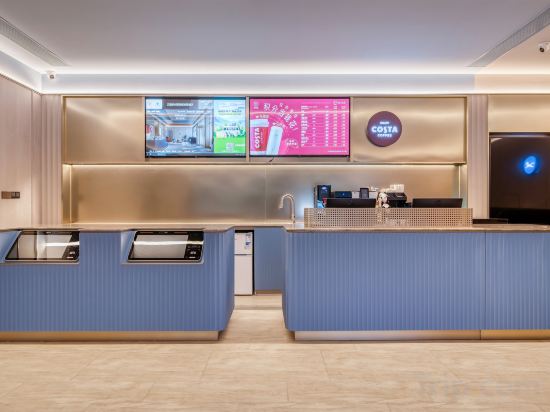
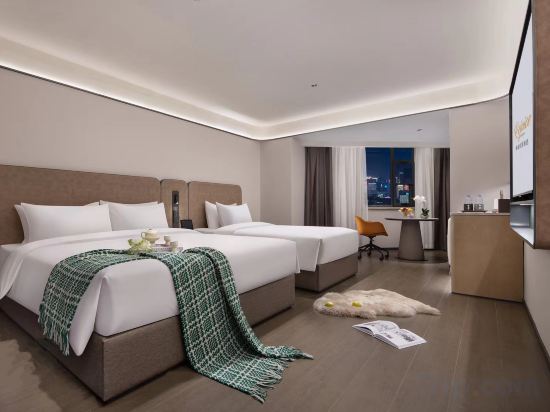

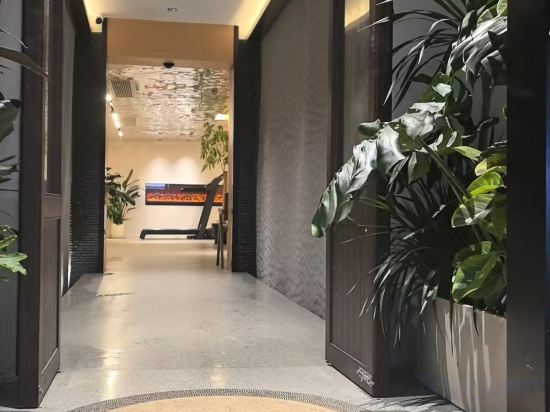

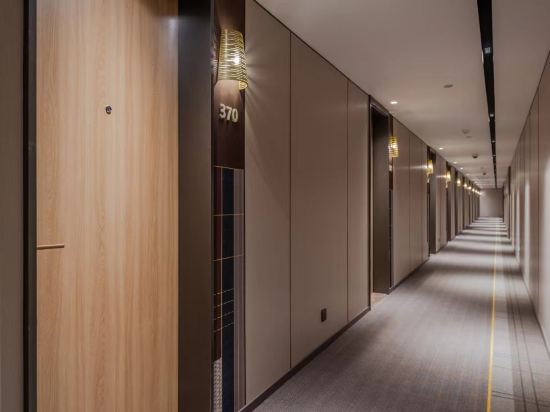
Jinjiang Inn (Hangzhou West Lake Store)
Atour Light Hotel Hangzhou West Lake Wulin Plaza North Huancheng Road
Each room is equipped with AC. The bathroom comes with shower.
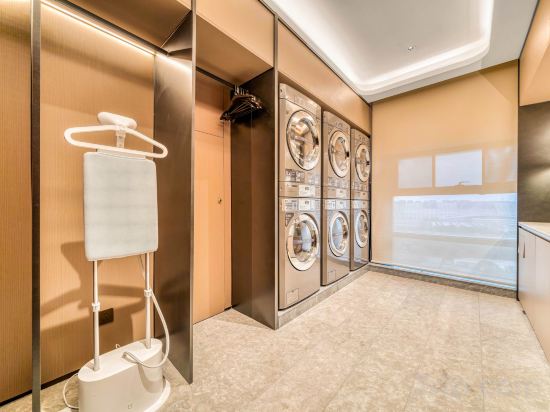
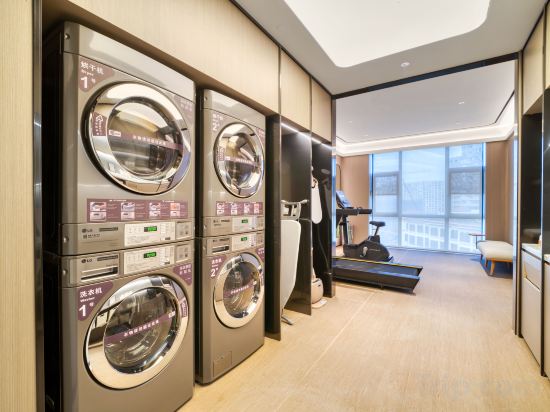
The property offers washing machine and hotel safe. Other facilities include 24-hour front desk, luggage storage, and concierge services.
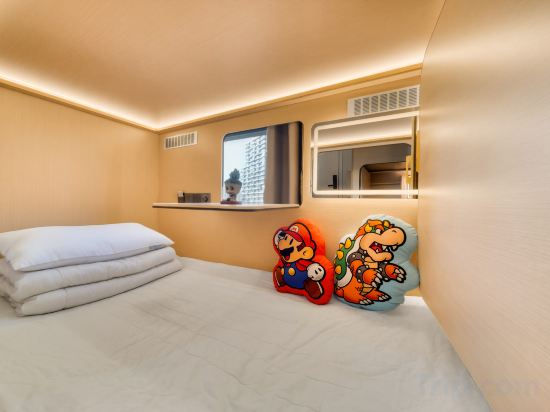
Z-Designer BERPUNKDESIGNCINE Exclusive Capsule Hotel
Jinli Grand Hotel (Hangzhou East Railway Station Zhalongkou Subway Station)
Pod Select Hotel (Hangzhou West Lake Scenic Area Qingchun Road)
HuiHe Hotel (Hangzhou East Station West Courtyard)
ALIC INN
Hi Inn (Hangzhou West Lake Hubin)
Guan Chen Yin Lu Homestay (Hefang Street)
West Square Atour Hotel at HangZhou East Railway Station
JI Hotel (Hangzhou Jiubao Sijiqing International Garment City)
Moshang Hotel Hangzhou West Lake Hubin Yintai Branch
HanTing Hotel (Hangzhou West Lake Hubin Nanshan Road)
Yangshi Hotel
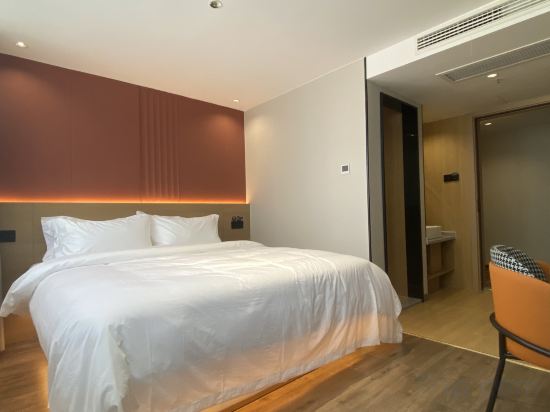
Ji Hotel Hangzhou Gongshu Wanda Plaza Hangxing Road
Ji Hotel Hangzhou Gongshu Wanda Plaza Hangxing Road offers top-notch services and amenities, ensuring guests experience utmost comfort. Share your photos and respond to emails at your convenience, thanks to the free Wi-Fi internet access offered by hotel.
See detailsSHANTI Hotel
萧山机场兰欧国际酒店
Great care is taken to ensure guests experience comfort through top-notch services and amenities. Remain linked during your visit by utilizing the complimentary internet access available.Parking is accessible, supplied by the hotel for guests who arrive by car. Begin your day on a delightful note with a scrumptious complimentary breakfast, consistently served at 萧山机场兰欧国际酒店.
See detailsHomeinn Plus Hotel (Hangzhou West Lake Lakeside Longxiangqiao Subway Station)
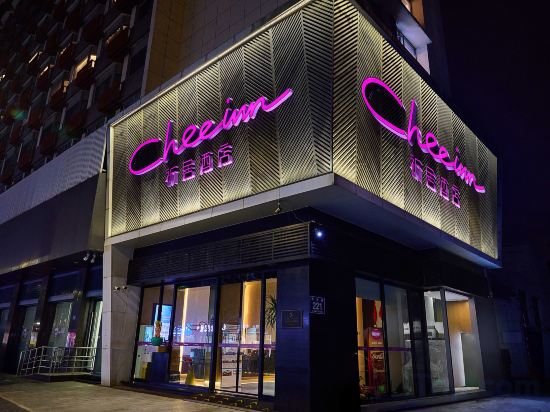
Cheeinn hotel hangzhou
JI Hotel (Hangzhou East Railway Station Jichang Road)
Hotels in Hangzhou
Don't feel hesitant to book hotels in Hangzhou at tiket.com! We'll make sure to provide all conveniences you need when doing a room reservation. Book your favourite hotel now only at tiket.com!

How to Book Hotels on tiket.com
1. Find the hotelEnter the name of the city, area, or hotel to find the place you want.
2. Select a roomOn the hotel detail page, you will see the available room options. Select a room that suits your needs.
3. Complete the booking detailsInput the contact details (the person who will be contacted by tiket.com and the hotel about the booking) and the guests’ details.
4. Select Add-onsYou can also buy additional services such as meal packages, transportation, and many more.
5. Pay your bookingSelect the payment method and complete your transaction. Don’t forget to use the promo code to get a cheaper hotel price at tiket.com.
6. Get the reservation e-voucherAfter the payment is successful, the e-voucher will be available on the Your Orders menu and sent to the email listed in the contact details.