



Hotels in Huidong
Showing 164 hotels in Huidong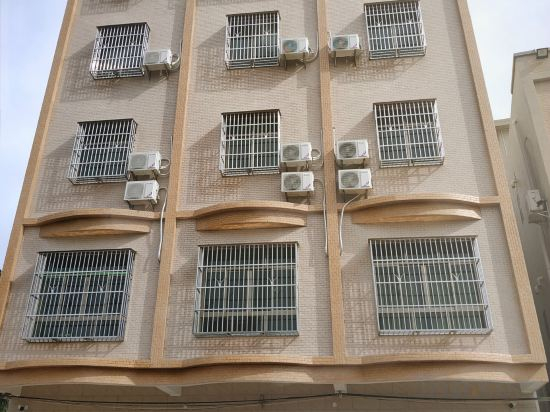
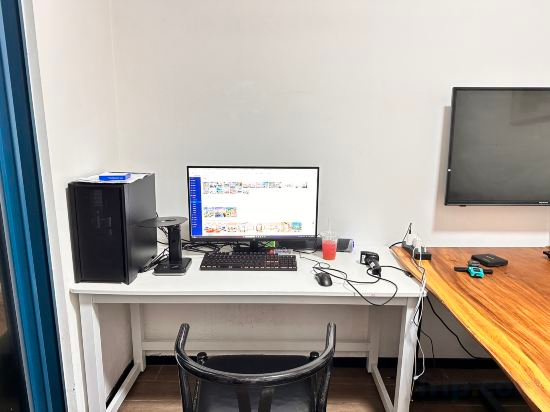
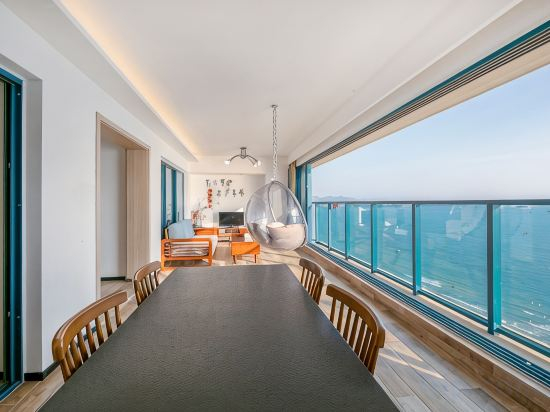
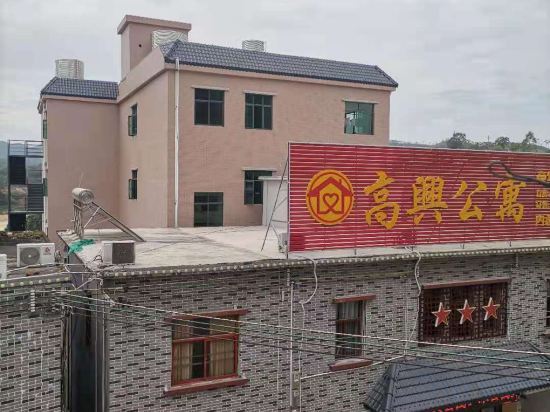

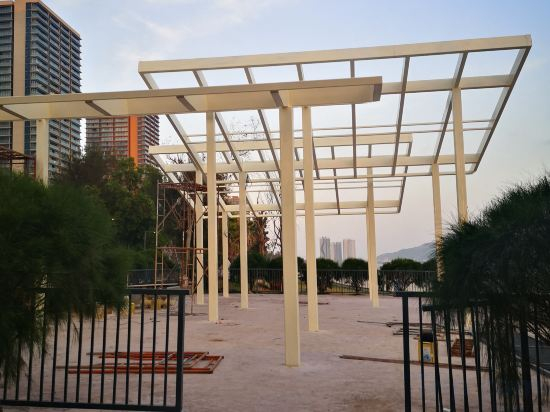
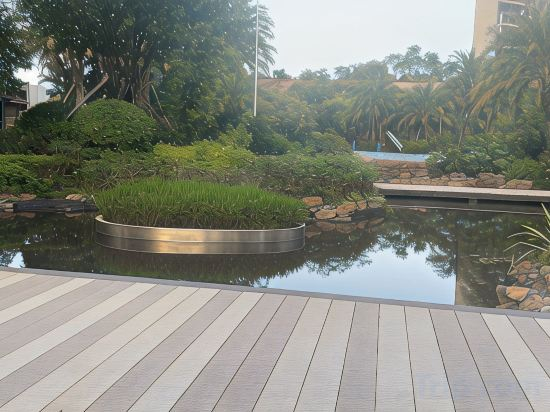
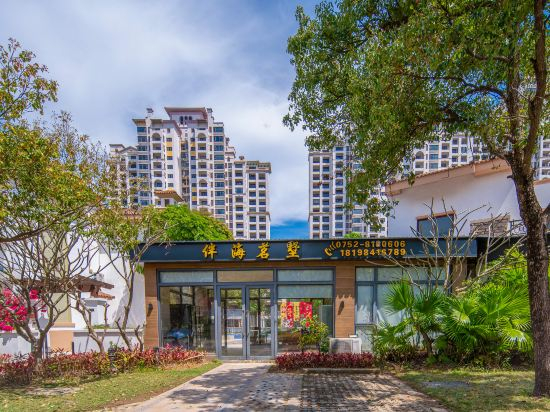
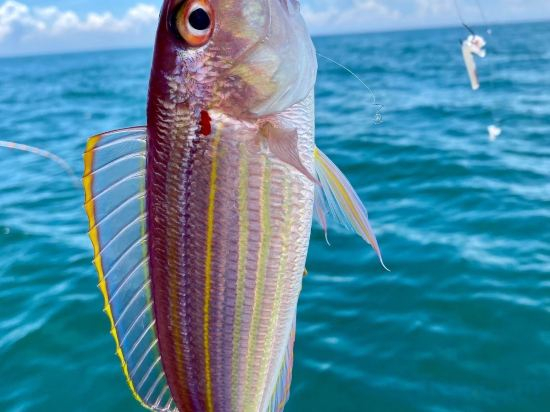
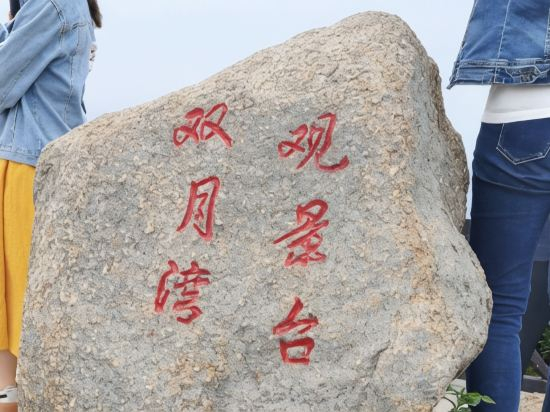
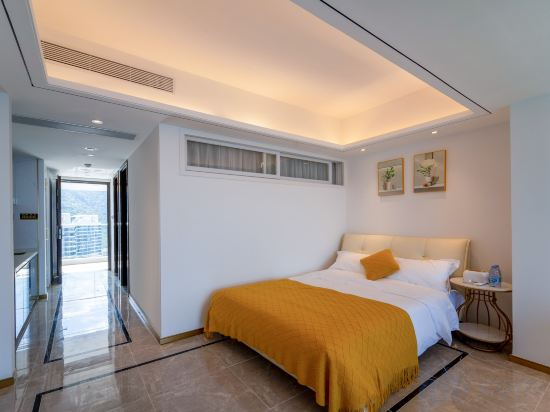
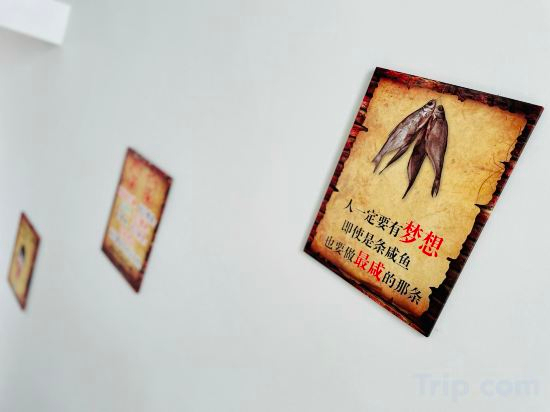

Huidong Xunliao Linhai Apartment
Huidong Shuangyuewan Haizhuju Villa
Huidong Shuangyue Bay Shichang Seaview Holiday Apartment
Huidong Happy Apartment
Huidong Migratory Bird Shuirongzhuang Villa
Xunliao Bay Zhonghang Shanhu Yuhai Holiday Apartment
Huidong Listen to the Sea Time Holiday Apartment (Vanke Shuangyue Bay Branch)
Xiyuan Apartment
Bianhai Mingshu (Huidong Shuangyuewan Branch )Pool Villa
Vanke Shuangyewan Fengqinghai Villa Resort Club
Huidong Shuangyuewan Fanxing Holiday Apartment
Aihai Mianguangli | Floating - All-Sea-View Light Residence (Hui Dong Xunliao Bay Sea World Store)
Sea of Pleasure Inn (Yan Zhou Island)
Huidong Yifan Resort Apartment
Hotels in Huidong
Don't feel hesitant to book hotels in Huidong at tiket.com! We'll make sure to provide all conveniences you need when doing a room reservation. Book your favourite hotel now only at tiket.com!

How to Book Hotels on tiket.com
1. Find the hotelEnter the name of the city, area, or hotel to find the place you want.
2. Select a roomOn the hotel detail page, you will see the available room options. Select a room that suits your needs.
3. Complete the booking detailsInput the contact details (the person who will be contacted by tiket.com and the hotel about the booking) and the guests’ details.
4. Select Add-onsYou can also buy additional services such as meal packages, transportation, and many more.
5. Pay your bookingSelect the payment method and complete your transaction. Don’t forget to use the promo code to get a cheaper hotel price at tiket.com.
6. Get the reservation e-voucherAfter the payment is successful, the e-voucher will be available on the Your Orders menu and sent to the email listed in the contact details.