



Hotels in Longmen
Showing 192 hotels in Longmen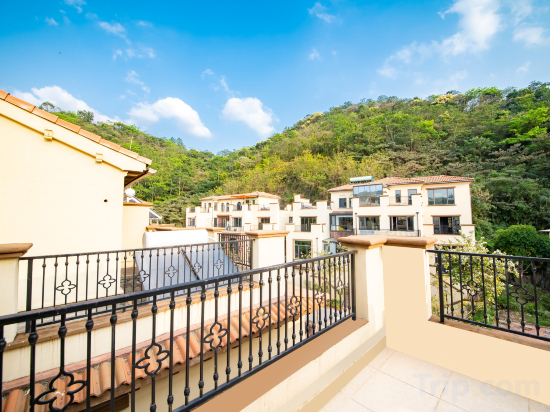

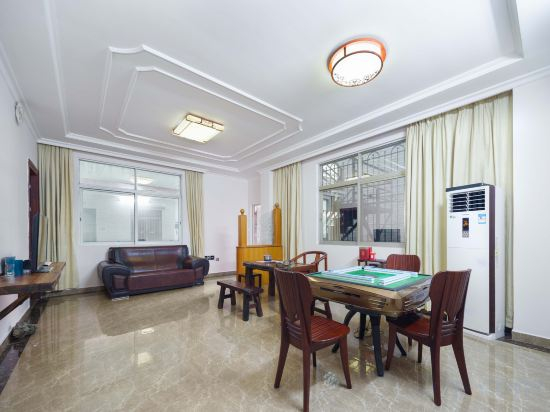
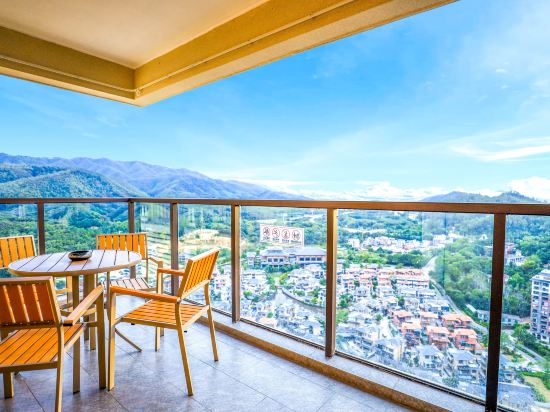
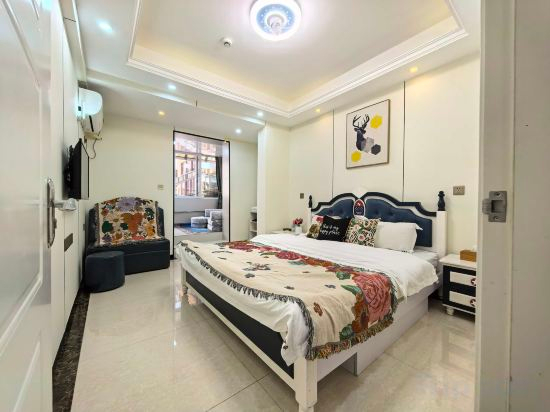
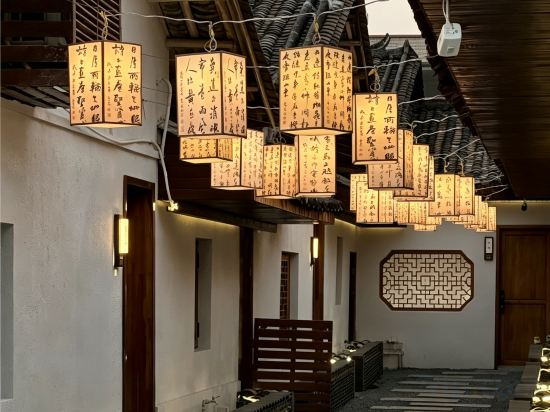
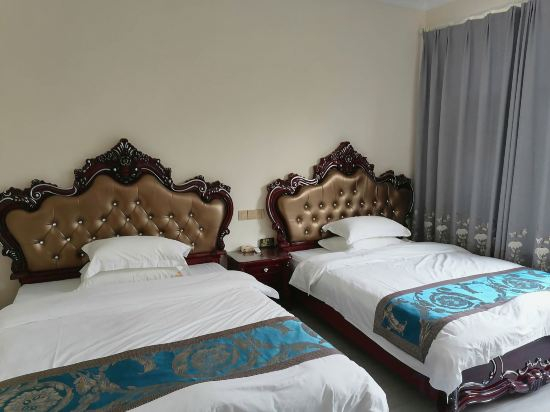
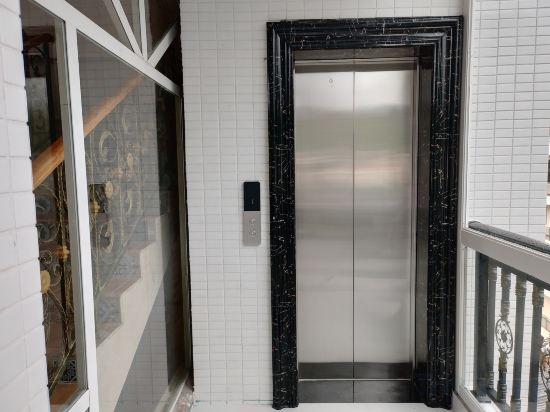
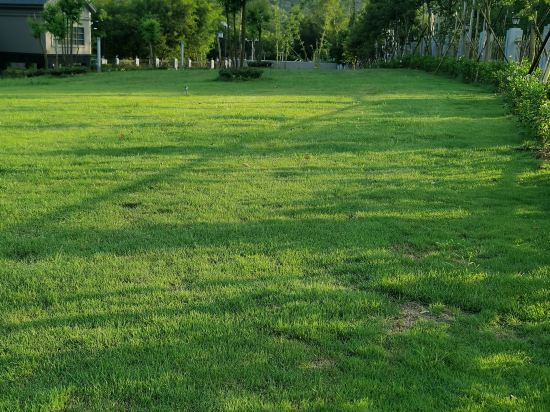

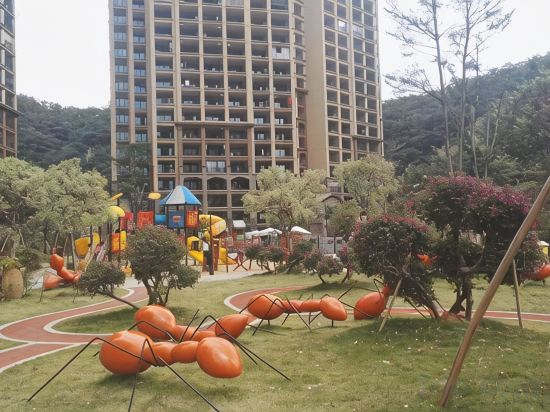
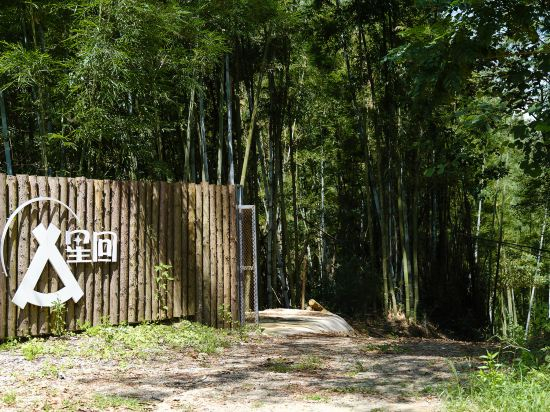
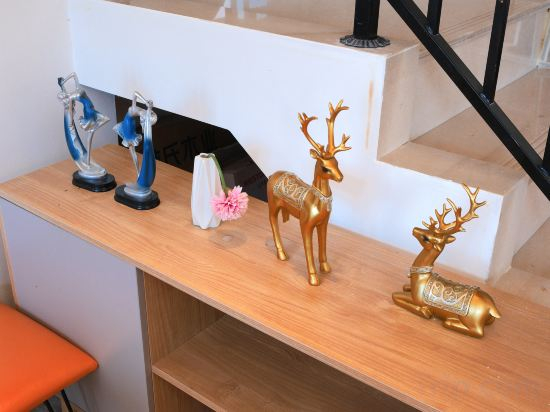
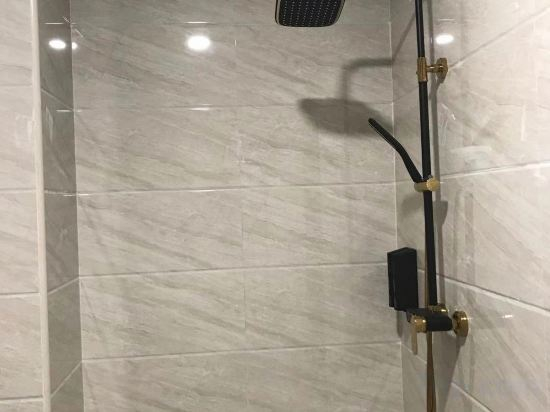
Floral Hotel·Meishu Tianxia Homestay (Nankunshan Branch)
Experience an abundance of unparalleled facilities and features at Floral Hotel·Meishu Tianxia Homestay (Nankunshan Branch). Guests can avail parking facilities at the hotel.
Even's Garden
Even's Garden Location
Located in Huizhou, Even's Garden is within the region of Huxin Island of Zhengguo and Guanchong Mountain.
Even's Garden Rooms
Make yourself at home in one of the 12 guestrooms. Complimentary wireless internet access is available to keep you connected.
Restaurant and Cafe
Local cuisine breakfasts are available daily from 7:00 AM to 8:30 AM for a fee.
See detailsLocated in Huizhou, Even's Garden is within the region of Huxin Island of Zhengguo and Guanchong Mountain.
Even's Garden Rooms
Make yourself at home in one of the 12 guestrooms. Complimentary wireless internet access is available to keep you connected.
Restaurant and Cafe
Local cuisine breakfasts are available daily from 7:00 AM to 8:30 AM for a fee.
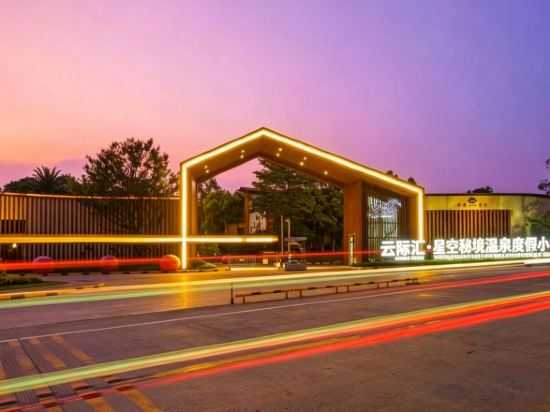
Yunjihui · Starry Sky Secret Wenquan Resort Hotel
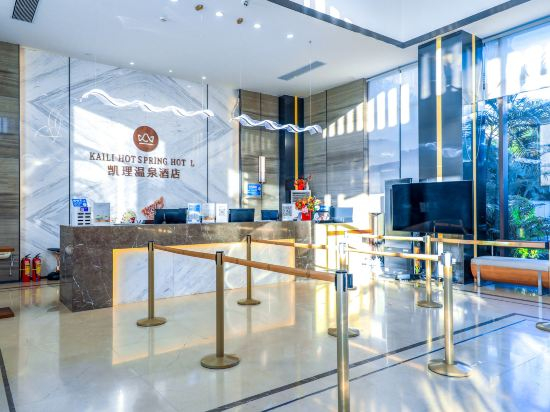
Nankunshan Kaili Hot Spring Hotel (Shengshiquan Branch)
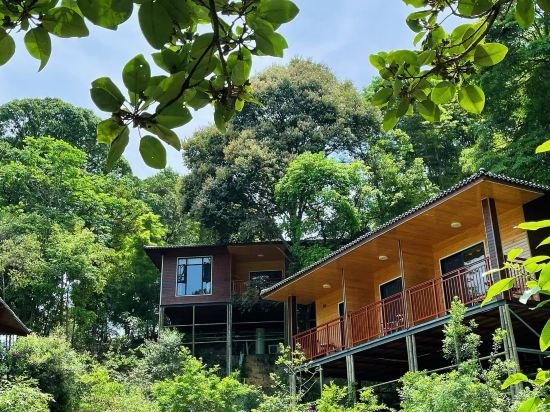
Nankunshan Mountain Farmhouse
Yonghan Inn
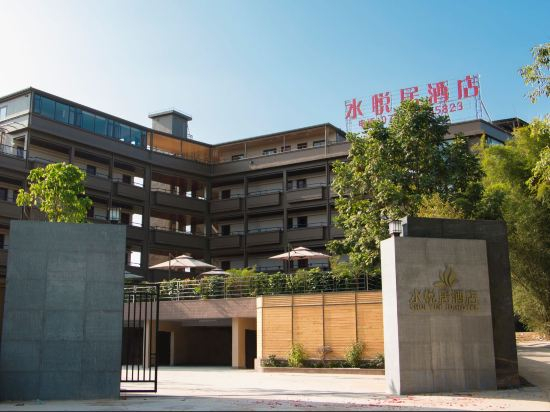
Shuiyueju Hotel
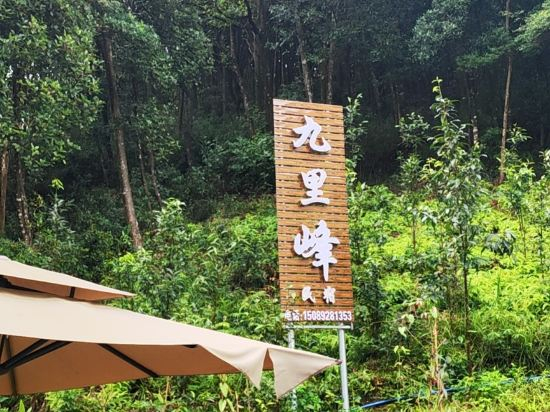
Jiulifeng Homestay (Nankunshan)
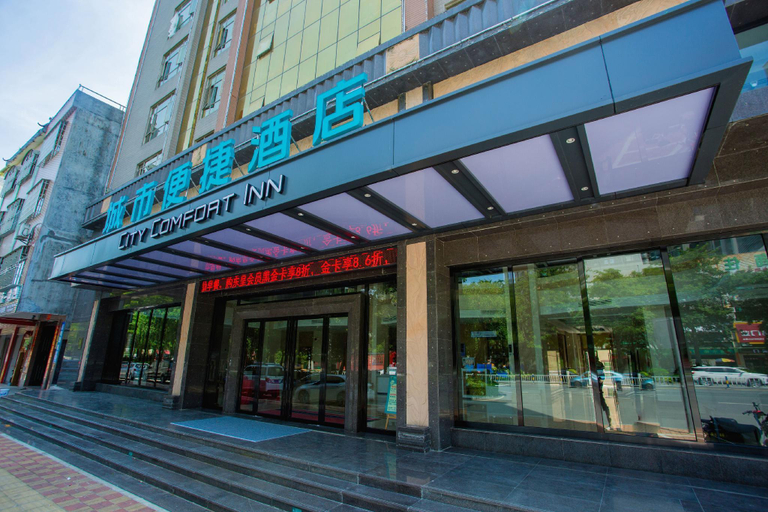
City Comfort Inn Huizhou Longmen
Wi-Fi internet connection is available for further comfort and convenience. The reception is open 24/7. Additionally, a car park is available on the premises for guests' extra convenience. Some services may be subject to additional charges.
See detailsNankunshan Jiaman Hot Spring Hotel (Longzhquan)
Lucky Hotel
Songlan Mountain Realm
Hengguo Hot Spring Homestay
Nankunshan Forest Park Quanshuiwan Elevator Homestay
Happy Gardan Hot Spring Resort
Shan Ying Sui Xing
Longmen Nankunshan Baiyingju Holiday Homestay
Xinghui Homestay
Huizhou Longmen Yunqishe Hot Spring Resort Homestay
Nankunshan Atumu Hotel
Hotels in Longmen
Don't feel hesitant to book hotels in Longmen at tiket.com! We'll make sure to provide all conveniences you need when doing a room reservation. Book your favourite hotel now only at tiket.com!

How to Book Hotels on tiket.com
1. Find the hotelEnter the name of the city, area, or hotel to find the place you want.
2. Select a roomOn the hotel detail page, you will see the available room options. Select a room that suits your needs.
3. Complete the booking detailsInput the contact details (the person who will be contacted by tiket.com and the hotel about the booking) and the guests’ details.
4. Select Add-onsYou can also buy additional services such as meal packages, transportation, and many more.
5. Pay your bookingSelect the payment method and complete your transaction. Don’t forget to use the promo code to get a cheaper hotel price at tiket.com.
6. Get the reservation e-voucherAfter the payment is successful, the e-voucher will be available on the Your Orders menu and sent to the email listed in the contact details.