



Hotels in Nanning
Showing 929 hotels in Nanning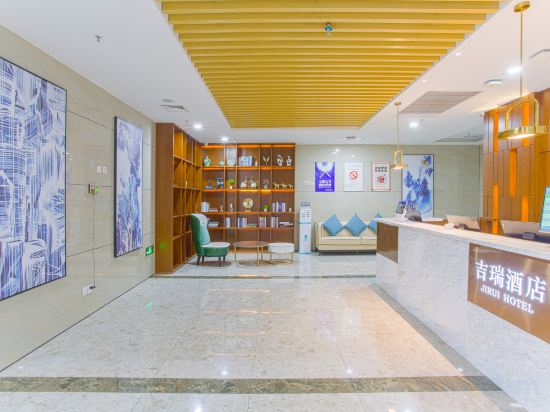
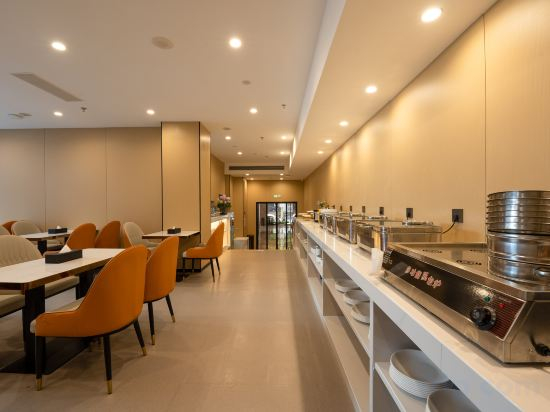
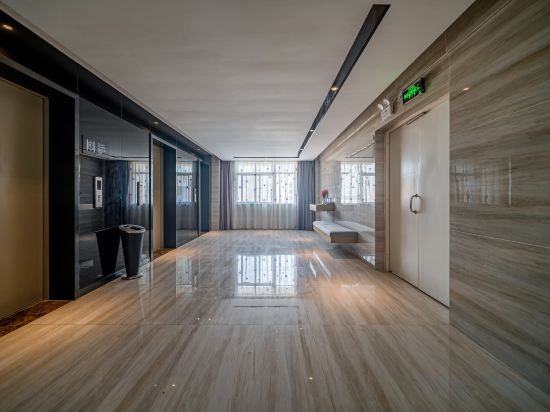
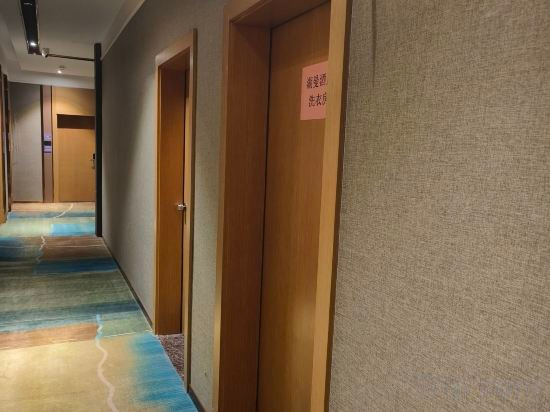

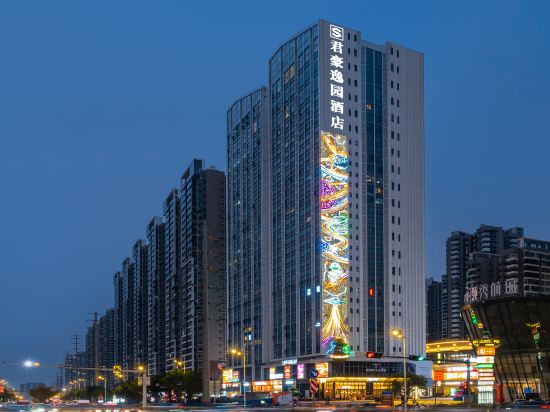
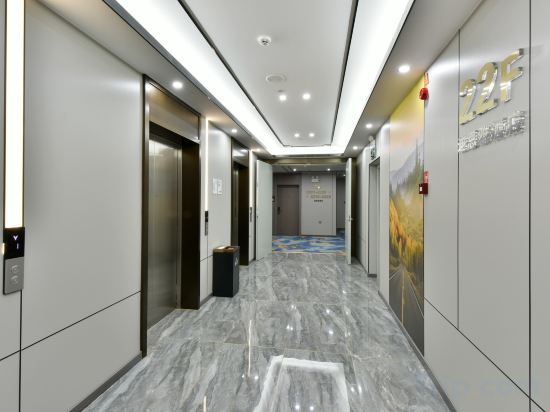


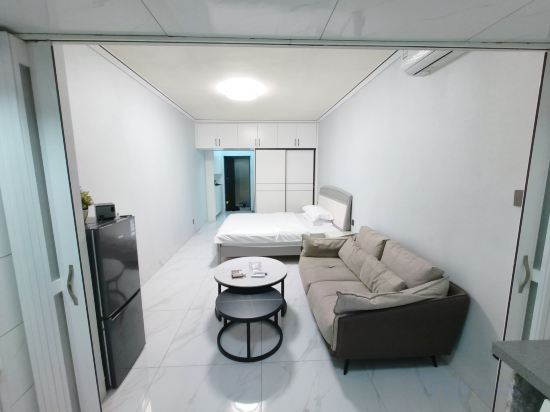

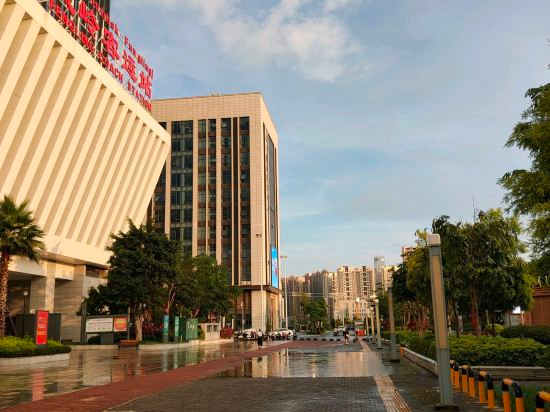
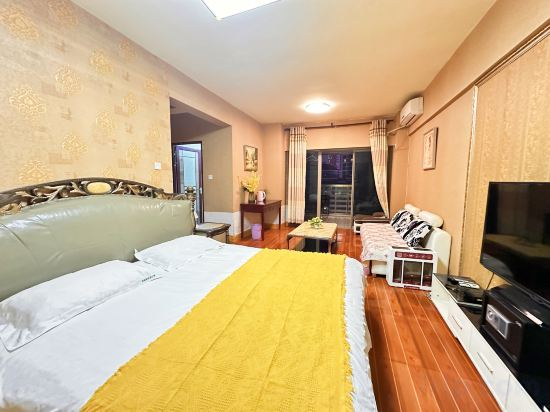
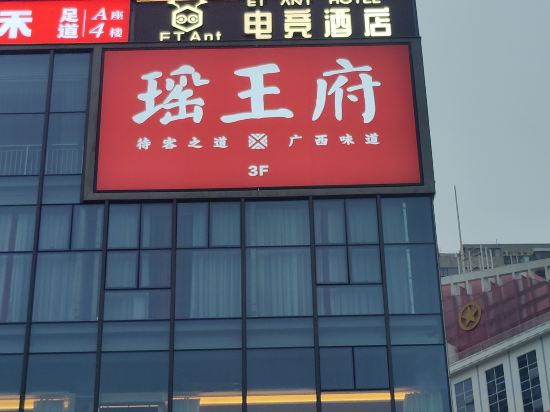
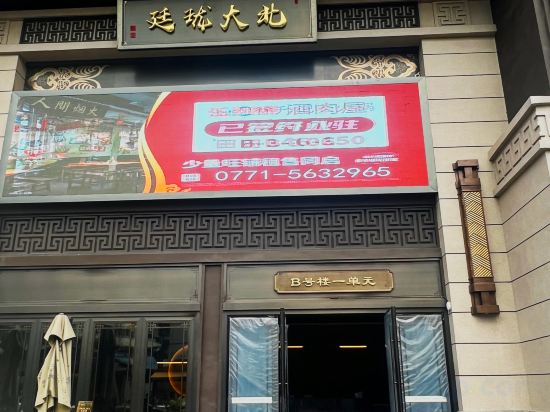
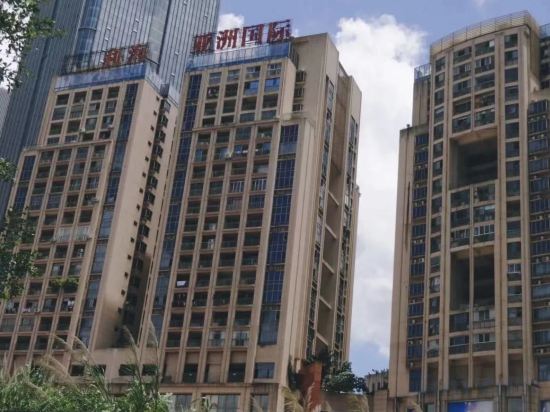
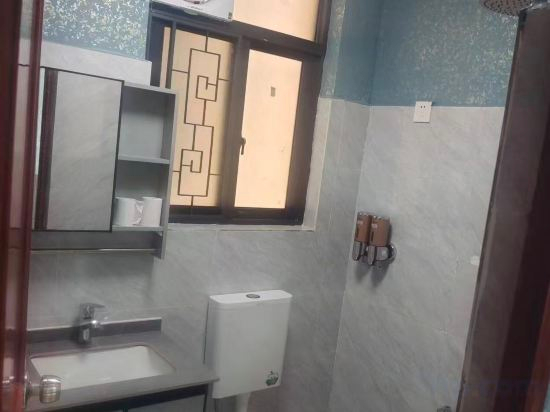
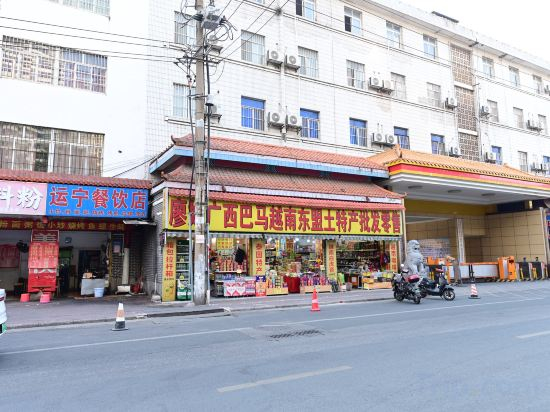
Giri Hotel
Gefei Hotel (Nanning Chaoyang Square Minzhu Road Branch)
Yeste International Hotel (Nanning Anji Wanda Bus Subway Station)
Human Hotel
tianlongwanrongyue
Junhao Yiyuan Hotel (Nanning Qingxiu Mountain East Gate Poly Lingxiu Plaza Branch)
Disiya Hotel (Nanning Anji Avenue No. 33 Middle School Subway Station Branch)
Xifu Hotel (Guangxi Medical University Qingxiu Mountain)
Unitour Plus Hotel (Nanning Jinhu Square Subway Station)
Limingju International Hotel (Nanning South Railway Station Airport Expressway Branch)
Haluo Apartment (Nanning Dongmeng CBD)
Nanning Aishang Apartment (Guangxi University Subway Station Branch)
Jingyashang Apartment (Nanning East Railway Station)
Nanning Laidi Boutique Apartment (Wanxiang Mall Subway Station)
ETant Electrical Sports Apartment (Nanning Yuxi Subway Station Branch)
Sakula Movie Apartment
Qingning Boutique Apartment (ASEAN Business District Wanxiang Mall)
Xinchao Yang Apartment (Nanning Railway Station Chaoyang Square)
Nanning New Sunshine Apartment (Nanning Guangxi University Xinxiu Park Subway Station)
Nanning Juyaju Apartment (Nanning Railway Station)
Hotels in Nanning
Don't feel hesitant to book hotels in Nanning at tiket.com! We'll make sure to provide all conveniences you need when doing a room reservation. Book your favourite hotel now only at tiket.com!

How to Book Hotels on tiket.com
1. Find the hotelEnter the name of the city, area, or hotel to find the place you want.
2. Select a roomOn the hotel detail page, you will see the available room options. Select a room that suits your needs.
3. Complete the booking detailsInput the contact details (the person who will be contacted by tiket.com and the hotel about the booking) and the guests’ details.
4. Select Add-onsYou can also buy additional services such as meal packages, transportation, and many more.
5. Pay your bookingSelect the payment method and complete your transaction. Don’t forget to use the promo code to get a cheaper hotel price at tiket.com.
6. Get the reservation e-voucherAfter the payment is successful, the e-voucher will be available on the Your Orders menu and sent to the email listed in the contact details.