



Hotels in Shenzhen
Showing 2.000+ hotels in Shenzhen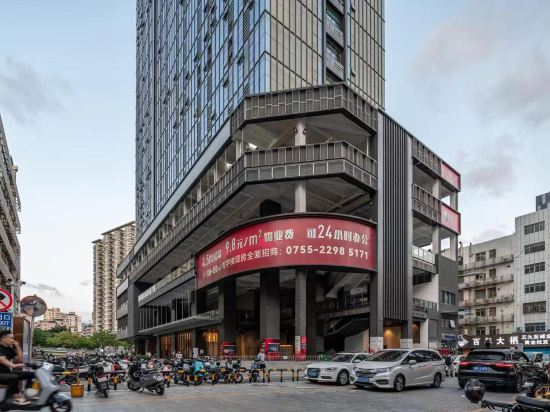
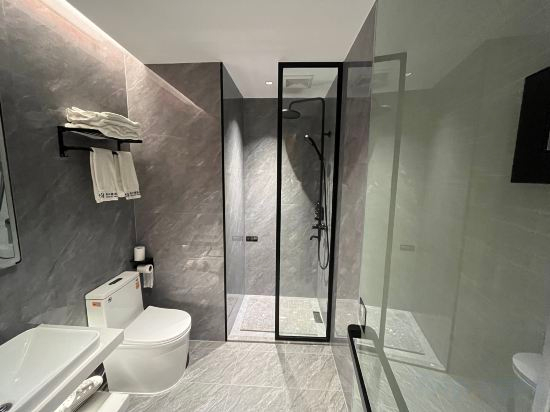
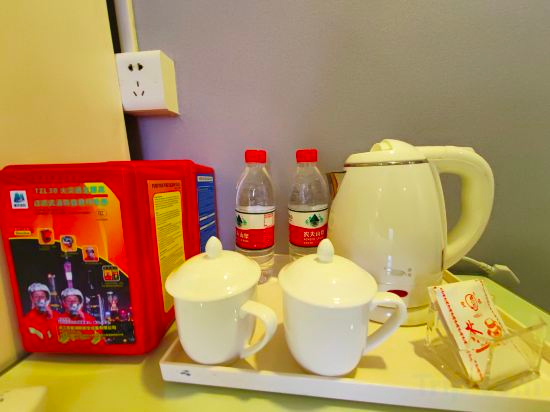
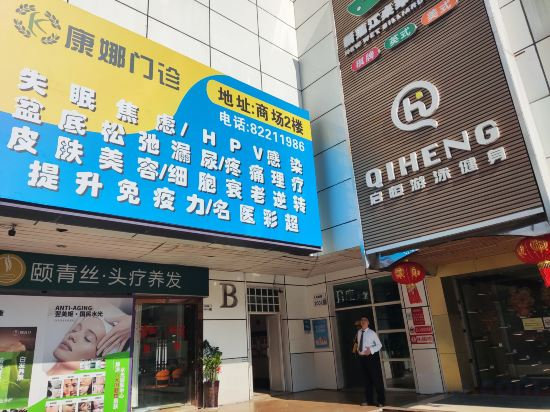
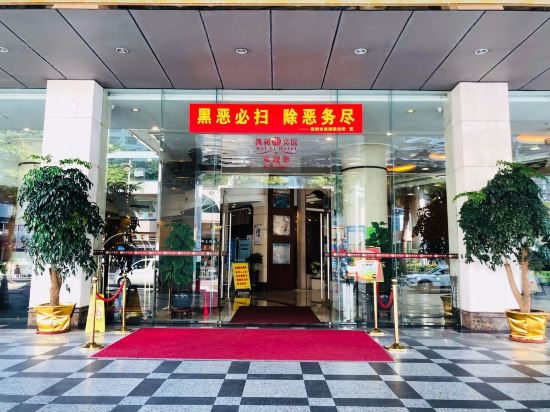
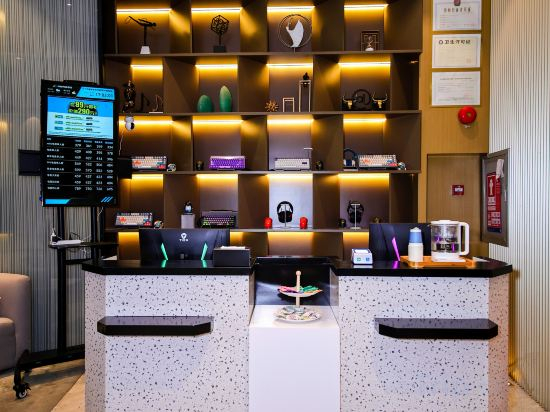
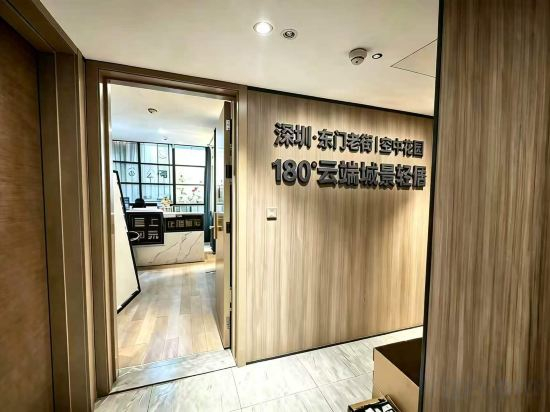

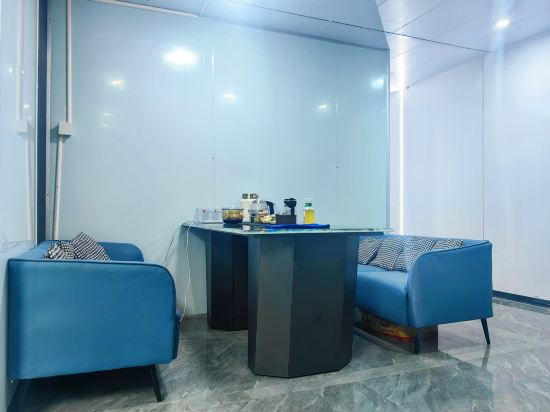
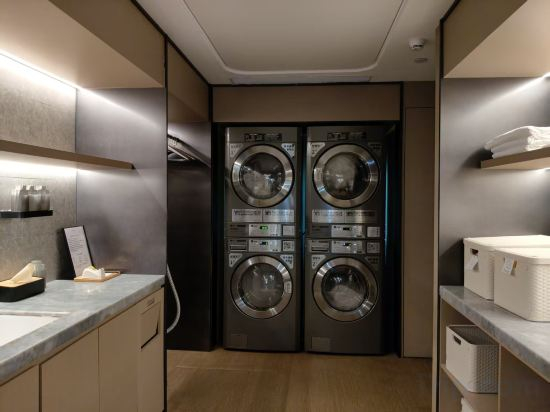

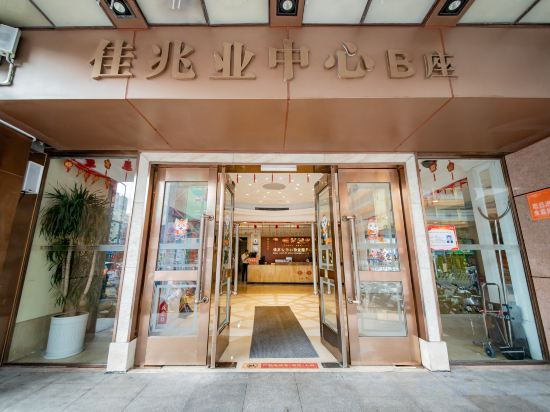
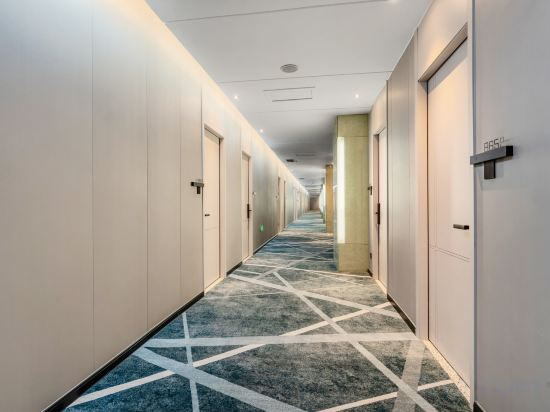
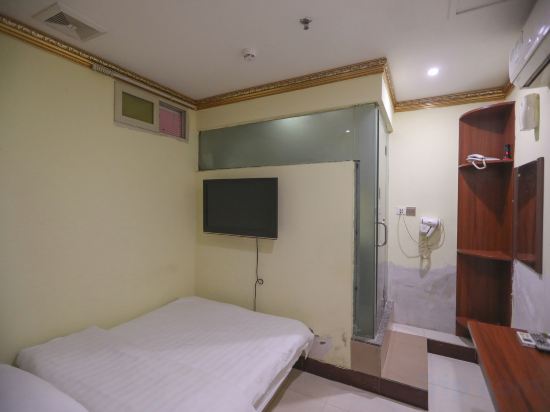
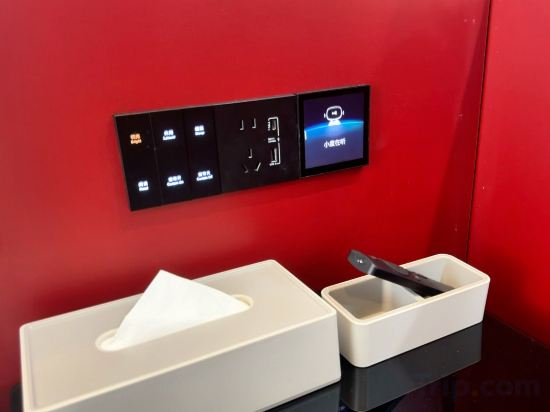
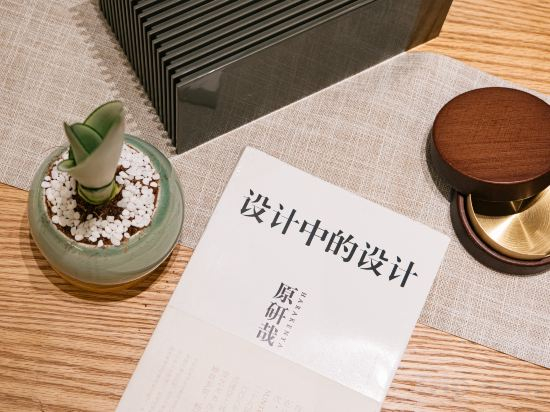
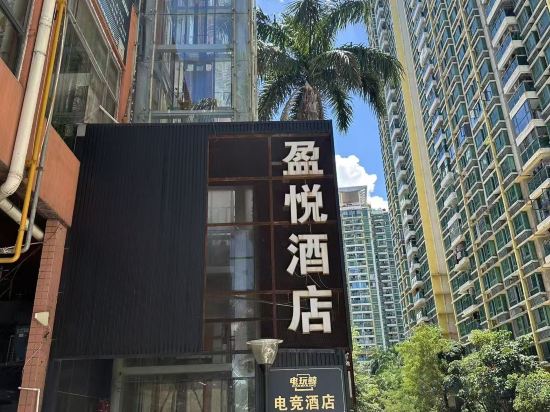
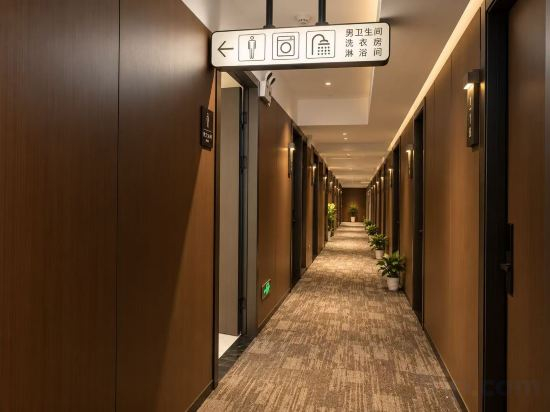
Shenzhen Duoya yi Hotel Apartment (Shenzhen Shuibei International Jewelry City Branch)
Hillman Hotel (Shenzhen Jinguanghua International Trade Subway Station)
Huayi Hotel (Shenzhen Luohu Railway Station)
Three Cats Hostel (Shenzhen Luohu Port)
AsiaInfo E-sports Hotel (Shenzhen Luohu)
Wangyu E-Sports Hotel (Xixiangcun Station, Luohu Port, Shenzhen)
Shenzhen · Dongmen Old Street | Sky Garden 180° Cloud City View Light Stay (Luohu Port)
Ni Hao Hotel (Shenzhen Luohu Guomao Metro Station)
Yunqi Chengji City Colorful Urban Light Stay Hotel (Shenzhen Luohu Huangbeiling Subway Station)
Longmen Kezan Hostel (Dongmen Old Street Huangbeiling Subway Station)
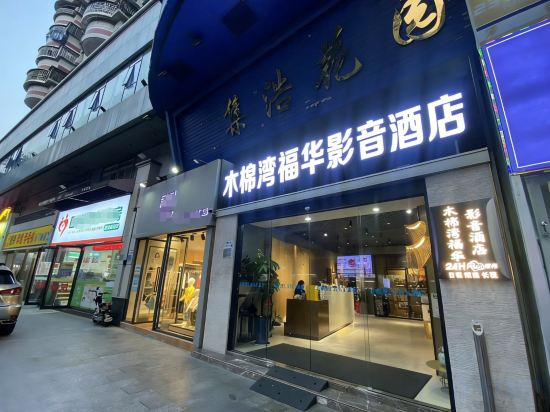
Mumianwan Fuhua Audio-Visual Hotel (Luohu Yitian Holiday Plaza Huangbeiling Metro Station Branch)
Haixin Hotel (Liantang Port East Gate Commercial Area Branch)
Kaiji Xingpan Hotel (Huaqiangbei Yannan Subway Station Store)
Aijia Hotel Apartment Shenzhen Huaqiangbei Science Museum Subway Station
WanYoo Esports Hotel (Shenzhen Huaqiangbei Yannan Metro Station)
Shen8 Express Homestay (Shenzhen Huaqiangnan Subway Station)
Yunshi Chunxiao Hotel (Shenzhen Liutang Subway Station)
GreenHub
Dianwanjing E-sports Homestay (Shenzhen Huanggang Port)
Lvshu Hostel (Nanyou Subway Station)
Hotels in Shenzhen
Don't feel hesitant to book hotels in Shenzhen at tiket.com! We'll make sure to provide all conveniences you need when doing a room reservation. Book your favourite hotel now only at tiket.com!

How to Book Hotels on tiket.com
1. Find the hotelEnter the name of the city, area, or hotel to find the place you want.
2. Select a roomOn the hotel detail page, you will see the available room options. Select a room that suits your needs.
3. Complete the booking detailsInput the contact details (the person who will be contacted by tiket.com and the hotel about the booking) and the guests’ details.
4. Select Add-onsYou can also buy additional services such as meal packages, transportation, and many more.
5. Pay your bookingSelect the payment method and complete your transaction. Don’t forget to use the promo code to get a cheaper hotel price at tiket.com.
6. Get the reservation e-voucherAfter the payment is successful, the e-voucher will be available on the Your Orders menu and sent to the email listed in the contact details.