



Hotels in Yanji
Showing 258 hotels in Yanji
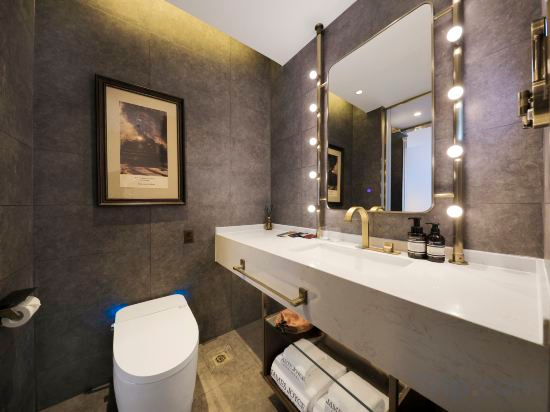

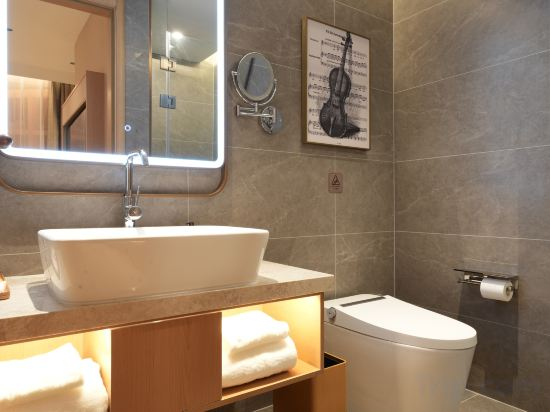





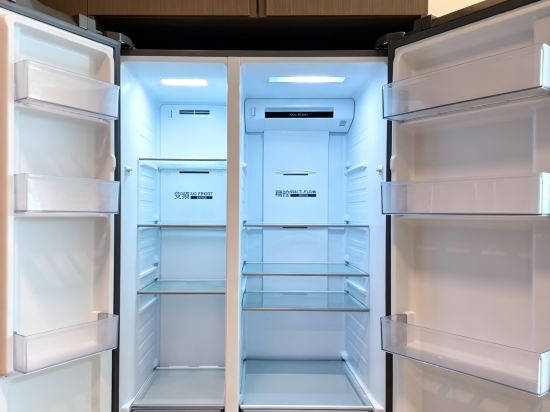

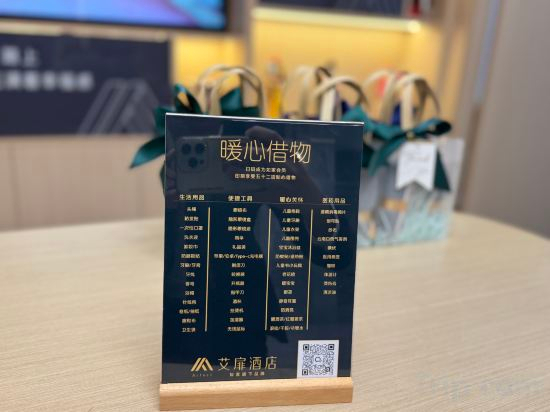





Renjoy Hotel (Yanji Yanbian University West Market Branch)
James Joyec Coffetel (Yanji Yanbian University Folk Garden Hotel )
Yanji Baihuo Dalou Xishichang XANA Deluxe Hotel
Vienna Hotel(Yanji Yanda Red Wall Water Market Branch)
Yanji ShiZi Hotel
Chao Man Hotel (Yanji Yanbian University Department Store)
CHEERMAY Hotel (Yanji Yanbian University Xishichang)
Hotel Introduction Description
Orange Hotel (Yanji Yanbian University Popular Wall Branch)
Cheermay hotel Yanji Korean Folk Custom Park Dinosaur Kingdom Branch
Yanji Furuisen Hotel
Hua Sheng Hotel
Homeinn Aifeel Hotel (Yanji Yanbian University Xishichang)
Weijianshan · Designer Courtyard Resort Inn (Yanji Yanbian University Normal Branch)
Hongbin Designer Hotel (Yanji West Railway Station)
James Joyce Coffetel (Yanji Department Store)
Apple Apartment
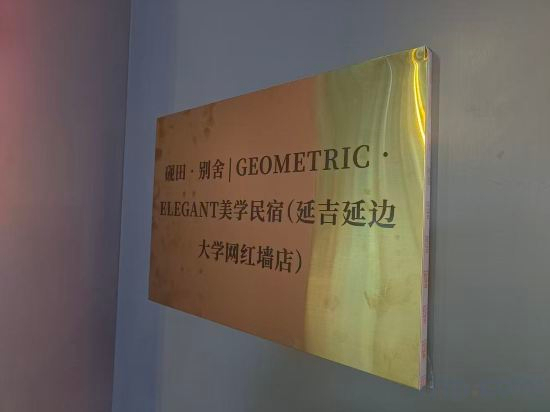
Yantian Bieshe · Geometric Elegant Guesthouse (Yanji Yanbian University’s Viral Photo Wall)
Jinpu Hotel
Gardenia Art Hotel (Yanji Yanbian University Internet-famous Wall Xishichang)
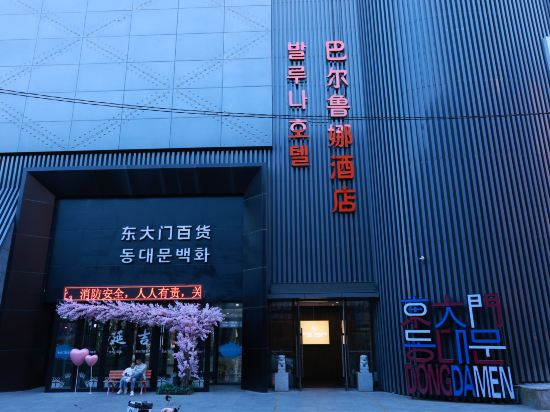
Barluna Hotel (Yanji Yanbian University West Market Branch)
Hotels in Yanji
Don't feel hesitant to book hotels in Yanji at tiket.com! We'll make sure to provide all conveniences you need when doing a room reservation. Book your favourite hotel now only at tiket.com!

How to Book Hotels on tiket.com
1. Find the hotelEnter the name of the city, area, or hotel to find the place you want.
2. Select a roomOn the hotel detail page, you will see the available room options. Select a room that suits your needs.
3. Complete the booking detailsInput the contact details (the person who will be contacted by tiket.com and the hotel about the booking) and the guests’ details.
4. Select Add-onsYou can also buy additional services such as meal packages, transportation, and many more.
5. Pay your bookingSelect the payment method and complete your transaction. Don’t forget to use the promo code to get a cheaper hotel price at tiket.com.
6. Get the reservation e-voucherAfter the payment is successful, the e-voucher will be available on the Your Orders menu and sent to the email listed in the contact details.