



Hotels in Zhengzhou
Showing 1.000+ hotels in Zhengzhou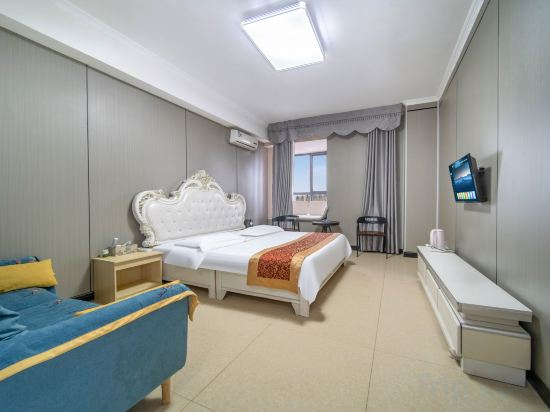
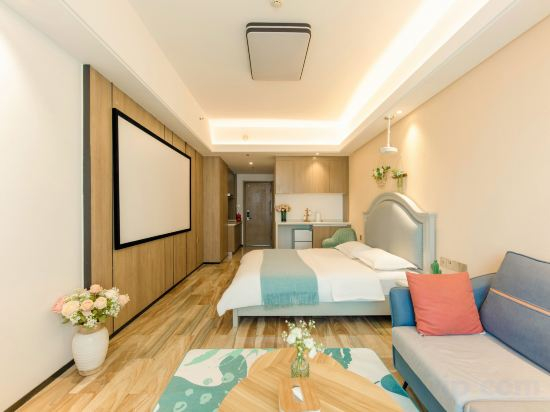
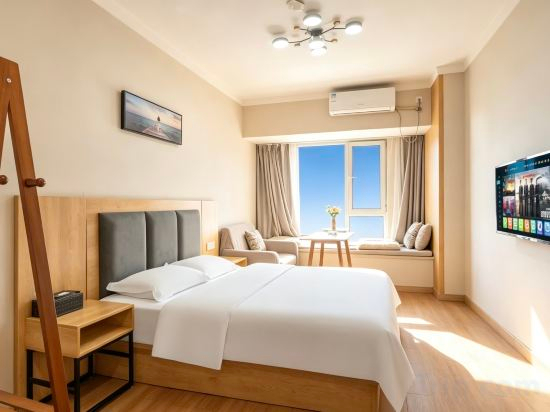

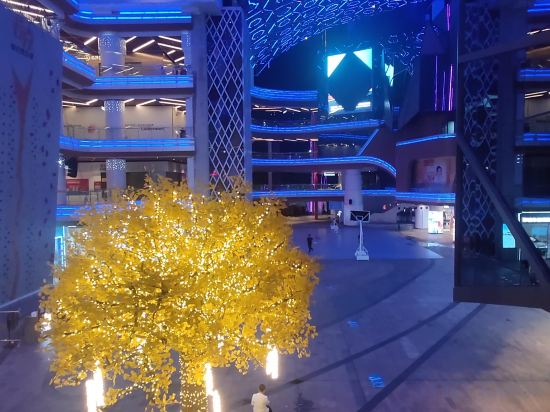
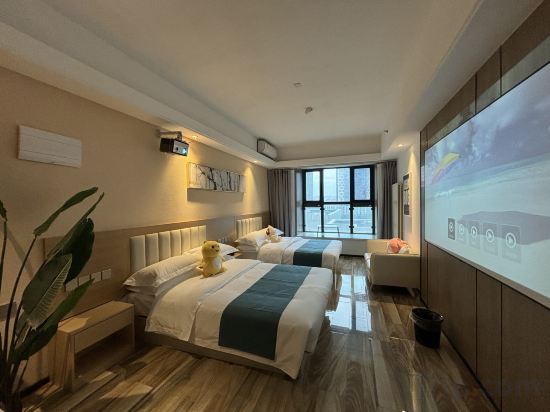
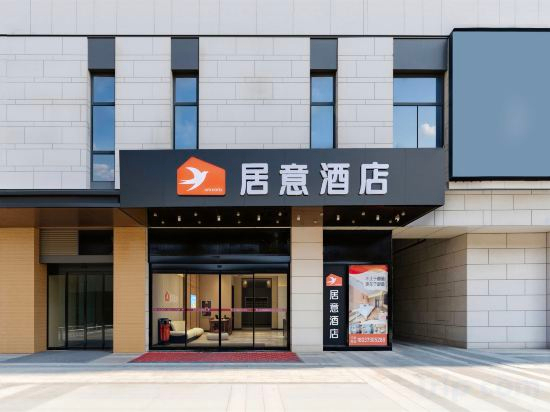

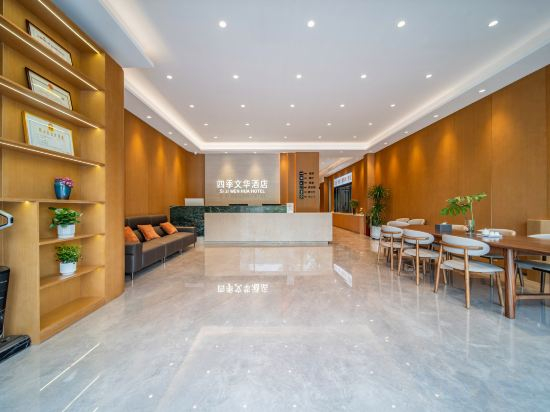
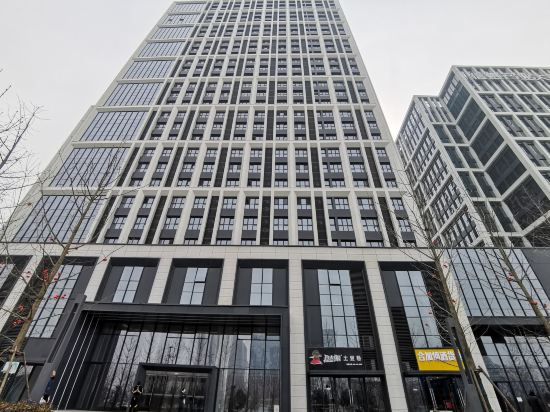
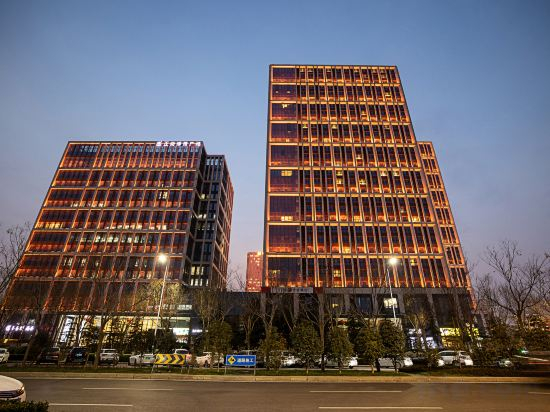
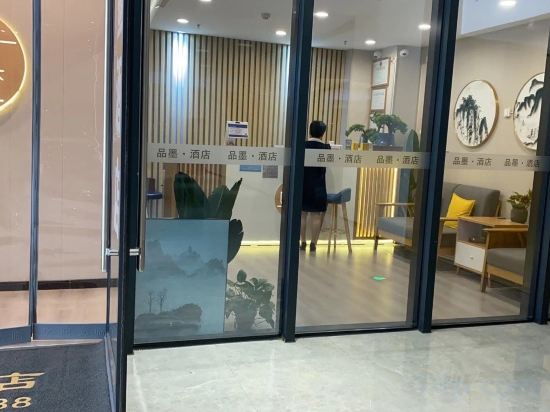
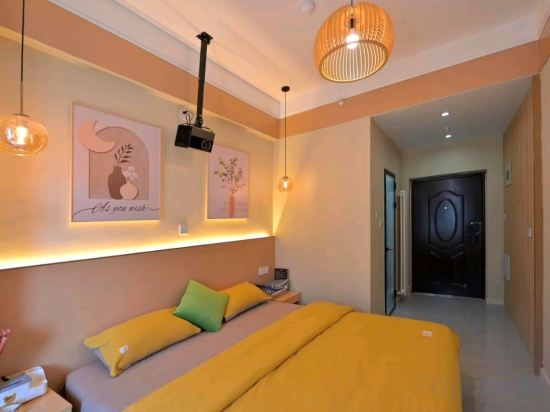

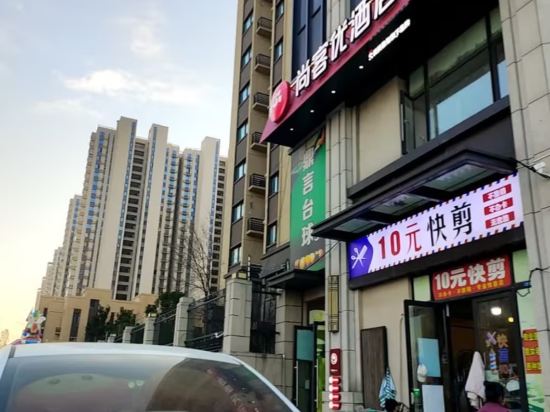


Haitang Preferred Movie Homestay (Zhenghonghui Poly Cultural Plaza)
Huazhiju Smart Hotel (Zhengzhou Huiji Wanda Plaza)
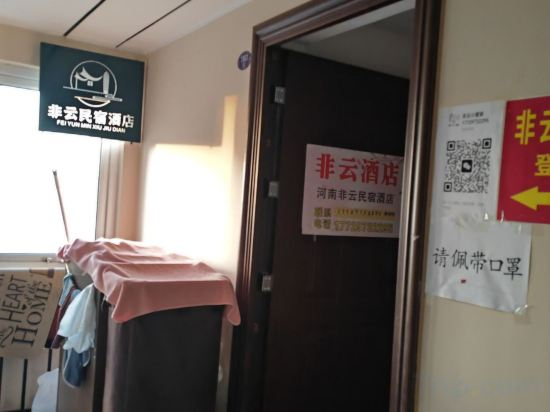
Feiyun Homestay (Zhengzhou University Vanke Plaza)
Fangtang Zhixiang Business (Zhengzhou Longzihu Subway Station Boya Plaza)
Jianyi Hotel (Zhengzhou University Vanke Plaza)
Harbour Hotel (Zhengzhou Zhongyuan Water Products Liugang Branch)
Shangpin Residence (Zhengzhou University Gongyuanmao)
Qingchen ・ Audio-Visual | City View Luxury Residence (Zhengzhou Boya Plaza Longzihu Subway Station)
Soho Hotel
Juyi Hotel (Zhengzhou University)
- Tea Pillow Loft · Elegant Luxury
Shiman Ting Hotel (Boya Plaza, Longzihu Subway Station, Zhengzhou)
Xinglu Huasu City Meisu (Longzihu Subway Station)
Yuan Art Hotel
Pinmo Hotel (Zhengzhou Longzihu Subway Station Store)
Dayin Dudong Yingshe Homestay (Zhengzhou Longhai Road Botanical Garden)
Lakeview Peninsula Hotel (Zhengzhou Longzihu University Town Subway Station)
Shankee Hotel (Bairong Road Xinyuan Duhui Plaza)
Shankee Hotel (Henan University of Technology Headquarters Enterprise Base)
Yunzhimeng E-sports Homestay (Zhengzhou University New Campus)
Hotels in Zhengzhou
Don't feel hesitant to book hotels in Zhengzhou at tiket.com! We'll make sure to provide all conveniences you need when doing a room reservation. Book your favourite hotel now only at tiket.com!

How to Book Hotels on tiket.com
1. Find the hotelEnter the name of the city, area, or hotel to find the place you want.
2. Select a roomOn the hotel detail page, you will see the available room options. Select a room that suits your needs.
3. Complete the booking detailsInput the contact details (the person who will be contacted by tiket.com and the hotel about the booking) and the guests’ details.
4. Select Add-onsYou can also buy additional services such as meal packages, transportation, and many more.
5. Pay your bookingSelect the payment method and complete your transaction. Don’t forget to use the promo code to get a cheaper hotel price at tiket.com.
6. Get the reservation e-voucherAfter the payment is successful, the e-voucher will be available on the Your Orders menu and sent to the email listed in the contact details.