



Hotels in Beijing
Showing 6.000+ hotels in Beijing
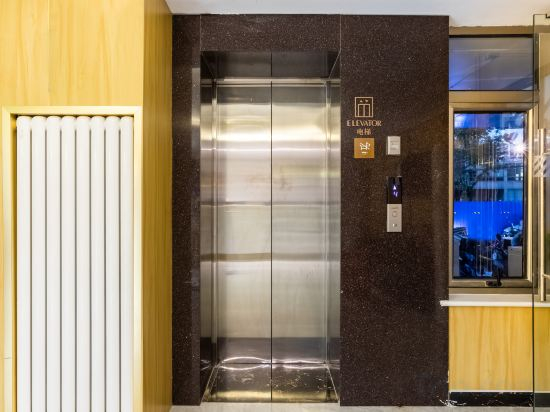
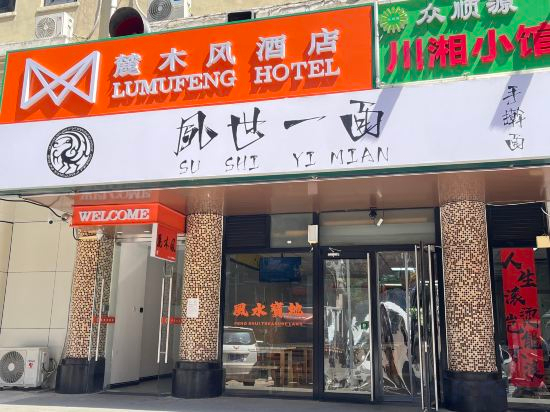
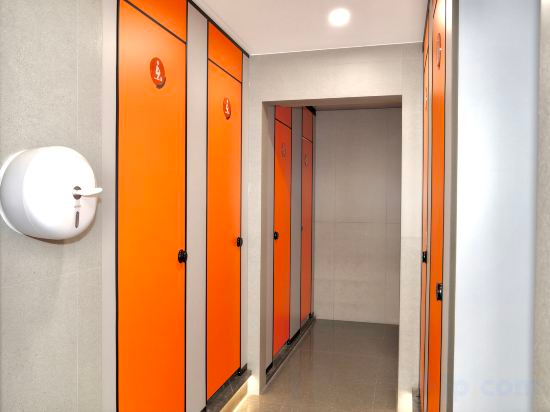
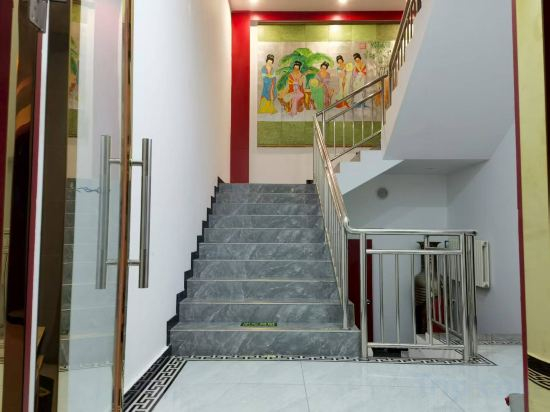
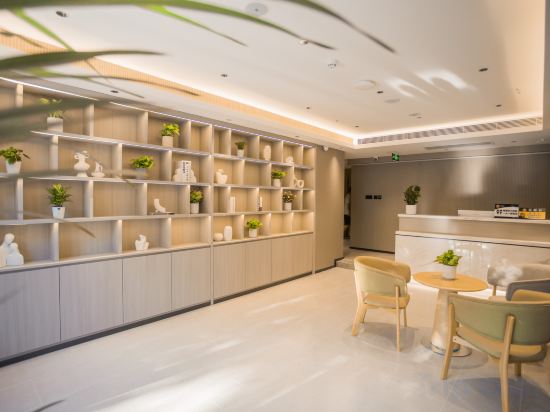

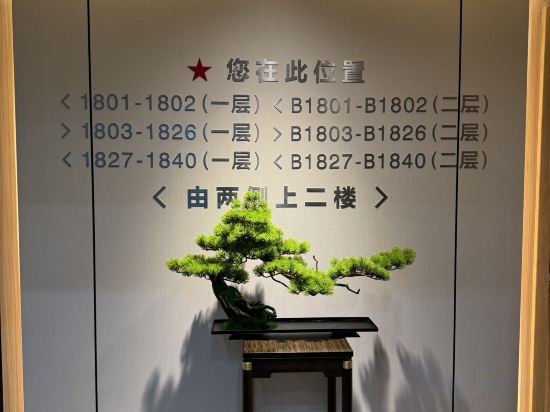
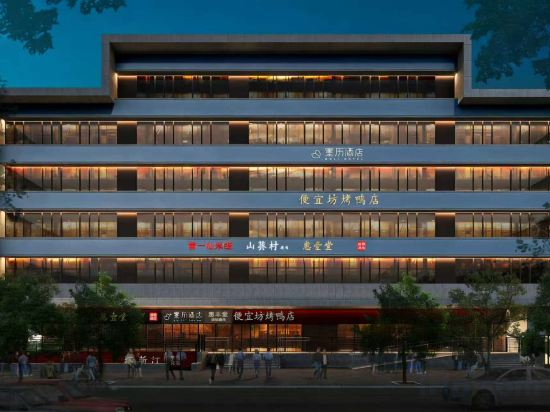
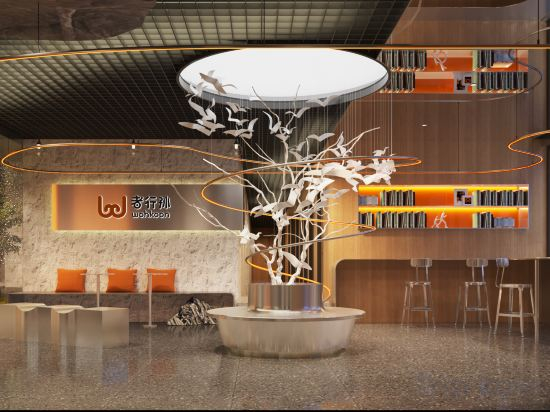
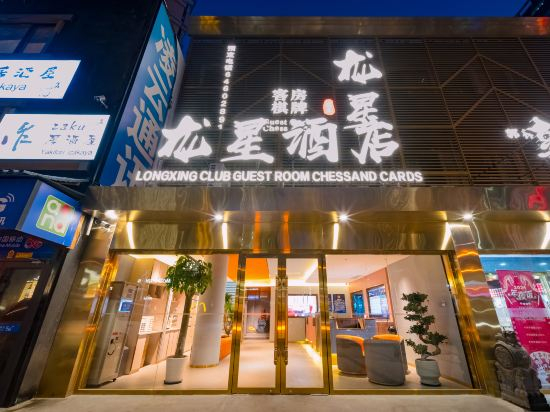
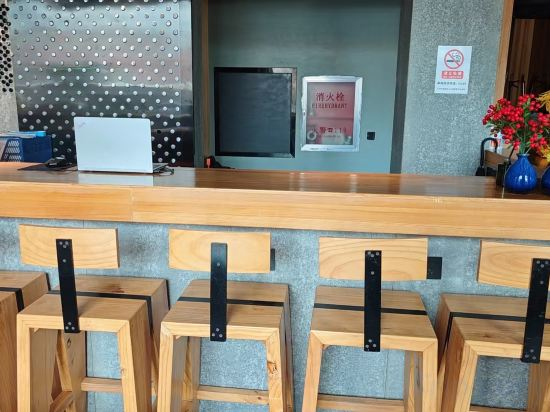
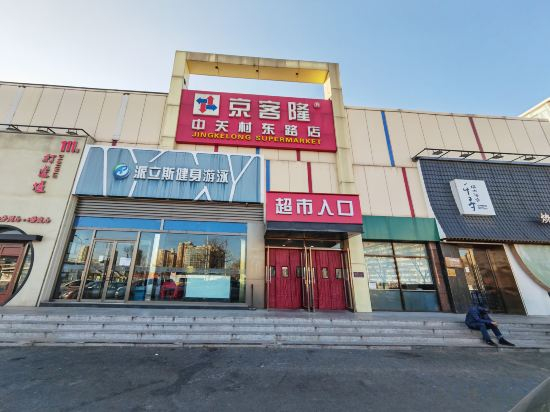
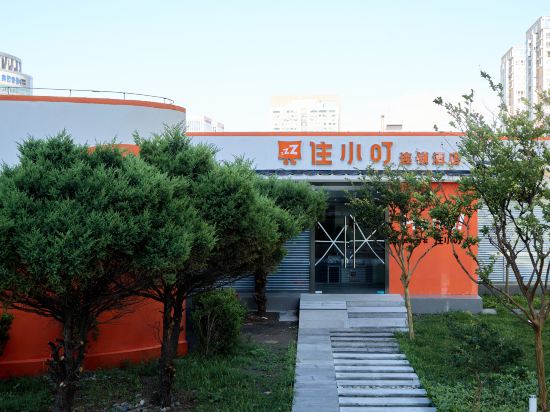
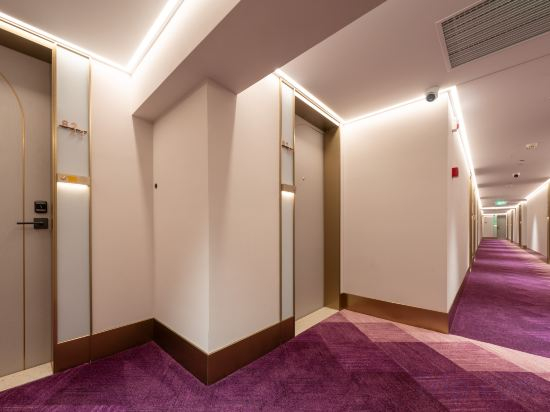
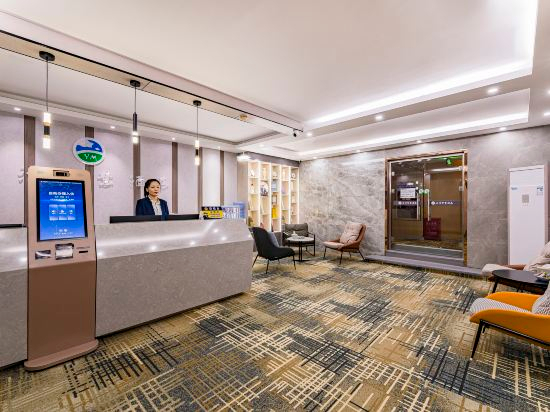
Beijing Siji Hengfeng Hotel (Yanshan Subway Station)
junhe Hotel (Beijing Tsinghua Chang Gung Hospital Tiantongyuan Subway Station)
Lumu Feng Hotel (Beijing Tsinghua Chang Gung Hospital Tiantongyuan Subway Station)
Zhuxiaoding Hotel (Beijing National Stadium-Bird's Nest Aviation General Hospital)
Guoli Hotel (Beijing Qinghe Wanxianghui)
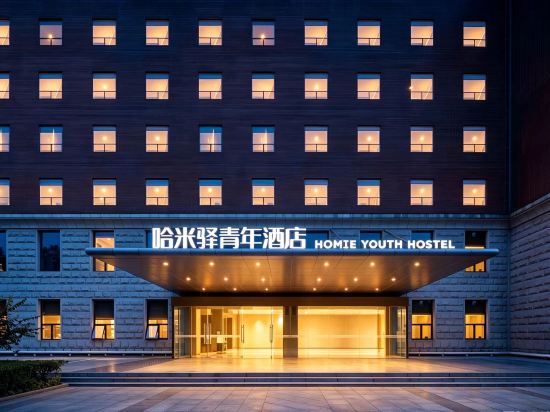
Hami Inn Youth Hotel (Beijing Shangdi Qinghe High-Speed Railway Station)
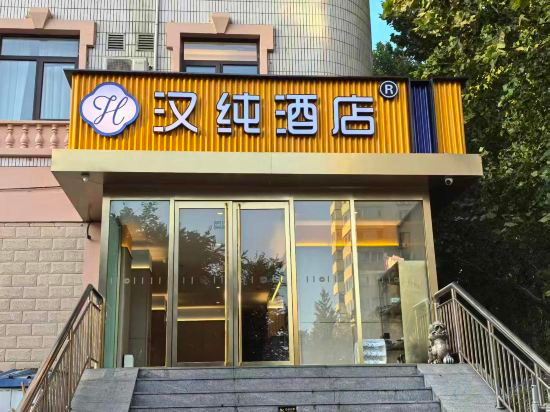
Hanchun Hotel (Beijing Guanzhuang Subway Station)
Pod Inn Yanxuan Hotel (Beijing Dujiakan)
Fengyi Hotel
Xinji business hotel
Hualight Eco Hotel (Beijing U.S. Embassy)
Cloud Home Hotel (Beijing U.S. Embassy)
Moli Hotel (Beijing Zhongguan Village University of Science and Technology Branch)
wohkoon ZheXingSun Hotel (Beijing Sanyuanqiao Yansha Embassy District Branch)
Longxing Hotel (Beijing Yansha Sanyuanqiao Subway Station)
Taihai Esports (Jiuxianqiao 798)
Ruyi FREEY Hotel (Zhongguancun Dazhong Si Subway Station Branch, Beijing)
Zhuxiaoding Hotel (Beijing University of Aeronautics and Astronautics Zhichun Road Subway Station)
Ruman Hotel (Zhongguancun East Road Branch)
Yunmanzhihui hotel
Hotels in Beijing
Don't feel hesitant to book hotels in Beijing at tiket.com! We'll make sure to provide all conveniences you need when doing a room reservation. Book your favourite hotel now only at tiket.com!

How to Book Hotels on tiket.com
1. Find the hotelEnter the name of the city, area, or hotel to find the place you want.
2. Select a roomOn the hotel detail page, you will see the available room options. Select a room that suits your needs.
3. Complete the booking detailsInput the contact details (the person who will be contacted by tiket.com and the hotel about the booking) and the guests’ details.
4. Select Add-onsYou can also buy additional services such as meal packages, transportation, and many more.
5. Pay your bookingSelect the payment method and complete your transaction. Don’t forget to use the promo code to get a cheaper hotel price at tiket.com.
6. Get the reservation e-voucherAfter the payment is successful, the e-voucher will be available on the Your Orders menu and sent to the email listed in the contact details.