



Hotels in Guangzhou
Showing 4.000+ hotels in Guangzhou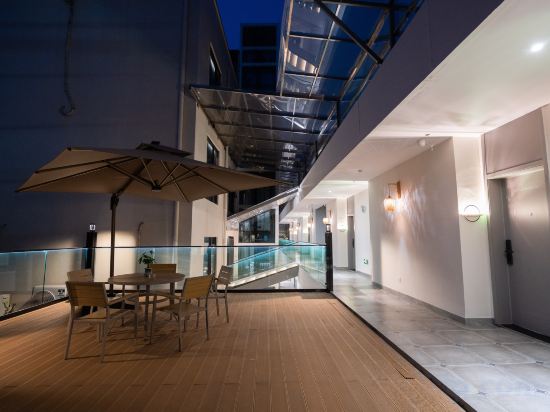

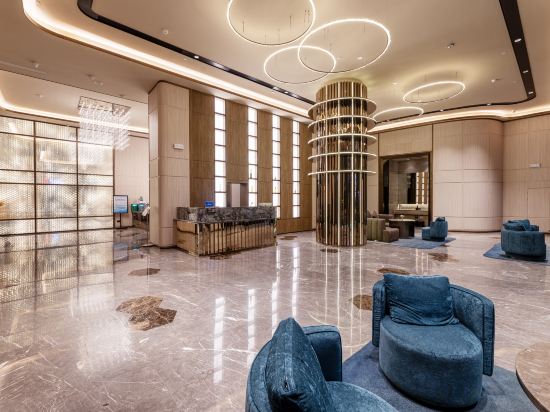
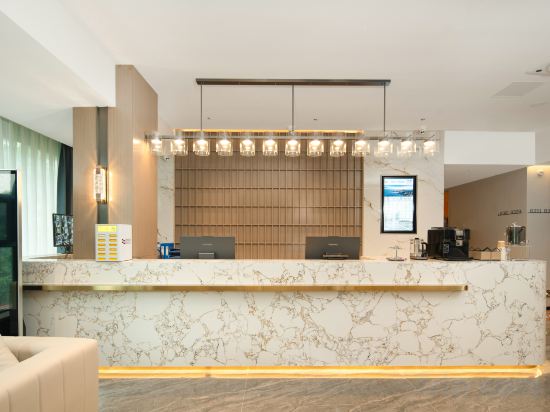
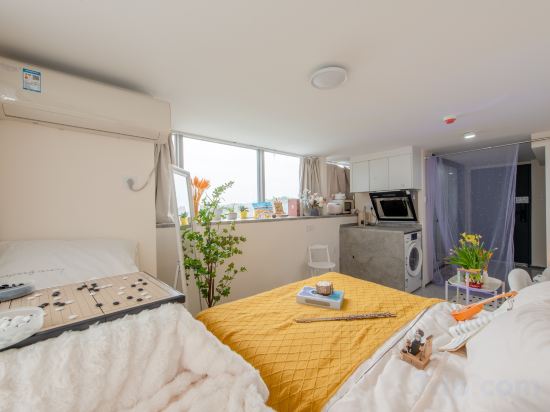
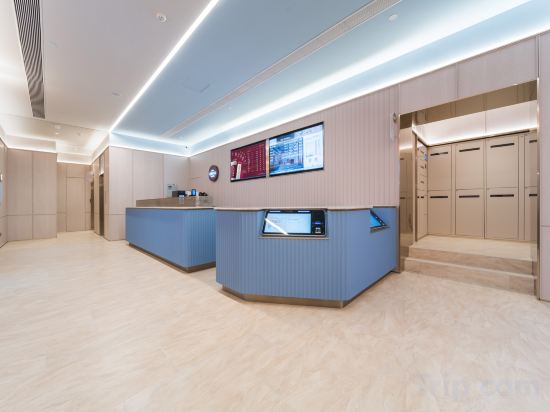


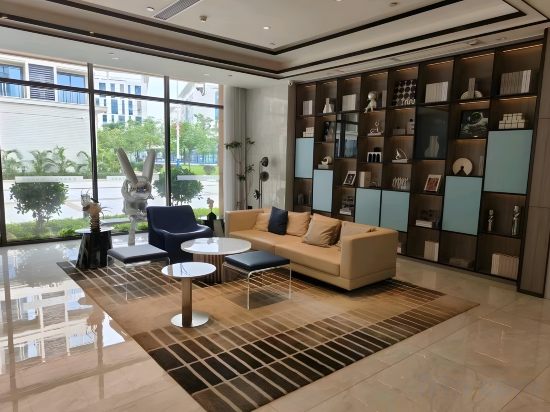
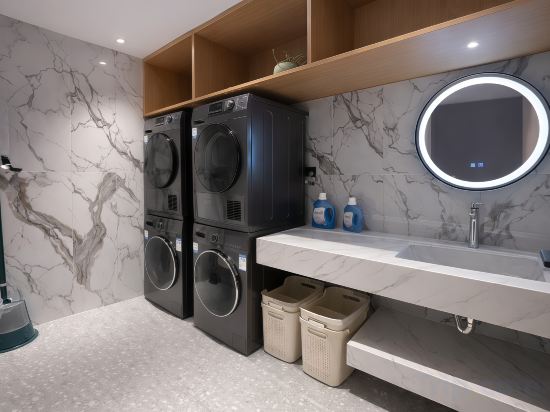
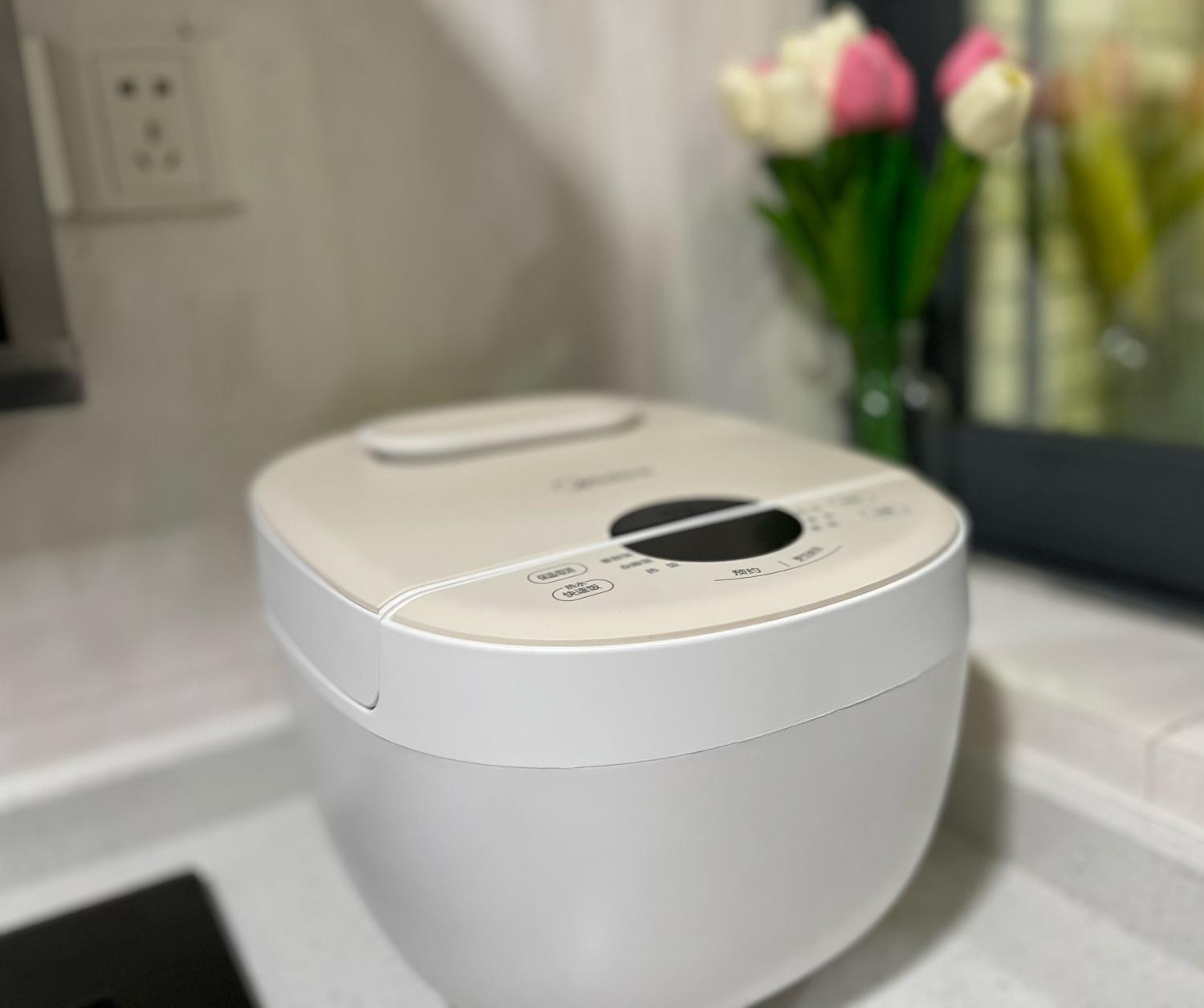
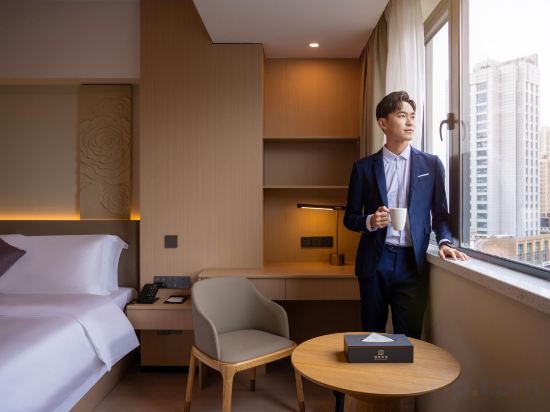
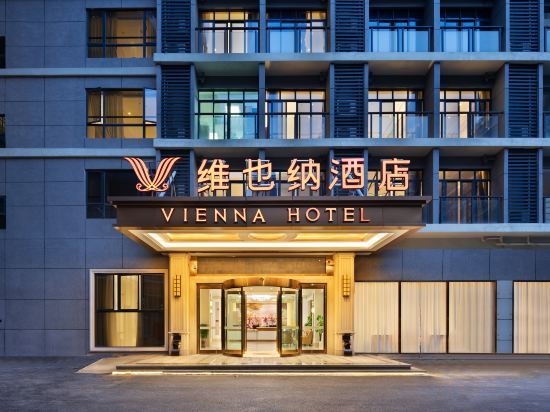
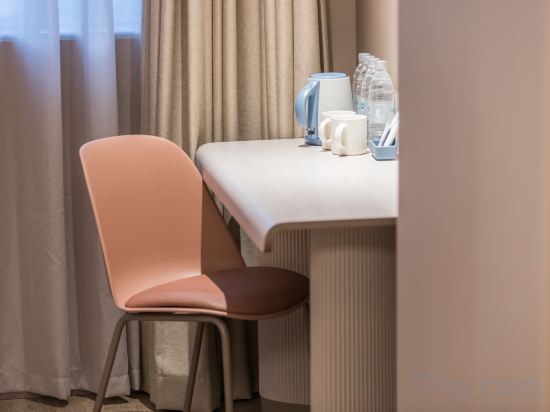


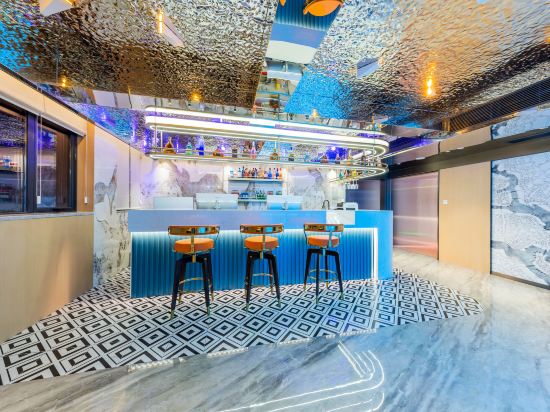

Heshe Courtyard (Guangzhou Huangpu Changzhou Island Subway Station Branch)
SFEEL Designer (Guangzhou Panyu Chimelong Wanbo Center Store)
EJURA HOTEL(Guangzhou Baiyun Airport Liantang Metro Station Branch)
GuangzhouYuexiu Taojin Metro Station ECHIC HOTEL
Atlantic Yipin Service Apartment (Guangzhou Fish Zhucheng Branch)
HanTing Hotel (Guangzhou Gangding Subway Station Zhongshan Third Hospital)
Ji Hotel Guangzhou Panyu Chimelong Wanbo Center
Experience an abundance of unparalleled facilities and features at Ji Hotel Guangzhou Panyu Chimelong Wanbo Center. Maintain seamless communication using the complimentary Wi-Fi at hotel.
Xing Lun Hotel
Yaxin E-Sports Hotel (Guangzhou Baiyun International Airport)
jing hotel (Donghu Metro Station Branch)
杰西民宿广州塔店
Each room is equipped with AC. The bathroom comes with shower.
Staff at the Apartment can assist you with 24-hour front desk and luggage storage. Other facilities include washing machine and arcade/game room.
R Haihui Hotel
Vienna Hotel (Guangzhou Baiyun International Airport Terminal)
Hanting Guangzhou Liwan Shayong Metro Station
Guangzhou Conghua fanghuali
Jingu Business Hotel (Guangzhou Tower Pazhou Exhibition Center Branch)
FeNo· ElEGANCE· HARMONY Hotel (Tianhe Zhengjia Plaza & Tiyu West Road Branch)
寓米精品公寓(广州天河力达广场店)
寓米精品公寓(广州天河力达广场店) provides flawless service and all the necessary facilities for visitors. Stay connected with your associates, as complimentary Wi-Fi is available during your entire visit.
Hotels in Guangzhou
Don't feel hesitant to book hotels in Guangzhou at tiket.com! We'll make sure to provide all conveniences you need when doing a room reservation. Book your favourite hotel now only at tiket.com!

How to Book Hotels on tiket.com
1. Find the hotelEnter the name of the city, area, or hotel to find the place you want.
2. Select a roomOn the hotel detail page, you will see the available room options. Select a room that suits your needs.
3. Complete the booking detailsInput the contact details (the person who will be contacted by tiket.com and the hotel about the booking) and the guests’ details.
4. Select Add-onsYou can also buy additional services such as meal packages, transportation, and many more.
5. Pay your bookingSelect the payment method and complete your transaction. Don’t forget to use the promo code to get a cheaper hotel price at tiket.com.
6. Get the reservation e-voucherAfter the payment is successful, the e-voucher will be available on the Your Orders menu and sent to the email listed in the contact details.