



Hotels in Shenzhen
Showing 4.000+ hotels in Shenzhen



 See details
Hualian U She Executive Apartment (Shenzhen Coast Chengnanyou Clothing City Branch)
Huayi Hotel (Shenzhen Luohu Railway Station)
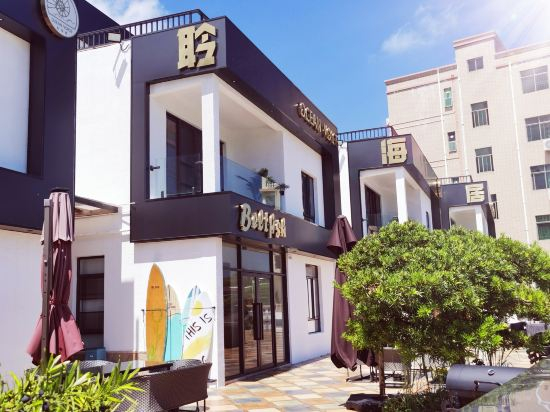
Pingshang Surf Inn (Xichong Beach Branch)
CJIA Apartment Hotel (Shenzhen Sports Center, Hongling North Metro Station)
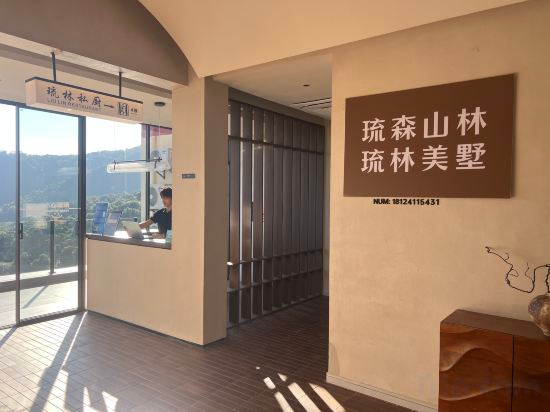
Lucerne Forest · Liulin Villas (Yantian East Overseas Chinese Town)
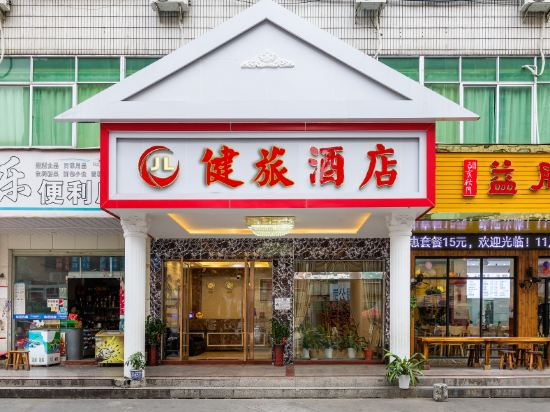
shengzhen jianlv hotel(Shenzhen Bantian North Metro Station)
Congcong Nanian Hostel
Wensheng Hotel (Shenzhen Dapeng New District Kwai Chung Branch)
WESU Apartment (Shenzhen Futian Bagualing Branch)
Bay Area Apartment (Gangxia North Subway Station)
Shenzhen Linghaiju
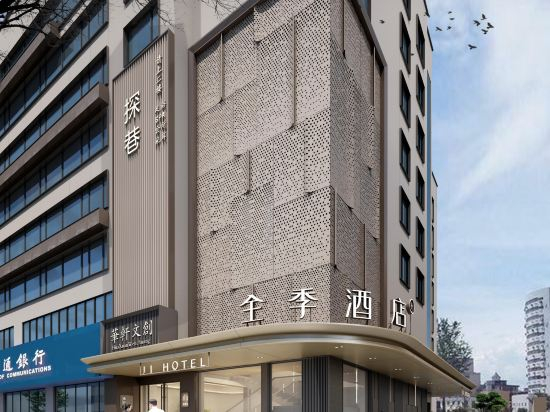
JI Hotel (Shenzhen Nanyou Subway Station)
Four Seasons Hotel Apartment (Shenzhen Luohu)
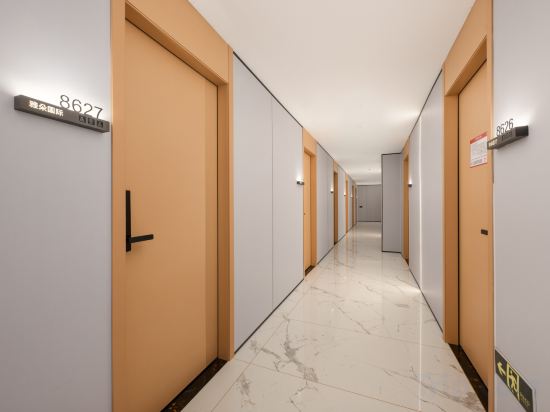
Yaduo International Apartment (Shenzhen Yantian Haishan Metro Station Branch)
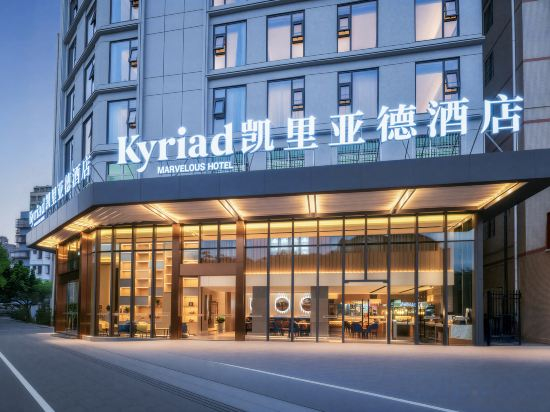
Kyriad Marvelous Hotel Shenzhen Gongming Honghuashan Subway Station
Yueju Apartment (Shenzhen International Convention and Exhibition Center)
Orange Hotel (Shenzhen Futian Fuxing Subway Station)
Hotel Introduction Description
BONTO Meinuo apartment (Shenzhen Qianhai Free Trade Zone store)
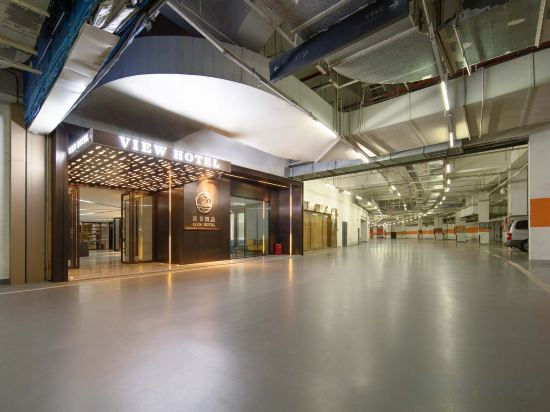
View Hotel (University Sports Center)
Yintong Garden Hotel (Shenzhen Baoan International Convention and Exhibition Center Branch)
Hotel Introduction Description
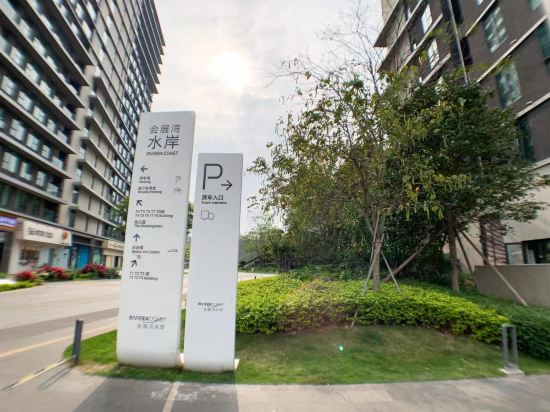
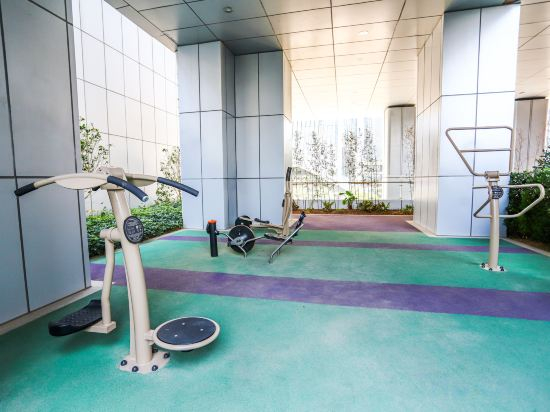
The hotel is located in the Shenzhen International Convention and Exhibition Center, with complete facilities such as a late night market, KTV, and foot bath city. The hotel offers comfortable rooms of different specifications to meet the needs of business travelers, making it a cost-effective business hotel.
Hotels in Shenzhen
Don't feel hesitant to book hotels in Shenzhen at tiket.com! We'll make sure to provide all conveniences you need when doing a room reservation. Book your favourite hotel now only at tiket.com!

How to Book Hotels on tiket.com
1. Find the hotelEnter the name of the city, area, or hotel to find the place you want.
2. Select a roomOn the hotel detail page, you will see the available room options. Select a room that suits your needs.
3. Complete the booking detailsInput the contact details (the person who will be contacted by tiket.com and the hotel about the booking) and the guests’ details.
4. Select Add-onsYou can also buy additional services such as meal packages, transportation, and many more.
5. Pay your bookingSelect the payment method and complete your transaction. Don’t forget to use the promo code to get a cheaper hotel price at tiket.com.
6. Get the reservation e-voucherAfter the payment is successful, the e-voucher will be available on the Your Orders menu and sent to the email listed in the contact details.