



Hotels in Xi'an
Showing 1.000+ hotels in Xi'an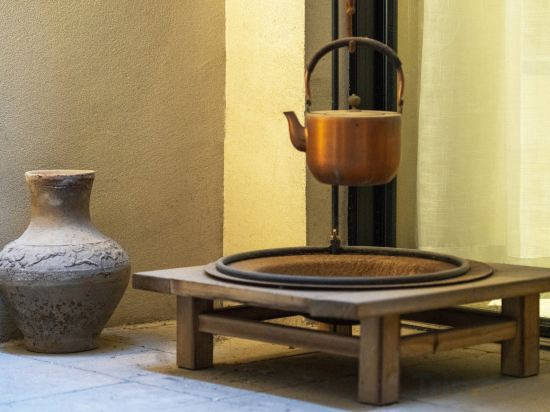


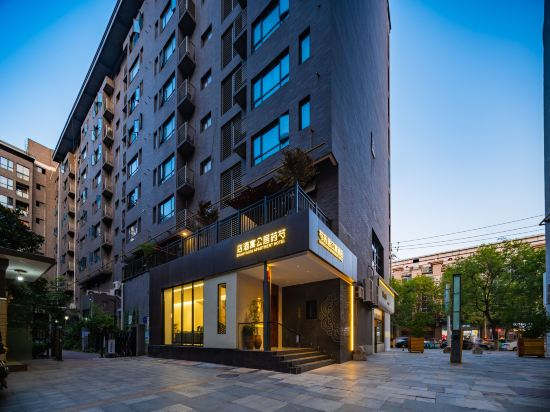
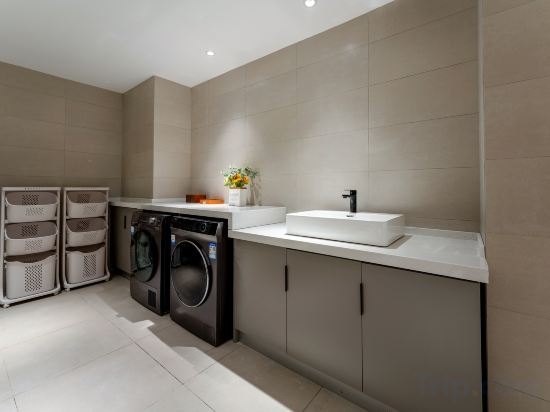
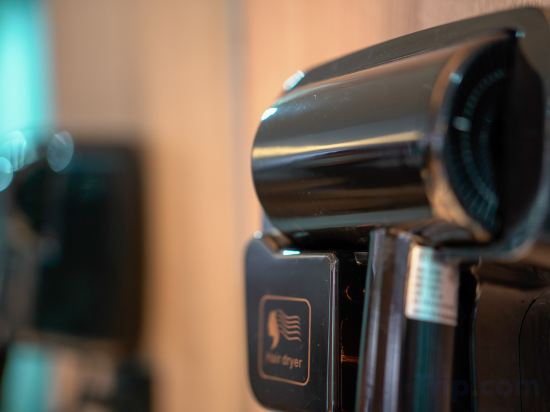
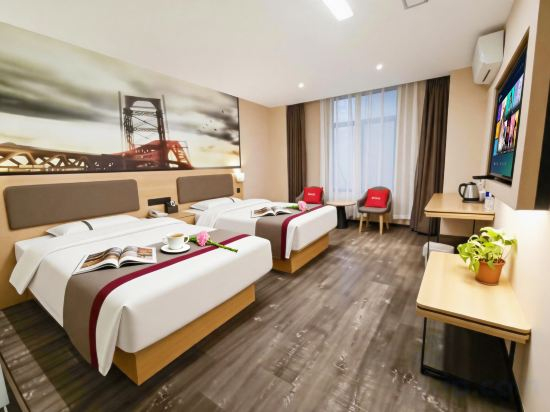
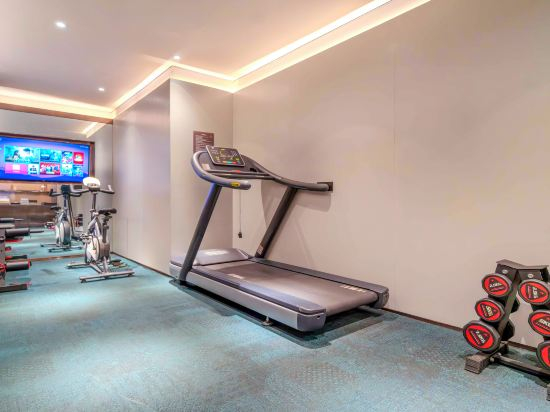
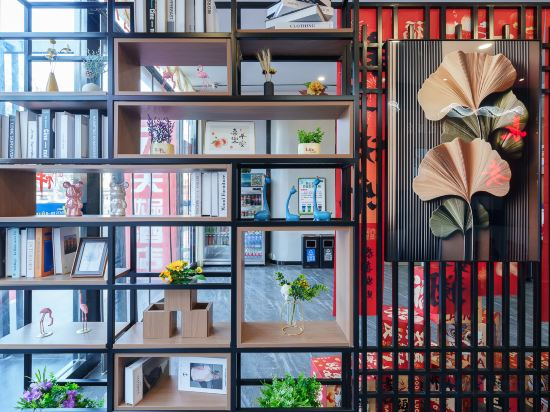
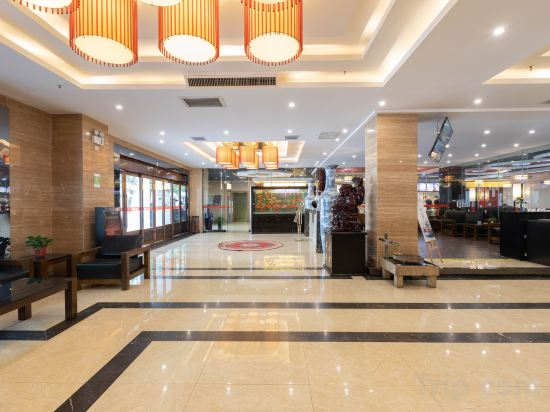
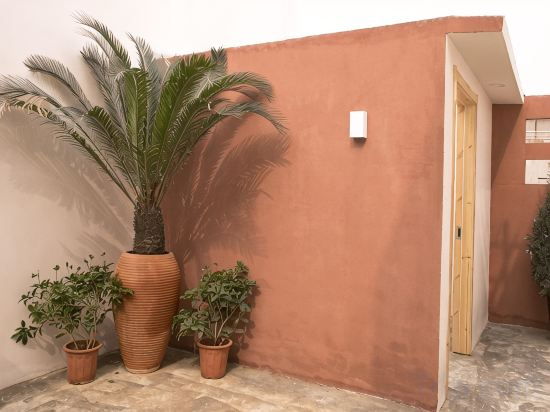
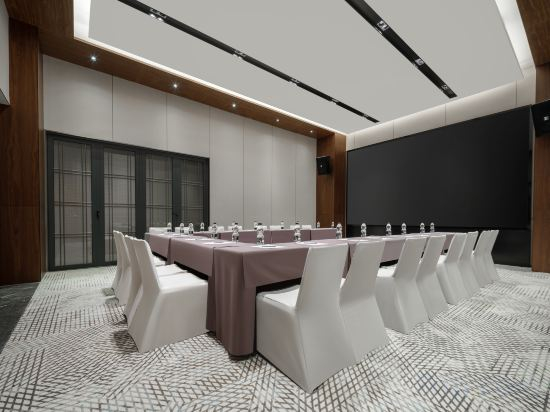

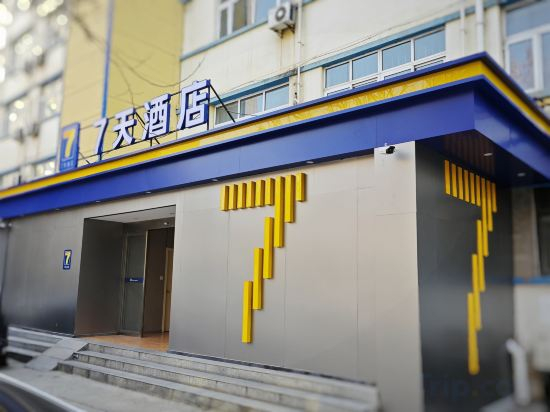
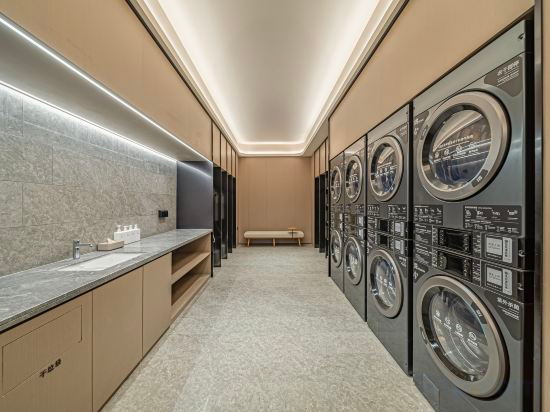

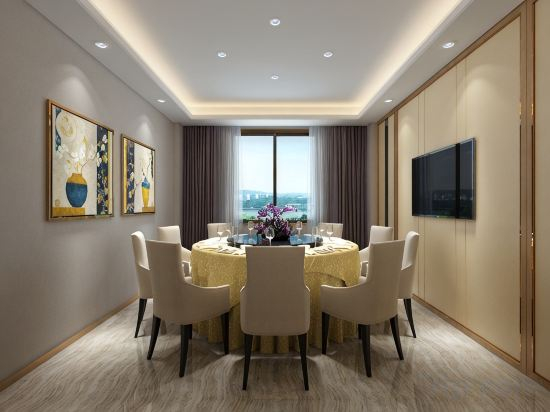
Yinju Muyu of Tea Ceremony Guesthouse
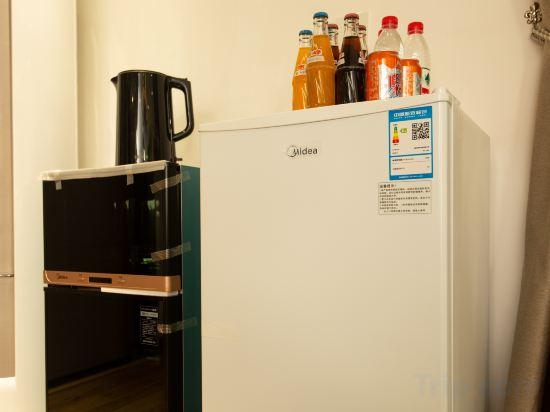
Aishangjia Hotel (Xijing Hospital Kangfu Road Subway Station)
PuYuan Laoyangfang Huayuan GuestHouse (Xi'an Library Metro Station)
Magnotel Hotel (Xi'an Aerospace City Subway Station)
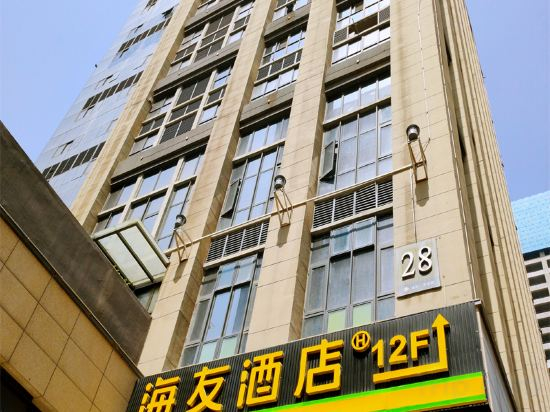
Hi Inn (Xi'an North Railway Station Fengcheng 12th Road)
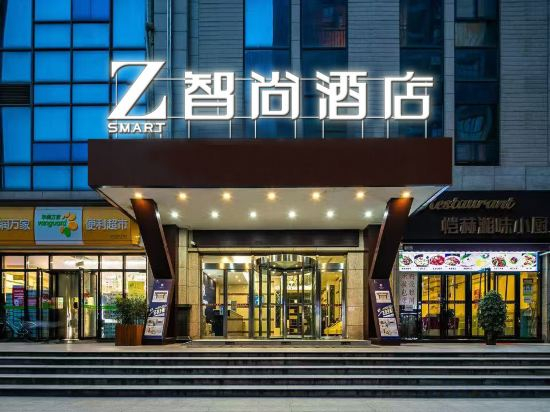
Zsmart Hotel (Xi'an Nanshaomen Subway Station Honghui Hospital)
Zsmart HotelXi'an Nanshaomen Subway Station Honghui Hospital Branch provides flawless service and all the necessary facilities for visitors. Stay connected with your associates, as complimentary Wi-Fi is available during your entire visit. In order to ensure the utmost level of relaxation, the guestrooms feature an inviting design and are equipped with all basic necessities, creating a delightful stay experience.Selected rooms offer in-room amusement like television as a source of entertainment for guests to enjoy. You'll be pleased to know that select guest bathrooms offer bathroom amenities such as a hair dryer, ensuring a comfortable stay.
See detailsShaoyaoju Boutique Hotel
Homeinn · neo (Xi'an Longshou District Daming Palace West Metro Station)
Royal Plaza Hotel
Yiduo Hotel (Xi'an Chanhe Subway Station)
JI Hotel (Xi'an North Station Fengcheng 10th Road)
Aishang Preferred Hotel (Xi'an Railway Station Wulukou Branch)
Yongqing Hotel
YI HOUSE
Huayingli Family-friendly Hotel
Xi'an Xinfuyuan Homestay
7Days Hotel Jiaoda Hospital First Courtyard Bali Village Subway Station
Ji Hotel (Xi'an Zhonglou Subway Station Branch)
Lu Ming Bieyuan · Independent Villa Homestay (Xi'an Bell and Drum Tower as well as City Wall Store)
Yongcun Inn (Xi'an Bell and Drum Tower Ming City Wall)
Hotels in Xi'an
Don't feel hesitant to book hotels in Xi'an at tiket.com! We'll make sure to provide all conveniences you need when doing a room reservation. Book your favourite hotel now only at tiket.com!

How to Book Hotels on tiket.com
1. Find the hotelEnter the name of the city, area, or hotel to find the place you want.
2. Select a roomOn the hotel detail page, you will see the available room options. Select a room that suits your needs.
3. Complete the booking detailsInput the contact details (the person who will be contacted by tiket.com and the hotel about the booking) and the guests’ details.
4. Select Add-onsYou can also buy additional services such as meal packages, transportation, and many more.
5. Pay your bookingSelect the payment method and complete your transaction. Don’t forget to use the promo code to get a cheaper hotel price at tiket.com.
6. Get the reservation e-voucherAfter the payment is successful, the e-voucher will be available on the Your Orders menu and sent to the email listed in the contact details.