



Hotels in Zhengzhou
Showing 1.000+ hotels in Zhengzhou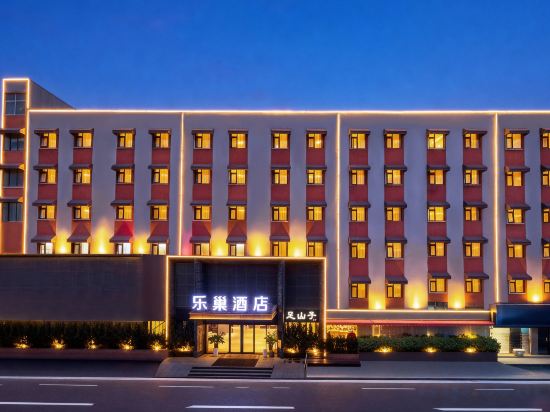

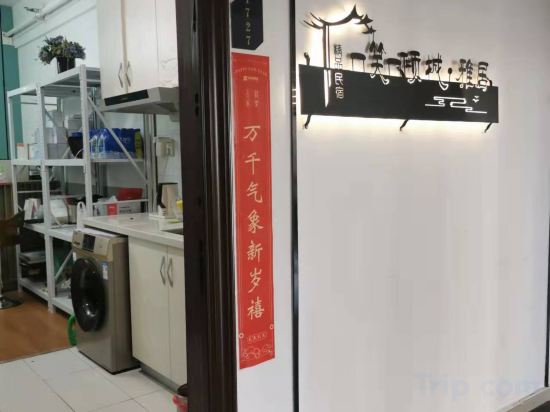
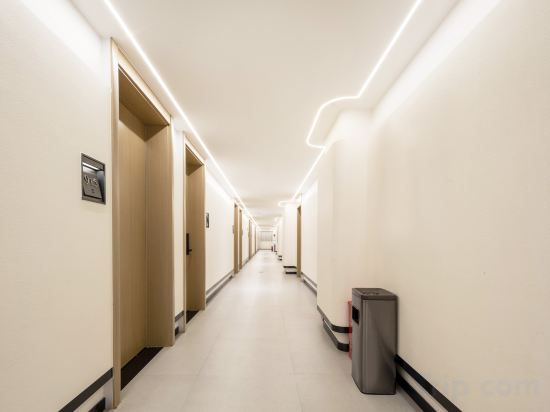
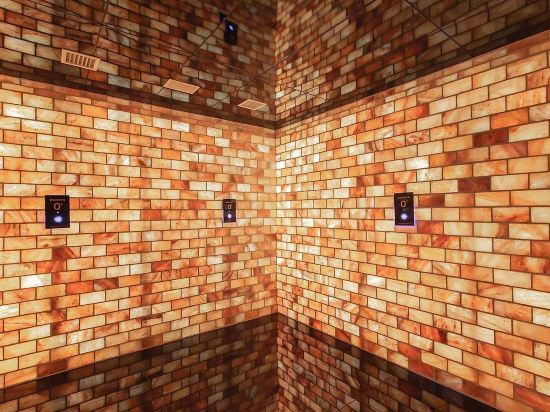

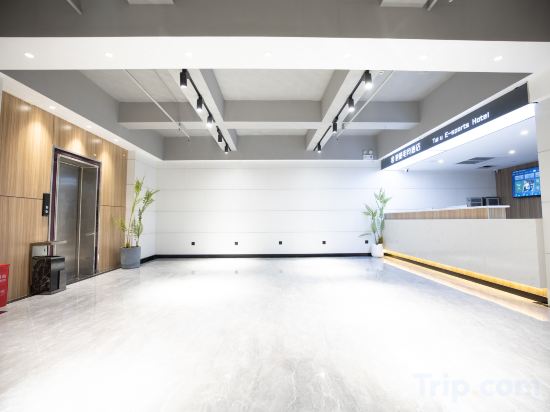
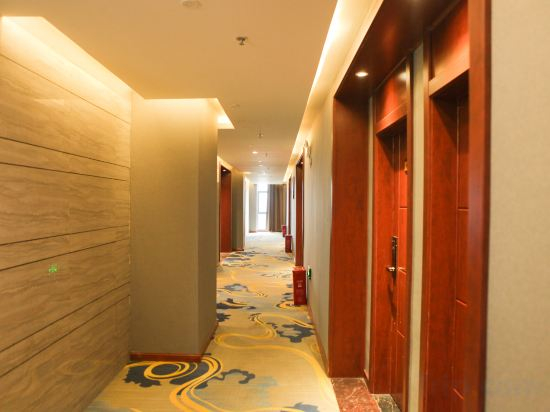
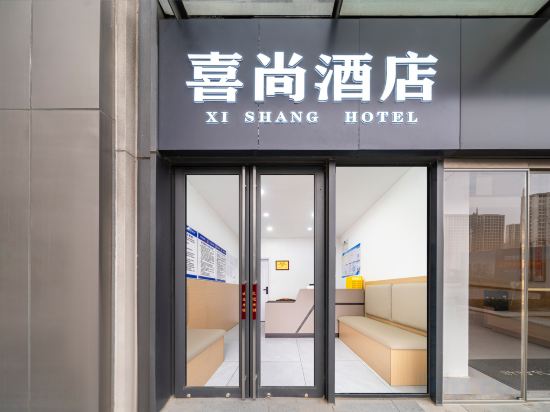


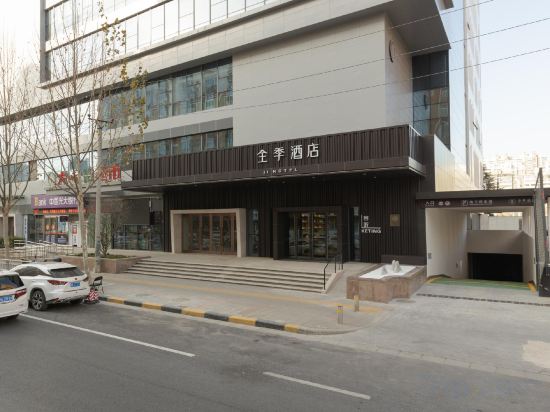


Lechao Hotel (Shengda University Zhongyuan Institute of Technology)
Amy Theme Homestay (Henan University of Technology Park Mao Branch)
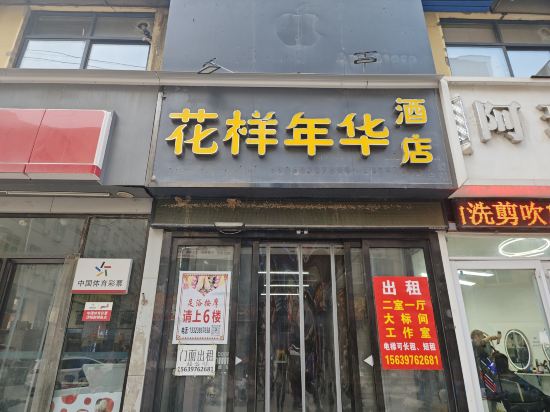
Huayang Nianhua Express Hotel (Zhengzhou Economic and Trade College)
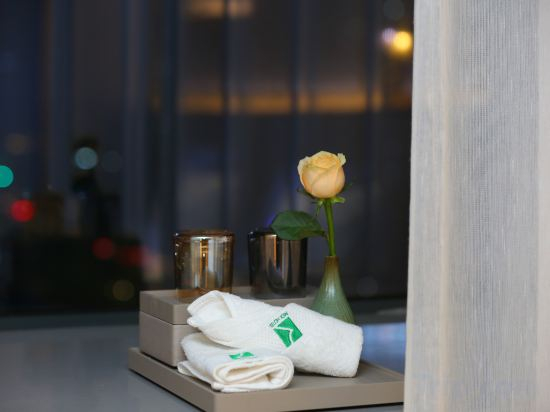
REX Hotel
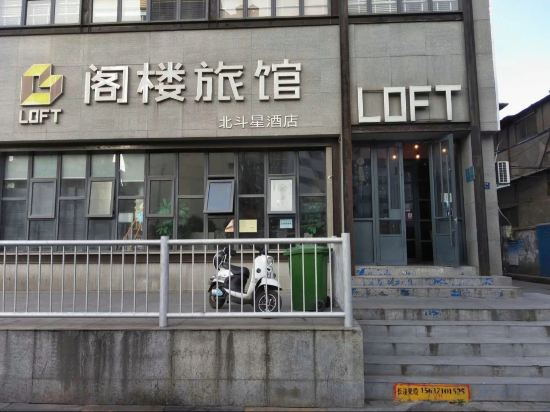
Loft Inn (Zhengzhou Railway Station West Plaza Jingguang South Road Subway Station)
Yixiao Yiqingcheng Elegant Residence (Zhengzhou Henan University of Technology Subway Station)
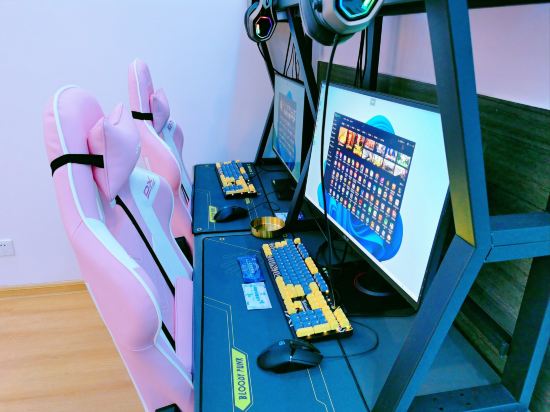
i Electronic Sports Hotel (Zhengzhou Huayuan Road ITC 360 Plaza)
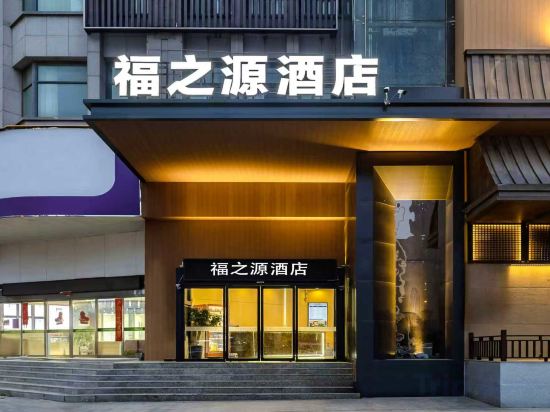
Fuzhiyuan Hotel (Zhengzhou Manhattan Minfei Road Subway Station)
Tai Li Bes Hotel Zhengzhou (Xidi Gang Zhaotong Subway Station Branch)
XANA Deluxe Hotel (Zhengzhou Bodou Xinxiang Wenmiao Subway Station)
Taku E-sports Hotel (Gongyi Xinhua Road)
Zhongmu Sofia Hotel
Happy Hotel (East railway station)
JI Hotel (Zhengzhou Nongye Road Songshan Road)
Wanxi Hotel (Zhongmu)
JI Hotel (Zhengzhou Zhengdong New District Huanghe South Road)
Zhengzhou Yumian Hotel (Zijingshan Provincial People's Hospital)
QC · To Youth (Henan University of Technology)
Shiguang Homestay
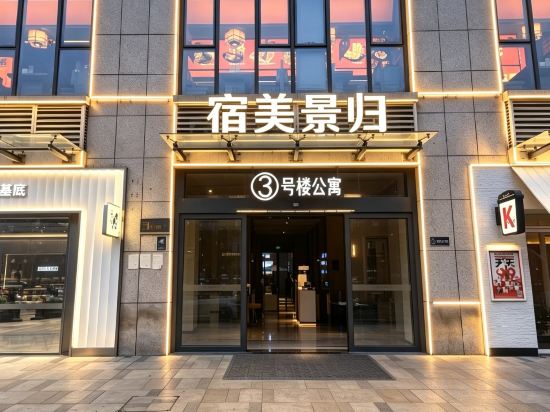
Sumeijinggui Movie-viewing Simple Stay (Henan University of Finance and Economics Fangte)
Hotels in Zhengzhou
Don't feel hesitant to book hotels in Zhengzhou at tiket.com! We'll make sure to provide all conveniences you need when doing a room reservation. Book your favourite hotel now only at tiket.com!

How to Book Hotels on tiket.com
1. Find the hotelEnter the name of the city, area, or hotel to find the place you want.
2. Select a roomOn the hotel detail page, you will see the available room options. Select a room that suits your needs.
3. Complete the booking detailsInput the contact details (the person who will be contacted by tiket.com and the hotel about the booking) and the guests’ details.
4. Select Add-onsYou can also buy additional services such as meal packages, transportation, and many more.
5. Pay your bookingSelect the payment method and complete your transaction. Don’t forget to use the promo code to get a cheaper hotel price at tiket.com.
6. Get the reservation e-voucherAfter the payment is successful, the e-voucher will be available on the Your Orders menu and sent to the email listed in the contact details.