



Hotels in Zhengzhou
Showing 1.000+ hotels in Zhengzhou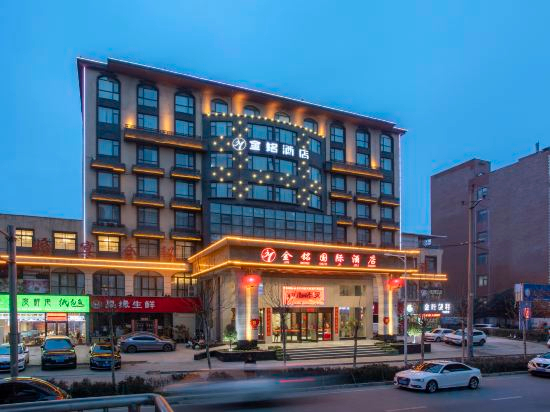

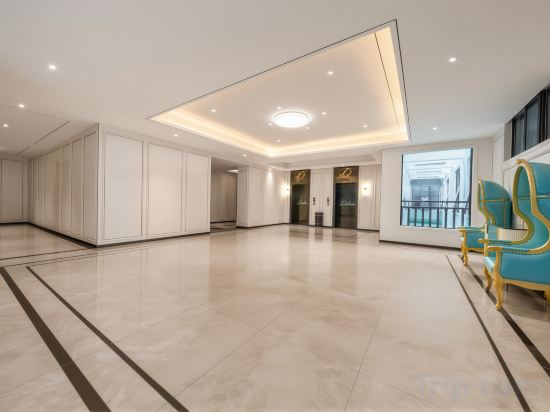
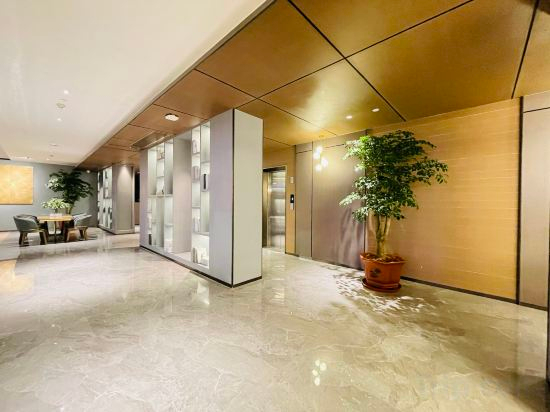
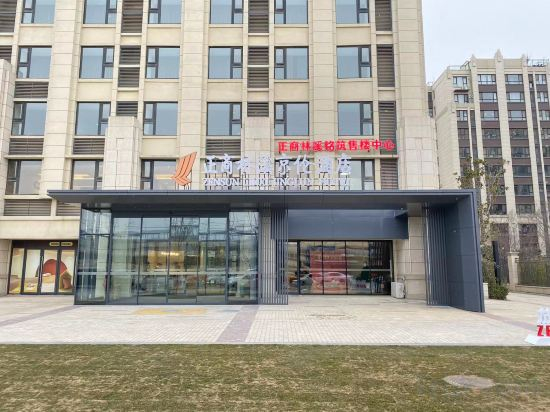

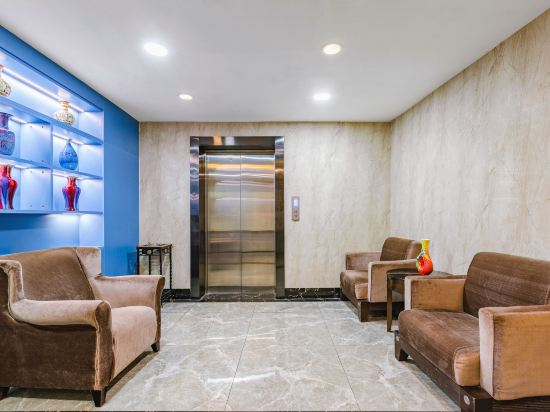
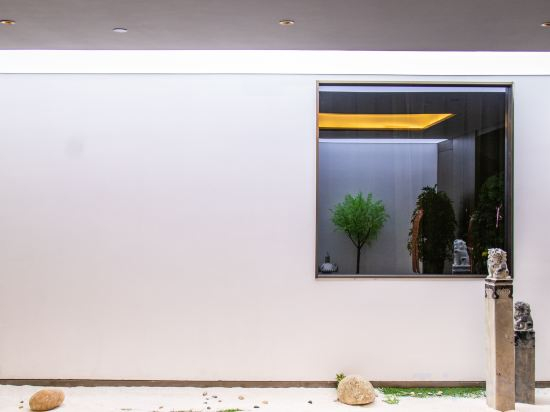
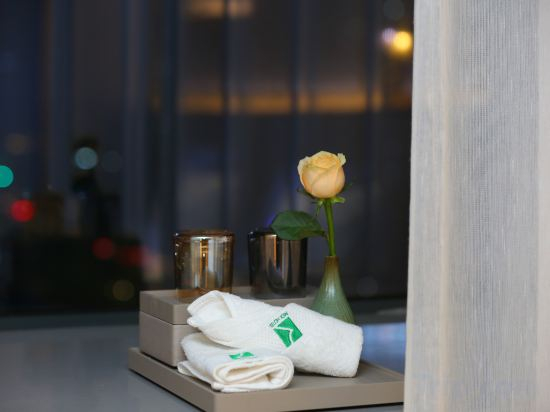
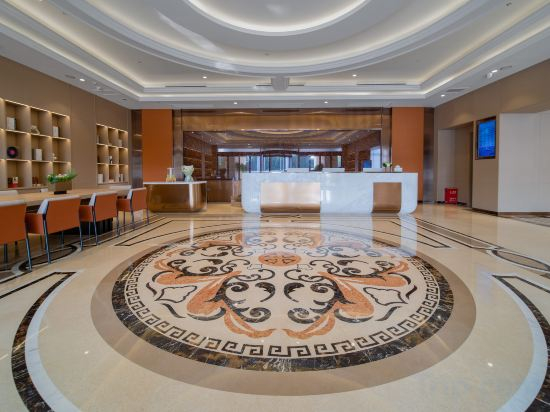
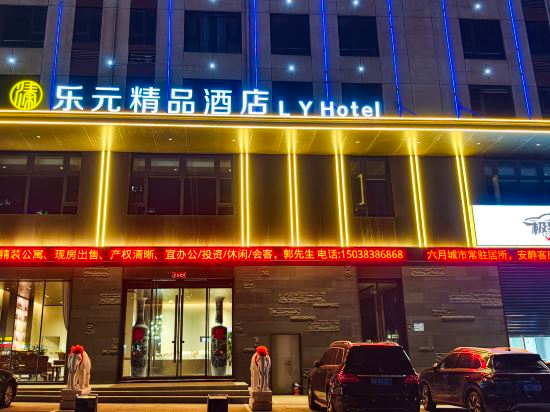
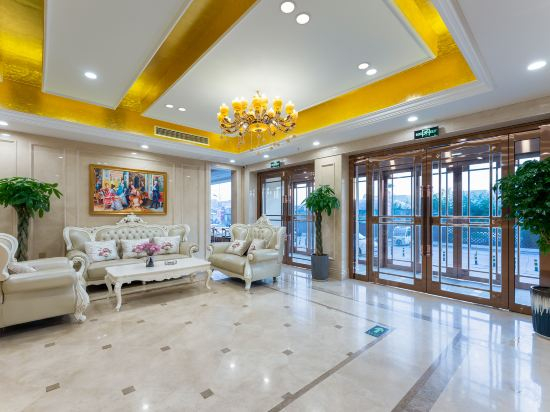
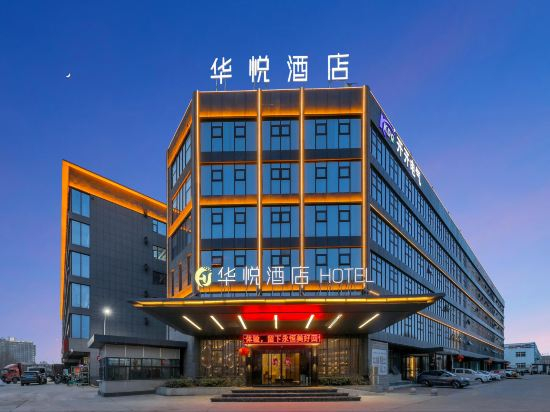
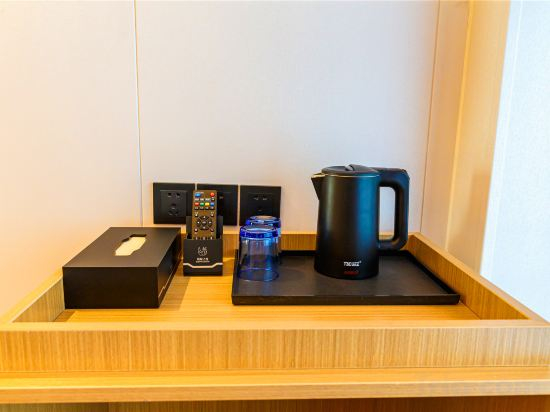
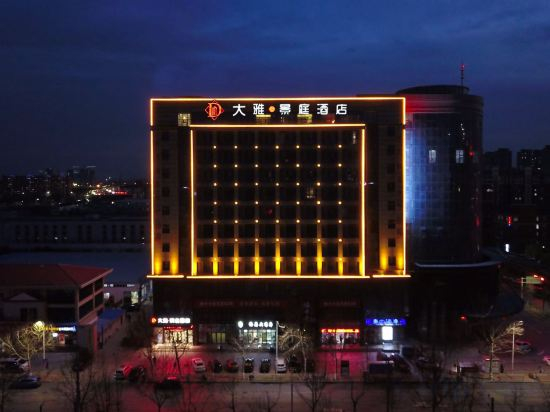
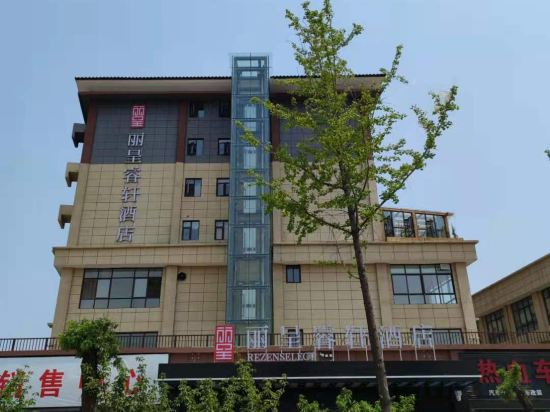
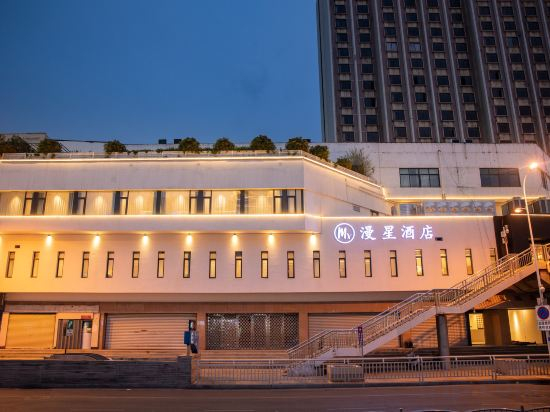

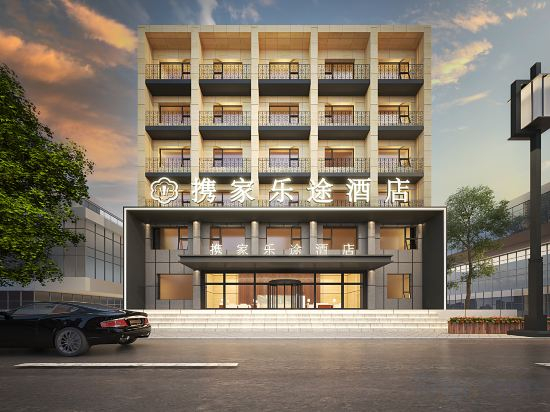
Jinming Hotel (Zhengzhou Shengda Economic and Trade Management College Xiaoqiao Subway Station)
Luky Holiday Homestay (Dengfeng Songshan Scenic Area Branch)
Xana Hotelle Hotel (Zhengzhou Yijia Jiaju Wangzhai Subway Station)
Swan Pearl Hotel (Zhengzhou CBD Convention and Exhibition Center Yanzhuang Metro Station)
Zhengzhou Zhengshang Linxi Jinglun Hotel
Dengfeng songshanli Homestay
Grapefruit Hotel
Hangzheng Hotel (Zhengzhou Xinzheng International Airport Branch)
REX Hotel
You'an Apartment Hotel (Henan Institute of Mechanical and Electrical Engineering)
New Mile Yuan Boutique Hotel
Vienna Hotel (Huanancheng Branch, Zhengzhou)
Xinmi Huayue Hotel
Platinum Whale Yue Hotel (International Logistics Park, Zhengzhou Economic Development Zone)
Daya Jingting Hotel (The Seventh People's Hospital Zhongyuan Fota Branch)
Dengfeng Rezen Select Hotel
Manxing Hotel (Zhengzhou Railway Station Branch)
Dongli City B&B (Zhengzhou Nongye Road Nanyang Xincun Subway Station Branch)
Trip.com Hotel (Xinzheng Xiasi International College Branch)
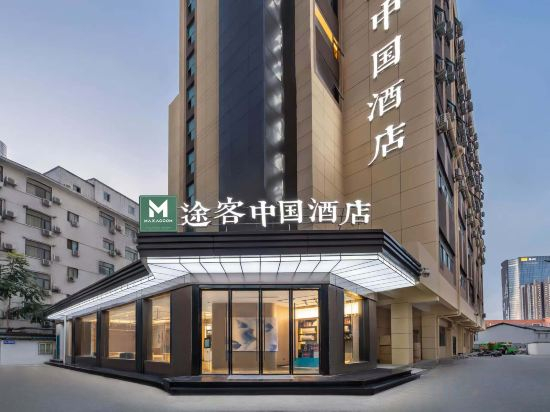
Tuke China Hotel (Zhengzhou Railway Station Erqi Square Branch)
Hotels in Zhengzhou
Don't feel hesitant to book hotels in Zhengzhou at tiket.com! We'll make sure to provide all conveniences you need when doing a room reservation. Book your favourite hotel now only at tiket.com!

How to Book Hotels on tiket.com
1. Find the hotelEnter the name of the city, area, or hotel to find the place you want.
2. Select a roomOn the hotel detail page, you will see the available room options. Select a room that suits your needs.
3. Complete the booking detailsInput the contact details (the person who will be contacted by tiket.com and the hotel about the booking) and the guests’ details.
4. Select Add-onsYou can also buy additional services such as meal packages, transportation, and many more.
5. Pay your bookingSelect the payment method and complete your transaction. Don’t forget to use the promo code to get a cheaper hotel price at tiket.com.
6. Get the reservation e-voucherAfter the payment is successful, the e-voucher will be available on the Your Orders menu and sent to the email listed in the contact details.