



2 Star Hotels in Zhongshan
Showing 296 hotels in Zhongshan
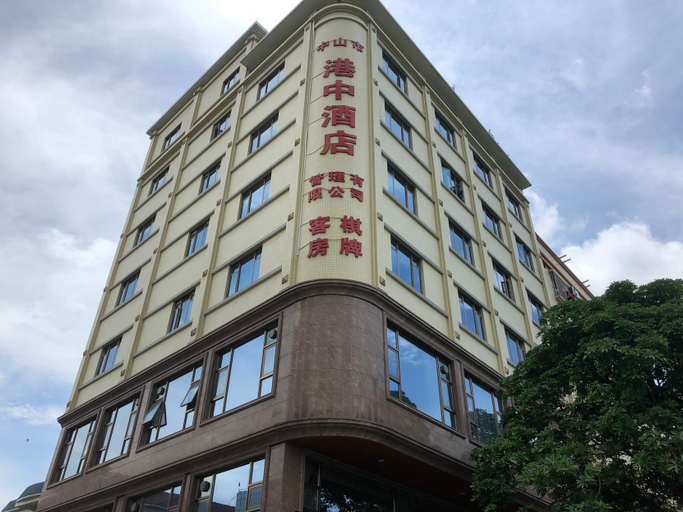
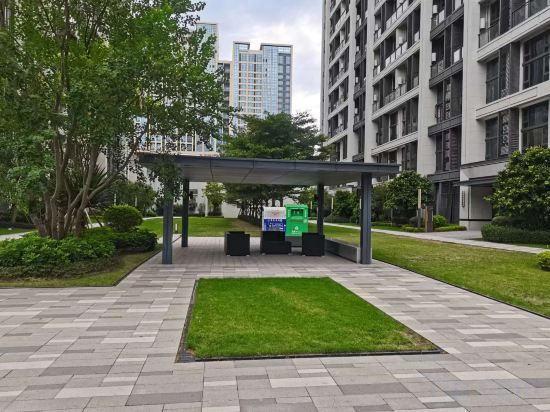
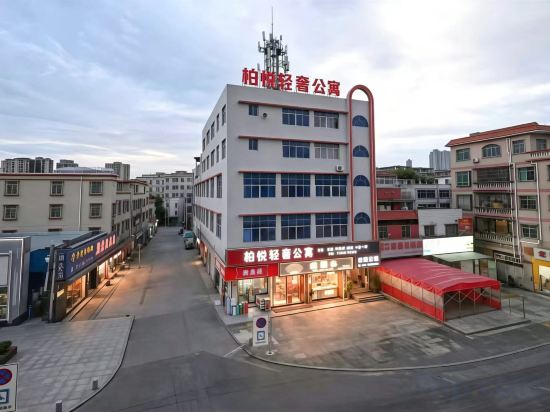
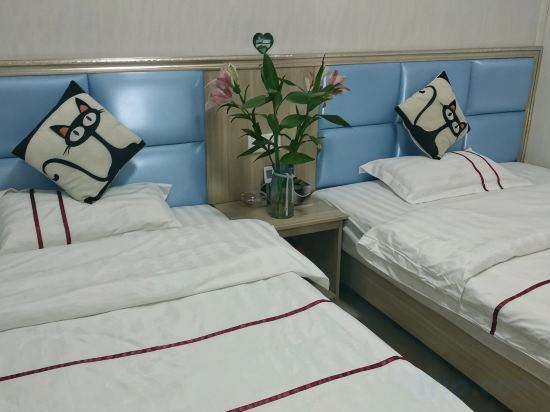
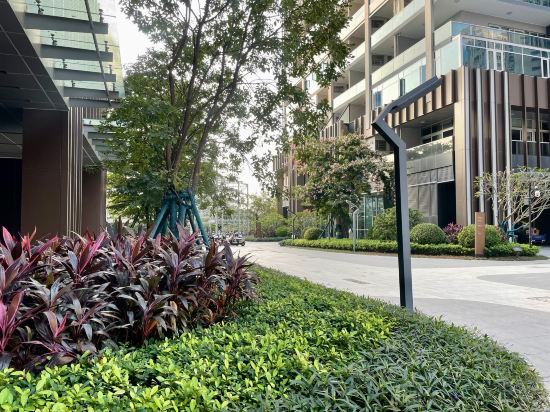
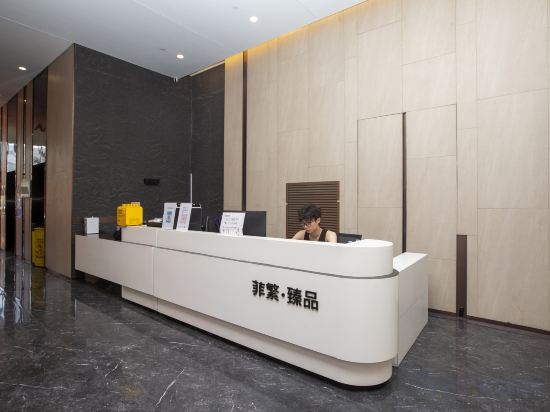
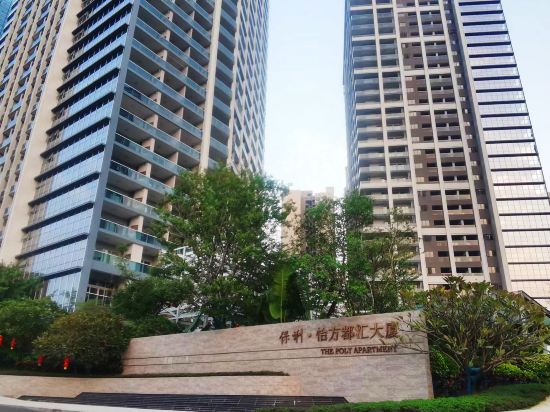
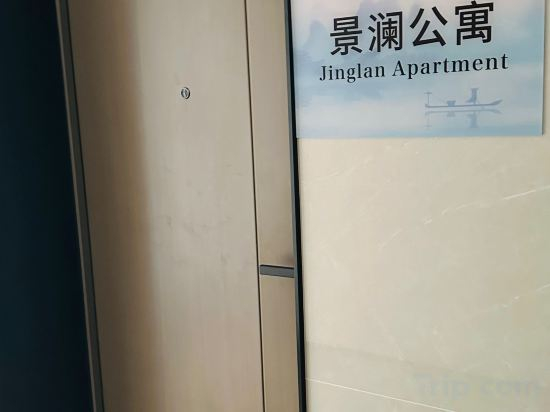
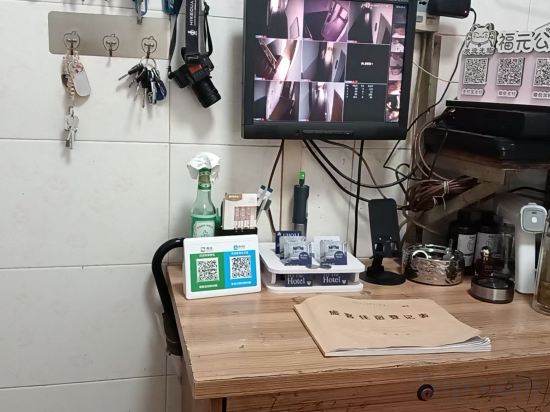
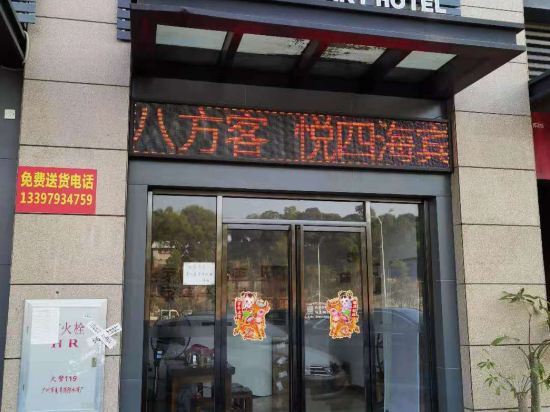
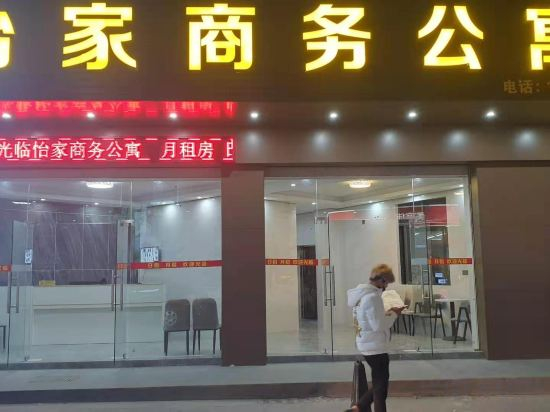
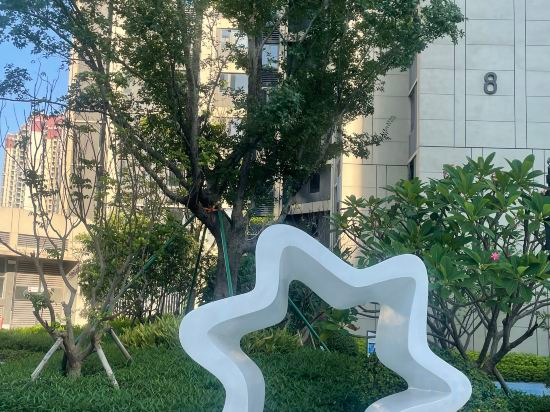
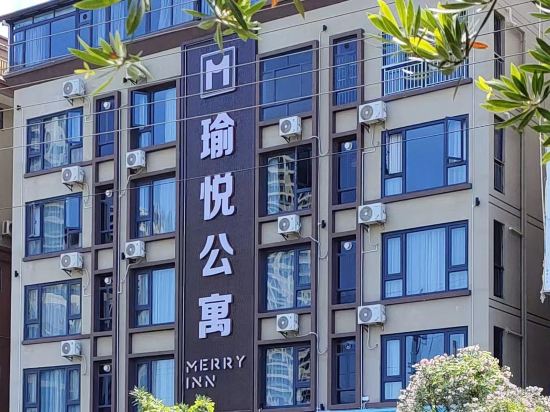
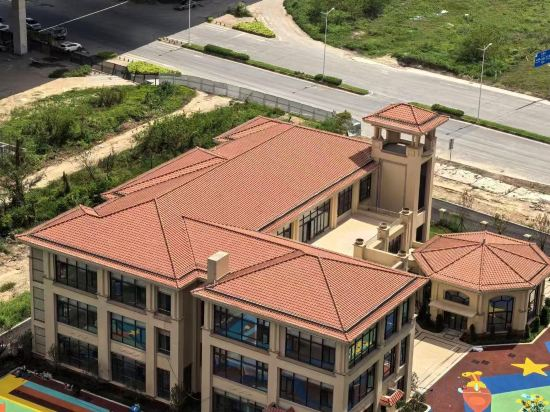
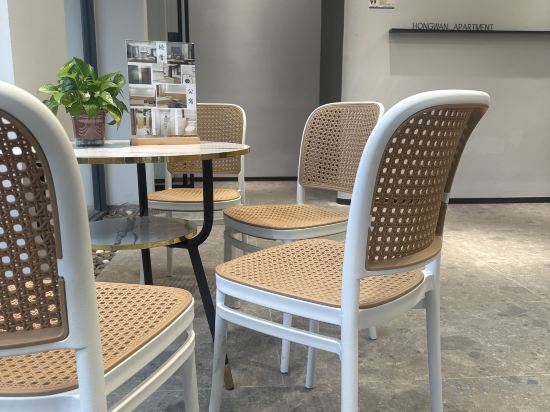
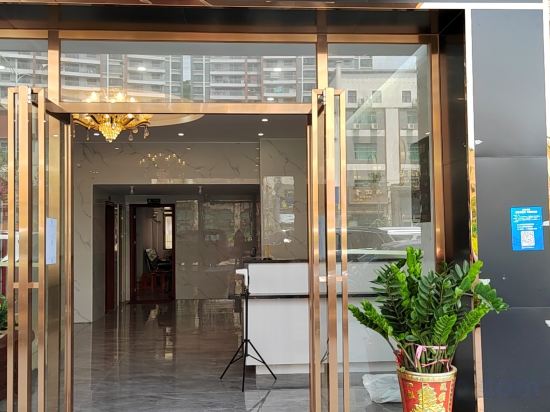
Zhongshan Davis Apartment (Shenwan)
Zhongshan Milan Boutique Apartment
Zhongshan Junyi Business Apartment
Xindu Apartment
Gangzhong Serviced Apartment
Xinrui Apartment (Port Century Village Branch)
Baiyue Light Luxury Apartment (Xinwanyue Shopping Plaza)
Zhongshangang Dongyahao Apartment
Monsoon Select Apartment (Zhongshan Poly Plaza)
Feifan Zhenpin Apartment (Zhongshan Xi Rainbow Avenue)
Chengshi Mofang Apartment (Gangkou Baoli Plaza)
Zhongshan Jinglan Apartment(Poly Plaza Store of Zhongshan North railway station)
Fuyuan Apartment
Zhongshan Fable Home Smart Serviced Apartment
Zhongshan Yijia Business Apartment
Fantisi International Apartment (Zhongshan Zhaoshang Zhenwanfu)
Yuyue Selected Apartment
Fandishi International Apartment (Zhongshan Cuiheng New District Planning Hall Hengda Yuelongwan)
Hongwan Light Luxury Apartment(Zhongshan Hot Spring Resort Store)
Zhongshan Haoyue Apartment

How to Book Hotels on tiket.com
1. Find the hotelEnter the name of the city, area, or hotel to find the place you want.
2. Select a roomOn the hotel detail page, you will see the available room options. Select a room that suits your needs.
3. Complete the booking detailsInput the contact details (the person who will be contacted by tiket.com and the hotel about the booking) and the guests’ details.
4. Select Add-onsYou can also buy additional services such as meal packages, transportation, and many more.
5. Pay your bookingSelect the payment method and complete your transaction. Don’t forget to use the promo code to get a cheaper hotel price at tiket.com.
6. Get the reservation e-voucherAfter the payment is successful, the e-voucher will be available on the Your Orders menu and sent to the email listed in the contact details.