



Hotels in Beijing
Showing 6.000+ hotels in Beijing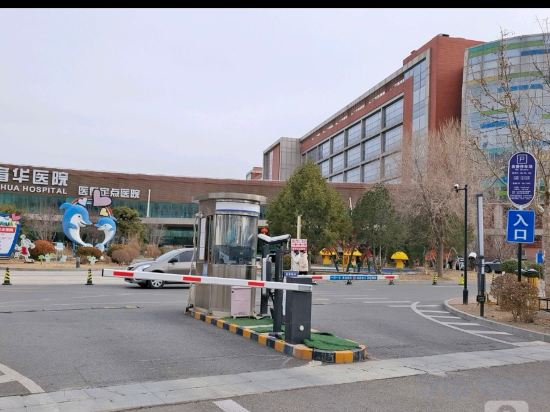
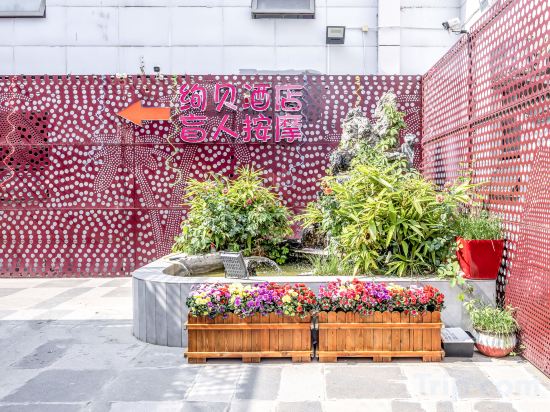
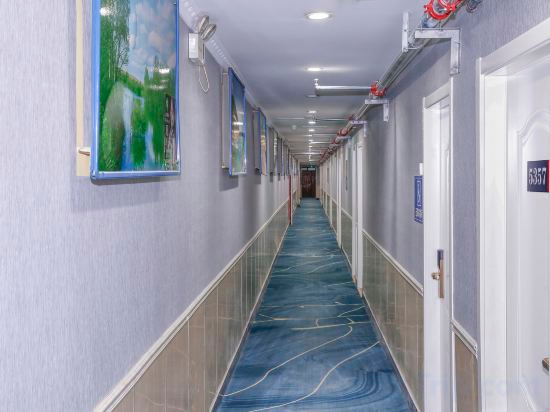
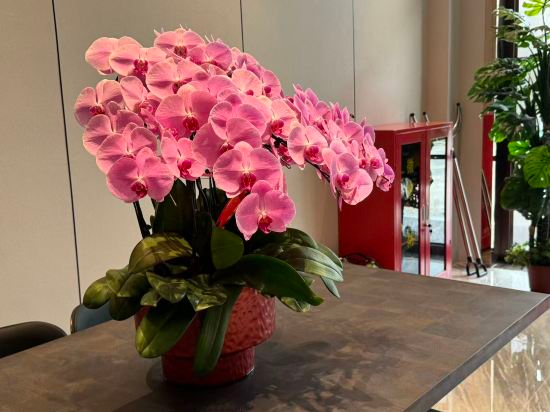
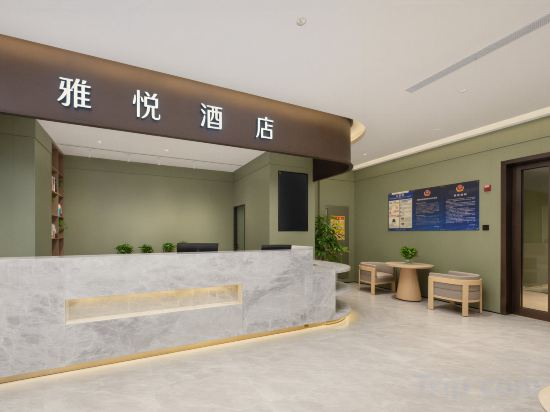
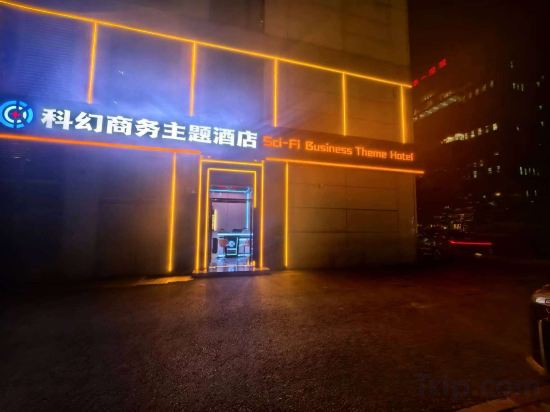
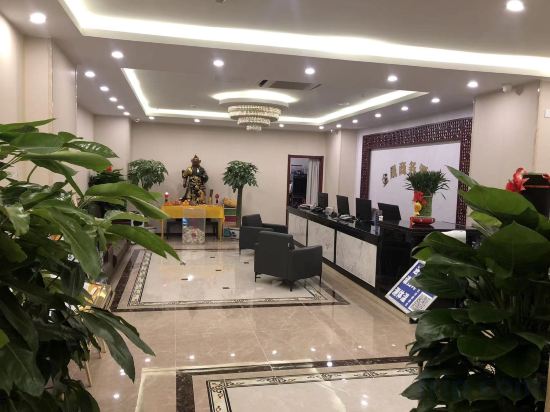
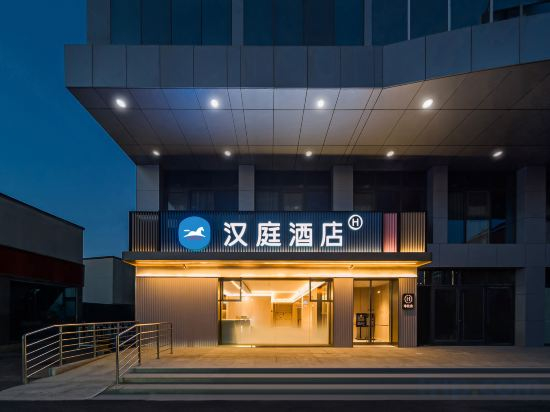
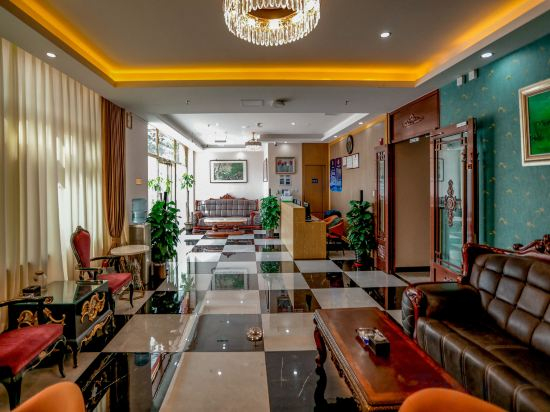
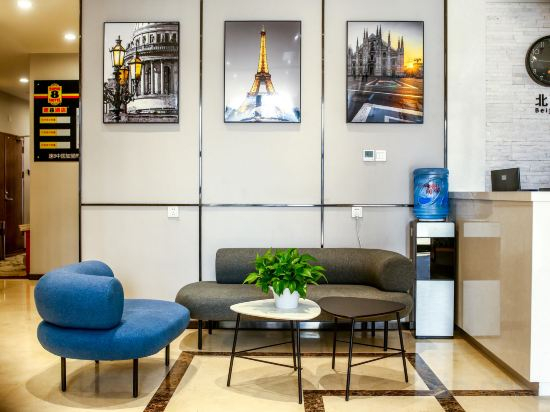
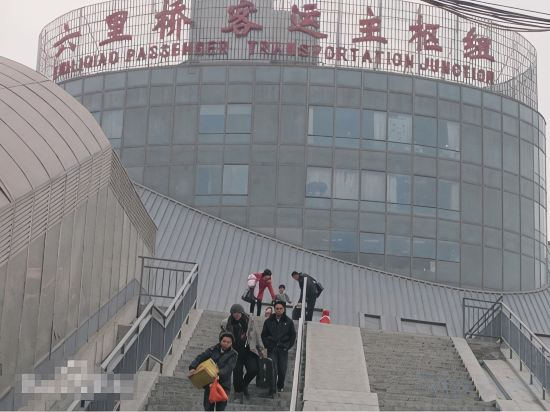
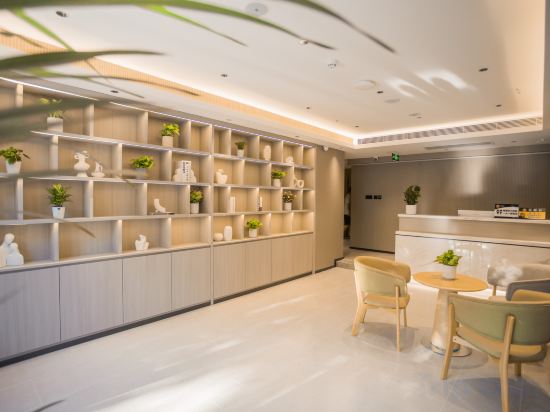
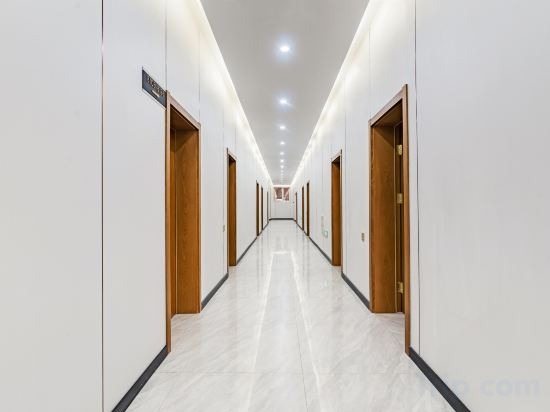
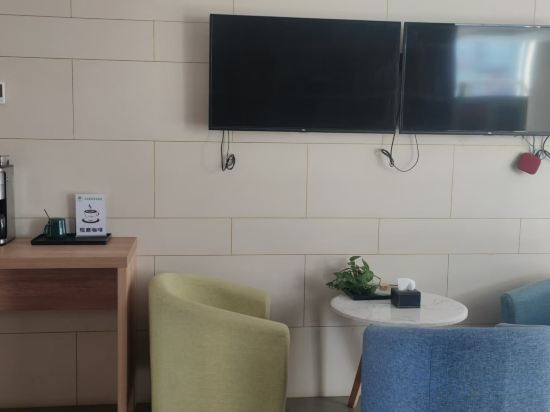
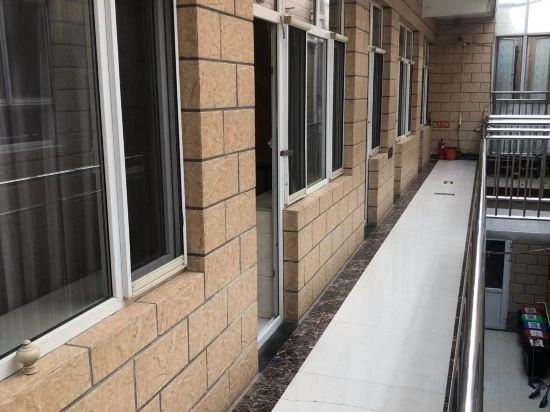
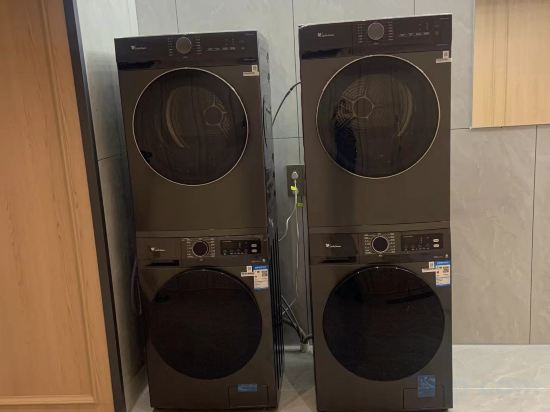
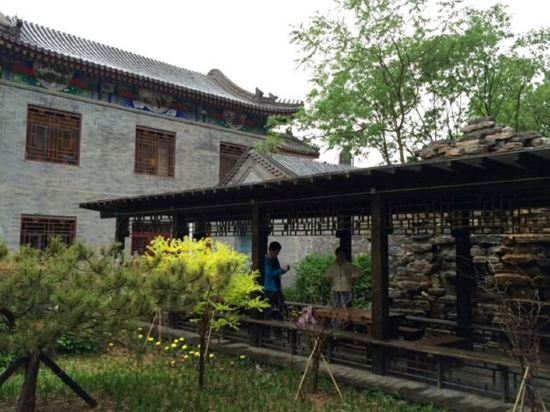
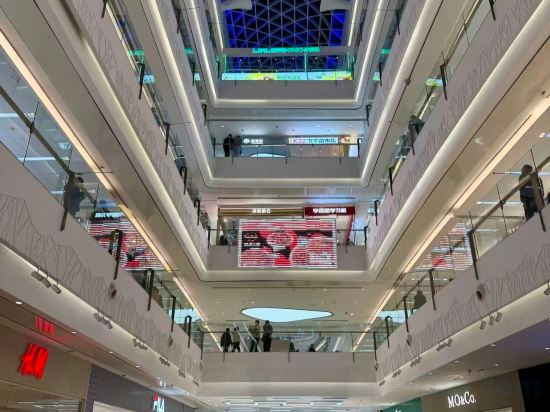
Meimeng Hotel (Beijing Yizhuang Tongren Hospital Rongchang East Street Subway Station)
Beijing Xuanbei Hotel
Elong ME Hotel (Beijing Tongzhou Beiyunhe Xi Subway Station)
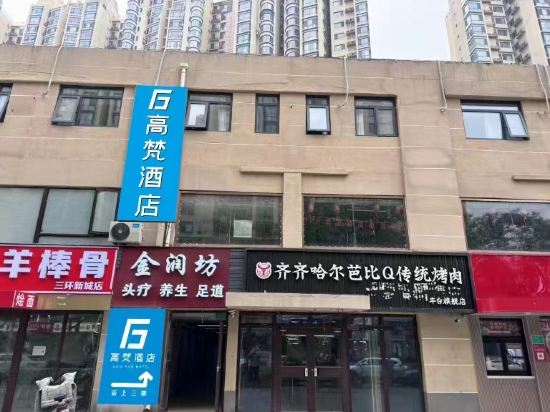
Gaofan Hotel (Beijing Fengtai Railway Station Subway Station)
Super 8 Preferred Hotel (Beijing Jiugong Subway Station Vanke Plaza)
Yayue Hotel (Universal Beijing Resort Linheli Subway Station)
Sci-Fi Business Theme Hotel (Zhongguancun Subway Station)
Jinxu Business Hotel (Fangshan Changyang Branch)
HanTing Hotel (Beijing Yuegezhuang Bridge)
Zhuxiaoding Hotel (Beijing Zhongguancun Renmin University Subway Station)
Beijing Laiyueshiguang Hotel
Super 8 Hotel (Beijing New International Exhibition Center Ditan Hospital)
Hewei Boutique Hotel (Beijing Fengtai Railway Station, Fengtai Dongdajie Metro Station
Xinji business hotel
Lizhi Hotel (Dushe Branch, Maijiaoqiao, Tongzhou, Beijing)
GreenTree Zhixuan Hotel (Beijing Fangshan District Doudian Road Jinxinyuan)
Beijing Suyan Hotel
Jingshun Hotel (Beijing Fengtai Integrated Traditional Chinese and Western Medicine Hospital)
Jiafu Binshe Hotel
Youkelai Hotel (Beijing Changping Subway Station)
Hotels in Beijing
Don't feel hesitant to book hotels in Beijing at tiket.com! We'll make sure to provide all conveniences you need when doing a room reservation. Book your favourite hotel now only at tiket.com!

How to Book Hotels on tiket.com
1. Find the hotelEnter the name of the city, area, or hotel to find the place you want.
2. Select a roomOn the hotel detail page, you will see the available room options. Select a room that suits your needs.
3. Complete the booking detailsInput the contact details (the person who will be contacted by tiket.com and the hotel about the booking) and the guests’ details.
4. Select Add-onsYou can also buy additional services such as meal packages, transportation, and many more.
5. Pay your bookingSelect the payment method and complete your transaction. Don’t forget to use the promo code to get a cheaper hotel price at tiket.com.
6. Get the reservation e-voucherAfter the payment is successful, the e-voucher will be available on the Your Orders menu and sent to the email listed in the contact details.