



Hotels in Henan
Showing 6.000+ hotels in Henan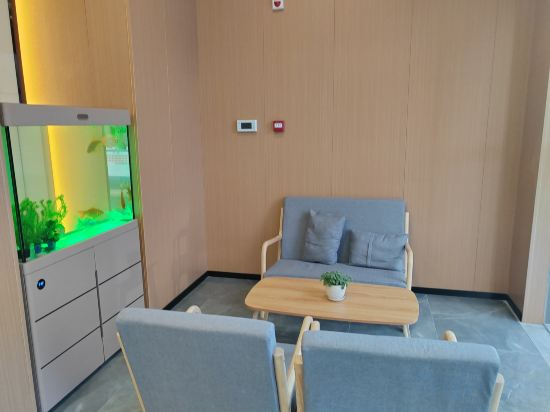

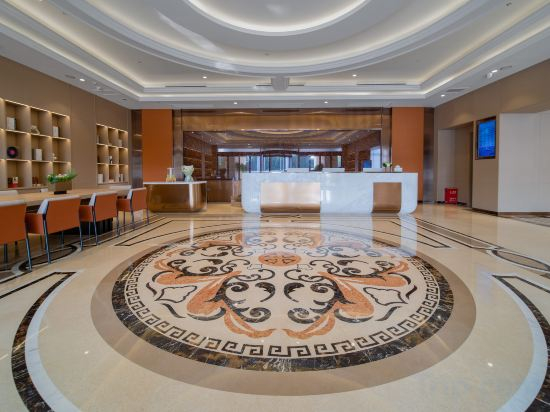
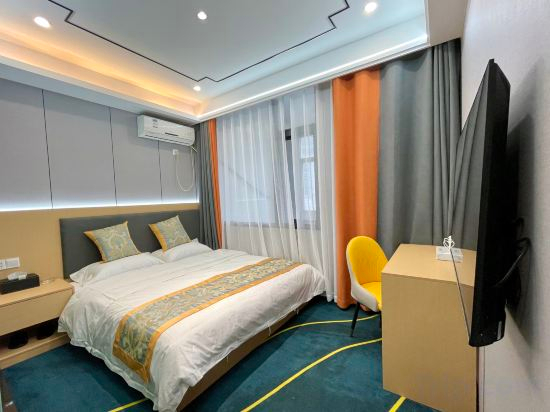

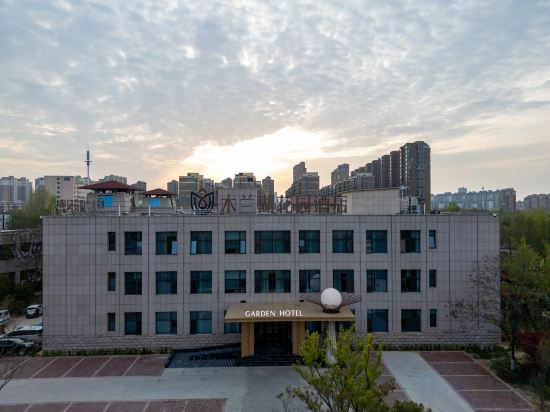

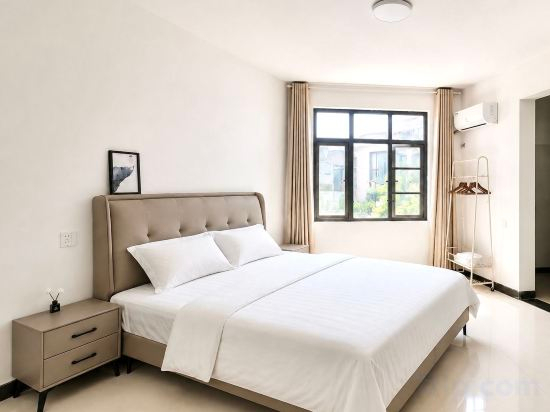
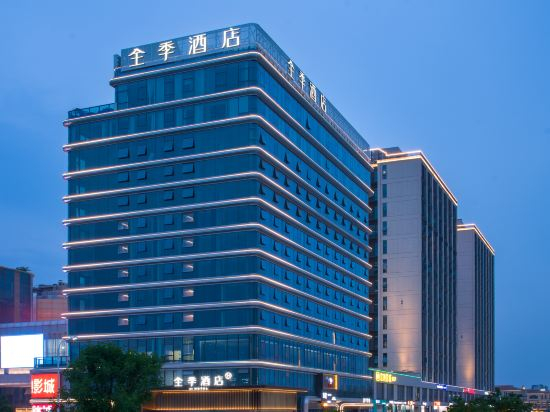
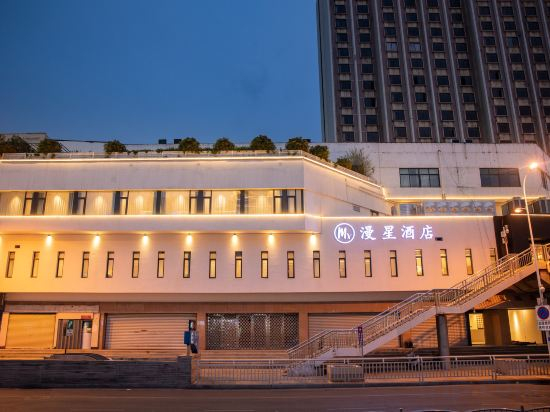


GreenTree Select Hotel (Luoyang Wangcheng Park Train Station)
JI Hotel Zhumadian Zhongjun World City Hotel
You'an Apartment Hotel (Henan Institute of Mechanical and Electrical Engineering)
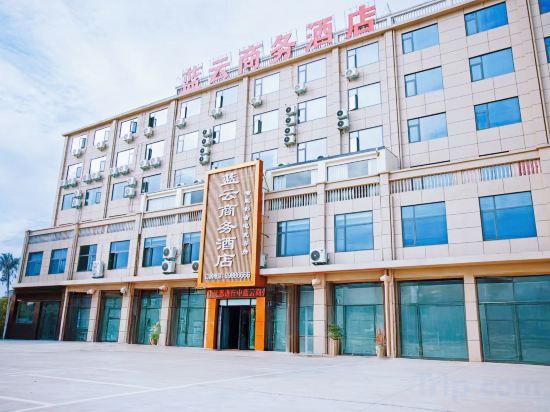
Xixia Lanyun Business Hotel (Nanyang Vocational College)
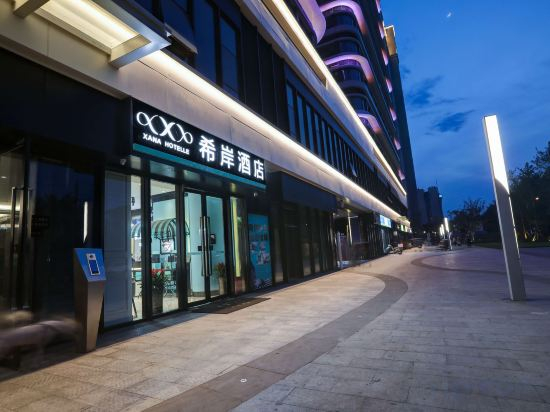
Xana Hotelle (East futi subway station, wanjincheng, Zhengzhou)
HiGo E-sports Hotel (Gushi Hongsu Avenue)
JI Zhengzhou High Tech Zone Light Industry University Subway Station Hotel
Yucheng Mulan Lake Garden Hotel (Yucheng County Government Store)
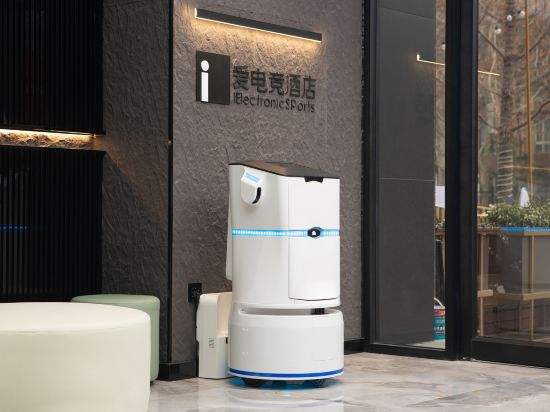
i Electronic Sports Hotel (Zhengzhou Huayuan Road Grand Emporium)
Hotel Introduction Description
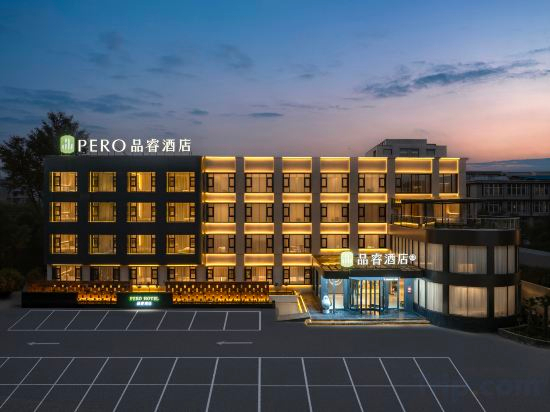
Pero Hotel (Luohe Dennis Yellow River Plaza)
Jinshui Tianmu Hotel (Xinyi Road Zhengzhou East High-speed Railway Station)
SenYuanHotel
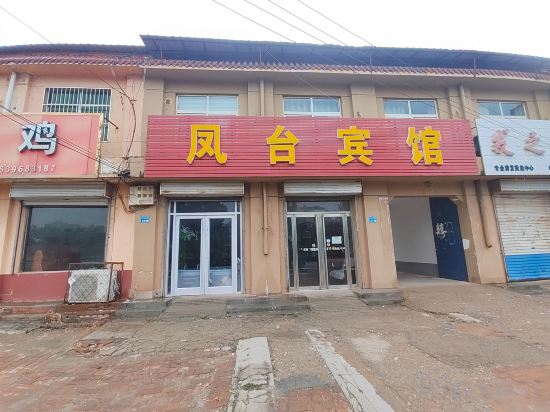
Fengtai Hotel (Taiqian Railway Station)
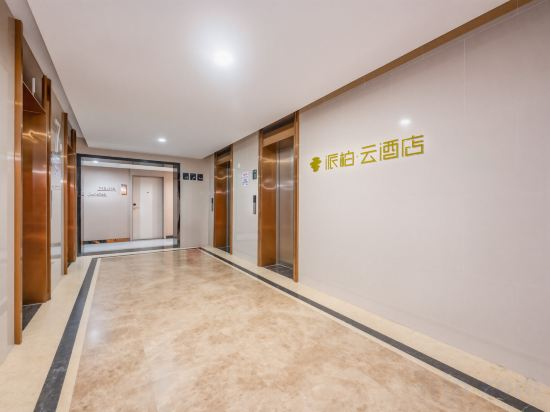
Paibo Yun Hotel (Zhengzhou Huiji Wanda Plaza)
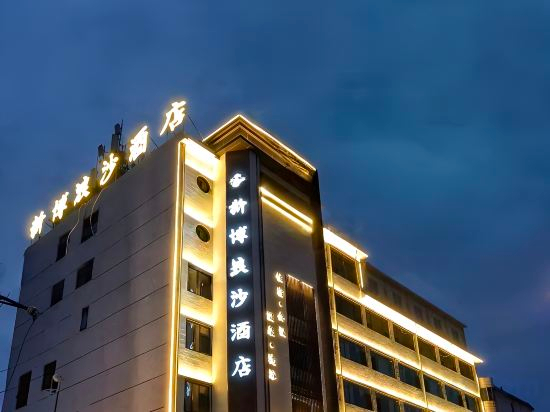
Xinbolangsha Hotel (DL Pangdonglai · Dapang Store)
Xisi Homestay
All Seasons Luohe West Station Wanda Plaza Hotel
Manxing Hotel (Zhengzhou Railway Station Branch)
HanTing Hotel (Luoyang Wangcheng Dadao Jiudu Zhong Road)
QIANNA HOTEL GLORIOUS(Jiaxian Sports Park Branch)
Hotel Introduction Description
Hotels in Henan
Don't feel hesitant to book hotels in Henan at tiket.com! We'll make sure to provide all conveniences you need when doing a room reservation. Book your favourite hotel now only at tiket.com!

How to Book Hotels on tiket.com
1. Find the hotelEnter the name of the city, area, or hotel to find the place you want.
2. Select a roomOn the hotel detail page, you will see the available room options. Select a room that suits your needs.
3. Complete the booking detailsInput the contact details (the person who will be contacted by tiket.com and the hotel about the booking) and the guests’ details.
4. Select Add-onsYou can also buy additional services such as meal packages, transportation, and many more.
5. Pay your bookingSelect the payment method and complete your transaction. Don’t forget to use the promo code to get a cheaper hotel price at tiket.com.
6. Get the reservation e-voucherAfter the payment is successful, the e-voucher will be available on the Your Orders menu and sent to the email listed in the contact details.