



Hotels in Henan
Showing 6.000+ hotels in Henan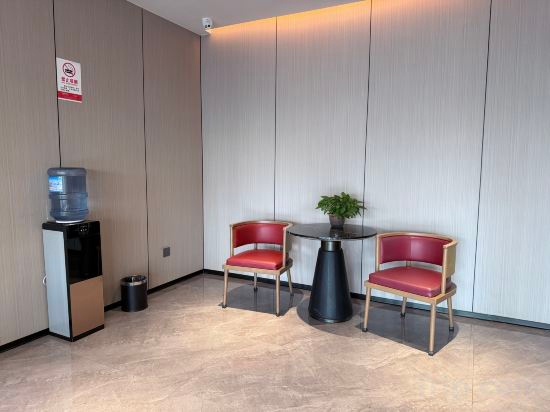
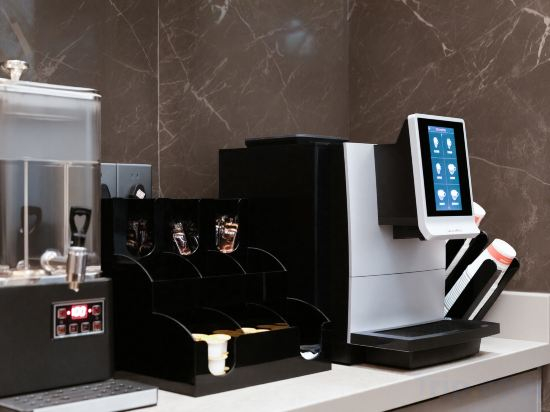
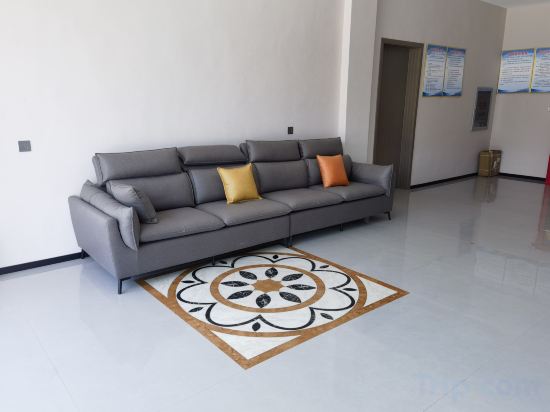

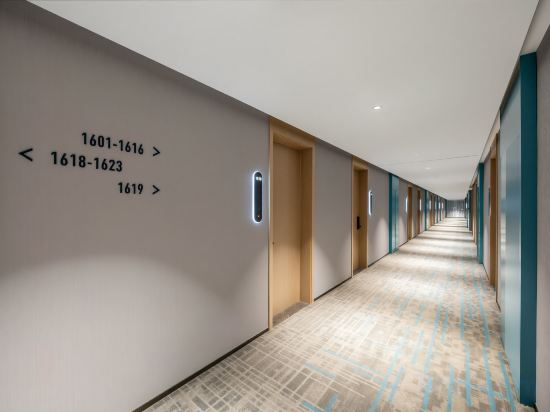
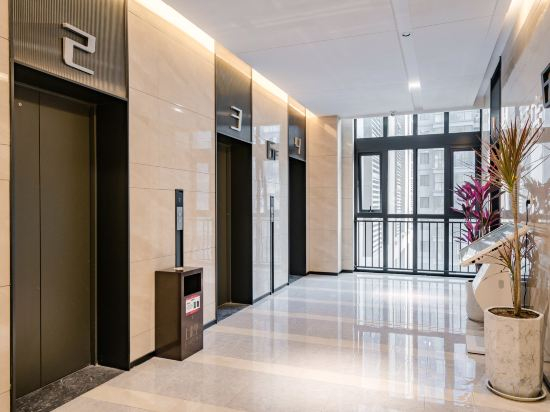
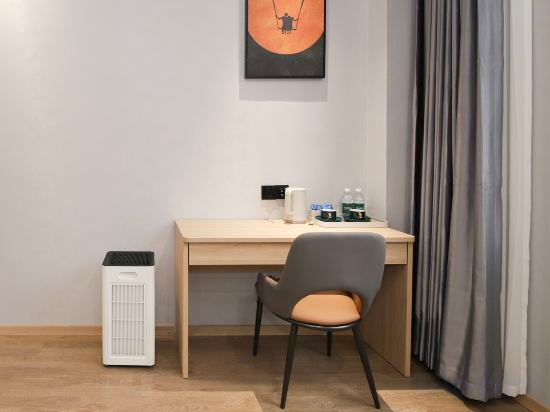
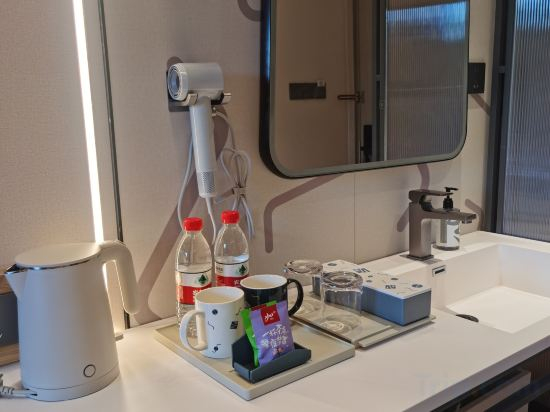
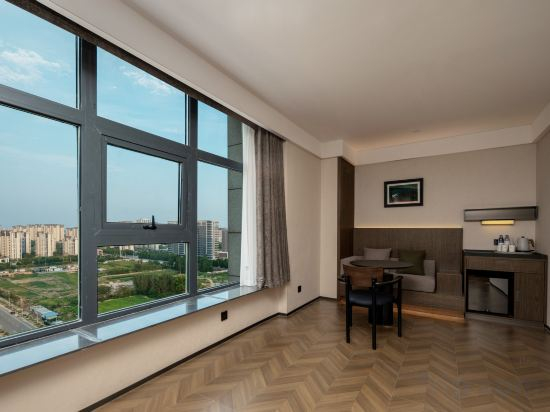
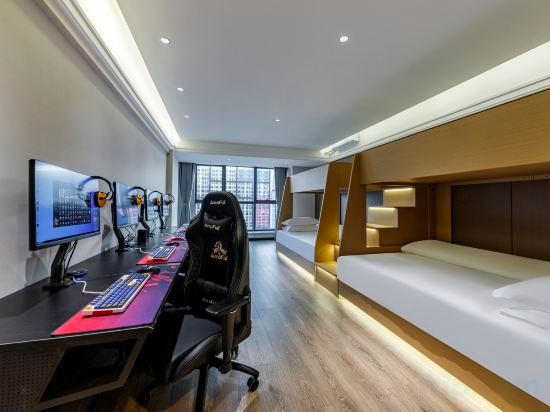


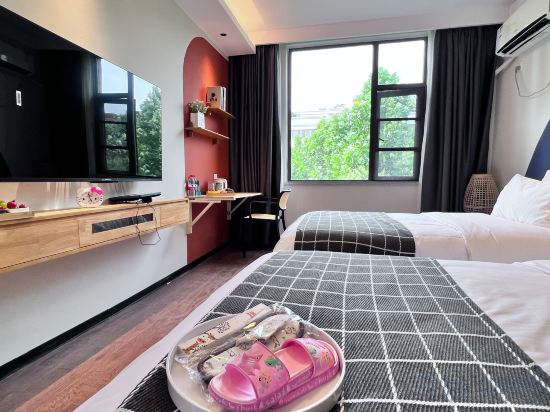


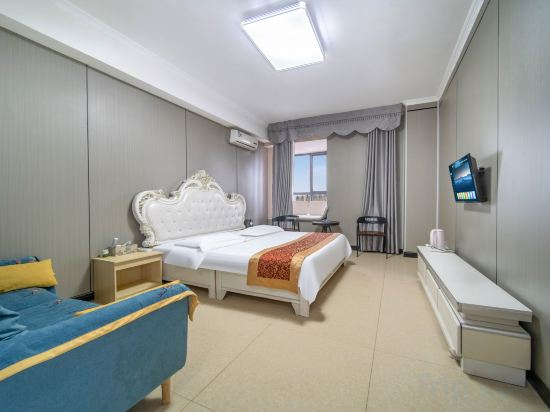
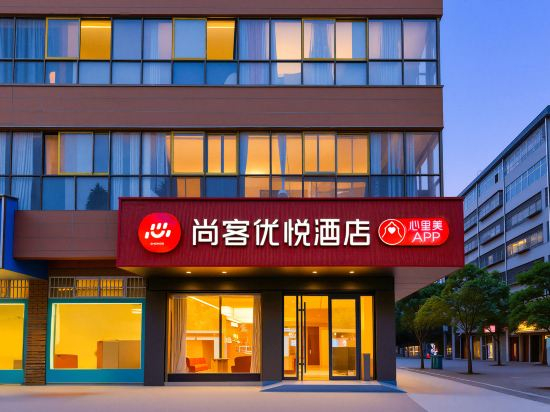
Junyi Hotel
Luoyang Wanye Hotel
Hotel Axi Neixiang
Mopan Mountain Memory Homestay
Jinjiang Country Inn & Suites by Radisson Hotel (Xinxiang Huixian Qunxin Tiandi Shopping Center)
Lantu Hotel (Shangdong International)
Meizhi Hotel (Zhumadian Municipal Government Hualong International Branch)
Homeinn Selected Hotel (Luoyang Longmen High-Speed Railway Station)
Minghe Dongyue Hotel (Zhengzhou Zhongmu Zhengkai Avenue Lvboyuan Station)
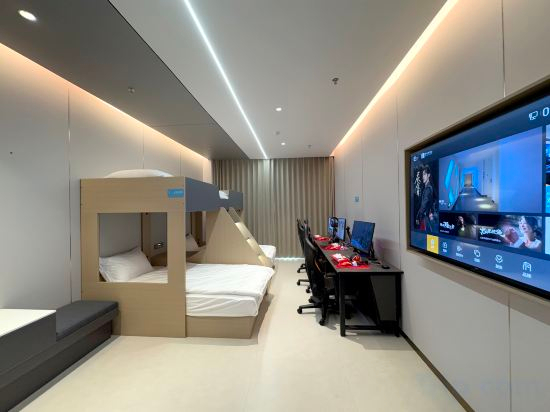
Haoer E-sports Hotel (High-tech Wanda Science Avenue Branch)
Musen Boutique Executive Apartment (Zhengzhou East Railway Station & Provincial Orthopedic Hospital)
Fengzeyuan Business Hostel
Huajian Meisu Hotel (Xinyang Railway Station Tianrun Plaza)
Starway Hotel (Xiangcheng Biao Hotel)
Jinjiang Inn (Anyang Neihuang County GovJinjiang Inn, Anyang Neihuang County Government Store
Haitang Preferred Movie Homestay (Zhenghonghui Poly Cultural Plaza)
Shangkeyouyue Hotel ( Shangqiu Yongcheng Minzhu Road Branch)
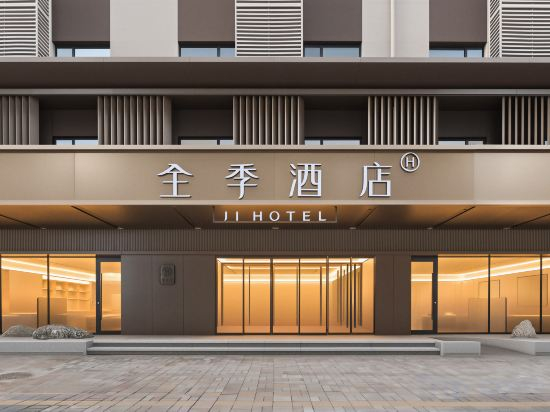
JI Hotel (Zhengzhou North Third Ring Aquarium)
Oak Impression Hotel (Nanyang Wanda Plaza Yishengci Branch)
i Electronic Sports Hotel (Zhumadian High-speed Railway West Station)
Hotels in Henan
Don't feel hesitant to book hotels in Henan at tiket.com! We'll make sure to provide all conveniences you need when doing a room reservation. Book your favourite hotel now only at tiket.com!

How to Book Hotels on tiket.com
1. Find the hotelEnter the name of the city, area, or hotel to find the place you want.
2. Select a roomOn the hotel detail page, you will see the available room options. Select a room that suits your needs.
3. Complete the booking detailsInput the contact details (the person who will be contacted by tiket.com and the hotel about the booking) and the guests’ details.
4. Select Add-onsYou can also buy additional services such as meal packages, transportation, and many more.
5. Pay your bookingSelect the payment method and complete your transaction. Don’t forget to use the promo code to get a cheaper hotel price at tiket.com.
6. Get the reservation e-voucherAfter the payment is successful, the e-voucher will be available on the Your Orders menu and sent to the email listed in the contact details.