



3 Star Hotels in Bari
Showing 448 hotels in Bari

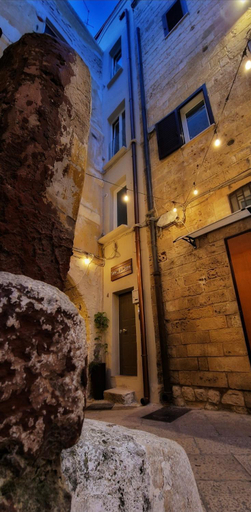
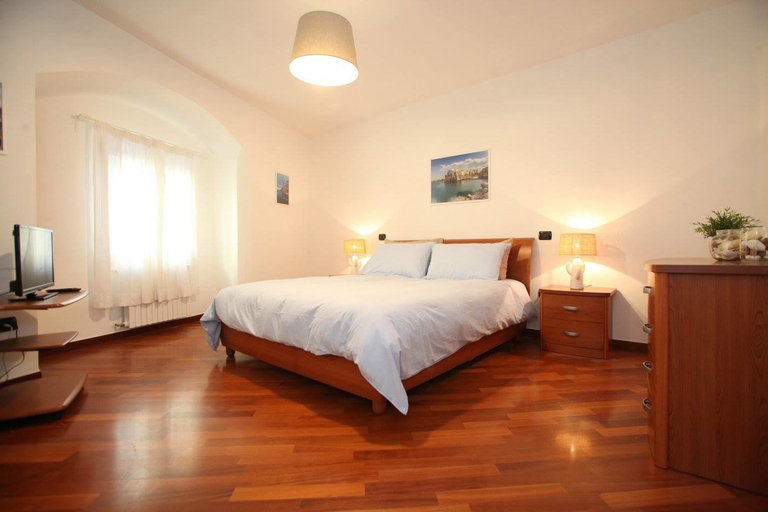
Crisanzio 80
The Plus #3 HOWME
Luxury Room
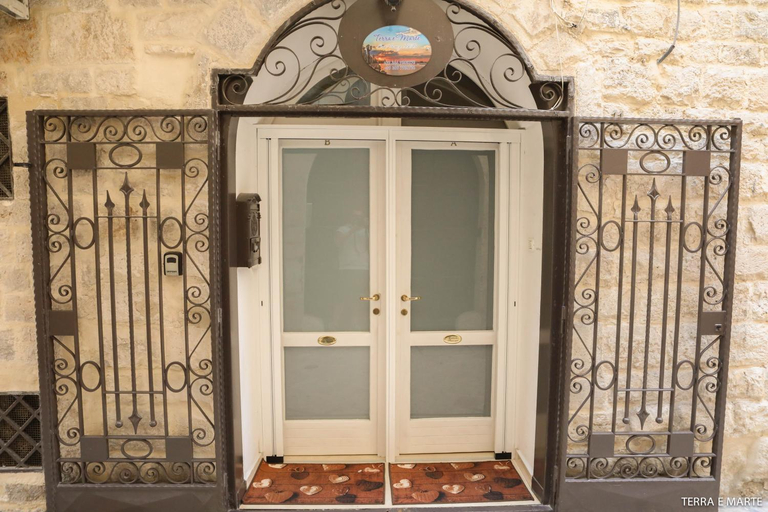
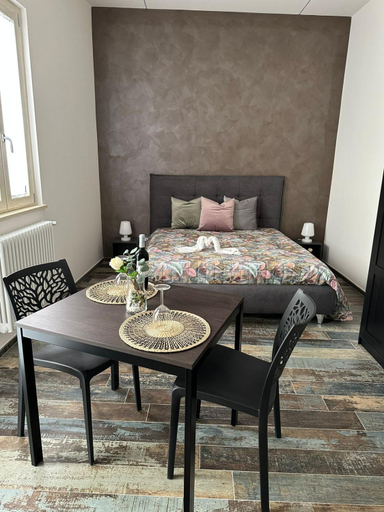
Terra e Marte casa vacanza
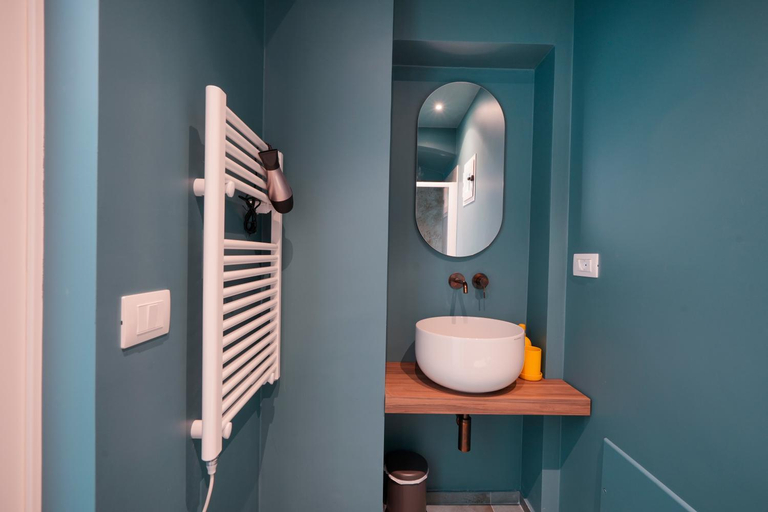
Rooms at Terra e Marte casa vacanza are equipped with AC, TV, and refrigerator. The bathroom is fitted with free toiletries and hair dryer.
La casa del Sole
Home J&J
Bari Holiday Deluxe
Suite Torre Arcobasso
Due Passi Dal Borgo Antico
Spaziosa casa antica
Palazzo De Rossi
DimoraMadonnella
Domus Garruba - Casa Vacanze Bari
Located in Bari, Domus Garruba - Casa Vacanze Bari offers accommodation with easy access to Bari’s best spots. The property features elevator, children facility, and kitchen.
Rooms at Domus Garruba - Casa Vacanze Bari are equipped with AC, TV, and refrigerator. The bathroom is fitted with free toiletries and hair dryer.
See detailsResidenza Giovanni Paolo Secondo- Casa sull’albero
Bienvenue a Bari!
The rooms feature (a) AC, TV, and refrigerator. The en suite bathroom comes with (a) bathtub, free toiletries, and hair dryer.
Historic Bari for three - DF Room Borgo Antico
La Perla di Ele
Il Rifugio Del Conte
SUITE 22
Rooms at SUITE 22 are equipped with AC, TV, and refrigerator. The bathroom is fitted with free toiletries and hair dryer.
Kellas home
Rooms at Kellas home are equipped with AC, TV, and refrigerator. The bathroom is fitted with free toiletries and hair dryer.

How to Book Hotels on tiket.com
1. Find the hotelEnter the name of the city, area, or hotel to find the place you want.
2. Select a roomOn the hotel detail page, you will see the available room options. Select a room that suits your needs.
3. Complete the booking detailsInput the contact details (the person who will be contacted by tiket.com and the hotel about the booking) and the guests’ details.
4. Select Add-onsYou can also buy additional services such as meal packages, transportation, and many more.
5. Pay your bookingSelect the payment method and complete your transaction. Don’t forget to use the promo code to get a cheaper hotel price at tiket.com.
6. Get the reservation e-voucherAfter the payment is successful, the e-voucher will be available on the Your Orders menu and sent to the email listed in the contact details.