



Hotels in Cagliari
Showing 554 hotels in Cagliari

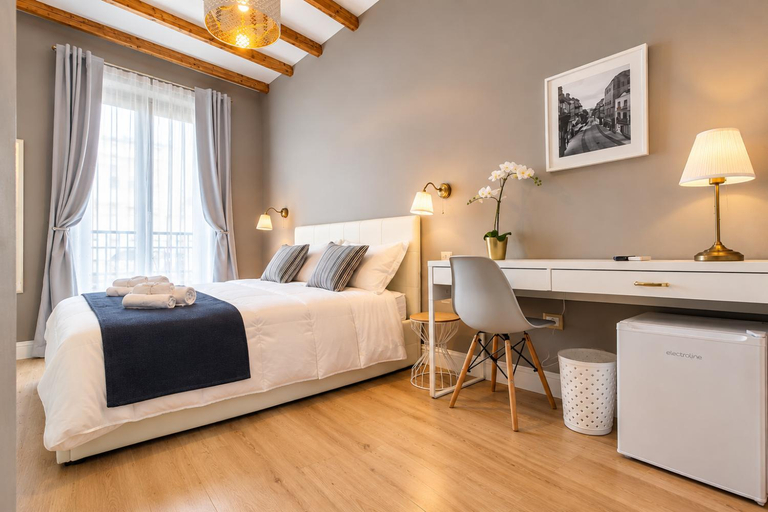
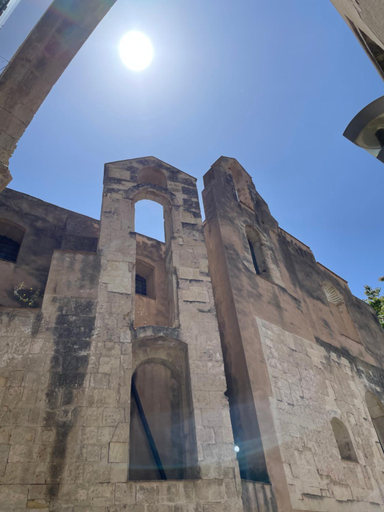
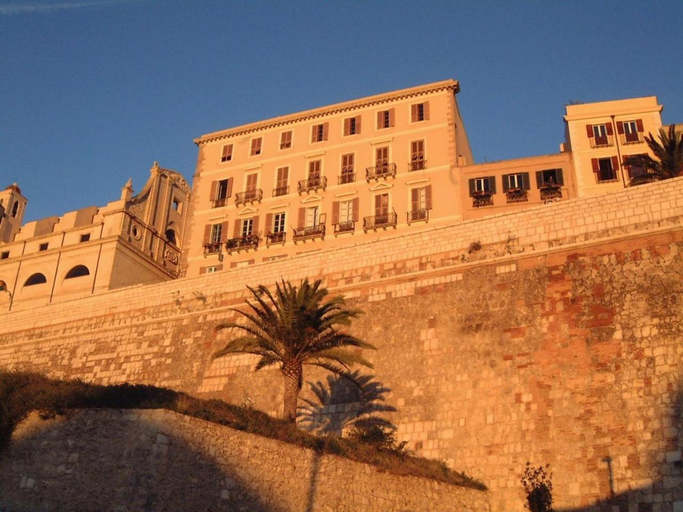
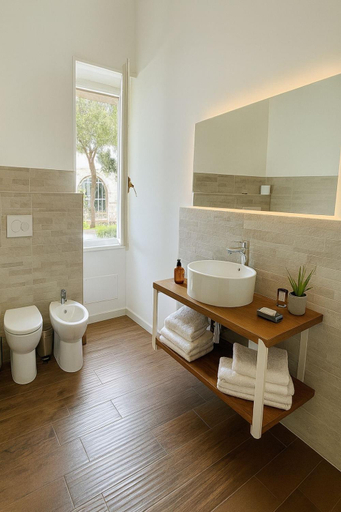
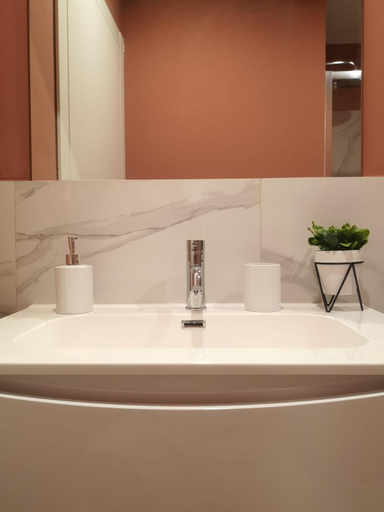
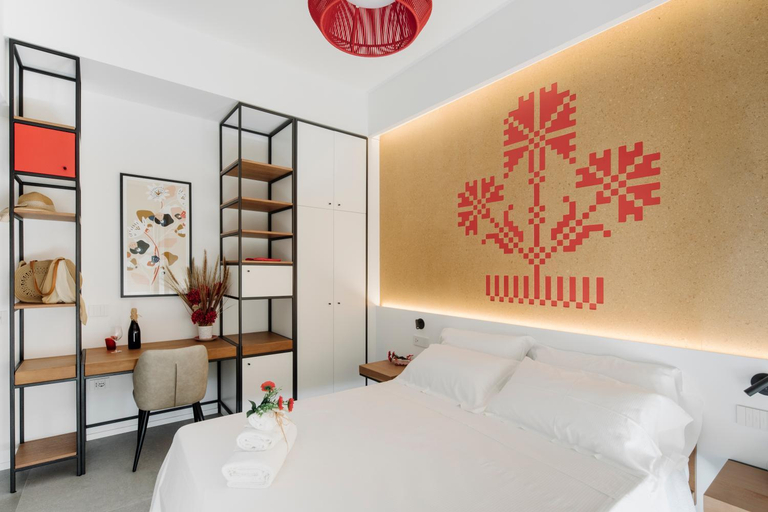
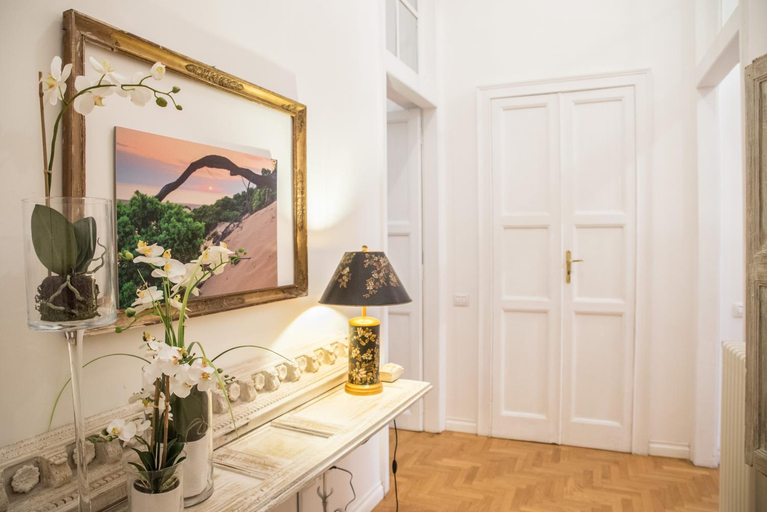
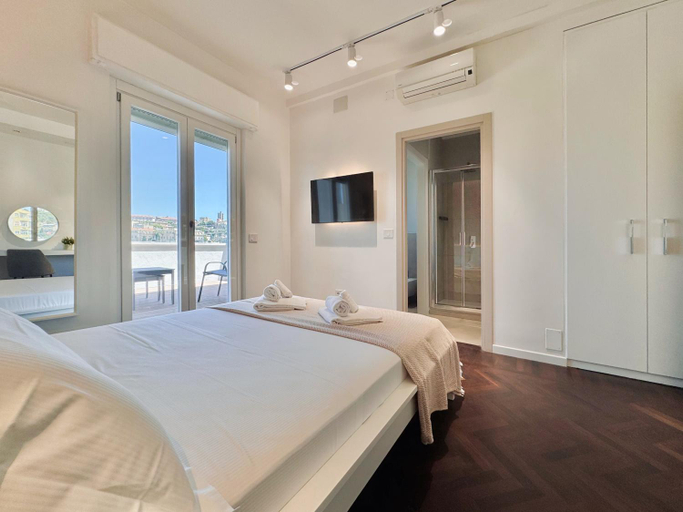
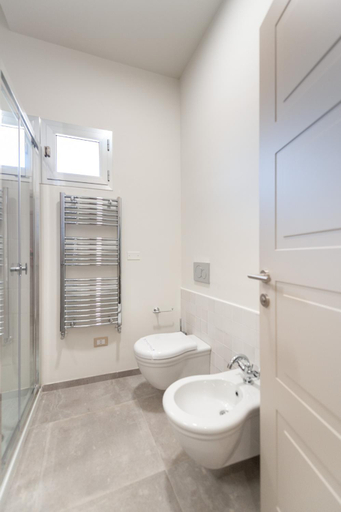
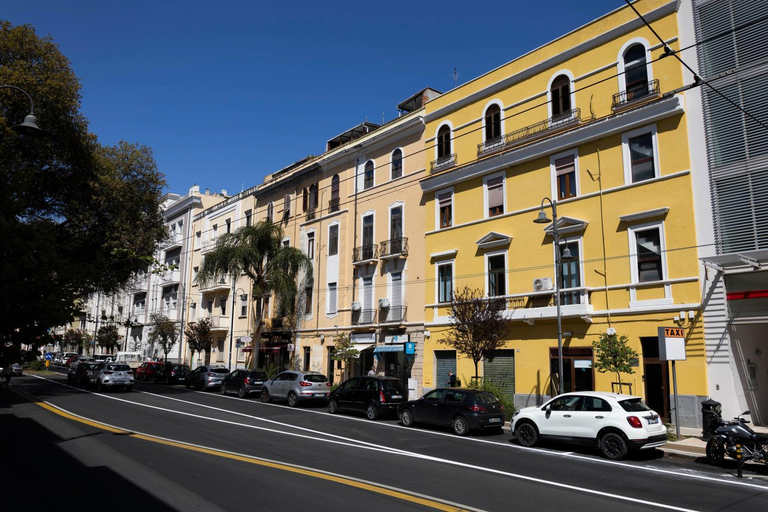
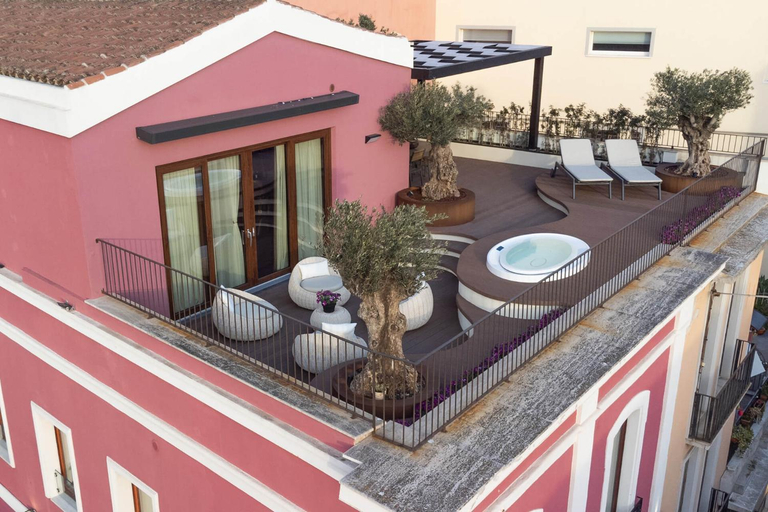
C&O Savoia Deluxe Rooms
KRLY Rooms Cagliari - Adults only - Parcheggio
LuxurYenne
PiazzaItaliaSuite appartamento con terrazza
Lamarmora 26
Manno Rooms Affittacamere
Luxury Loft 35
Eva Luxury Bastione
Banus Rooms
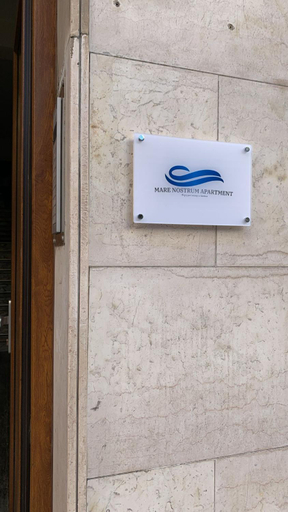
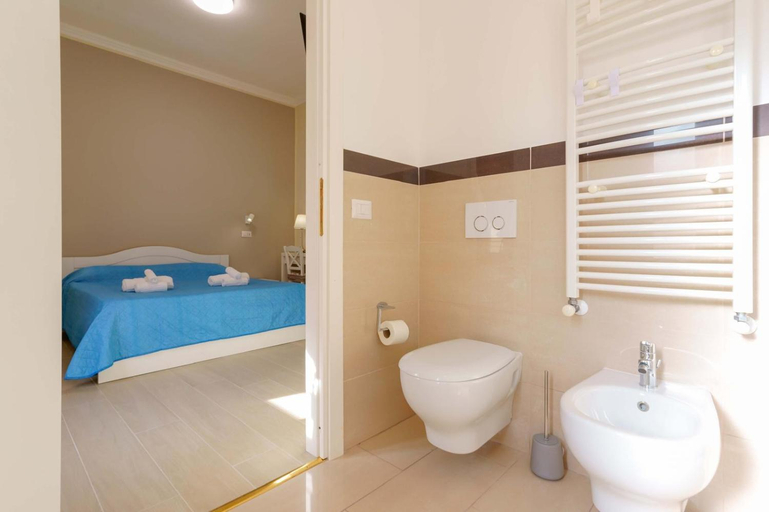
Mare Nostrum
Affittacamere 5 Stelle
Located in Cagliari, Affittacamere 5 Stelle offers accommodation with easy access to Cagliari’s best spots. The property features restaurant, WiFi, and elevator.
Guests can enjoy washing machine and hotel safe during the course of their stay. Services such as airport transfer (free) and first aid kit are provided at the property.
See detailsP 25
BB22 Cagliari
ISTAI Cagliari City Center Rooms
temporas Design Rooms
Sardinia Home Design
Mameli View Cagliari
DOMO SOFIA
Sardinian Days - Suites & Rooms
Palazzo Ferrucci Luxury Suites
Hotels in Cagliari
Don't feel hesitant to book hotels in Cagliari at tiket.com! We'll make sure to provide all conveniences you need when doing a room reservation. Book your favourite hotel now only at tiket.com!

How to Book Hotels on tiket.com
1. Find the hotelEnter the name of the city, area, or hotel to find the place you want.
2. Select a roomOn the hotel detail page, you will see the available room options. Select a room that suits your needs.
3. Complete the booking detailsInput the contact details (the person who will be contacted by tiket.com and the hotel about the booking) and the guests’ details.
4. Select Add-onsYou can also buy additional services such as meal packages, transportation, and many more.
5. Pay your bookingSelect the payment method and complete your transaction. Don’t forget to use the promo code to get a cheaper hotel price at tiket.com.
6. Get the reservation e-voucherAfter the payment is successful, the e-voucher will be available on the Your Orders menu and sent to the email listed in the contact details.