



Hotels in Gravina In Puglia
Showing 57 hotels in Gravina In Puglia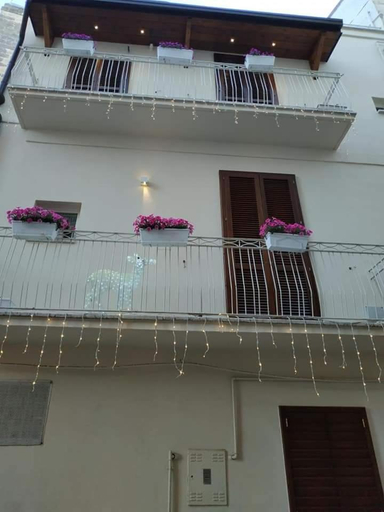

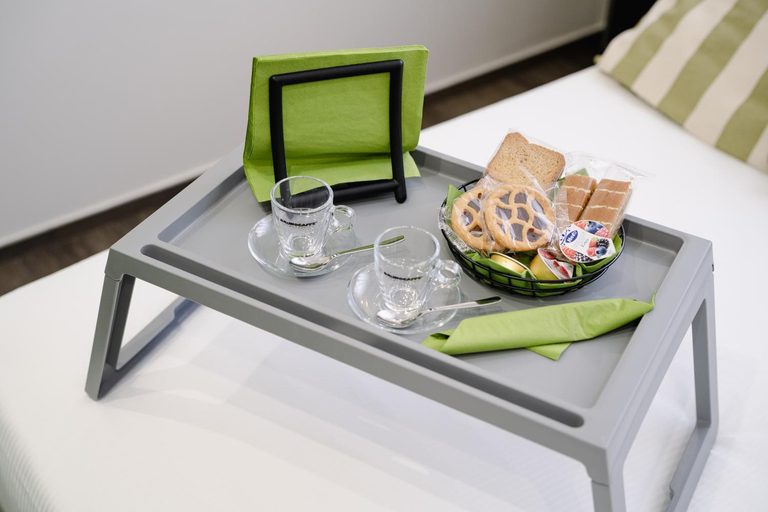
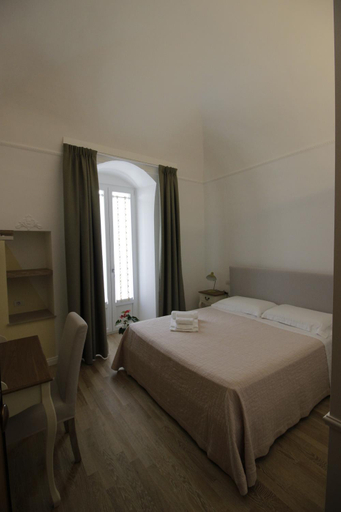
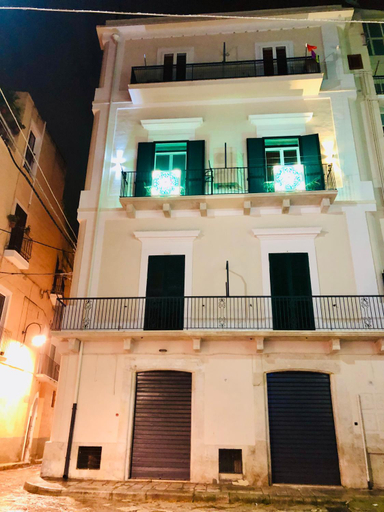

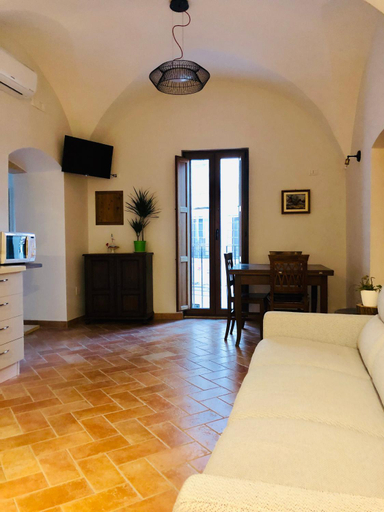
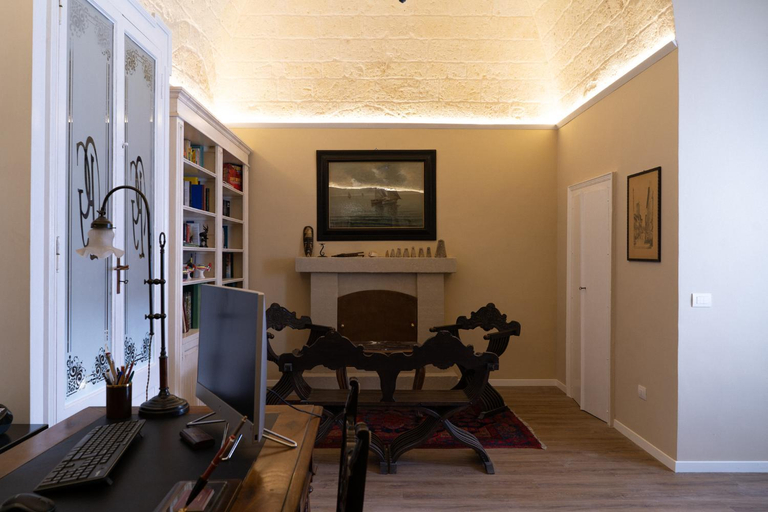
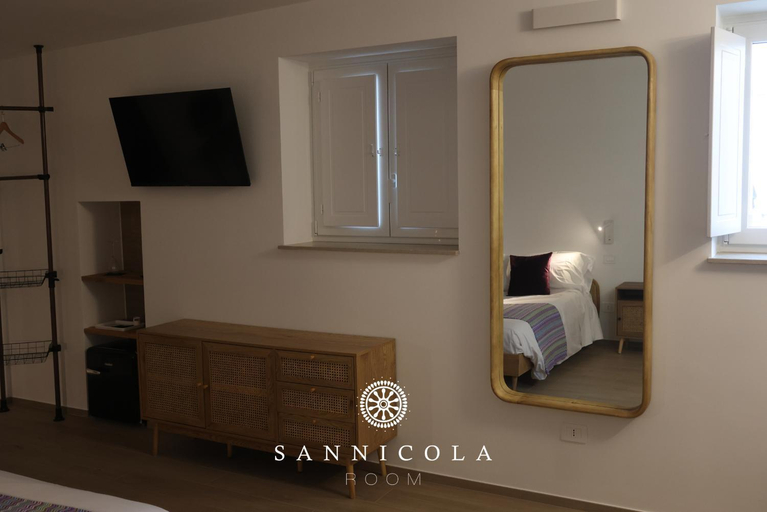
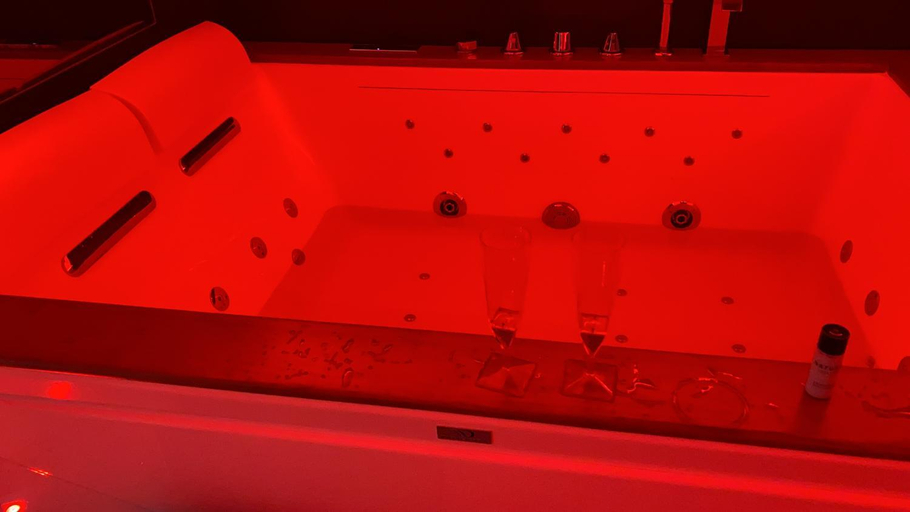
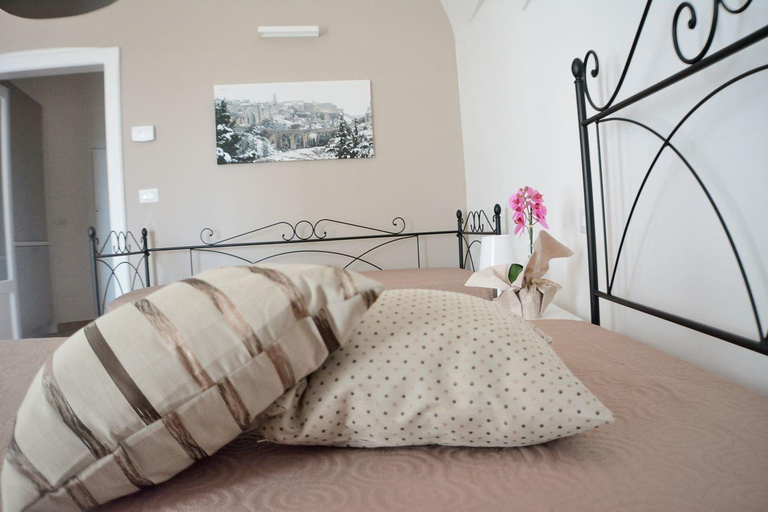
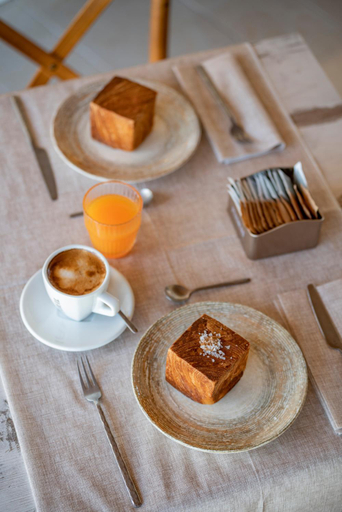
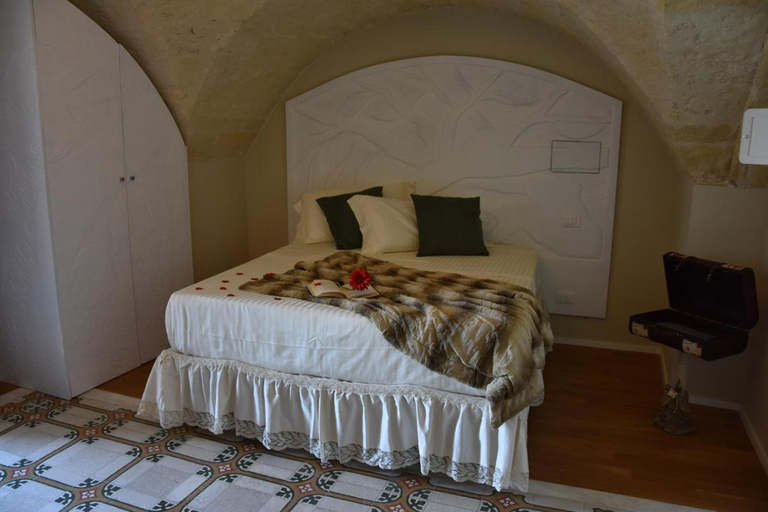
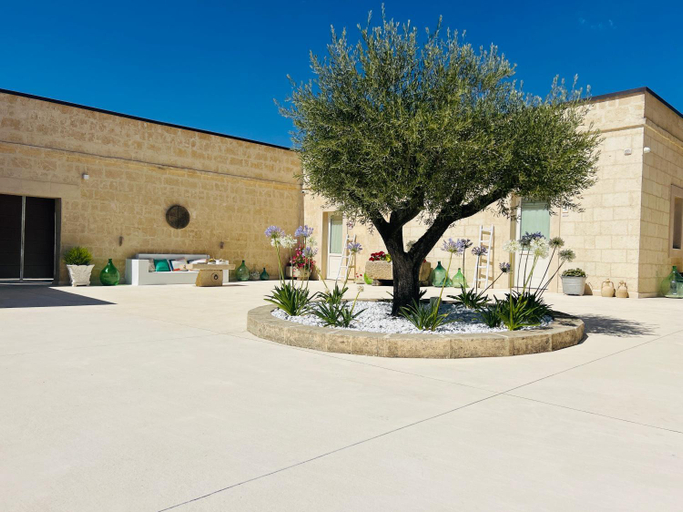
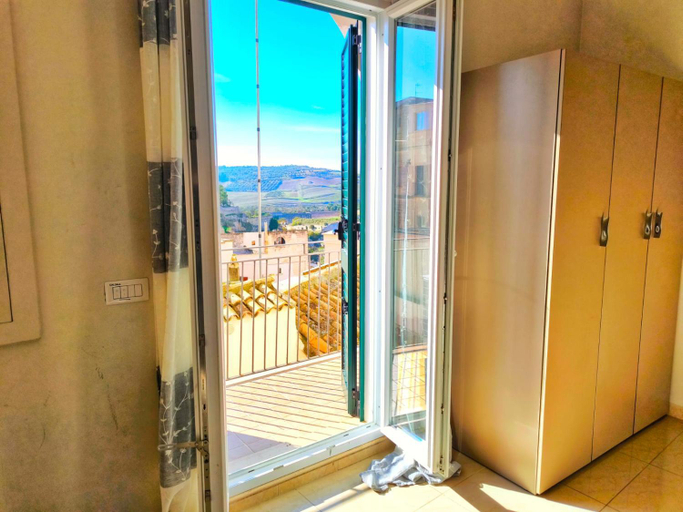
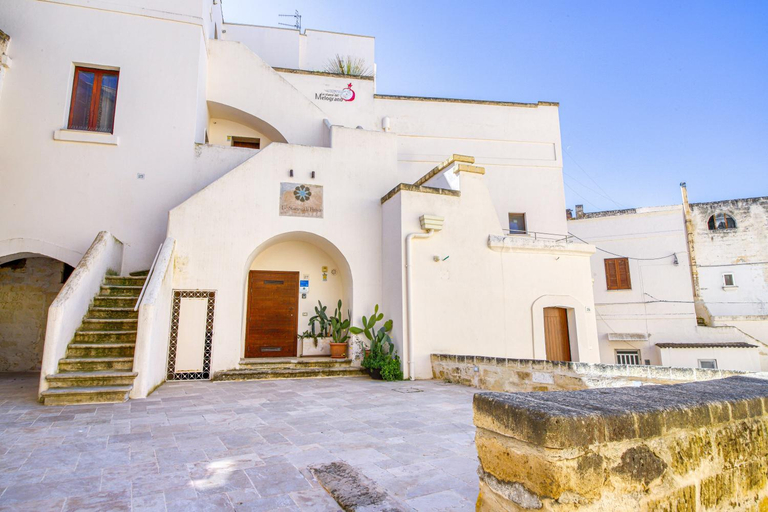
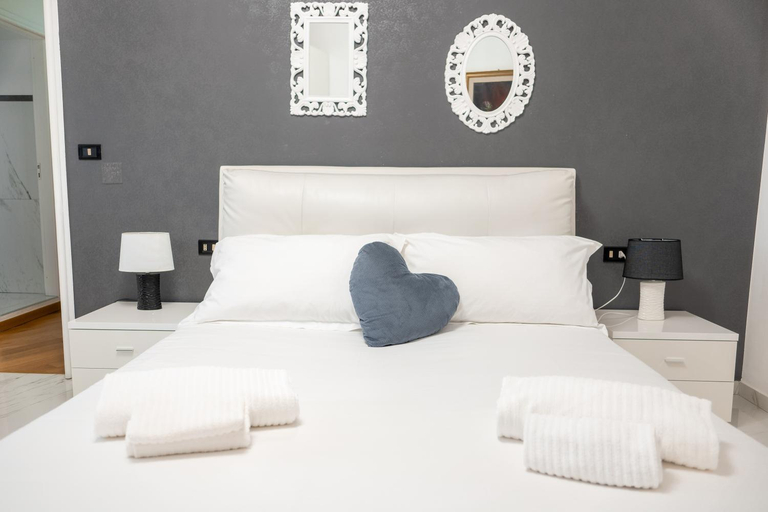
Porta San Michele
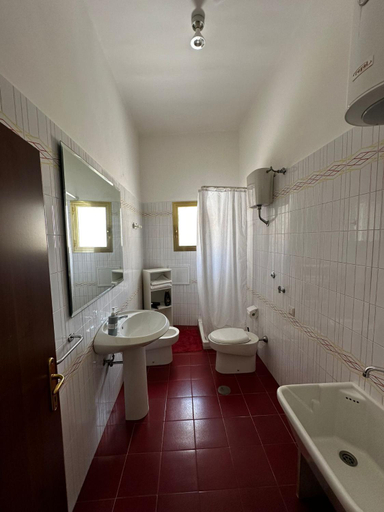
B&B San Vito
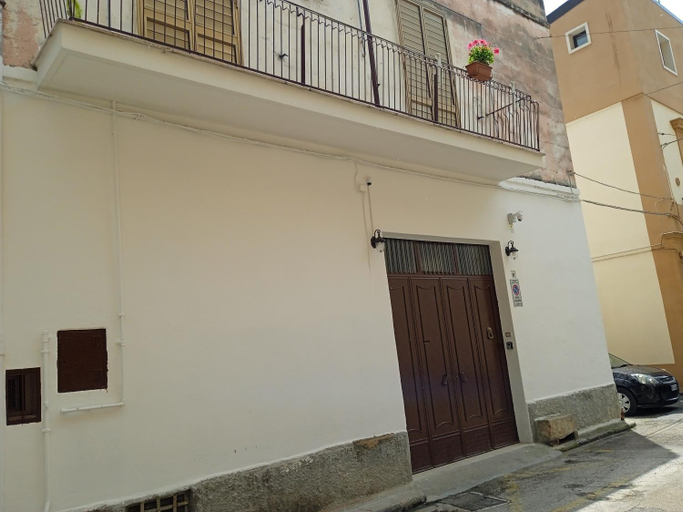
Dormi e Riparti
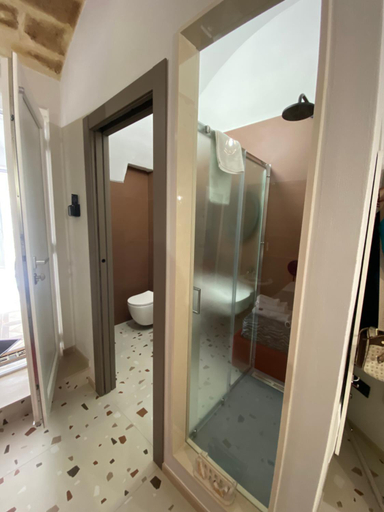
B&B La casa dell'ospite
REBEL SUITE cross
Sotto Casa B&B
Novella 55
B&B dai Mimmi
Santa Sofia Affittacamere
San Michele delle grotte BnB
B&B Giardino delle Delizie
San Nicola Room e spa
Rebel Suite love
B&B Fontana La Stella
Palazzo Fontana Suites & Rooms
B&B Sul Ponte
Masseria Spiga
La Cattedrale Apartments&Suite - Affitti Brevi Italia
Il Melograno Apartments - Affitti Brevi Italia
La Villa Del Senatore
Hotels in Gravina In Puglia
Don't feel hesitant to book hotels in Gravina In Puglia at tiket.com! We'll make sure to provide all conveniences you need when doing a room reservation. Book your favourite hotel now only at tiket.com!

How to Book Hotels on tiket.com
1. Find the hotelEnter the name of the city, area, or hotel to find the place you want.
2. Select a roomOn the hotel detail page, you will see the available room options. Select a room that suits your needs.
3. Complete the booking detailsInput the contact details (the person who will be contacted by tiket.com and the hotel about the booking) and the guests’ details.
4. Select Add-onsYou can also buy additional services such as meal packages, transportation, and many more.
5. Pay your bookingSelect the payment method and complete your transaction. Don’t forget to use the promo code to get a cheaper hotel price at tiket.com.
6. Get the reservation e-voucherAfter the payment is successful, the e-voucher will be available on the Your Orders menu and sent to the email listed in the contact details.