



4 Star Hotels in Napoli
Showing 2.000+ hotels in Napoli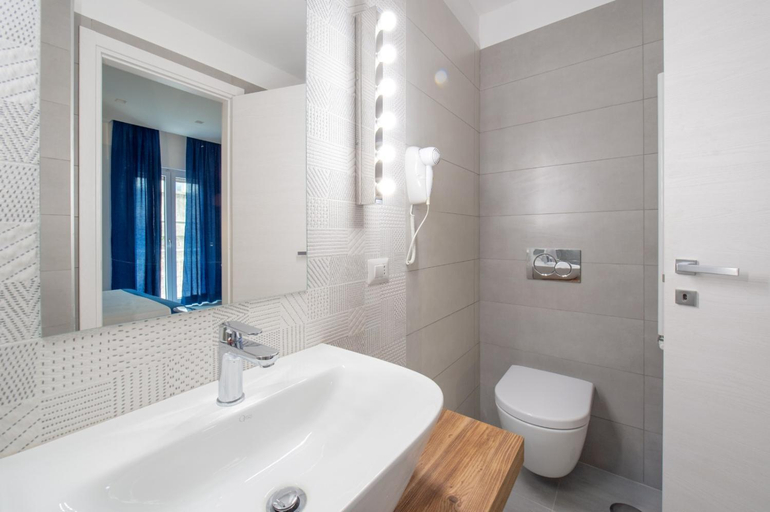
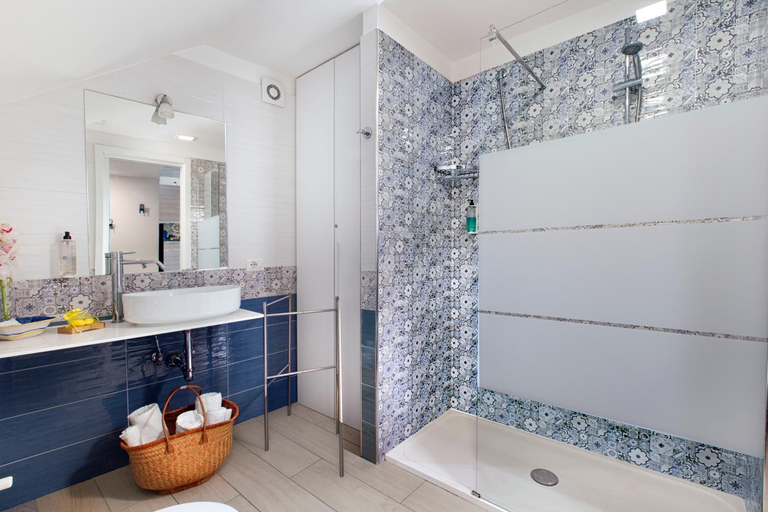
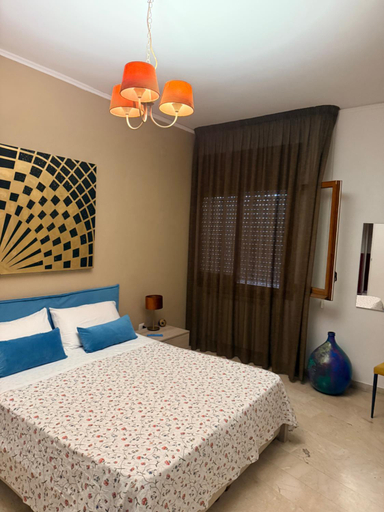
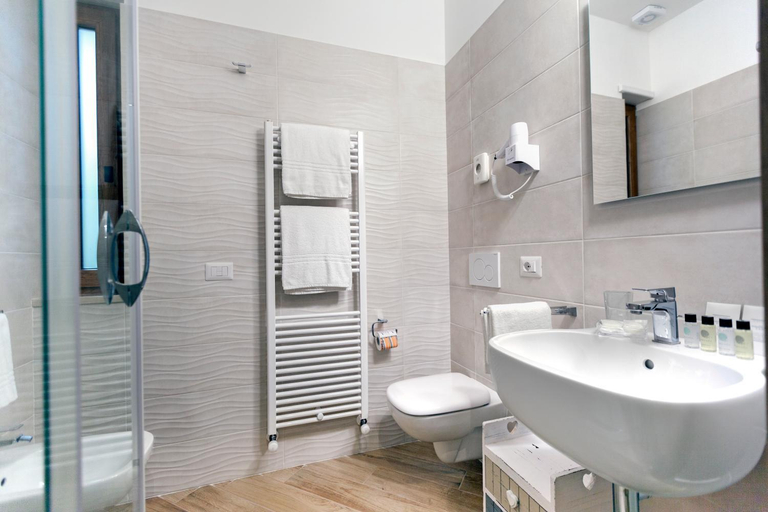





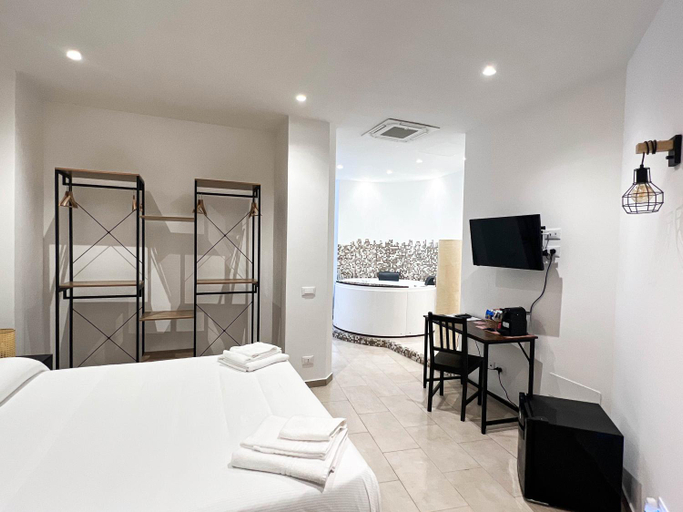

Il Siculo
YourHome - Jolly Aranci
Mario's House
Viria B&B Sorrento
ART HOUSE VENUSIO Naples
Villa Antiche Mura Relais
Casa di Rosy
B&b ONE
Marina SKY 8
Donna Teresa
White Stylish Apartments
Casa Torrese
Ponte di Tappia Suites
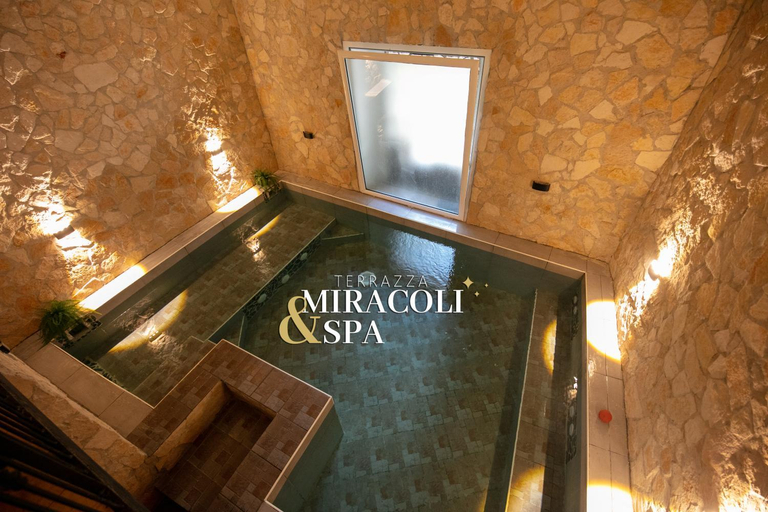
Terrazza Miracoli Napoli
IL GECO
Located in Napoli, IL GECO offers accommodation with easy access to Napoli’s best spots. The property features restaurant, WiFi, and elevator.
Each room is equipped with AC. The bathroom comes with shower.
The property offers washing machine and coffee shop or cafe. Other facilities include 24-hour front desk, first aid kit, and doctor on call 24-hour.
See detailsDonna Laura Suite
A Casa di Gemma
EG Apartments - Forio d'Ischia
IstayinToledo Luxury Guest House
Situated moments from the town center, IstayinToledo Luxury Guest House offers convenient access to local attractions and transport links for exploring the wider region. This recently renovated guest house provides six peaceful rooms and amenities such as Wi-Fi throughout and on-site parking. An airport transfer service is also available (fees may apply). While the beach, harbor, and airport are further afield, the property's central location makes it an ideal base for discovering the town.
See detailsVery House

How to Book Hotels on tiket.com
1. Find the hotelEnter the name of the city, area, or hotel to find the place you want.
2. Select a roomOn the hotel detail page, you will see the available room options. Select a room that suits your needs.
3. Complete the booking detailsInput the contact details (the person who will be contacted by tiket.com and the hotel about the booking) and the guests’ details.
4. Select Add-onsYou can also buy additional services such as meal packages, transportation, and many more.
5. Pay your bookingSelect the payment method and complete your transaction. Don’t forget to use the promo code to get a cheaper hotel price at tiket.com.
6. Get the reservation e-voucherAfter the payment is successful, the e-voucher will be available on the Your Orders menu and sent to the email listed in the contact details.