


Hotels in Palermo
Showing 2.000+ hotels in Palermo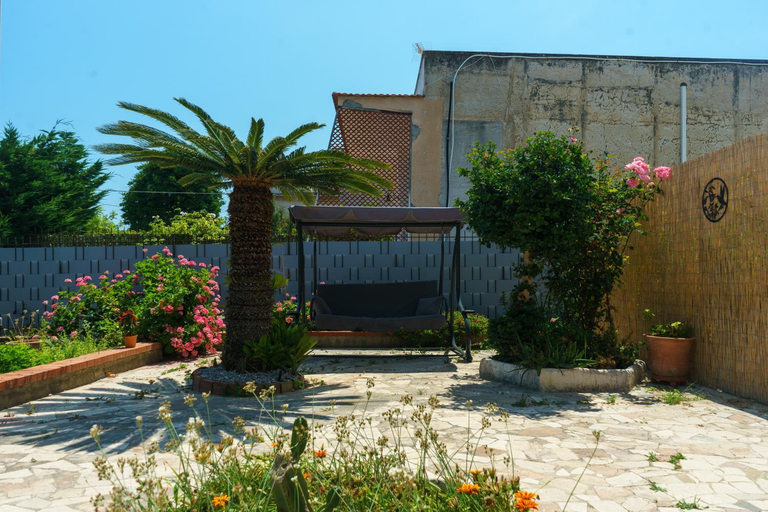
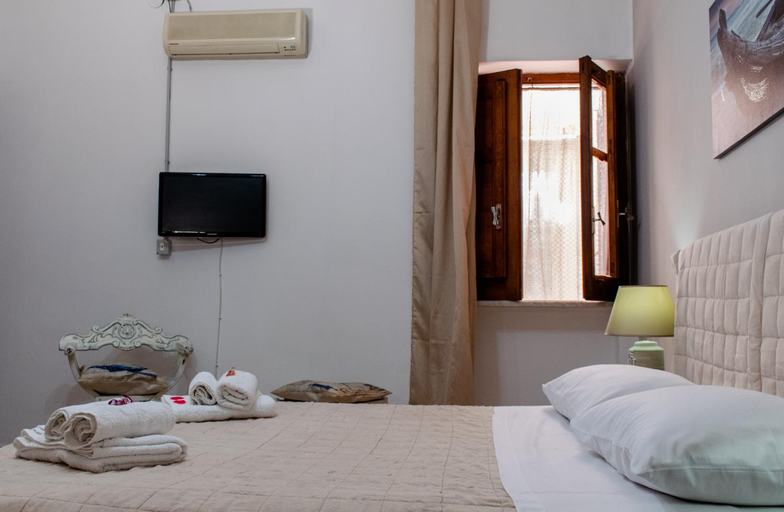
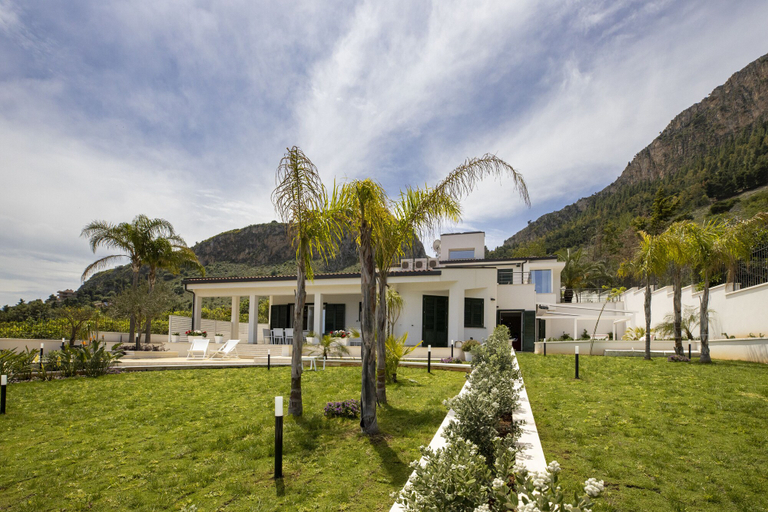
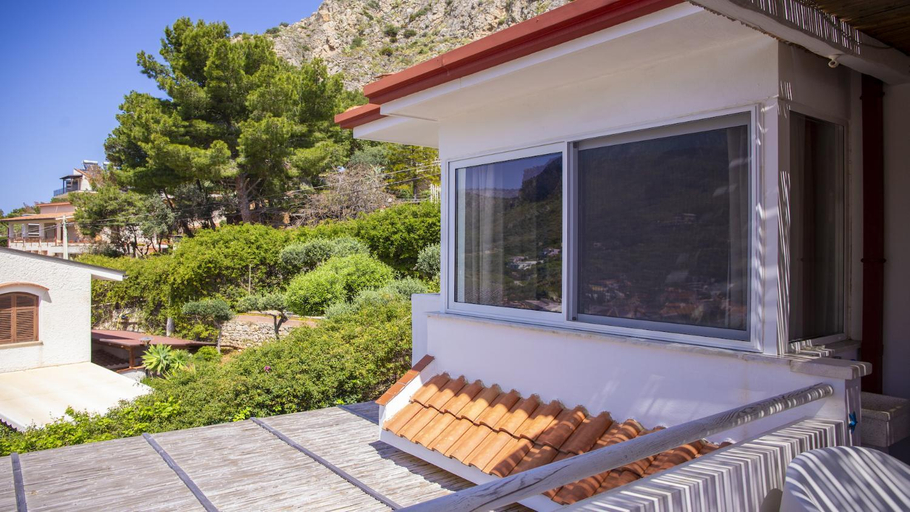
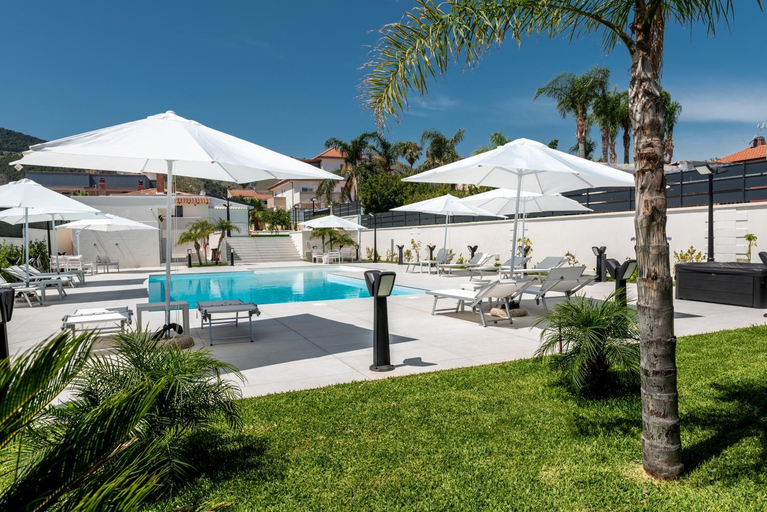
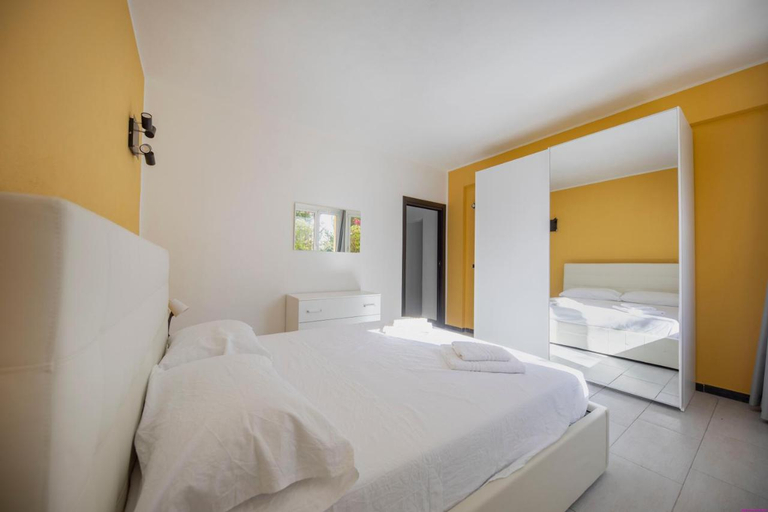
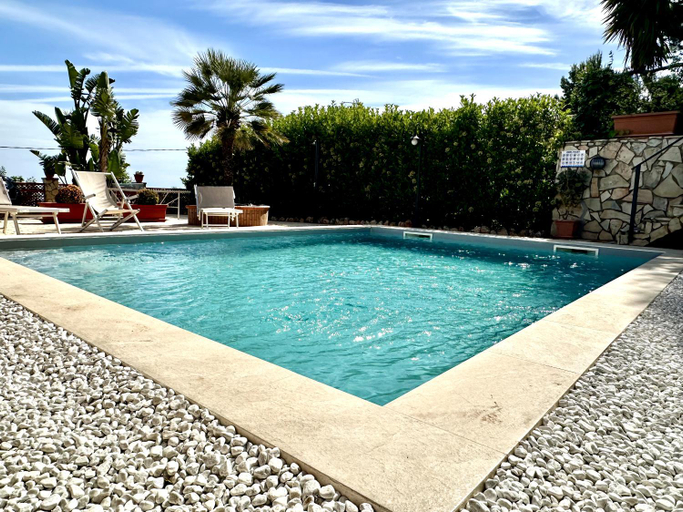
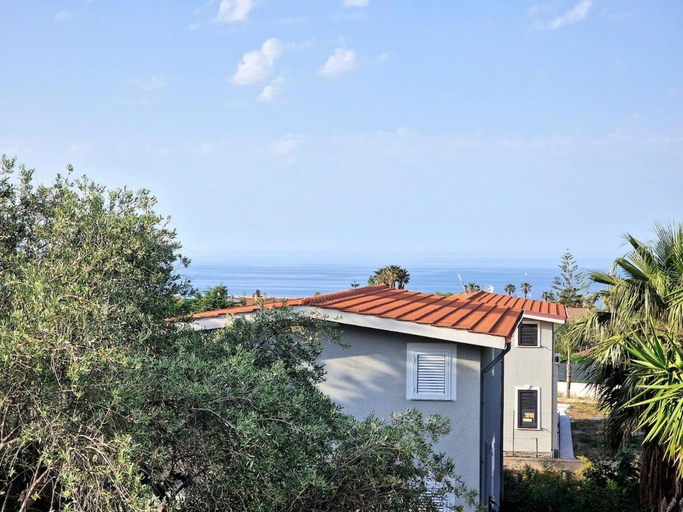
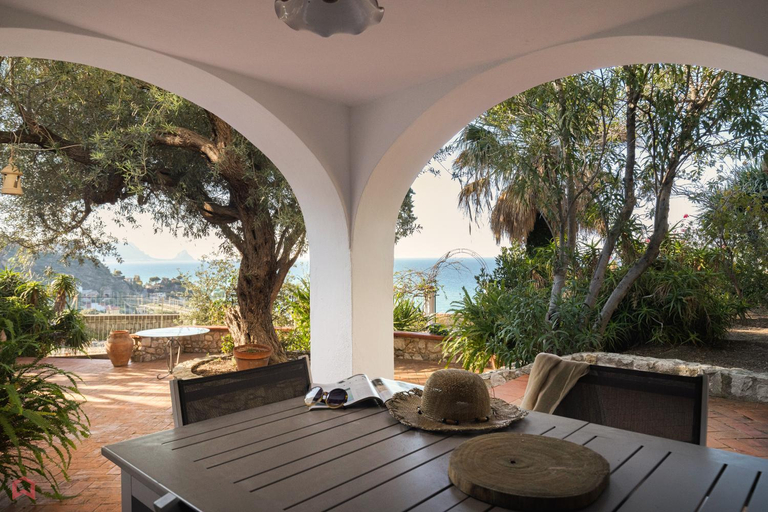
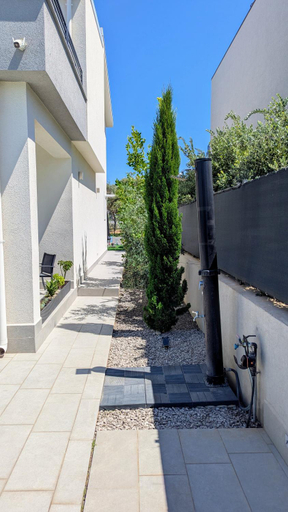
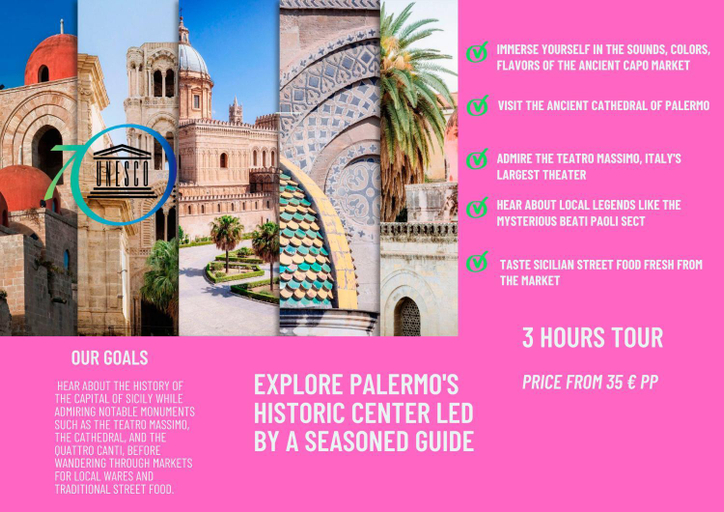
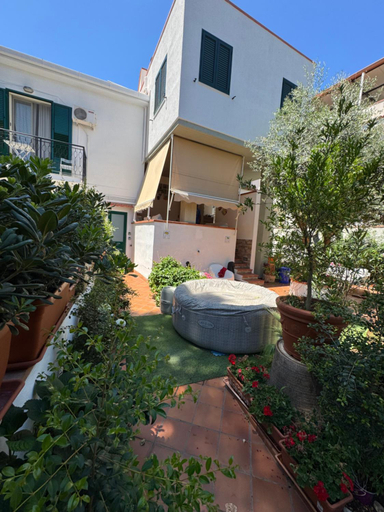

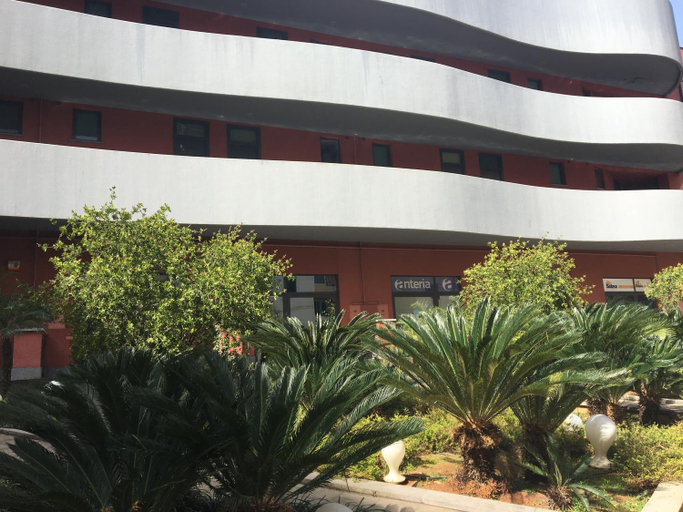
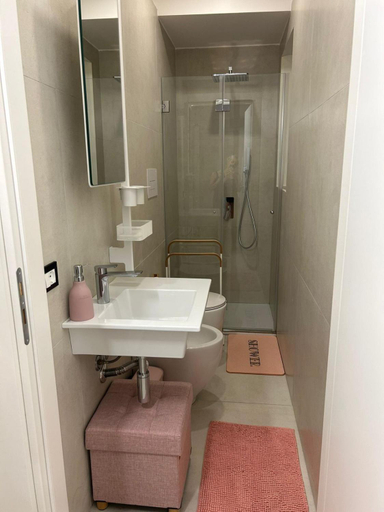
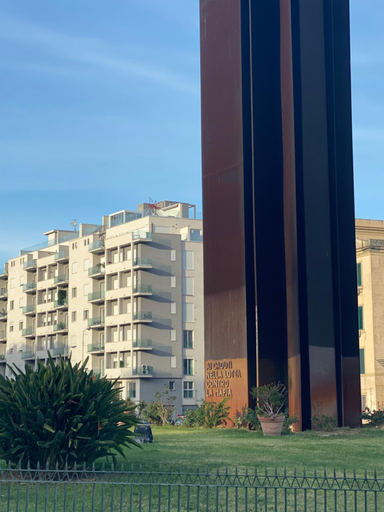
Anastasia's House
MarieRose House Sferracavallo
Kafara Resort- Villas and Pool by Lisca Bianca Rental
Solemar Sicilia - Villa dei due Golfi
Villa Carola
Appartamento 8 Pax in Villa Francesca by Ville in Palermo
Villa Belvedere di Altavilla with Pool and Near The Sea
Villa Giacoma hot tub and garden
Stunning seaview villa
Villa Milicia - New Sea View Villa with Private Pool & Playground
Villa Flore Loft
Crafted for coziness, every guestroom provides an array of features, guaranteeing a tranquil night's sleep while maintaining the level of comfort.For a more enjoyable stay, select rooms at home are equipped with linen service and air conditioning.Expand your in-room entertainment choices with various amenities, such as television offered in certain accommodations.Maintain your cleanliness and feel revitalized using a hair dryer available in select guest restrooms. Indulge in the numerous pursuits available at Villa Flore Loft.Begin your holiday perfectly by taking a plunge into the swimming pool.
See detailsMONDELLO COTTAGE
Central Station Apartment 24
Esmeralda Apartment
MARGOT HOUSE PALERMO
Seaview Apartments
MiKlod Apartments
CapoCathedral apartment
Mondello House Lemon
Nice apartment near Palermo Cathedral!
Hotels in Palermo
Don't feel hesitant to book hotels in Palermo at tiket.com! We'll make sure to provide all conveniences you need when doing a room reservation. Book your favourite hotel now only at tiket.com!

How to Book Hotels on tiket.com
1. Find the hotelEnter the name of the city, area, or hotel to find the place you want.
2. Select a roomOn the hotel detail page, you will see the available room options. Select a room that suits your needs.
3. Complete the booking detailsInput the contact details (the person who will be contacted by tiket.com and the hotel about the booking) and the guests’ details.
4. Select Add-onsYou can also buy additional services such as meal packages, transportation, and many more.
5. Pay your bookingSelect the payment method and complete your transaction. Don’t forget to use the promo code to get a cheaper hotel price at tiket.com.
6. Get the reservation e-voucherAfter the payment is successful, the e-voucher will be available on the Your Orders menu and sent to the email listed in the contact details.