



4 Star Hotels in Catania
Showing 418 hotels in Catania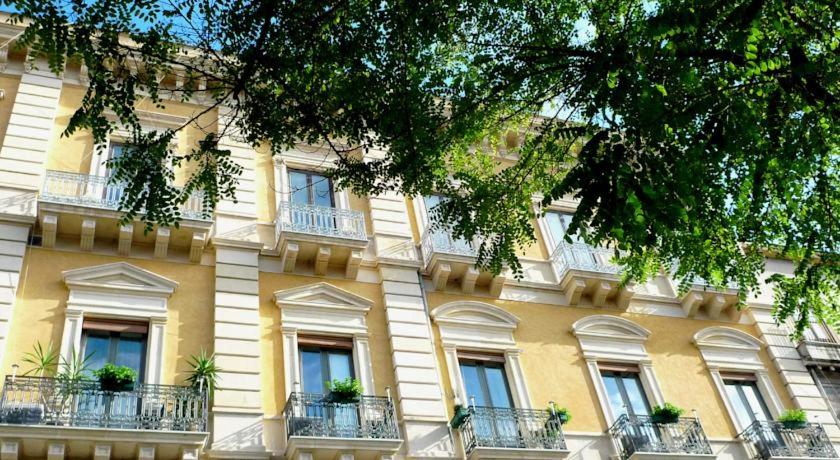
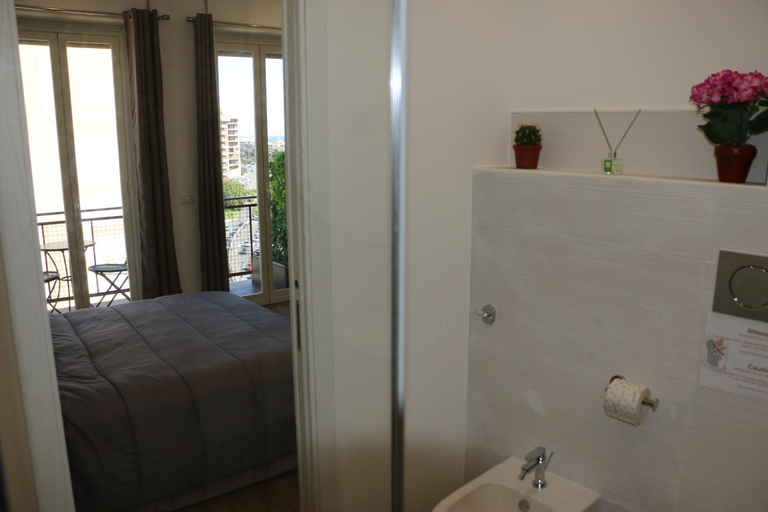
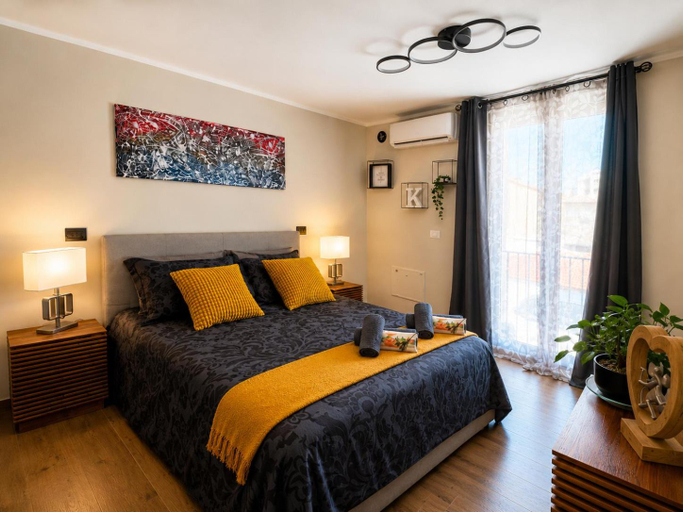
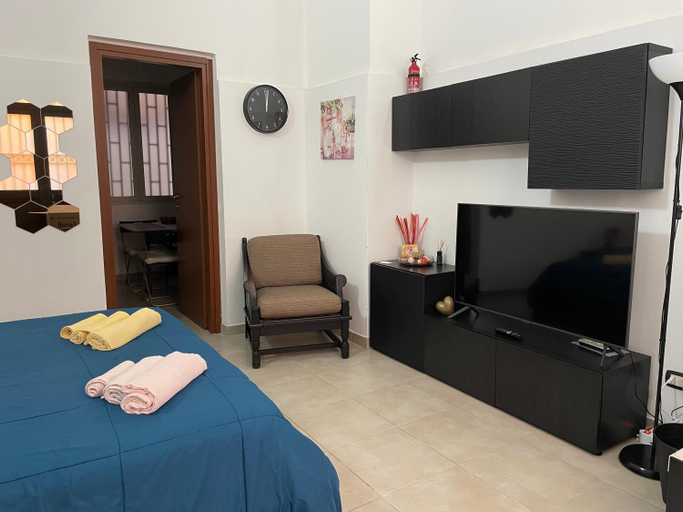
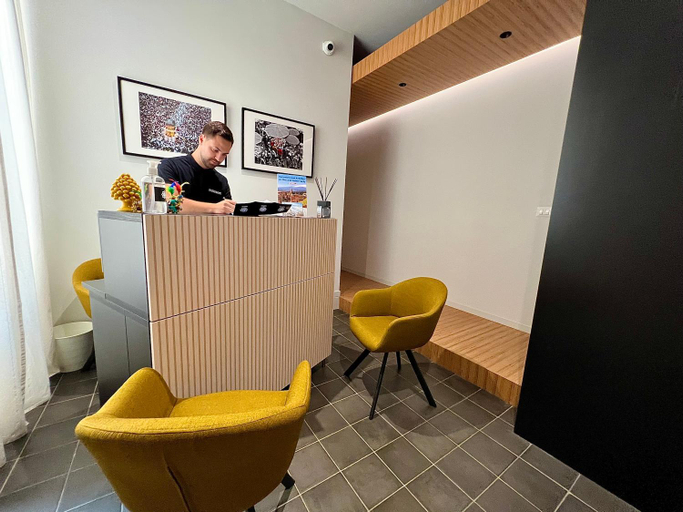
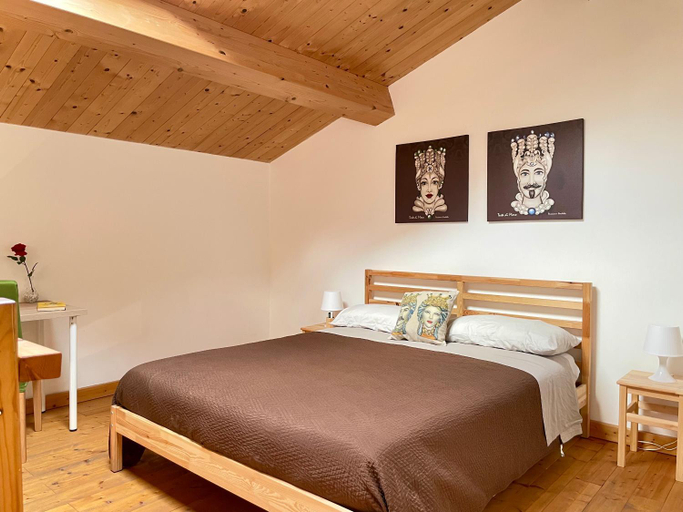
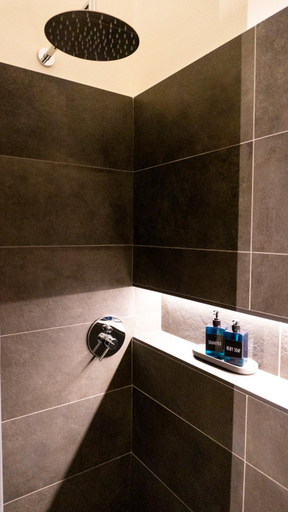

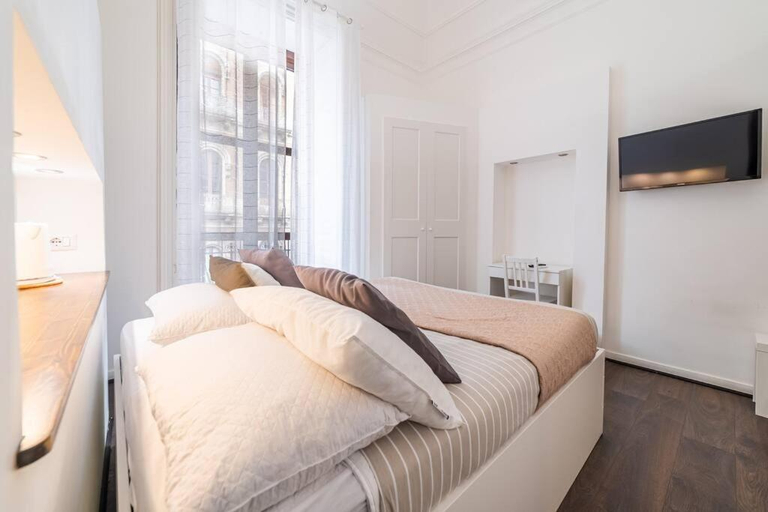
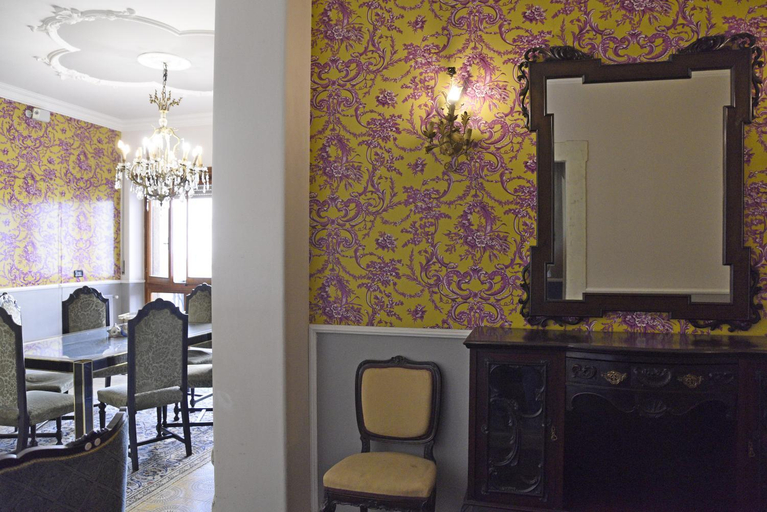
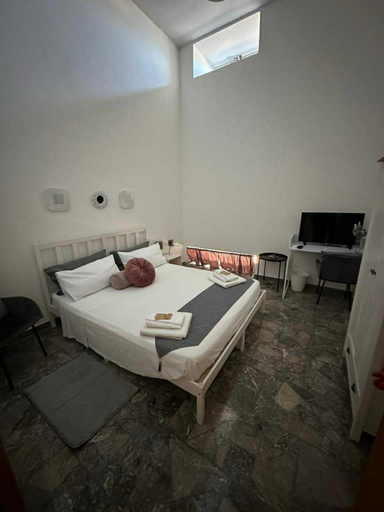

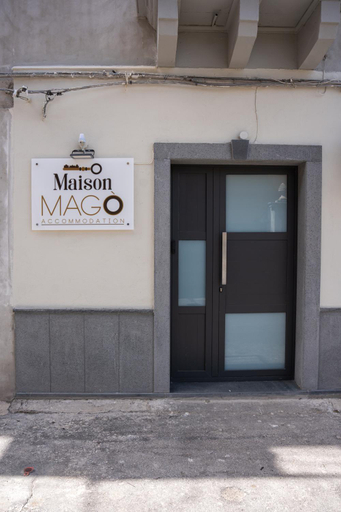
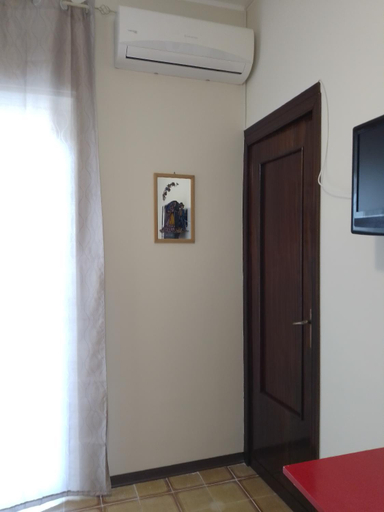
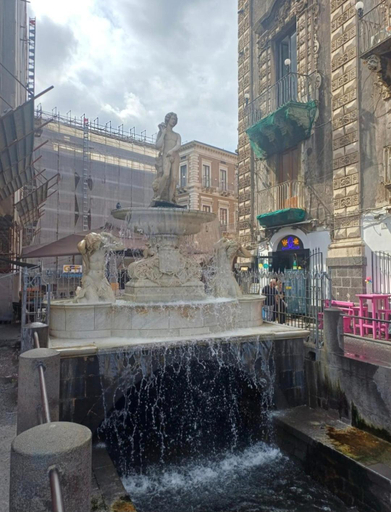
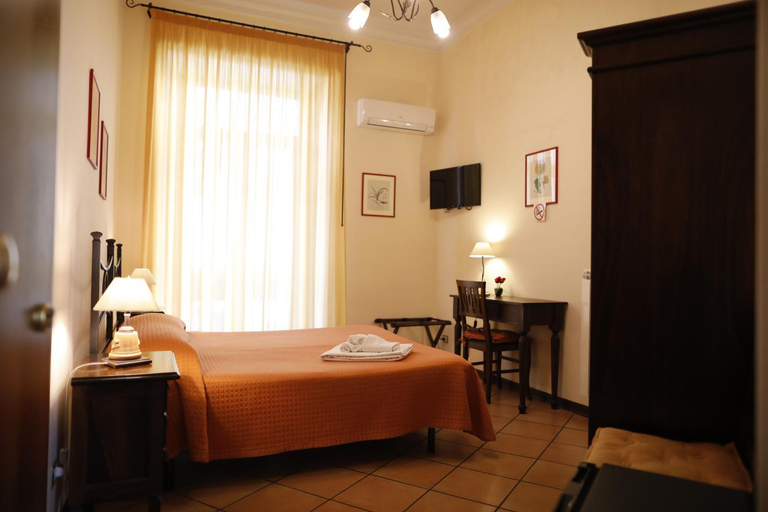
La Cot B&B
Seascape Rooms
Keope Urban Suite
La Maison di Angela
Ruanera
Il Borghetto di Gigi
Notti d'Autore Suites
CASA Morgan Holidays in Sicily
BACARDI Lungomare - Modern apartment near the sea
Villa Bellini Luxury Home
Barocco al centro
Beneventano Apartment Catania
Naike
The rooms feature (a) AC, TV, and refrigerator. The en suite bathroom comes with (a) shower, free toiletries, and hair dryer.
The property offers washing machine and iron/ironing board. Other facilities include luggage storage, airport transfer (free), and tours/ticket assistance.
See detailsMaison Mago
Each room is equipped with AC. The bathroom comes with shower.
Gio & Gio Garibaldi-Nesima
Caronda52
The rooms feature (a) TV, refrigerator, and room heater. The en suite bathroom comes with (a) free toiletries, hair dryer, and bathrobes.
Welcome House Catania - Etna & Duomo Apartments
MR SQUARE apartment
La Maison de Cavour
B&B Del Corso

How to Book Hotels on tiket.com
1. Find the hotelEnter the name of the city, area, or hotel to find the place you want.
2. Select a roomOn the hotel detail page, you will see the available room options. Select a room that suits your needs.
3. Complete the booking detailsInput the contact details (the person who will be contacted by tiket.com and the hotel about the booking) and the guests’ details.
4. Select Add-onsYou can also buy additional services such as meal packages, transportation, and many more.
5. Pay your bookingSelect the payment method and complete your transaction. Don’t forget to use the promo code to get a cheaper hotel price at tiket.com.
6. Get the reservation e-voucherAfter the payment is successful, the e-voucher will be available on the Your Orders menu and sent to the email listed in the contact details.