



4 Star Hotels in Málaga
Showing 2.000+ hotels in Málaga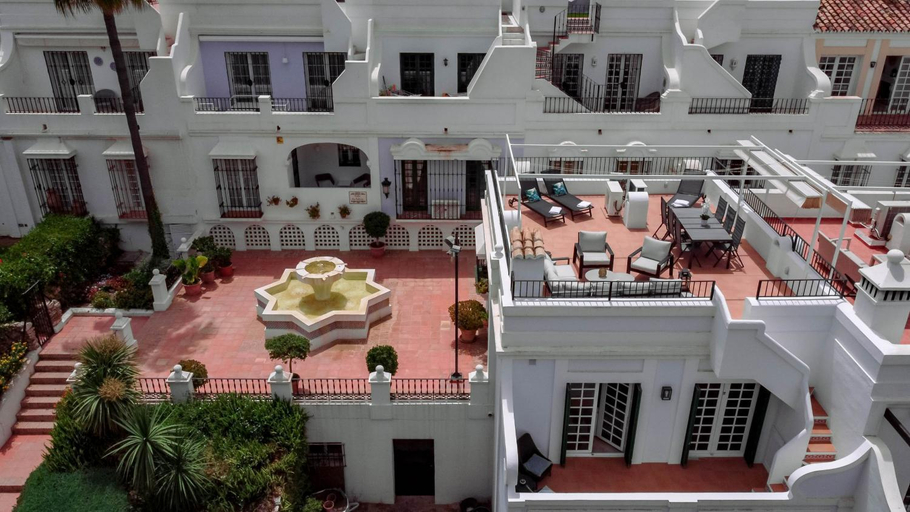
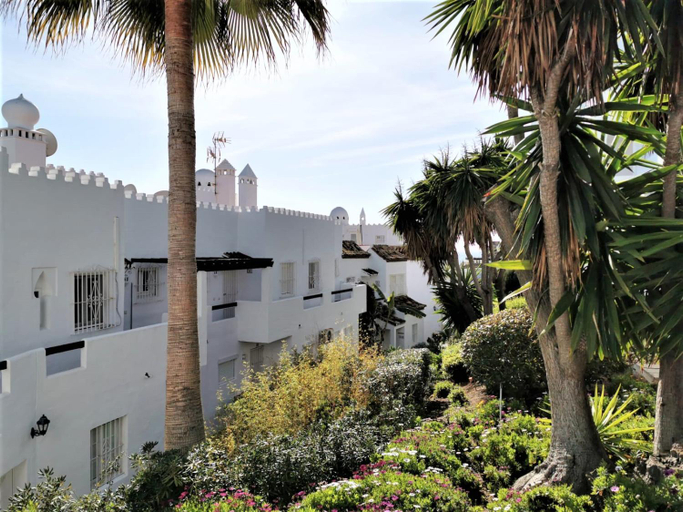
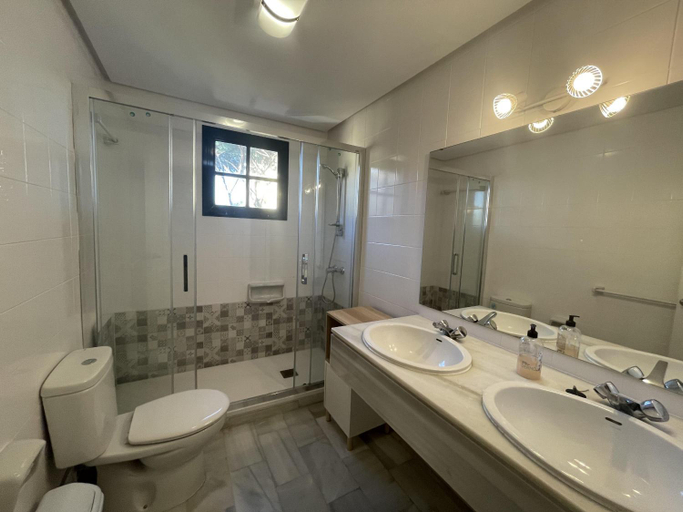

Charming and Modern 3-Bedroom Duplex in Aloha Pueblo with Mountain Views
Playa Lucera - ground floor apartment with sea views CS126
2 bedroom top floor apartament with open sea views CS197
BeachLine Penthouse - SeaLine Apartments
Sol Montemar 54 By IVI Real Estate
Puente Romano Hotel Apartment Marbella
Cubo's Casa Rural El Oasis De Don Pedro
Luxury 2 Bedroom Apartment in San Juan de Capistrano, Nerja
Casa Torremuelle II - Townhouse with private Pool & BBQ near Playa Bonita
Lovely 2 bedroom Locrimar V walk to beach RDR260
Marina Playa
Fuengirola center, 3 bedrooms, and parking
El Monte
Cortijo del Coco
Rabat 6 Oasis Properties
WintowinRentals Estupendo apartamento en el Centro Historico de Malaga
Family friendly patio and poolview
Apartamento Pez Espada
Beautiful two bedroom apartment in Alamar La Cala de Mijas
Welcome Malaga

How to Book Hotels on tiket.com
1. Find the hotelEnter the name of the city, area, or hotel to find the place you want.
2. Select a roomOn the hotel detail page, you will see the available room options. Select a room that suits your needs.
3. Complete the booking detailsInput the contact details (the person who will be contacted by tiket.com and the hotel about the booking) and the guests’ details.
4. Select Add-onsYou can also buy additional services such as meal packages, transportation, and many more.
5. Pay your bookingSelect the payment method and complete your transaction. Don’t forget to use the promo code to get a cheaper hotel price at tiket.com.
6. Get the reservation e-voucherAfter the payment is successful, the e-voucher will be available on the Your Orders menu and sent to the email listed in the contact details.