



3 Star Hotels in Rop Mueang
Showing 5 hotels in Rop Mueang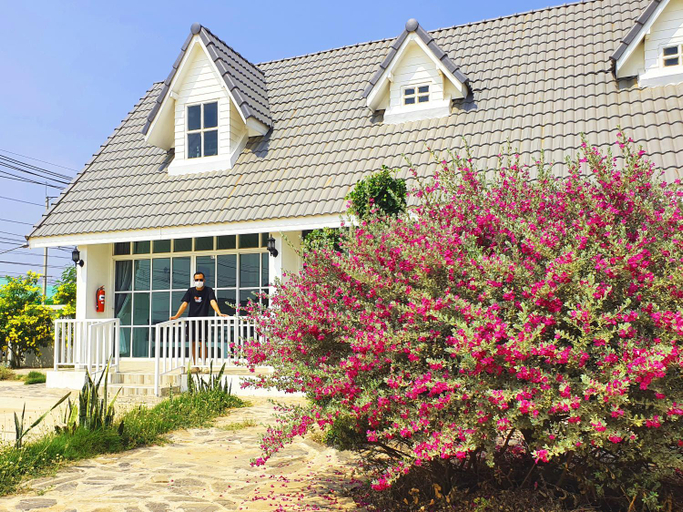

The Cottage at Chiyaphum
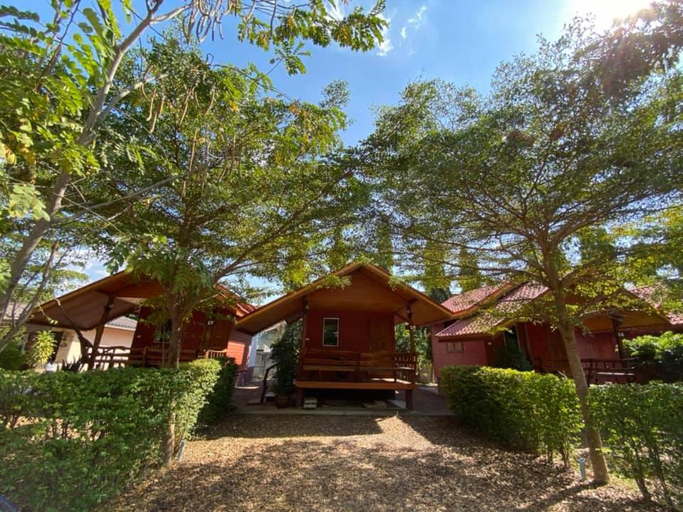
Baan Suan Sukjai Resort
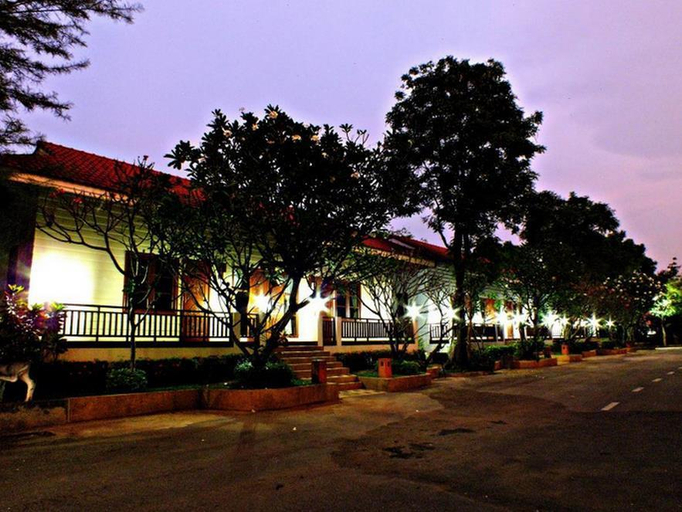
Siam River Resort
Wi-Fi internet connection is available on public areas. Travellers can enjoy the convenience of 24-hour reception. Visitors may take advantage of the car park. Some services of Siam River Resort may be payable.
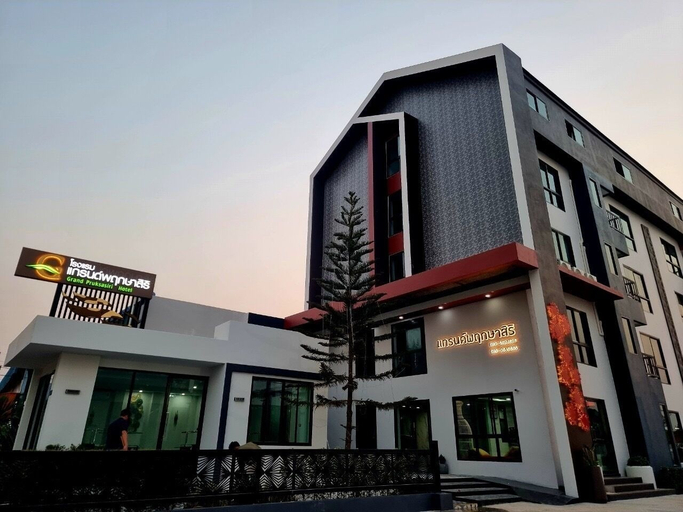
Grand Pruksasiri Hotel Chaiyaphum
Grand Pruksasiri Hotel Chaiyaphum Location
With a stay at Grand Pruksasiri Hotel Chaiyaphum in Chaiyaphum, you'll be within a 5-minute drive of Nong Pla Thao Public Park and Chaiyaphum City Hall. This hotel is 1.8 mi (2.9 km) from Chaiyaphum Technical College and 14.6 mi (23.4 km) from Tat Ton National Park.
Grand Pruksasiri Hotel Chaiyaphum Rooms
Make yourself at home in one of the 50 guestrooms. Complimentary wireless internet access is available to keep you connected. Bathrooms have showers and hair dryers. Conveniences include desks, and housekeeping is provided daily.
Restaurant and Cafe
A complimentary buffet breakfast is served daily from 7:00 AM to 9:30 AM.
See detailsWith a stay at Grand Pruksasiri Hotel Chaiyaphum in Chaiyaphum, you'll be within a 5-minute drive of Nong Pla Thao Public Park and Chaiyaphum City Hall. This hotel is 1.8 mi (2.9 km) from Chaiyaphum Technical College and 14.6 mi (23.4 km) from Tat Ton National Park.
Grand Pruksasiri Hotel Chaiyaphum Rooms
Make yourself at home in one of the 50 guestrooms. Complimentary wireless internet access is available to keep you connected. Bathrooms have showers and hair dryers. Conveniences include desks, and housekeeping is provided daily.
Restaurant and Cafe
A complimentary buffet breakfast is served daily from 7:00 AM to 9:30 AM.
Lertnimitra Hotel
In addition, Wi-Fi access is offered at the establishment's common spaces. Lertnimitra Hotel provides 24-hour reception. The premises offer accessible public areas. Travellers arriving by car will appreciate parking available at Lertnimitra Hotel. Lertnimitra Hotel may charge a fee for some services.
See details
How to Book Hotels on tiket.com
1. Find the hotelEnter the name of the city, area, or hotel to find the place you want.
2. Select a roomOn the hotel detail page, you will see the available room options. Select a room that suits your needs.
3. Complete the booking detailsInput the contact details (the person who will be contacted by tiket.com and the hotel about the booking) and the guests’ details.
4. Select Add-onsYou can also buy additional services such as meal packages, transportation, and many more.
5. Pay your bookingSelect the payment method and complete your transaction. Don’t forget to use the promo code to get a cheaper hotel price at tiket.com.
6. Get the reservation e-voucherAfter the payment is successful, the e-voucher will be available on the Your Orders menu and sent to the email listed in the contact details.