



Hotels in Bình Định
Showing 505 hotels in Bình Định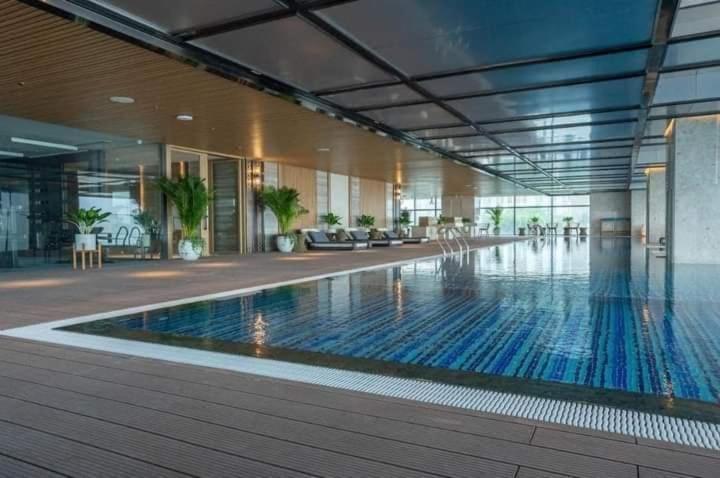



Can ho Quy Nhon TMS Nho
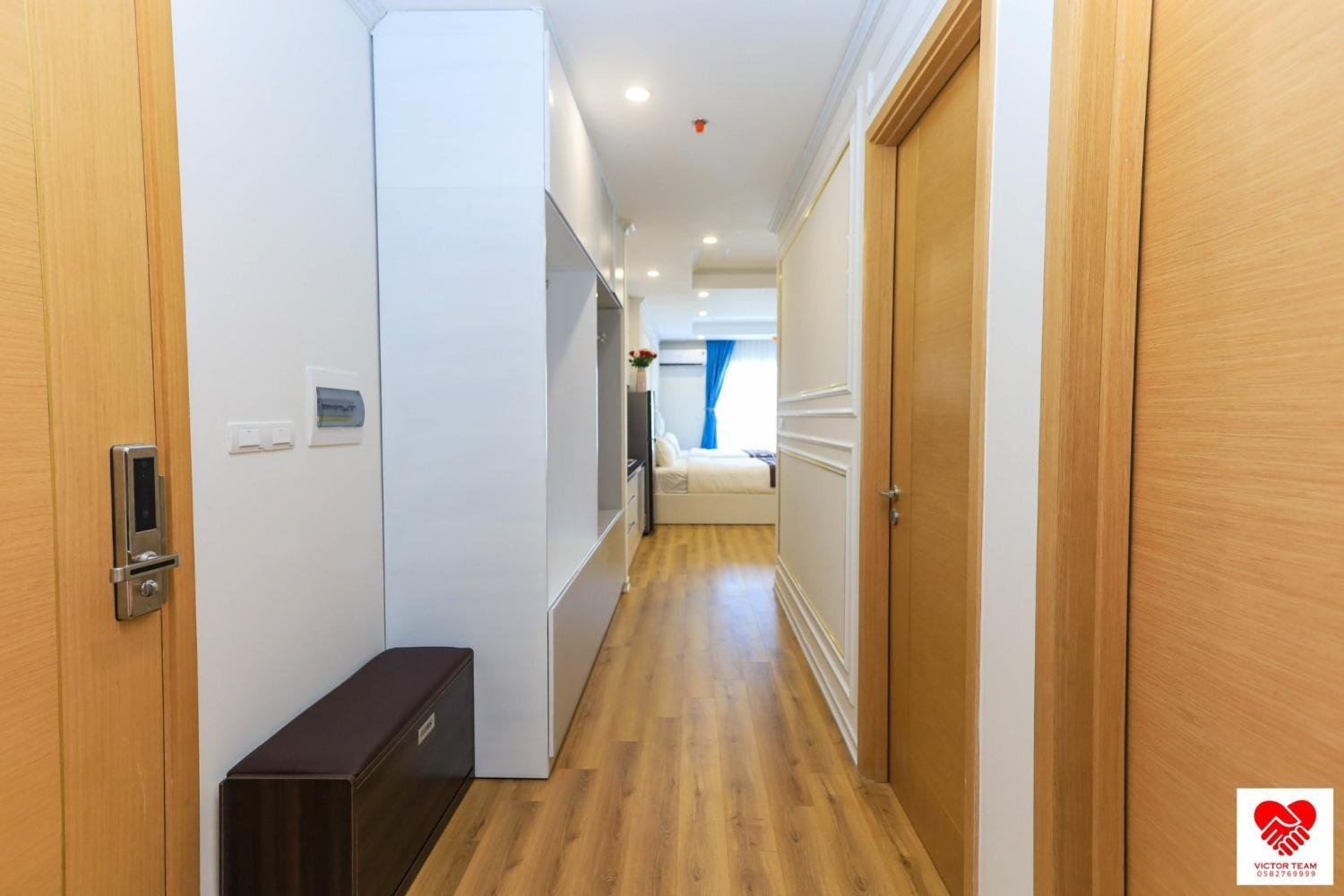
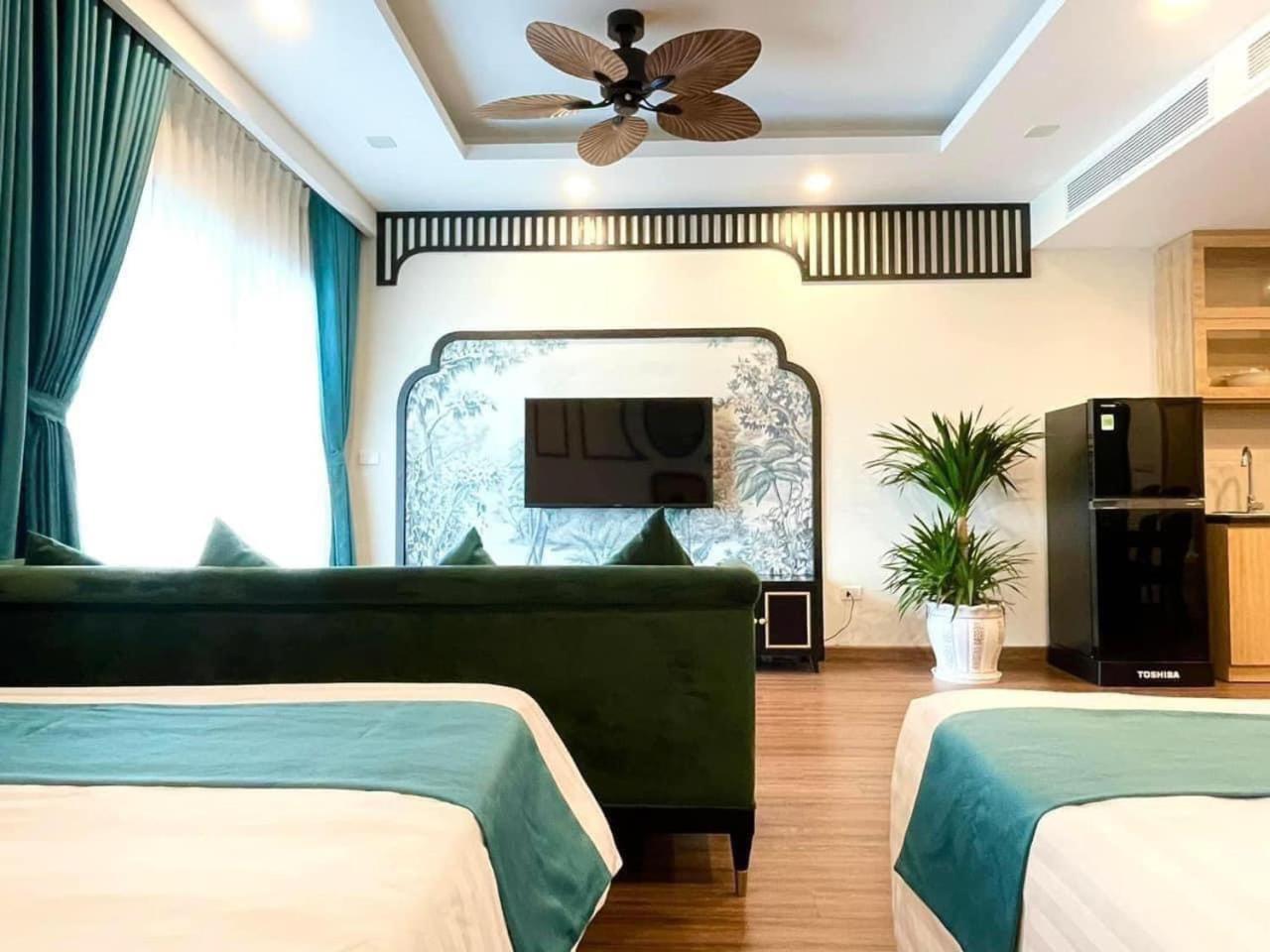
Located in Qui Nhơn, Can ho Quy Nhon TMS Nho offers accommodation with easy access to Qui Nhơn’s best spots. The property features swimming pool, restaurant, and WiFi.
The rooms feature (a) AC, TV, and refrigerator. The en suite bathroom comes with (a) shower, free toiletries, and hair dryer.
Guests can enjoy washing machine and sauna during the course of their stay. Services such as doctor on call 24-hour and free bottled water are provided at the property.
See detailsNHÀ MÌNH HOME & APARTMENT
NHÀ MÌNH HOME & APARTMENT provides flawless service and all the necessary facilities for visitors. Stay connected with your associates, as complimentary Wi-Fi is available during your entire visit.When arriving by car, take advantage of the hotel's convenient on-site parking facilities.
See detailsFLC Sea Tower Quy Nhon-Can Ho Du Lich View Bien-Minh Tu Apartment
FLC Sea Tower Quy Nhon-Can Ho Du Lich View Bien-Minh Tu Apartment welcomes you to a comfortable stay at Qui Nhơn. The Apartment offers complete facilities to cater to guests’ needs, such as swimming pool, WiFi, and parking.
Staff at the Apartment can assist you with 24-hour front desk and laundry service/dry cleaning. Other facilities include washing machine and hotel safe.
See detailsNha Nghi Truong Phi
Each room is equipped with AC. The bathroom comes with shower.
FLC Sea Tower Quy Nhon-Can Ho Du Lich 5 Sao-Mat Bien Quy Nhon-BB Apartment
FLC Sea Tower Quy Nhon-Can Ho Du Lich 5 Sao-Mat Bien Quy Nhon-BB Apartment welcomes you to a comfortable stay at Qui Nhơn. The Apartment offers complete facilities to cater to guests’ needs, such as swimming pool, WiFi, and parking.
Staff at the Apartment can assist you with 24-hour front desk and laundry service/dry cleaning. Other facilities include washing machine and hotel safe.
See detailsHotels in Bình Định
Don't feel hesitant to book hotels in Bình Định at tiket.com! We'll make sure to provide all conveniences you need when doing a room reservation. Book your favourite hotel now only at tiket.com!
How to Book Hotels on tiket.com
1. Find the hotelEnter the name of the city, area, or hotel to find the place you want.
2. Select a roomOn the hotel detail page, you will see the available room options. Select a room that suits your needs.
3. Complete the booking detailsInput the contact details (the person who will be contacted by tiket.com and the hotel about the booking) and the guests’ details.
4. Select Add-onsYou can also buy additional services such as meal packages, transportation, and many more.
5. Pay your bookingSelect the payment method and complete your transaction. Don’t forget to use the promo code to get a cheaper hotel price at tiket.com.
6. Get the reservation e-voucherAfter the payment is successful, the e-voucher will be available on the Your Orders menu and sent to the email listed in the contact details.