



Hotels in Khánh Hòa
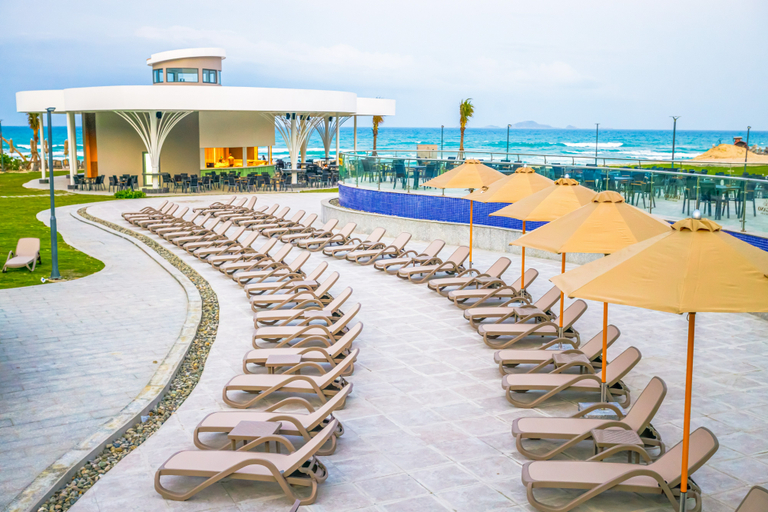
Lugano Resort & Spa Cam Ranh - Ultra All Inclusive
Nestled on the pristine shores of Bai Dai Beach,
Lugano Resort & Spa is a coastal jewel designed for
ultimate comfort and sophistication.
Our sanctuary features 500 stylish rooms and suites,
each boasting a private terrace or balcony with
breathtaking views. All accommodations are elegantly
distributed across 8 floors, offering a seamless blend
of luxury and tranquillity.
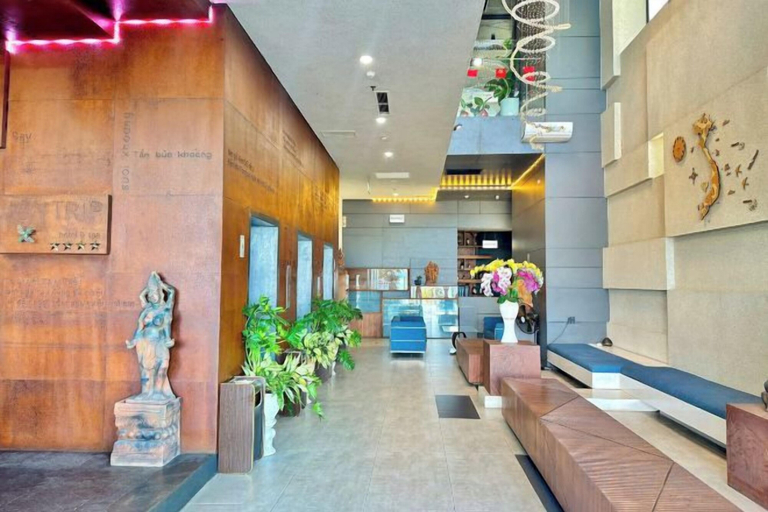
Joy Trip Hotel & Spa Nha Trang
With a stay at Joy Trip Hotel & Spa Nha Trang in Bac Nha Trang, you'll be within a 10-minute drive of Nha Trang Night Market and Hon Chong beach. This family-friendly hotel is 2.6 mi (4.2 km) from Bai Duong Beach and 2.6 mi (4.2 km) from Hon Chong.
Joy Trip Hotel & Spa Nha Trang Facility and Service
Take advantage of recreation opportunities such as a fitness center, or other amenities including concierge services and shopping on site.
Joy Trip Hotel & Spa Nha Trang Rooms
Make yourself at home in one of the 89 air-conditioned rooms featuring fireplaces and private hot tubs. Cable television is provided for your entertainment. Conveniences include phones, as well as desks and minibars.
Restaurant and Cafe
Take advantage of the hotel's room service. Breakfast is available for a fee.
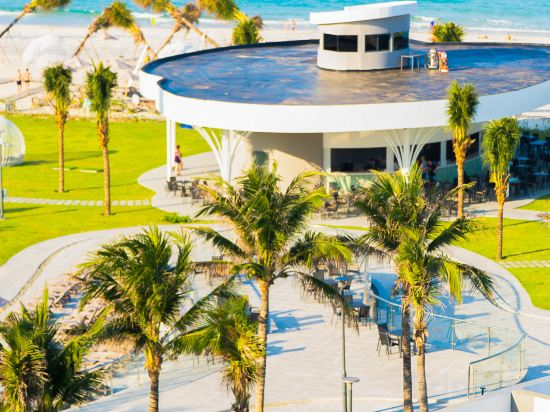
Lugano Resort & Spa Cam Ranh - Ultra All-Inclusive
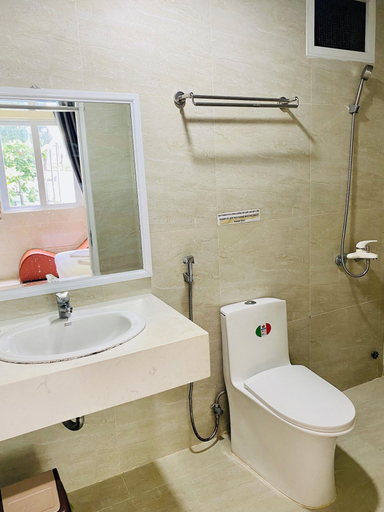
Dream Hotel
Located in Nha Trang, Dream Hotel is within a 15-minute walk of Do Dien Khanh Gallery and Nha Trang Night Market. This hotel is 0.8 mi (1.2 km) from Tram Huong Tower and 0.8 mi (1.3 km) from Xom Moi Market.
Dream Hotel Facility and Service
This hotel offers designated smoking areas.
Dream Hotel Rooms
Make yourself at home in one of the 13 guestrooms. Complimentary wireless internet access is available to keep you connected. Conveniences include desks, and housekeeping is provided on request.
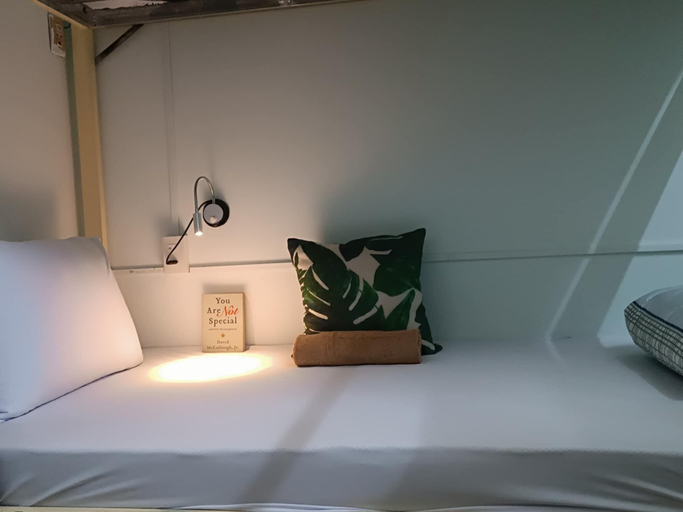
Traveller Inn
With a stay at Traveller Inn in Bac Nha Trang (Vĩnh Hải), you'll be within a 10-minute drive of Nha Trang Night Market and Hon Chong beach. This hotel is 1.1 mi (1.8 km) from Ponagar Temple and 1.1 mi (1.8 km) from Po Nagar Cham Towers.
Traveller Inn Rooms
Make yourself at home in one of the 4 guestrooms. Complimentary wireless internet access is available to keep you connected. Bathrooms have showers and complimentary toiletries.
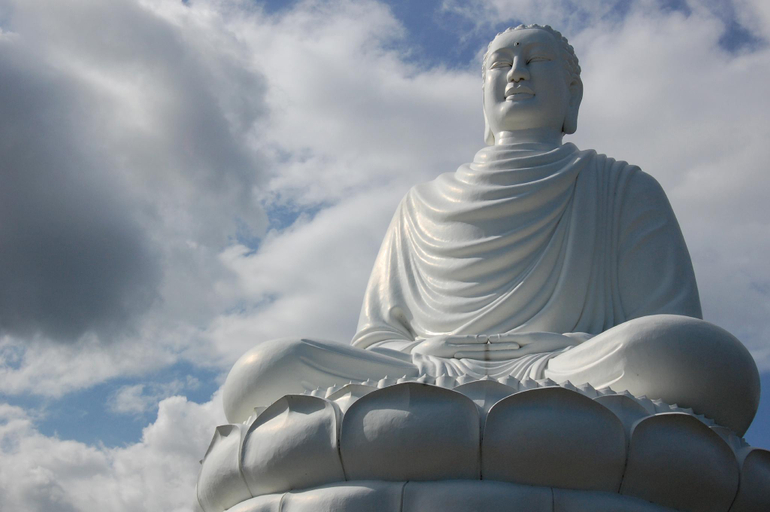
Apartment258
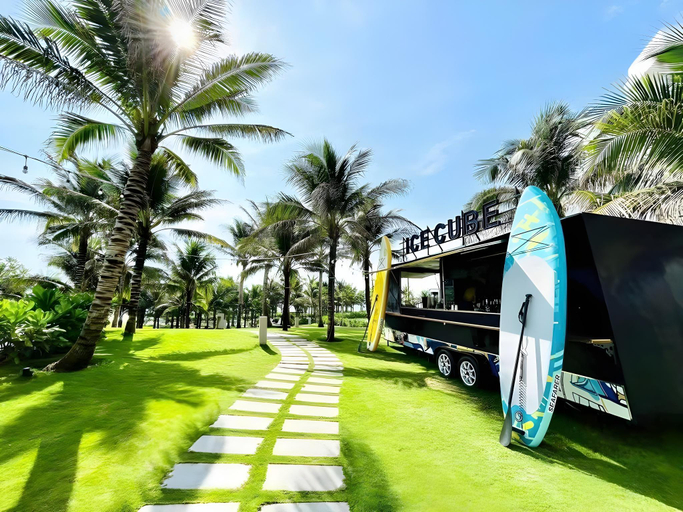
The Arena Cam Ranh Resort
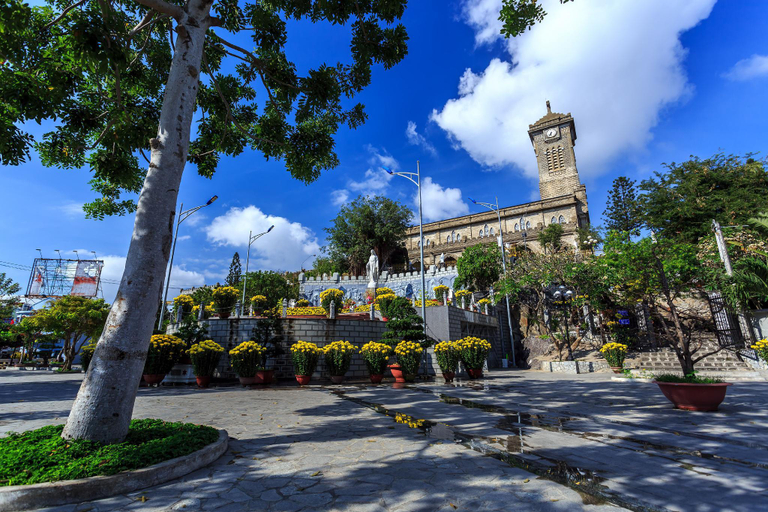
Happy home
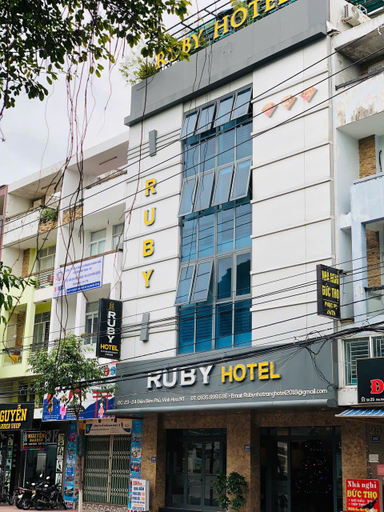
Ruby Nha Trang Hotel
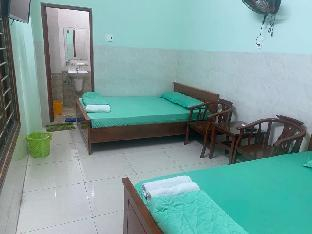
SPOT ON 1218 Nha Nghi Hung Thinh
Hotel Introduction Description
SPOT ON 1218 Nha Nghi Hung Thinh provides flawless service and all the necessary facilities for visitors. Stay connected with your associates, as complimentary Wi-Fi is available during your entire visit.When arriving by car, take advantage of the hotel's convenient on-site parking facilities. The hotel offers reception assistance, including luggage storage, to ensure guest satisfaction. Smoking is permitted solely in the specified smoking zones allocated by hotel.In order to ensure the utmost level of relaxation, the guestrooms feature an inviting design and are equipped with all basic necessities, creating a delightful stay experience.To ensure your satisfaction, certain rooms in the hotel come fitted with air conditioning for a more pleasant stay.Selected rooms offer in-room amusement like television as a source of entertainment for guests to enjoy.You'll be pleased to know that select guest bathrooms offer bathroom amenities such as toiletries, ensuring a comfortable stay.

Skyline Seaview Cam Ranh Khanh Hoa
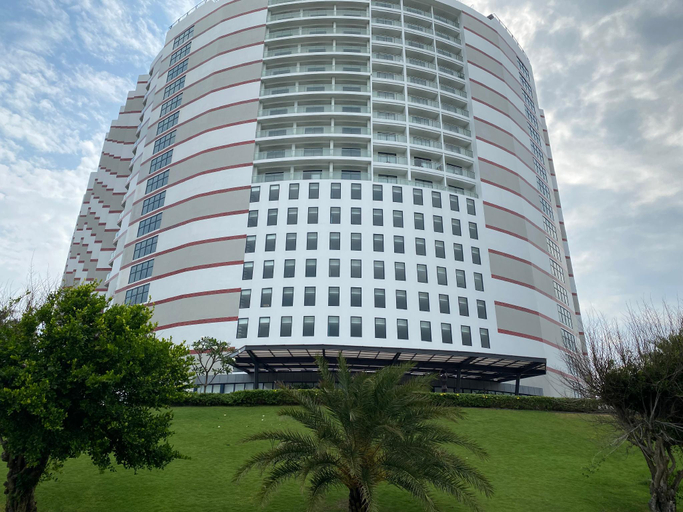
Arena Cam Ranh - Resort
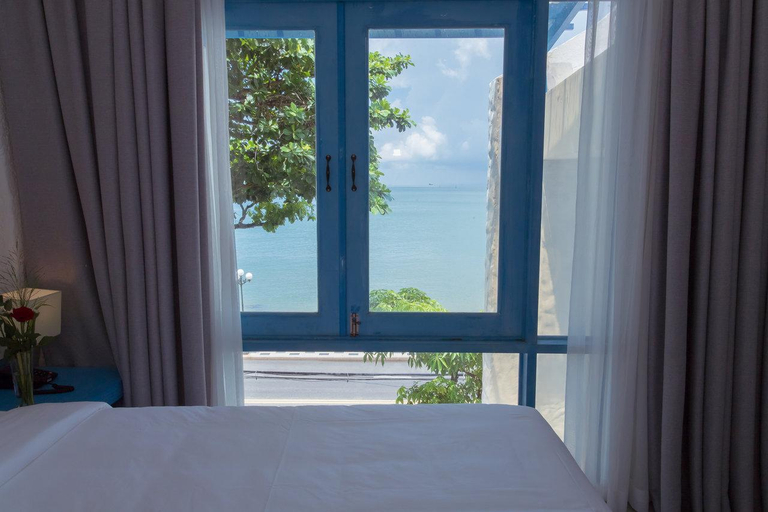
Minh Tuệ
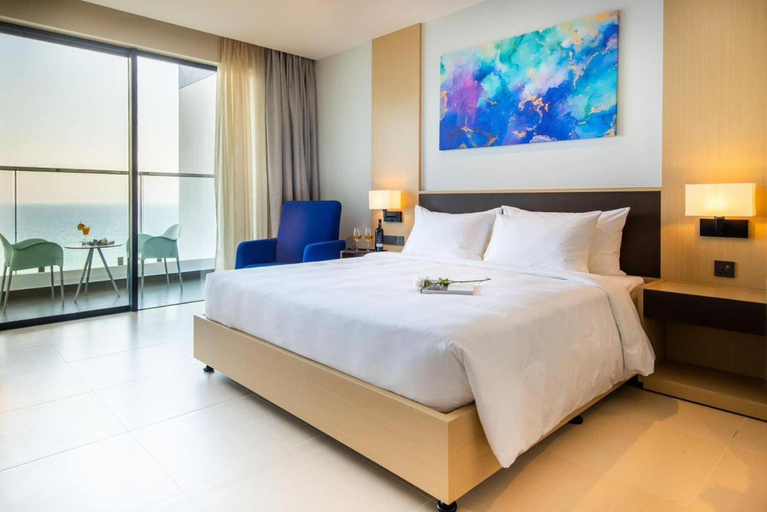
Arena Bai Dai Cam Ranh Khanh Hoa
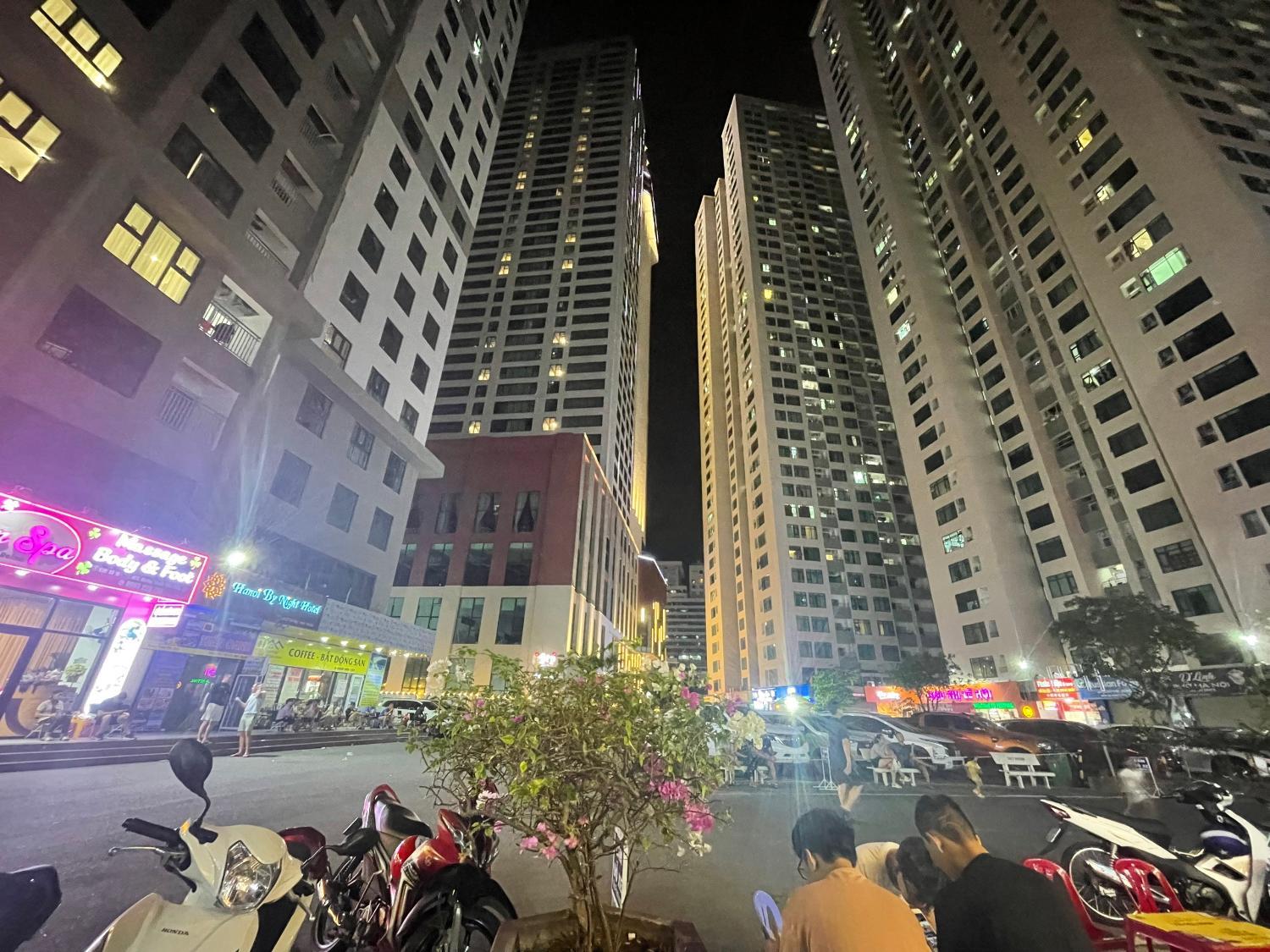
Muong Thanh Oceanfront Hon Chong Apartment

Can ho view bien tai Muong Thanh Vien Trieu Nha Trang

Beach Front & Ocean View Apartments Cam Ranh Tuyen Hospitality By HOFs
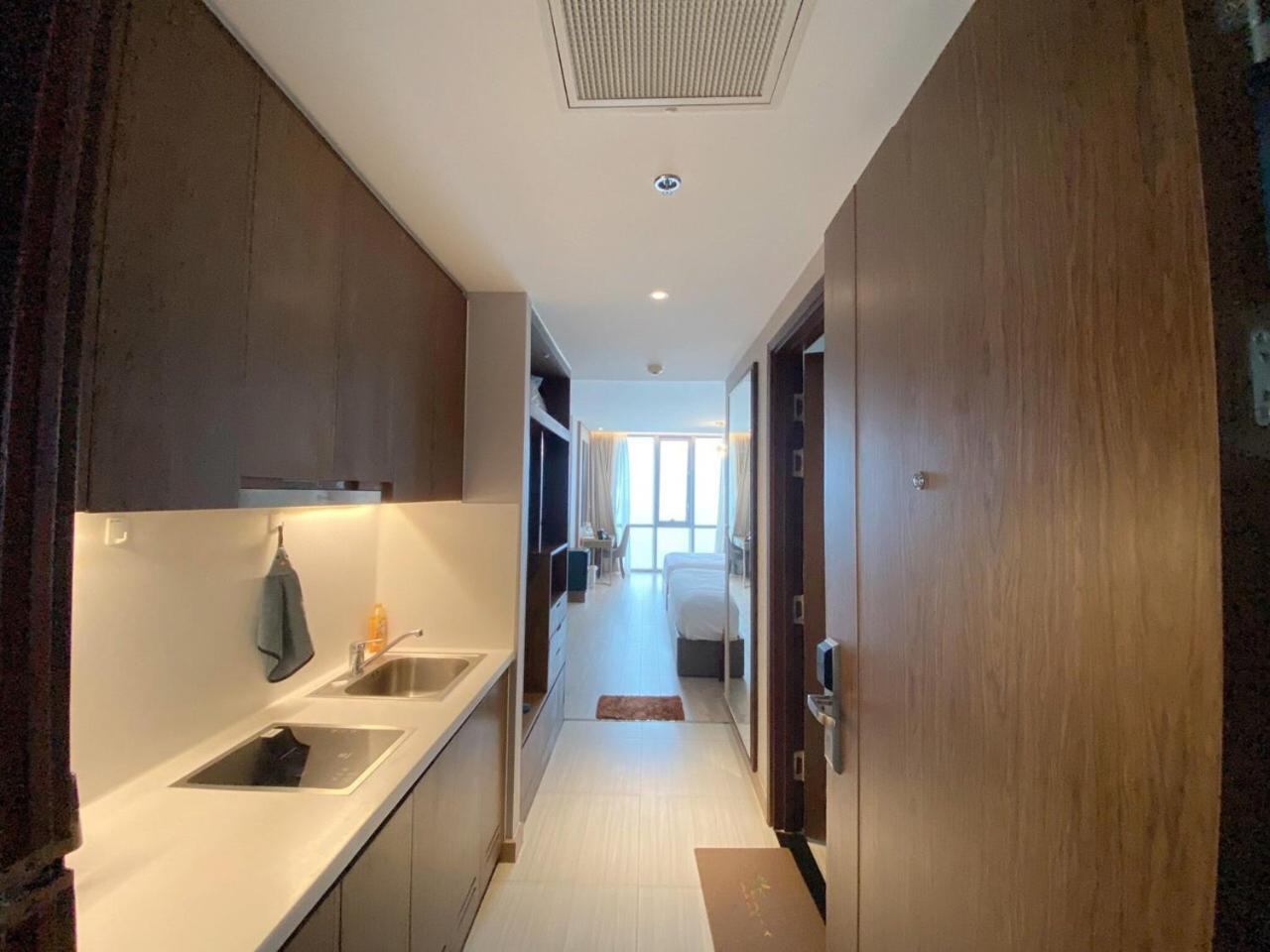
SEAHORSE PARADISE RESIDENCES
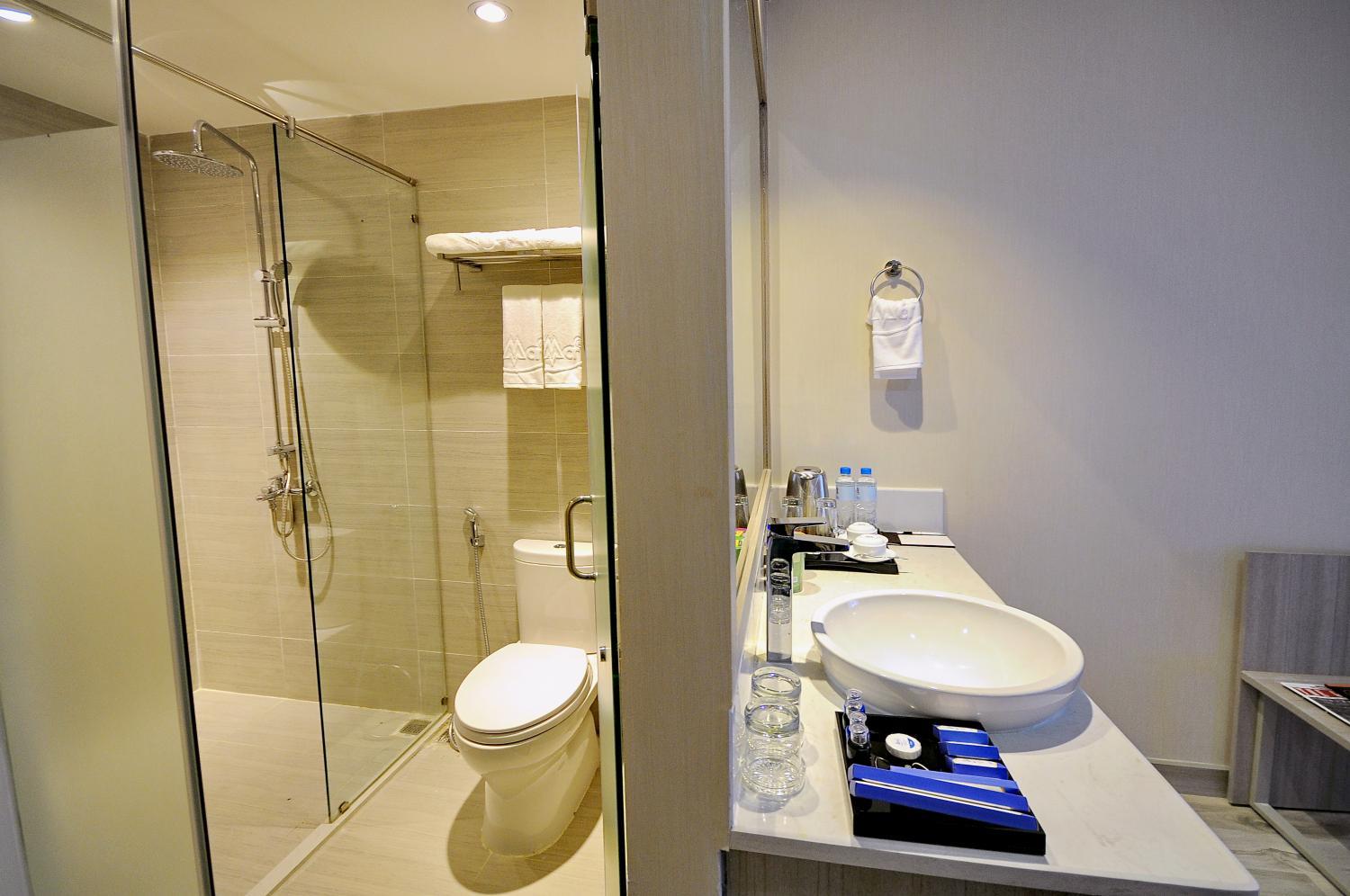
Muong Thanh Vien Trieu Thai Ha Apartment

Diamond Blue Hotel NT - by BAY LUXURY
Hotels in Khánh Hòa
