



Apartments in Shenzhen
Showing 461 Apartments in Shenzhen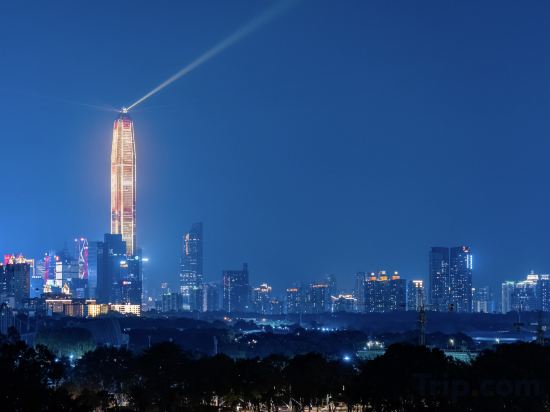
 Futian, Shenzhen
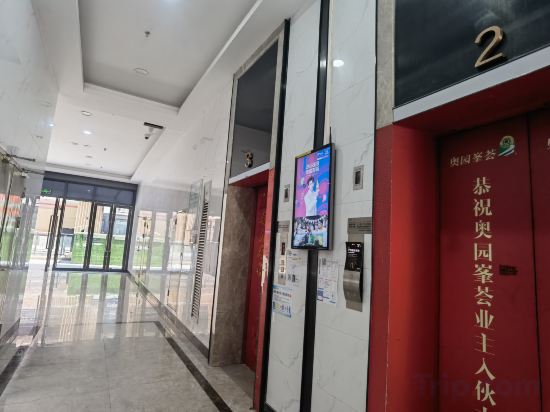 Guangming, Shenzhen
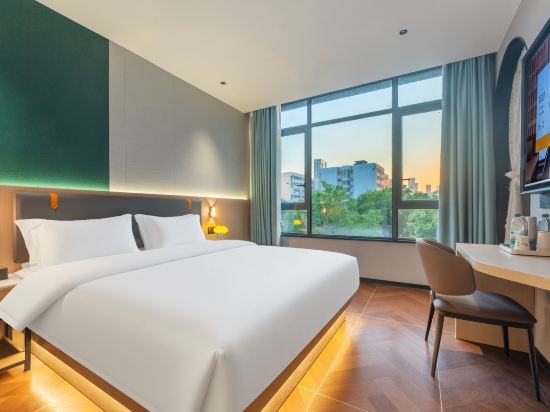 Nanshan, Shenzhen
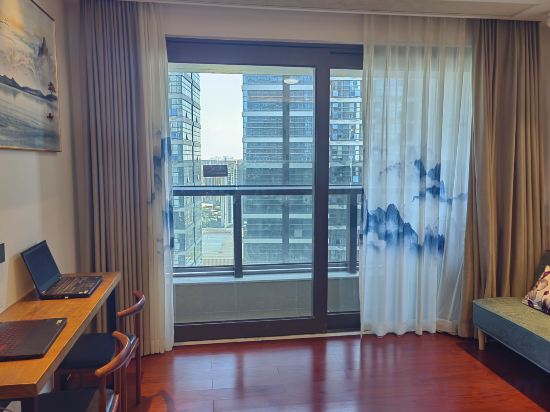 Longhua, Shenzhen
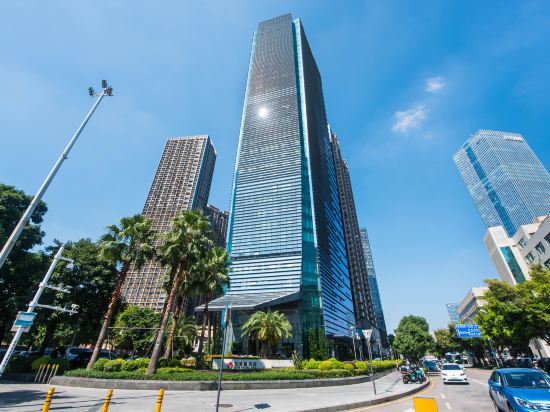 Nanshan, Shenzhen
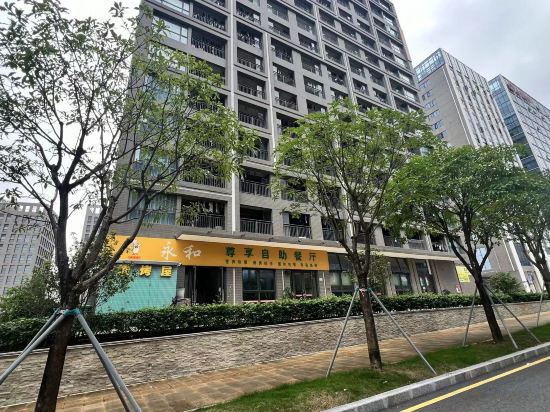 Guangming, Shenzhen
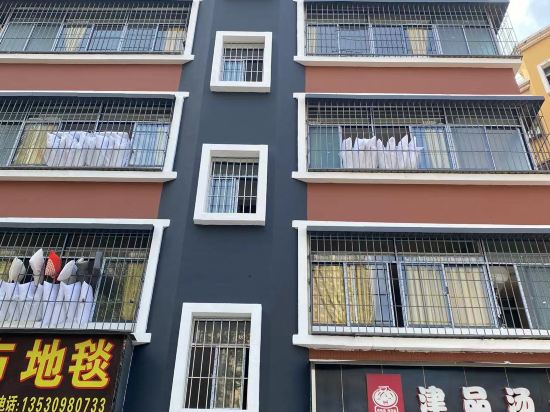 Longgang, Shenzhen
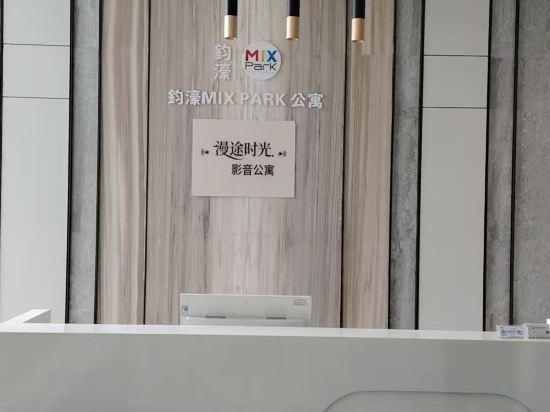 Luohu, Shenzhen
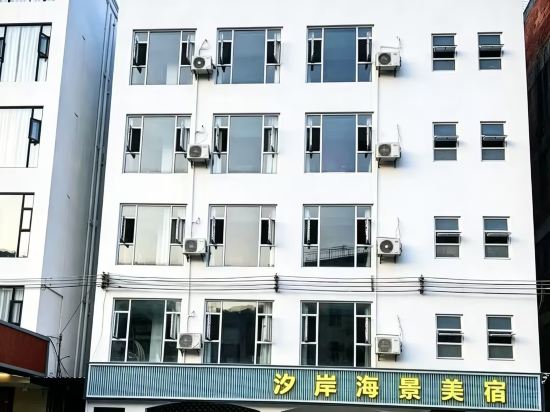
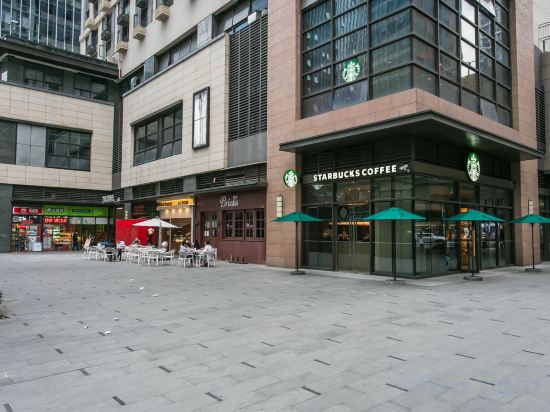 Nanshan, Shenzhen
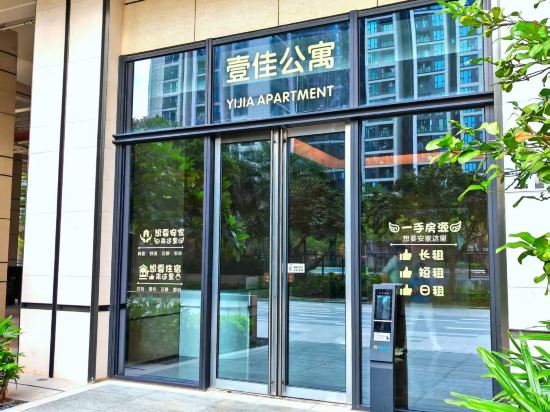 Bao'an, Shenzhen
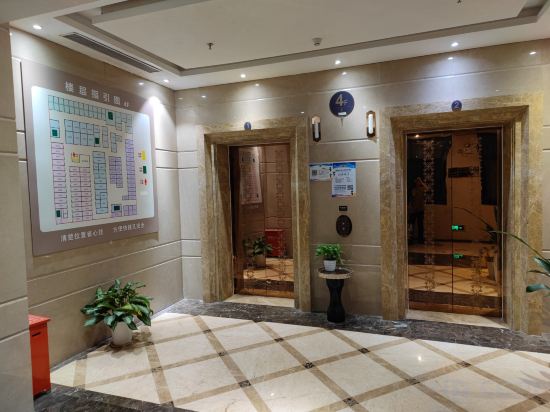 Futian, Shenzhen
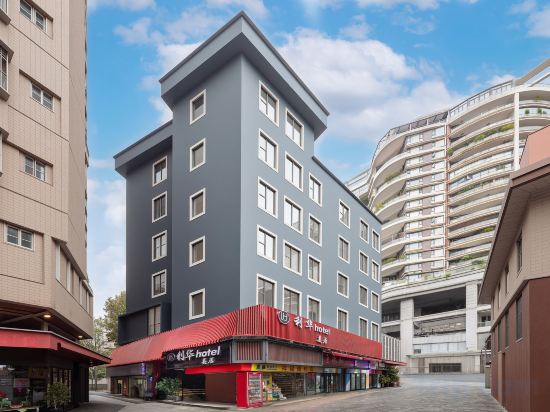 Nanshan, Shenzhen
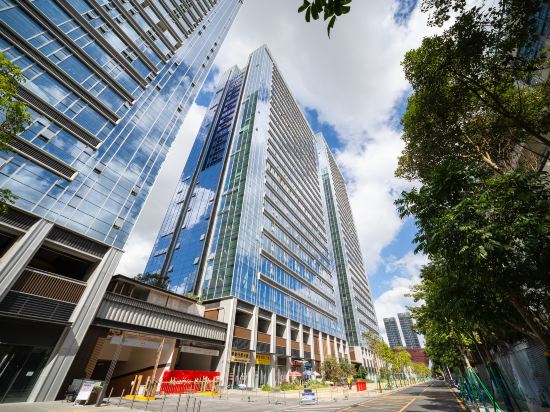 Longgang, Shenzhen
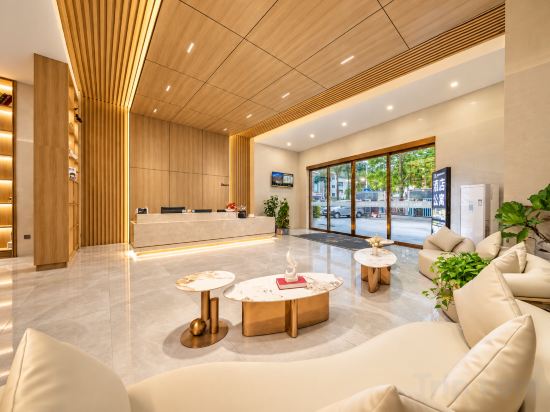 Longhua, Shenzhen
 Nanshan, Shenzhen
 Futian, Shenzhen
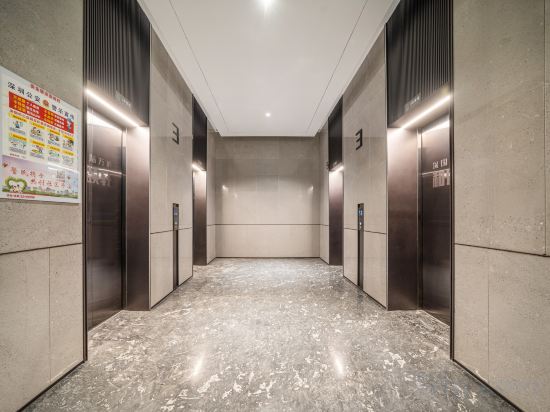 Longhua, Shenzhen
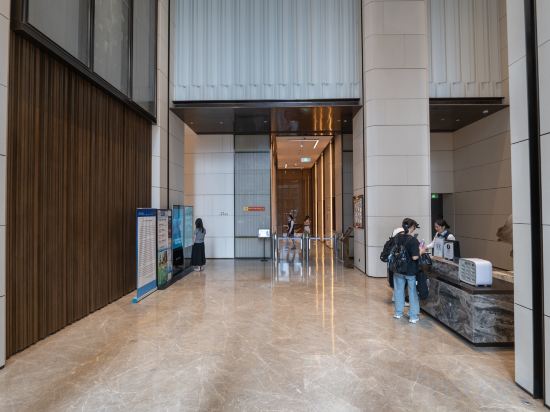 Futian, Shenzhen
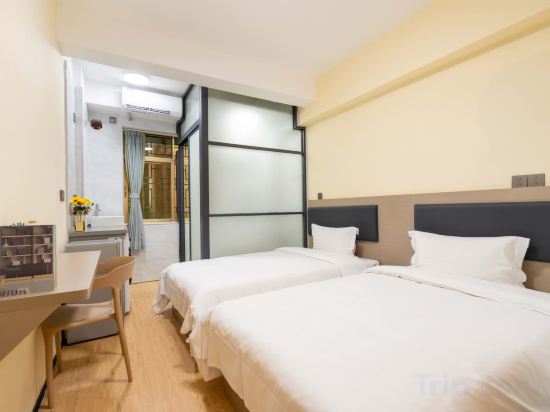 Futian, Shenzhen
Shenzhen Yongsten Apartment (Gangxia Metro Station Convention and Exhibition Center)
Apartment
Guangming Four Seasons Apartment (Aoyuan Peak Branch)
Apartment
Ruyi Light Luxury Apartment (Nanshan Taoyuan Subway Station)
Apartment
Polar Bear Youth Apartment (Shenzhen North Railway Station)
Apartment
WESU Microsuite Service Apartment (Shenzhen University Branch)
Apartment
Laidun Apartment (Dianda Guyuan)
Apartment
Yahao Apartment
Apartment
Mantu Shiguang Audio-visual Apartment (Buji Subdistrict and Shenzhen East Railway Station)
Apartment
Songsu Scenic Apartment
Shenzhen Boju Apartment
Apartment
Yijia Apartment (Shenzhen International Exhibition Center Huafa Ice and Snow World)
Apartment
Aurora Boutique Apartment (Shenzhen Futian Qiaoxiang Branch)
Apartment
Lihua Mercure Apartment (Shenzhen Nanshan Window of the World)
Apartment
Shenzhen Besten Executive Apartment (Longgang Wanke Plaza Jixiang Subway Station)
Apartment
Saitelai International Apartment (Shenzhen Guanlan Foxconn Zhangge)
Apartment
Youmi All-Female Youth Apartment
Apartment
ANNMORE International Apartment (Shenzhen Convention & Exhibition Center Gangxia Subway Station)
Apartment
Doya I Yunjing 180° Panoramic Apartment
Apartment
Poliwan Executive Apartment (Shenzhen Futian Port Zhongzhou Bay)
Apartment
Bay Area Apartment (Gangxia North Subway Station)
Apartment
Apartments in Shenzhen
Don't feel hesitant to book Apartments in Shenzhen at tiket.com! We'll make sure to provide all conveniences you need when doing a room reservation. Book your favourite hotel now only at tiket.com!

How to Book Accommodations on tiket.com
1. Find the accommodationEnter the name of the city, area, or accommodation to find the place you want.
2. Select a roomOn the accommodation detail page, you will see the available room options. Select a room that suits your needs.
3. Complete the booking detailsInput the contact details (the person who will be contacted by tiket.com and the accommodation about the booking) and the guests’ details.
4. Select Add-onsYou can also buy additional services such as meal packages, transportation, and many more.
5. Pay your bookingSelect the payment method and complete your transaction. Don't forget to use the promo code to get a cheaper accommodation price at tiket.com.
6. Get the reservation e-voucherAfter the payment is successful, the e-voucher will be available on the Your Orders menu and sent to the email listed in the contact details.