



Apartments in Guangdong
Showing 1.000+ Apartments in Guangdong
 Huiyang, Huizhou
 Futian, Shenzhen
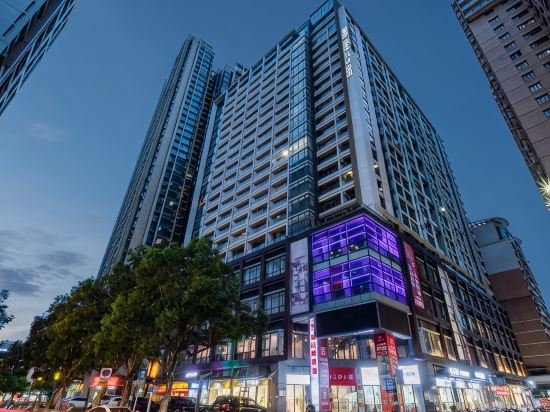 Shunde, Foshan
 Nanshan, Shenzhen
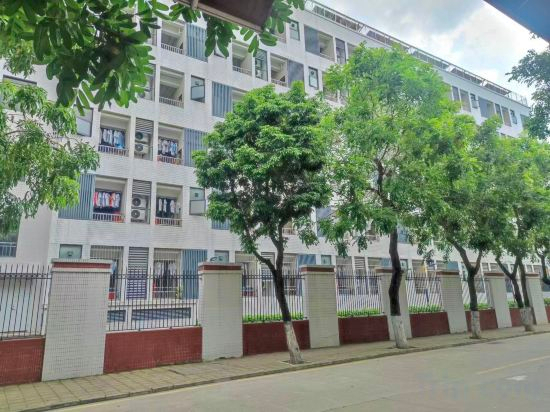 Shunde, Foshan
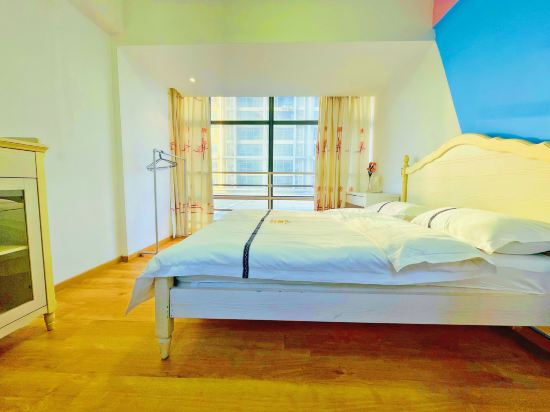 Dongyuan, Dongguan
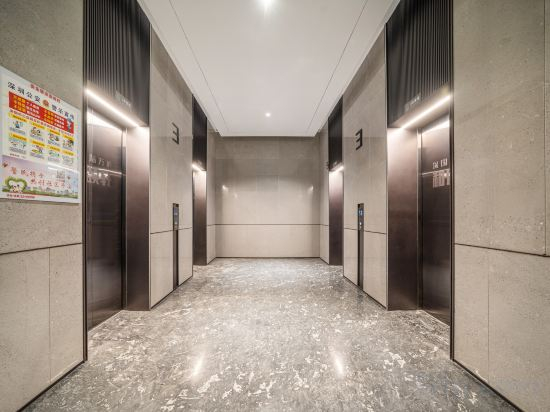 Longhua, Shenzhen
 Shunde, Foshan
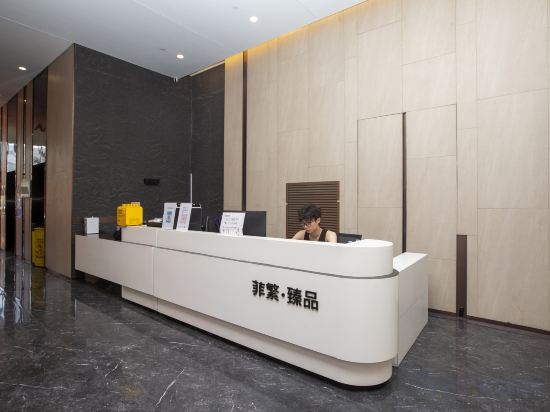 Zhongshan, Zhongshan
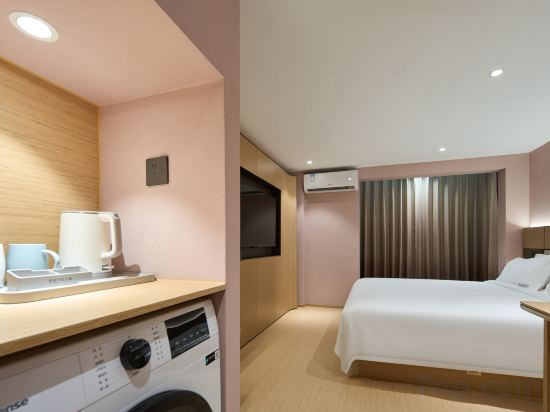 Sihui, Zhaoqing
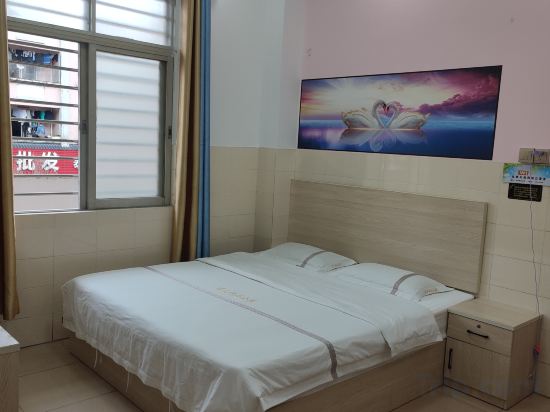 Dongyuan, Dongguan
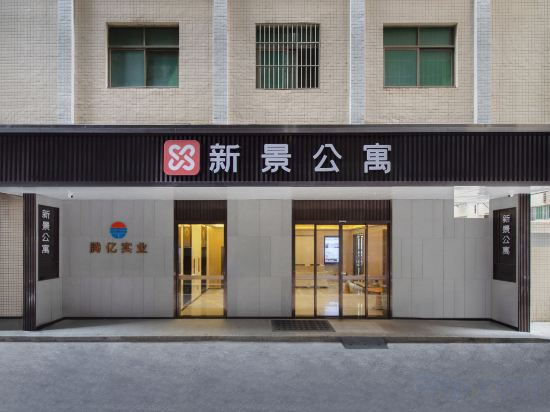 Longhua, Shenzhen
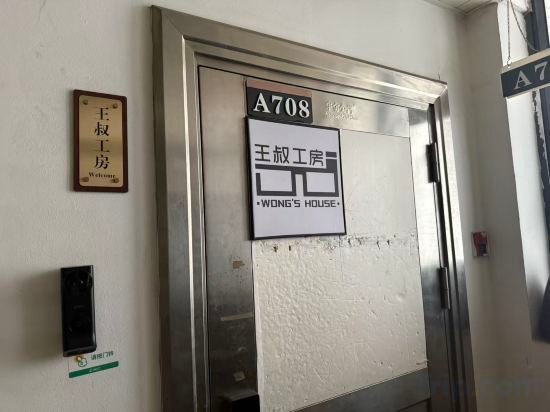
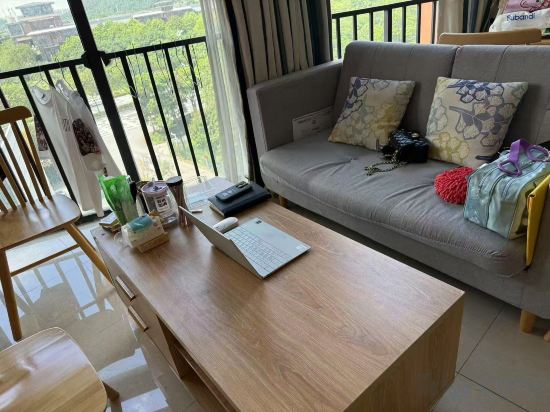 Shunde, Foshan
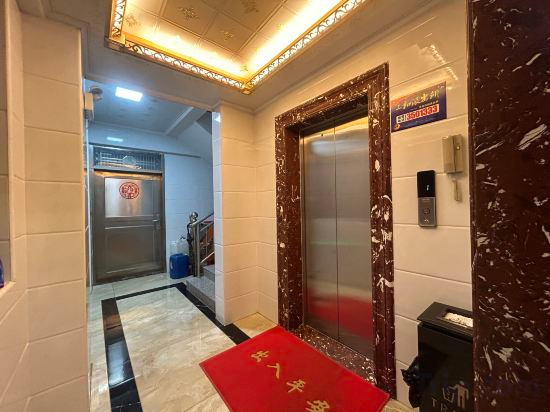 Huiyang, Huizhou
 Zhuhai, Zhuhai
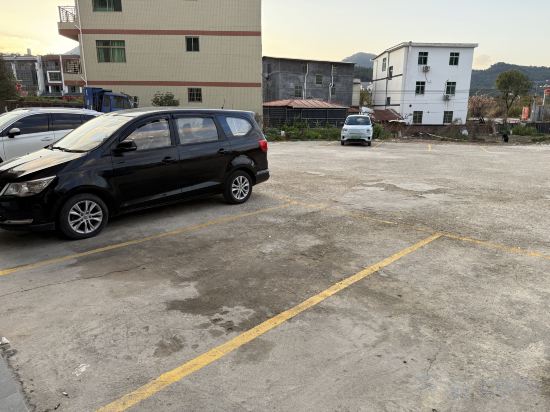 Dongyuan, Heyuan
 Huidong, Huizhou
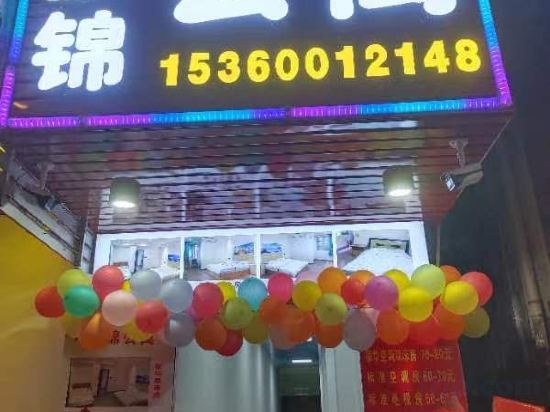 Dongyuan, Dongguan
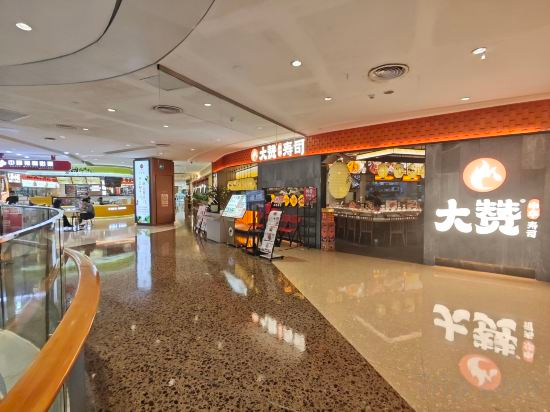 Yangjiang, Yangjiang
Huizhou Isabelle Vacation Apartment
Apartment
Hertha International Apartment (Shenzhen KKONE Shopping Center Xiasha Subway Station)
Apartment
Fancheng Xin Hongmian Apartment (Qinghui Garden Daliang Clock Tower Subway Station)
Apartment
Jiasixuan Executive Apartment (Shenzhen Coast Chengnanyou Clothing City Branch)
Apartment
Foshan Nanjiang Apartment
Apartment
Duoduo · Ins Light Luxury Apartment (Nancheng Huiyicheng)
Apartment
Doya I Yunjing 180° Panoramic Apartment
Apartment
Yuduo Electric Sports Apartment (Foshan Shundemei Wanda Plaza Branch)
Apartment
Feifan Zhenpin Apartment (Zhongshan Xi Rainbow Avenue)
Apartment
Quanxin Executive Apartment (Sihui Yubocheng)
Apartment
Yujian Boutique Apartment (Panda Plaza Shop)
Apartment
Xinjing Apartment (Shenzhen North Station Branch)
Apartment
Wangshu Workshop Apartment (Zhujiang New Town Subway Station)
Hailanlan Cozy Apartment (Shunfengshan Park Nanguo Donghui)
Apartment
Huizhou Yunqi Theme Apartment (Sanhe Guangchang)
Apartment
Chujingya International Apartments (Hengqin Port Branch)
Apartment
Dongyuan Kangzhiquan Apartment
Apartment
Apartment Sunset
Apartment
Mengjin Apartment (Dongguan Daojiao Town)
Apartment
Jingxi Selected Apartment (Yangjiang Donghuicheng Plaza)
Apartment
Apartments in Guangdong
Don't feel hesitant to book Apartments in Guangdong at tiket.com! We'll make sure to provide all conveniences you need when doing a room reservation. Book your favourite hotel now only at tiket.com!

How to Book Accommodations on tiket.com
1. Find the accommodationEnter the name of the city, area, or accommodation to find the place you want.
2. Select a roomOn the accommodation detail page, you will see the available room options. Select a room that suits your needs.
3. Complete the booking detailsInput the contact details (the person who will be contacted by tiket.com and the accommodation about the booking) and the guests’ details.
4. Select Add-onsYou can also buy additional services such as meal packages, transportation, and many more.
5. Pay your bookingSelect the payment method and complete your transaction. Don't forget to use the promo code to get a cheaper accommodation price at tiket.com.
6. Get the reservation e-voucherAfter the payment is successful, the e-voucher will be available on the Your Orders menu and sent to the email listed in the contact details.