



Apartments in Islas Canarias
Showing 1.000+ Apartments in Islas Canarias

 Santa Cruz de TenerifeSanta Cruz de TenerifeSanta Cruz de TenerifeLas PalmasSanta Cruz de Tenerife
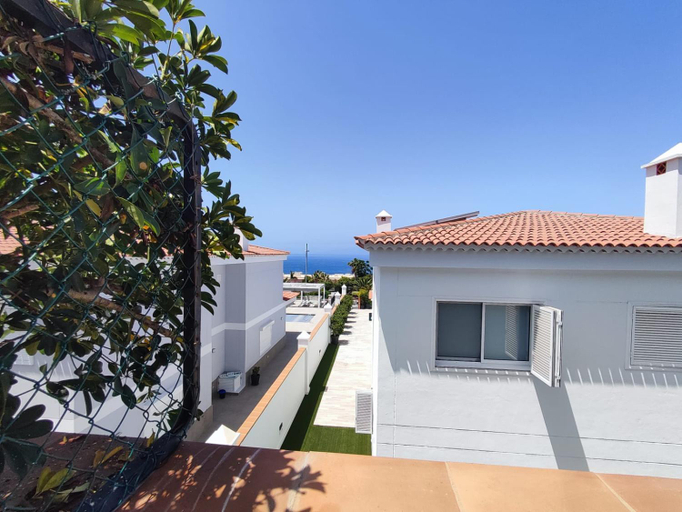 Santa Cruz de TenerifeLas PalmasLas PalmasSanta Cruz de TenerifeSanta Cruz de TenerifeSanta Cruz de TenerifeSanta Cruz de TenerifeSanta Cruz de TenerifeSanta Cruz de TenerifeSanta Cruz de Tenerife


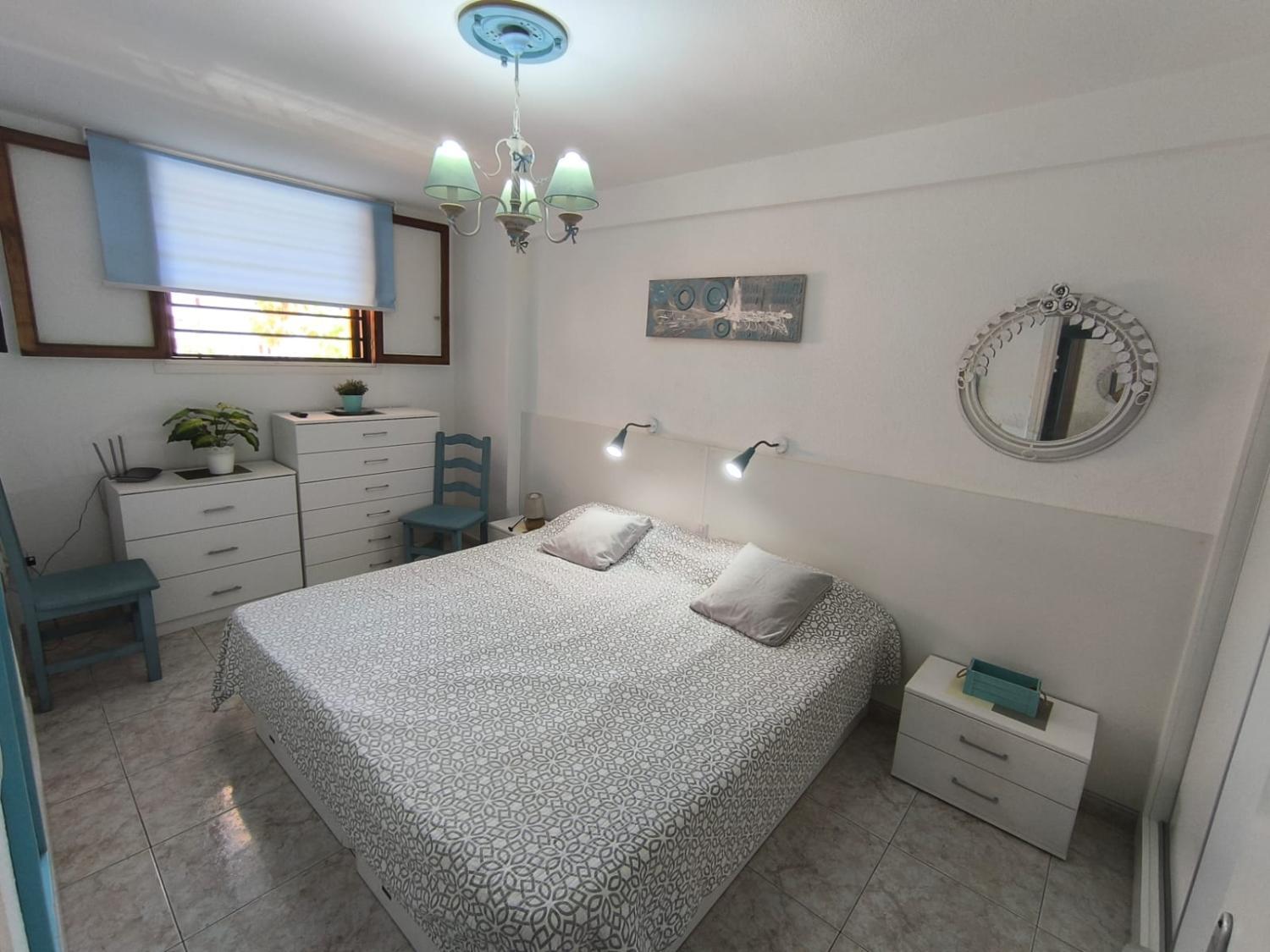
Apartment Fanabe Mareverde
Apartment
Summerland Leisure Apartment
Apartment
Playa de la Arena Beach Apartment - 2 min to Beach
Apartment
Tisalaya Park stay, cosy apartment in Maspalomas
Apartment
El Mocan Apartment Palm Mar
Apartment
Playa La Arena Apartment with Big Terrace
Apartment
Lovely apartment Mira with pool
Apartment
Apartment in Salinetas Beach
Apartment
Sunny Terrace Apartment Chaparral
Apartment
Susurro del Mar - Relax Apartment in La Restinga
Apartment
Amazing apartment with sea views and AC, PA06
Apartment
AMARILLA 202 APARTMENT
Apartment
Apartment Clara Fanabe
Apartment
Amejica - Apartment with terrace and sea view
Apartment
NEW Seaview apartment - Los Cristianos II
Apartment
Martina Apartment 67 Sur y Sol Los Cristianos
Martina Apartment 67 Sur y Sol Los Cristianos welcomes you to a comfortable stay at Santa Cruz de Tenerife. The Apartment offers complete facilities to cater to guests’ needs, such as swimming pool, WiFi, and parking.
Staff at the Apartment can assist you with tours/ticket assistance and tours. Other facilities include washing machine and bicycle rental.
See detailsApartment Parque Royal Fanabe
Apartments las Americas ocean view & swimming pool
Apartments in Islas Canarias
Don't feel hesitant to book Apartments in Islas Canarias at tiket.com! We'll make sure to provide all conveniences you need when doing a room reservation. Book your favourite hotel now only at tiket.com!

How to Book Accommodations on tiket.com
1. Find the accommodationEnter the name of the city, area, or accommodation to find the place you want.
2. Select a roomOn the accommodation detail page, you will see the available room options. Select a room that suits your needs.
3. Complete the booking detailsInput the contact details (the person who will be contacted by tiket.com and the accommodation about the booking) and the guests’ details.
4. Select Add-onsYou can also buy additional services such as meal packages, transportation, and many more.
5. Pay your bookingSelect the payment method and complete your transaction. Don't forget to use the promo code to get a cheaper accommodation price at tiket.com.
6. Get the reservation e-voucherAfter the payment is successful, the e-voucher will be available on the Your Orders menu and sent to the email listed in the contact details.