



Hotels in Changsha Shì
Showing 762 hotels in Changsha Shì
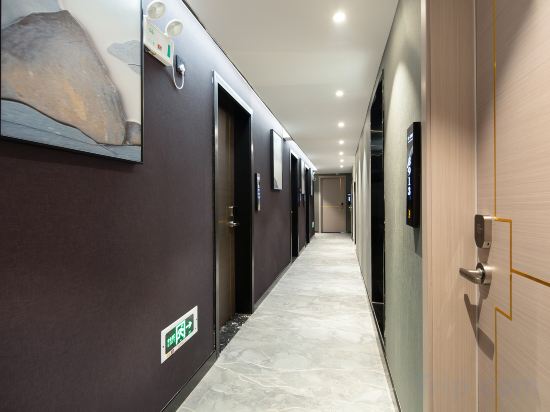
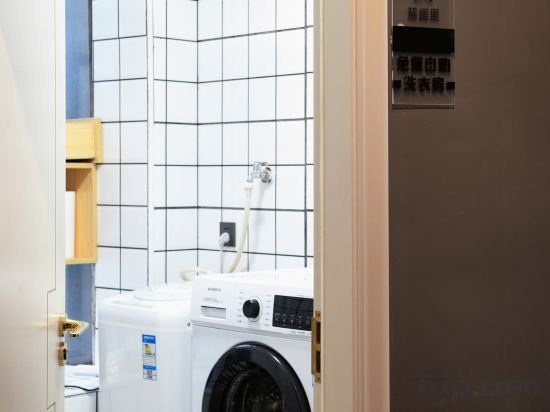

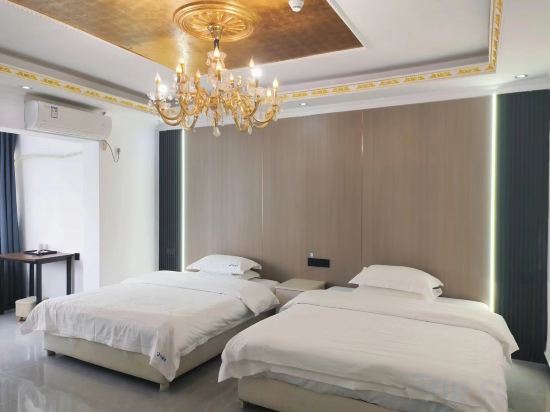
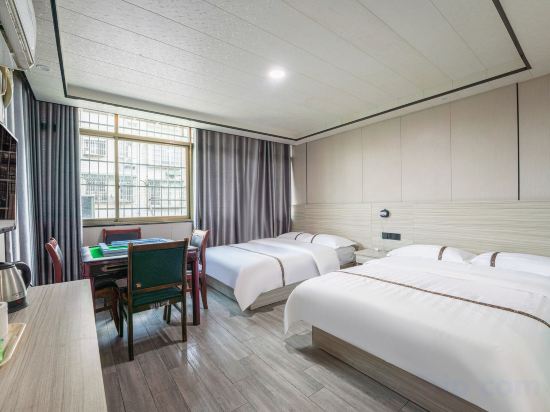
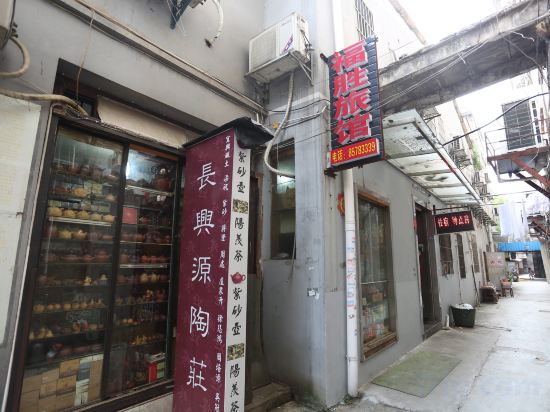

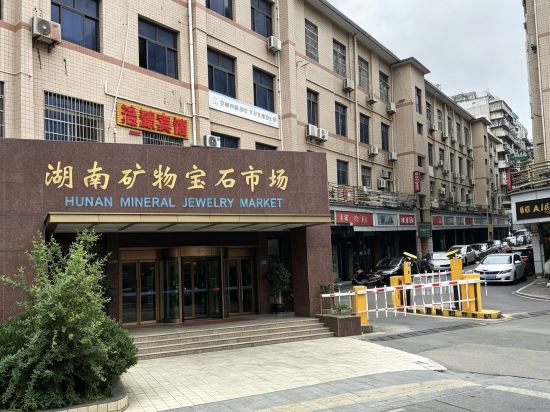
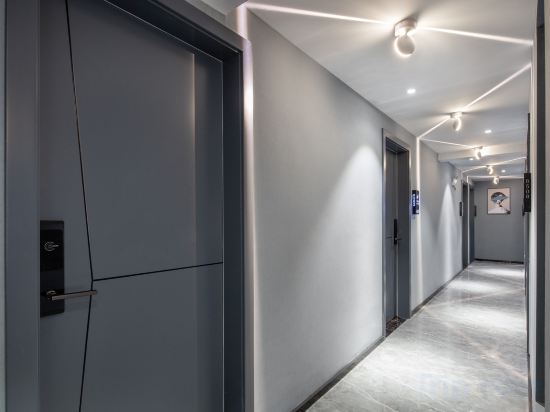


LAMICA Female Only Hotel
LAMICA Female Only Hotel offers top-notch services and amenities, ensuring guests experience utmost comfort. Share your photos and respond to emails at your convenience, thanks to the free Wi-Fi internet access offered by hotel.
Yixi Huajian (Changsha Wuyi Square IFS Branch)
Changsha Luquli B&B (Yuelushan University City Branch)
Hanting Hotel Changsha Yaoling The Second Xiangya Hospital Metro Station
At Hanting Hotel Changsha Yaoling The Second Xiangya Hospital Metro Station, exceptional service and top-notch amenities create a memorable experience for guests. Complimentary internet access is available in the hotel to ensure you stay connected during your visit.
See detailsHuaxin Apartment (Changsha Wu Yi Square IFS)
Changsha Qiangqiang Guest House (Guanshaling Subway Station)
Fusheng Inn (Changsha Taiping Street)
World Hotel Grand Jia Xing Yuelu Changsha
Changsha Jieyuan Hotel (Wu Yi Square Helong Sports Center)
Changsha Yuemu Xingchen Homestay (Changsha Wu Yi Square IFS Guojin Center)
Campanile Changsha Red Star Desiqin Plaza
Located in Changsha, Campanile Changsha Red Star Desiqin Plaza offers accommodation with easy access to Changsha’s best spots. The property features restaurant, WiFi, and parking.
Each room is equipped with AC. The bathroom comes with shower.
See detailsElan Inn Changsha Xingsha Avenue Lansi Technology
Elan Inn Changsha Xingsha Avenue Lansi Technology offers top-notch services and amenities, ensuring guests experience utmost comfort. Maintain seamless communication using the complimentary Wi-Fi at hotel.
Hotels in Changsha Shì
Don't feel hesitant to book hotels in Changsha Shì at tiket.com! We'll make sure to provide all conveniences you need when doing a room reservation. Book your favourite hotel now only at tiket.com!

How to Book Hotels on tiket.com
1. Find the hotelEnter the name of the city, area, or hotel to find the place you want.
2. Select a roomOn the hotel detail page, you will see the available room options. Select a room that suits your needs.
3. Complete the booking detailsInput the contact details (the person who will be contacted by tiket.com and the hotel about the booking) and the guests’ details.
4. Select Add-onsYou can also buy additional services such as meal packages, transportation, and many more.
5. Pay your bookingSelect the payment method and complete your transaction. Don’t forget to use the promo code to get a cheaper hotel price at tiket.com.
6. Get the reservation e-voucherAfter the payment is successful, the e-voucher will be available on the Your Orders menu and sent to the email listed in the contact details.