



Hotels in Dali
Showing 3.000+ hotels in Dali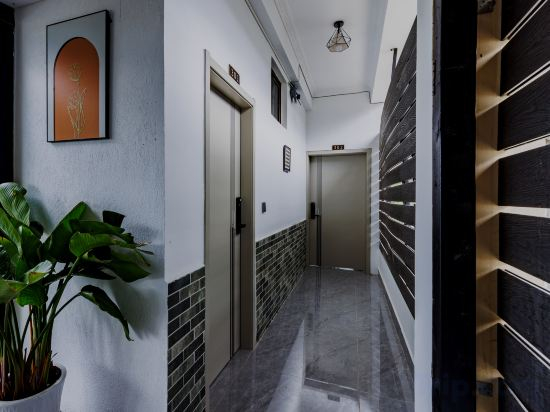

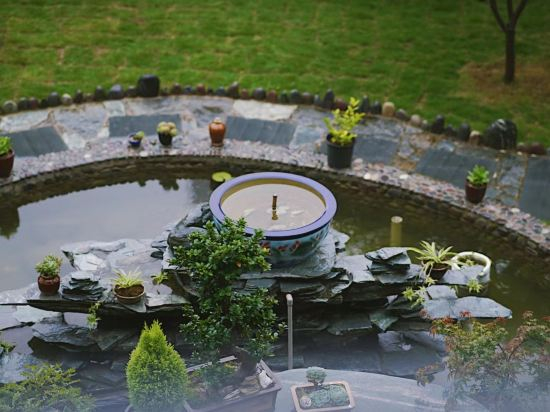
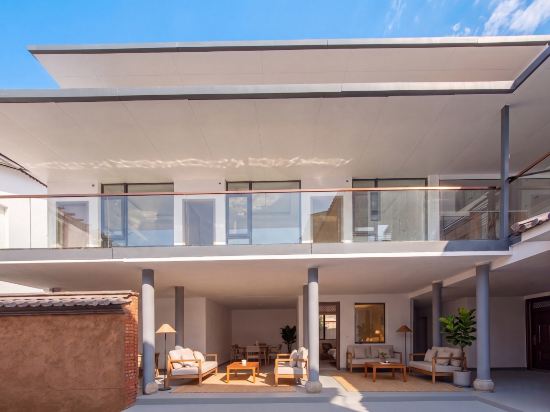
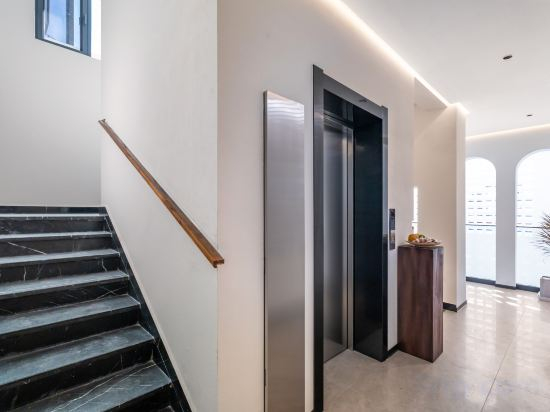
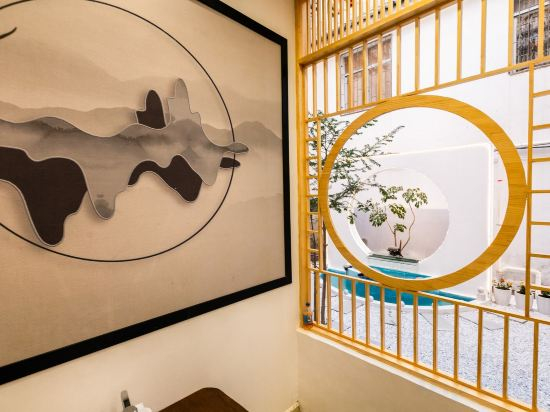

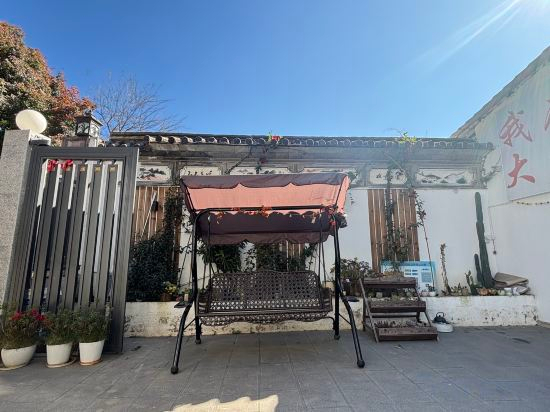
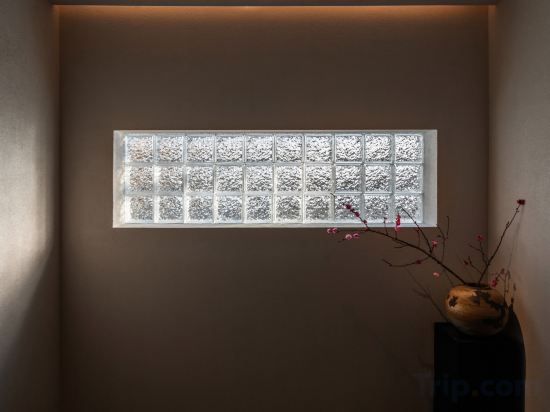

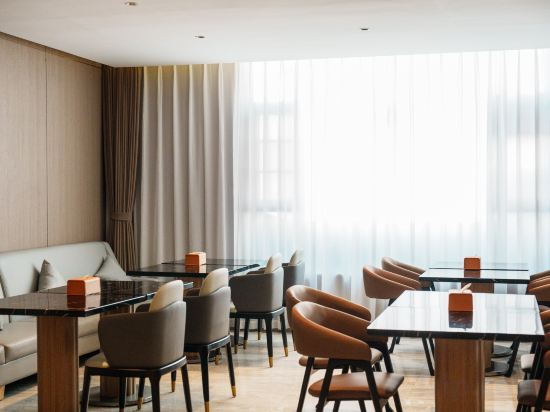


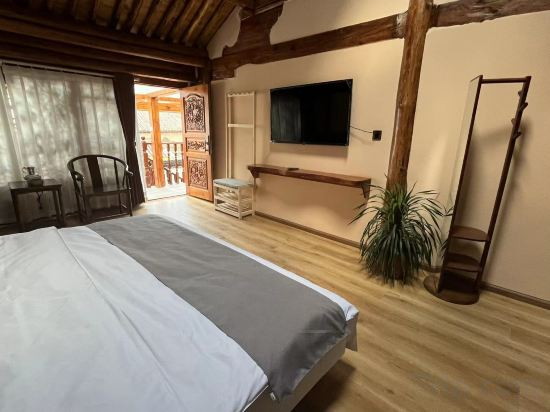
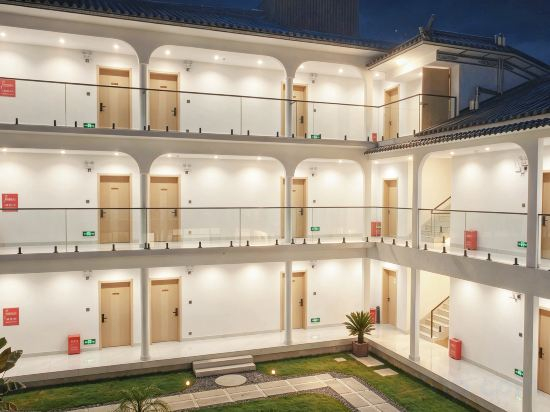
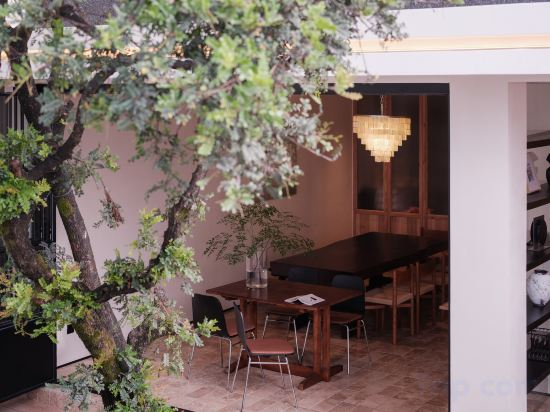
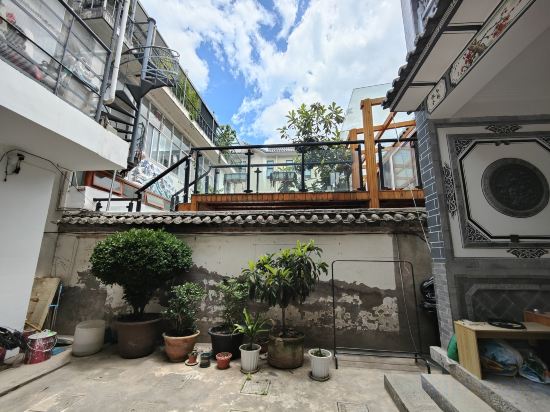
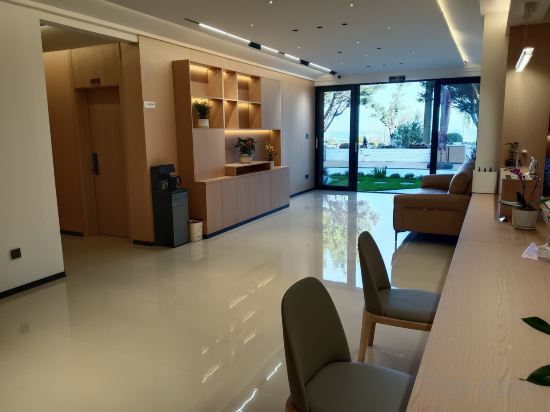

Yilanfanghua Seaview Garden Homestay (Dali Caicun Wharf Branch)
Yupin ·villa pagoda ancient courtyard (Dali Santa Cangshan branch)
Yunjuan Yunshu Homestay (Cangshan Scenic Area)
Haiying Longkan · Villa Seaview Vacation Villa (Dali Longkan Wharf)
Hengjia Inn
Yueshan · Xitang · Haixi Morning Mist | Dawn Light Smart Homestay (Panxi S Bay)
Yiyun Boutique Guesthouse
Dali Xiaoqi Lihe B&B
Dali Eryu Homestay
Dali Liancang'er Designer Guesthouse - Serene Retreat
Yishan Yishe Mountain and Sea Stargazing Inn (Dali Ancient Town Branch)
Tianmu Yunju·Premium Smart Resort Hotel (Dali Erhai Branch)
Yalanxin | MOUNTAINVIEW·RETREAT - Luxurious Mountain View Retreat (Dali Cangshan Ancient City North)
Dali Yingluoyuan Homestay (Longkan Wharf Erhai)
Dali Ancient City Tea Yunxuan Inn
Linlu Garden | Light · Luxury · Garden Homestay (Dali Ancient City)
Shuishang Cloudscape · Gilded Velvet Designer Holiday Resort (Dali Ancient Town Branch)
Dali Washful Time Inn
Dali Dianxi Quanxi Seascape Garden Homestay (Erhai Park Branch, Dali High speed Railway Station)
Lawn | Juean Caoping Dujia Garden Homestay (Erhai Longkan Wharf)
Hotels in Dali
Don't feel hesitant to book hotels in Dali at tiket.com! We'll make sure to provide all conveniences you need when doing a room reservation. Book your favourite hotel now only at tiket.com!

How to Book Hotels on tiket.com
1. Find the hotelEnter the name of the city, area, or hotel to find the place you want.
2. Select a roomOn the hotel detail page, you will see the available room options. Select a room that suits your needs.
3. Complete the booking detailsInput the contact details (the person who will be contacted by tiket.com and the hotel about the booking) and the guests’ details.
4. Select Add-onsYou can also buy additional services such as meal packages, transportation, and many more.
5. Pay your bookingSelect the payment method and complete your transaction. Don’t forget to use the promo code to get a cheaper hotel price at tiket.com.
6. Get the reservation e-voucherAfter the payment is successful, the e-voucher will be available on the Your Orders menu and sent to the email listed in the contact details.