



Hotels in Huangpu
Showing 306 hotels in Huangpu

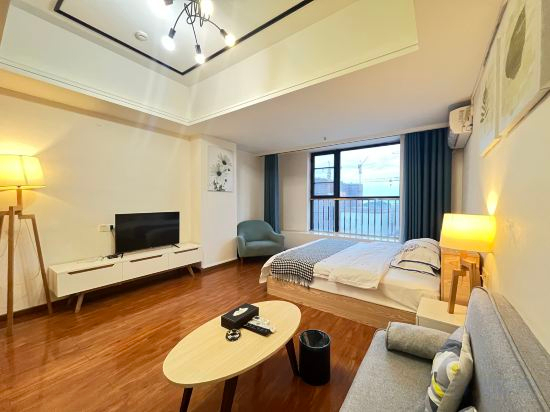
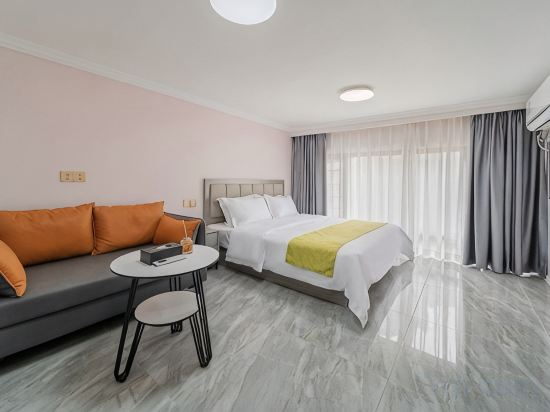
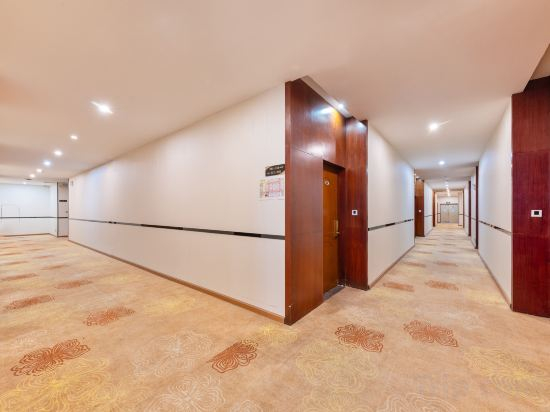
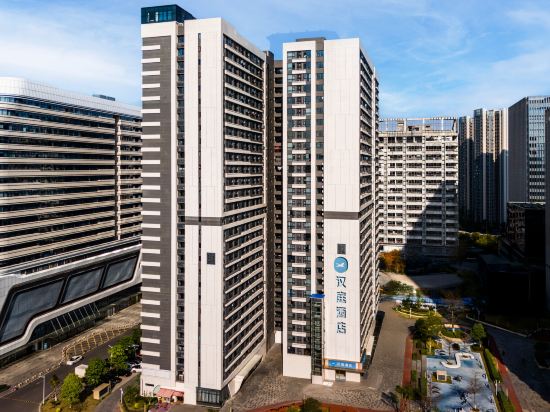
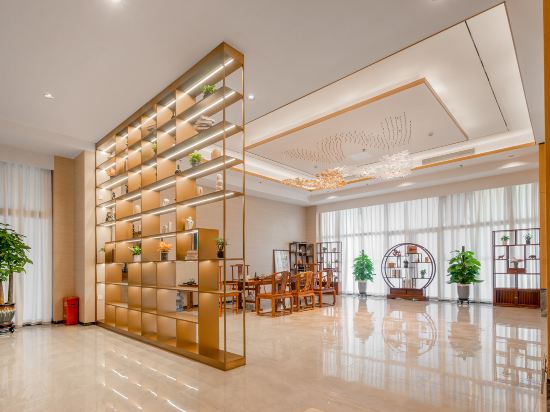

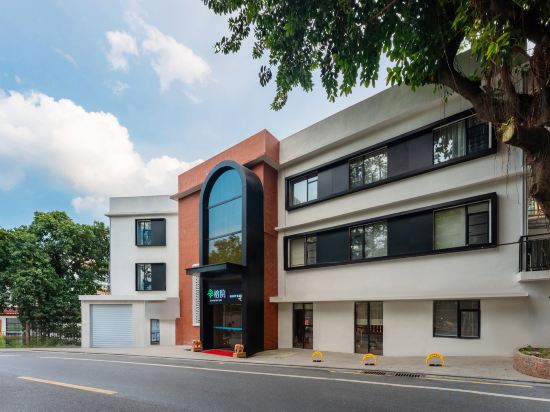

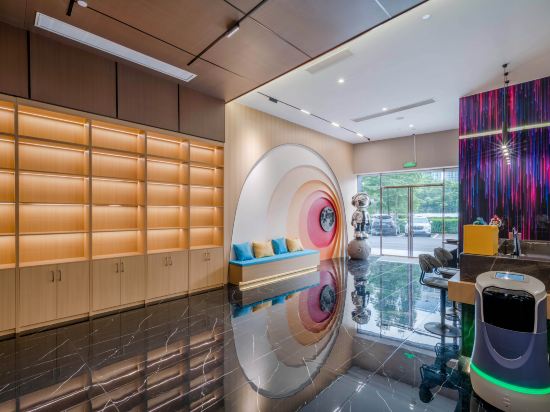
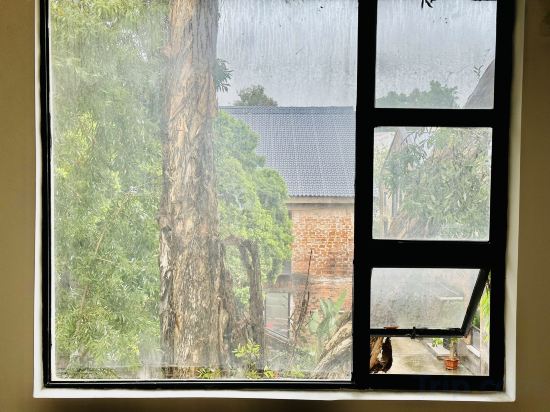

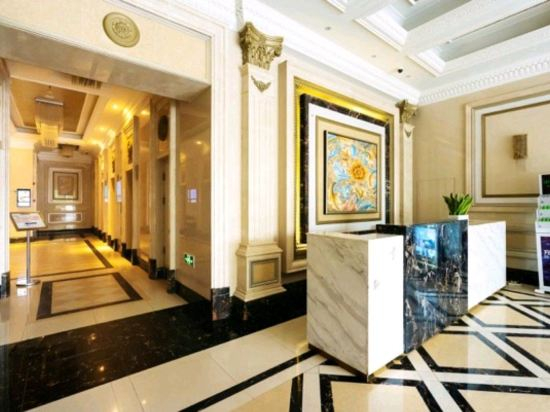
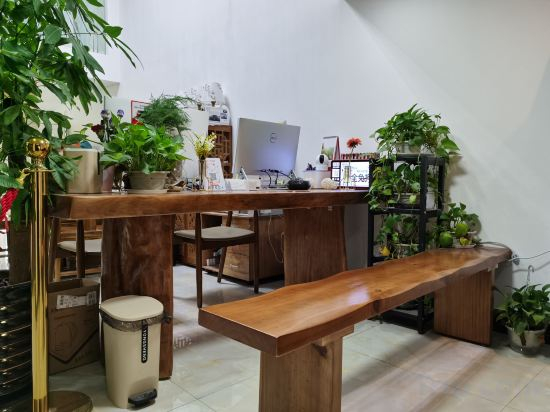
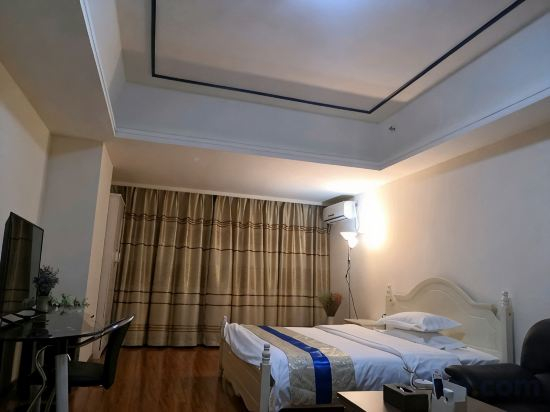
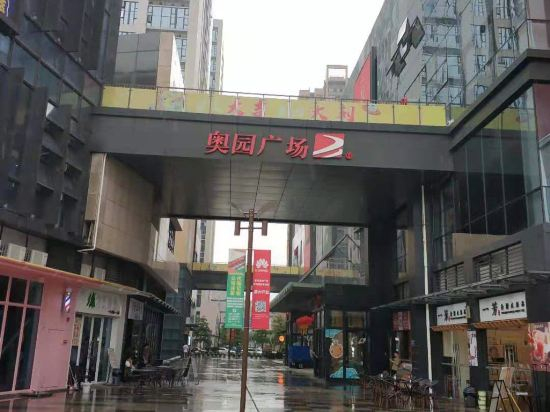
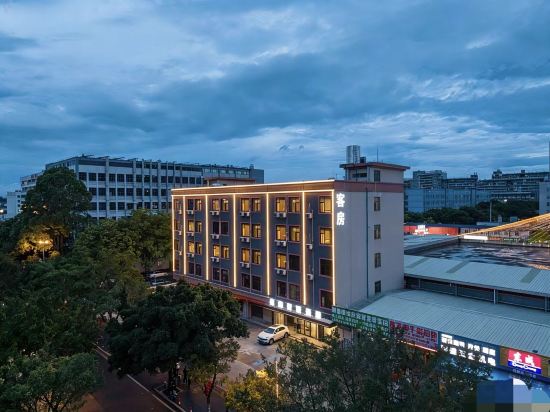
Guangzhou Xingji Hotel (Guangzhou Zhongxin Knowledge City Hongwei Metro Station Branch)
Lanlin Mandi (Guangzhou Yunsheng Science Park Shenzhou Road Subway Station)
Miran Hotel Apartment
GUANGZHOU FUTURE APARTMRNT
Juncheng Business Hotel (Guangzhou Baoneng Yiyi Zhongxin Kaichuang Avenue Branch)
HanTing Hotel (Guangzhou Huangpu Luogang Subway Station)
EXPERT HL
Livetour International Apartment (Guangzhou Ke Hui Jin Gu Shenzhou Road Subway Station)
Guangzhouchangzhoudaorongyuan
Guangzhou Meiesi Apartment
Lengcifang E-Sports Hotel (Guangzhou Luogang Baoneng Performance Center)
Qingshe Hotel & Apartment (Pazhou Exhibition Branch)
Xierman Zhixiang International Hotel (Zhongxin Guangzhou Knowledge City Branch)
Guangzhou Best Business Hotel Apartment
Guangzhou Wansheng International Apartment (Huangpu Xiangxue Metro Station)
Yunlai Inn (Guangzhou Luogang Wanda Plaza Suyuan Metro Station)
Meinaduo Business Apartment (Guangzhou Xiangxue Aoyuan Square)
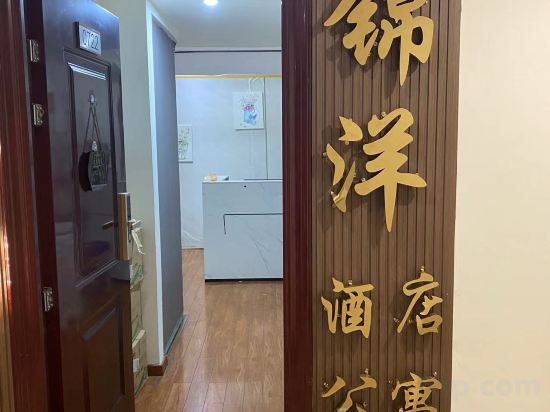
Jinyang Hotel Apartment
Yiduo Smart Mercure (Xinnan Subway Station)
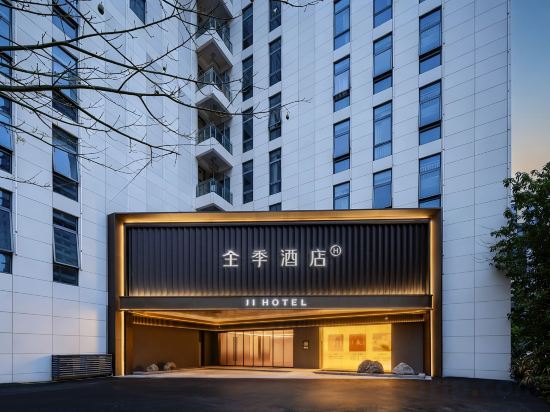
Ji Hotel (Guangzhou Huangpu Knowledge City Wangcun Subway Station Store)
Hotels in Huangpu
Don't feel hesitant to book hotels in Huangpu at tiket.com! We'll make sure to provide all conveniences you need when doing a room reservation. Book your favourite hotel now only at tiket.com!

How to Book Hotels on tiket.com
1. Find the hotelEnter the name of the city, area, or hotel to find the place you want.
2. Select a roomOn the hotel detail page, you will see the available room options. Select a room that suits your needs.
3. Complete the booking detailsInput the contact details (the person who will be contacted by tiket.com and the hotel about the booking) and the guests’ details.
4. Select Add-onsYou can also buy additional services such as meal packages, transportation, and many more.
5. Pay your bookingSelect the payment method and complete your transaction. Don’t forget to use the promo code to get a cheaper hotel price at tiket.com.
6. Get the reservation e-voucherAfter the payment is successful, the e-voucher will be available on the Your Orders menu and sent to the email listed in the contact details.