



Hotels in Taiyuan
Showing 1.000+ hotels in Taiyuan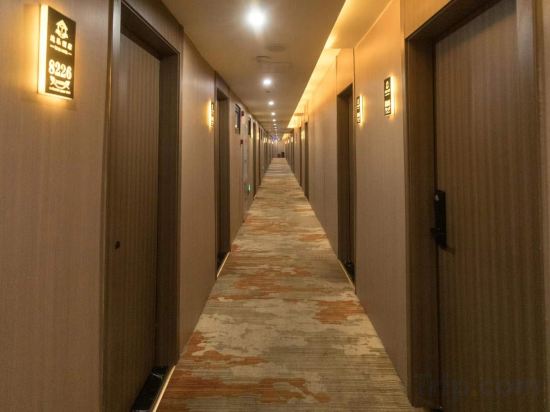
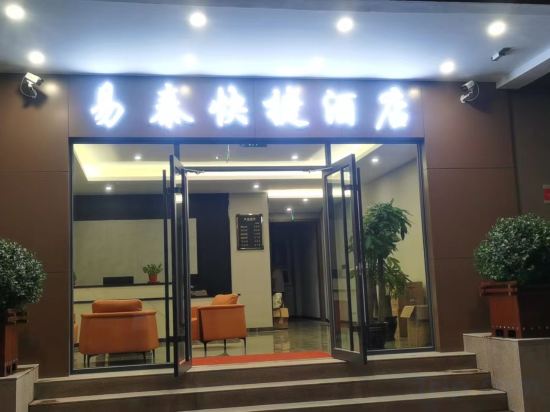
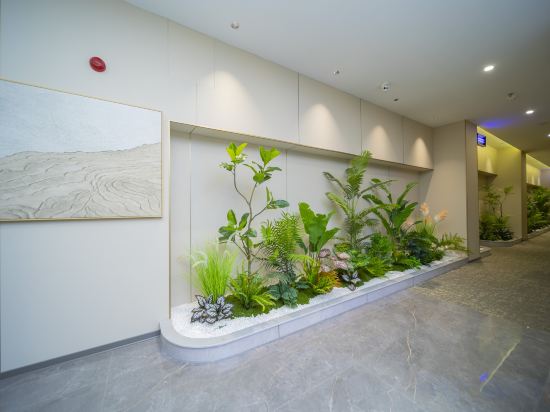
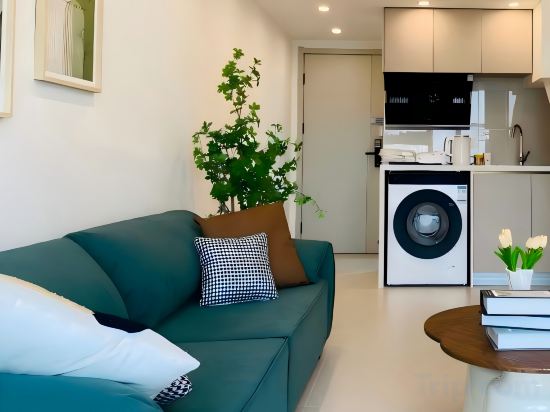

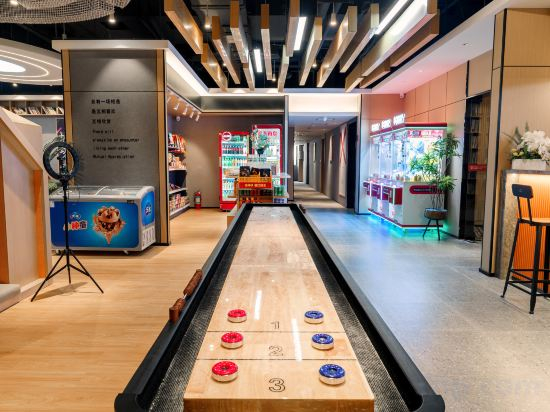
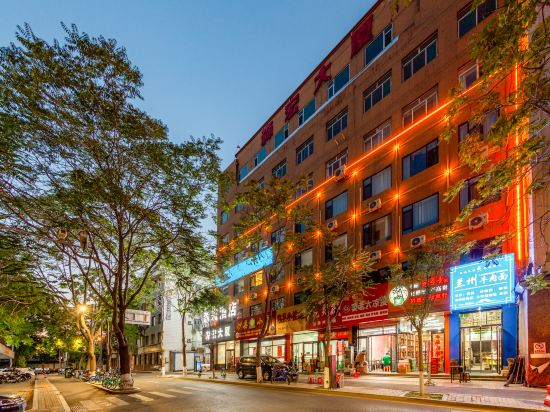
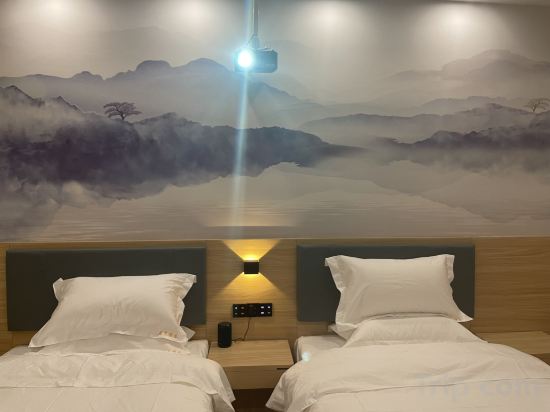
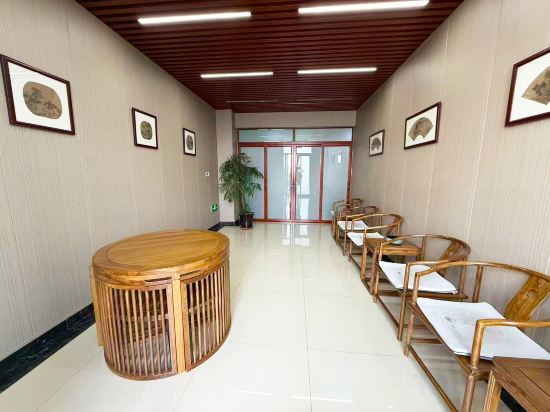
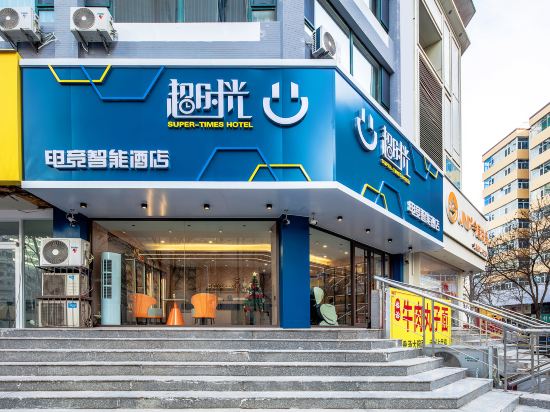
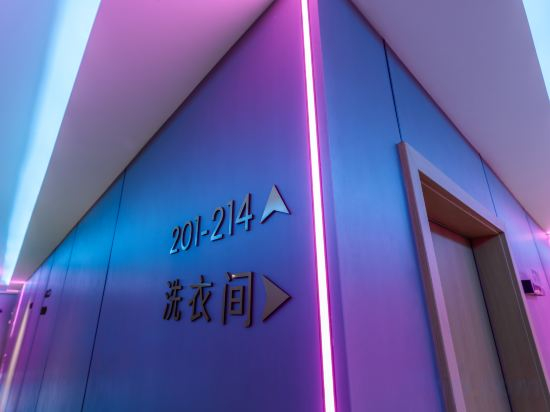
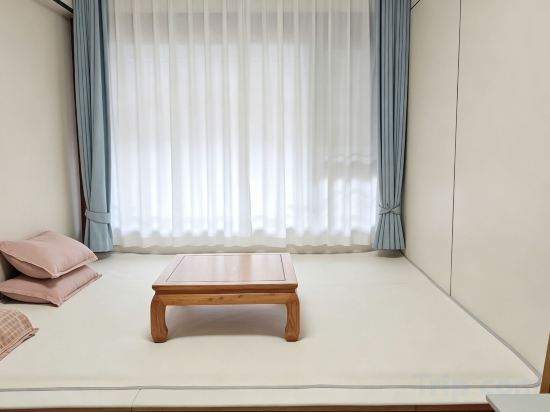
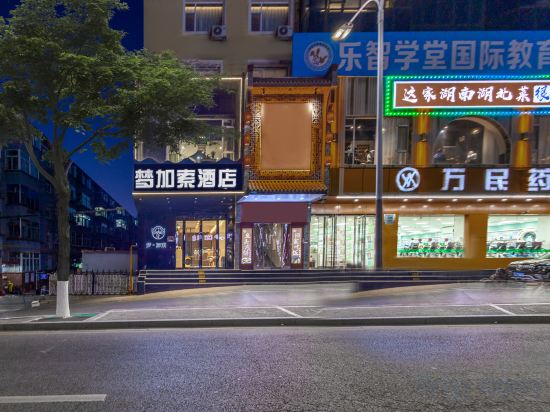
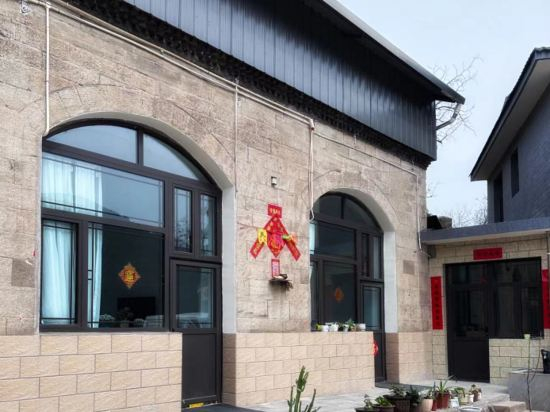
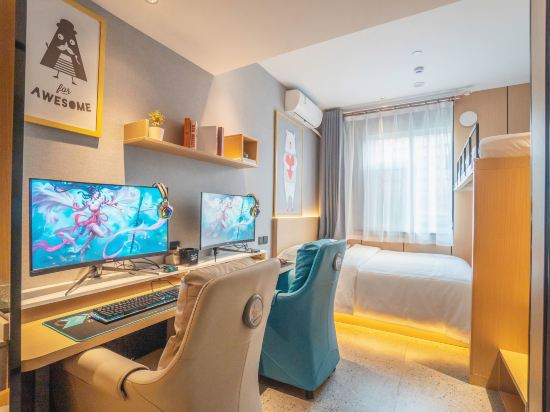
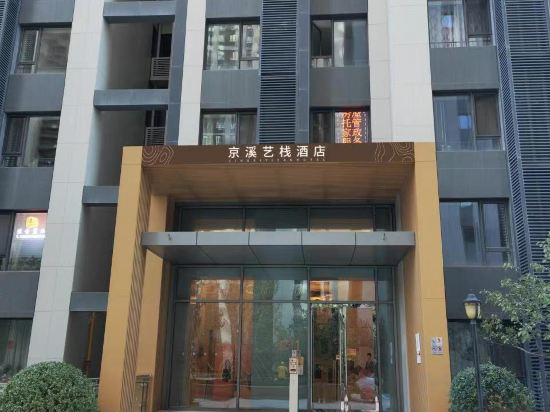
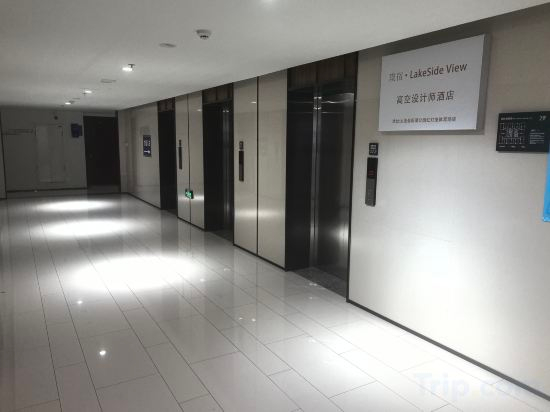

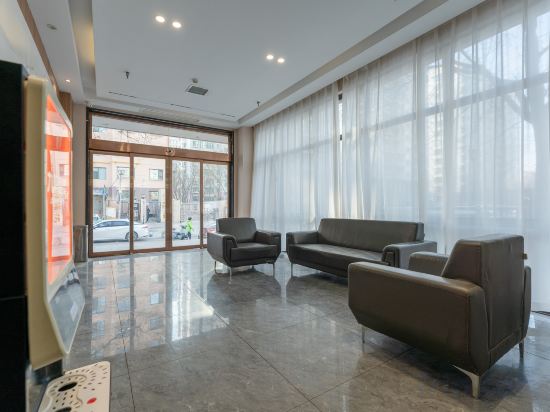
Patrol Hotel (Taiyuan Liuxiang Trade Railway Station West Square Subway Station Branch)
Yitai Express Hotel (Shanxi Cancer Hospital)
Taiyuan Meichen Hotel (Shanxi Bethune Hospital)
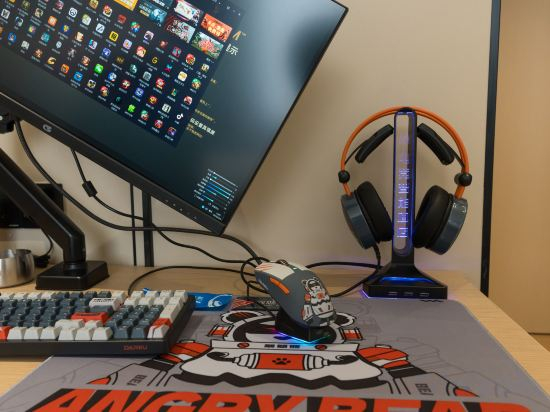
M Esports Hotel (Taiyuan Liuxiang Zhonglou Street Branch)
Shuangying Smart Hotel (Taiyuan Jinci Scenic Area)
Zhuofandi Hotel (Yingze West Street West Railway Station Subway Station)
Unknown Lifanyu Hotel (Taiyuan South Railway Station North America N1 South Branch)
Taiyuan Senhong Hotel (Taiyuan South Railway Station Xuefu Street Subway Station)
Lexiangyun Hotel (Wanda Plaza)
Jinyi Xuan Homestay (Taiyuan Jinci Museum Branch)
Chaoshiguang E-sports Smart Hotel (Zhonglou Street Railway Station)
JK E-sports hotel
Jinjiayuan
Mengjiasuo Smart Hotel (Shanxi Medical University First Hospital Laojunying Snack Street Branch)
Yamano Cloud Hostel
Weizhili Fanyu Hotel (Taiyuan Railway Station May Day Square)
Jingxi Art Shop (Changfeng Business District MIXC Store)
Pusu Designer Hotel (Taiyuan Jinyang Lake Park Vientiane City)
Taiyuan Yajie Hotel
Molan Hotel (Taiyuan South Railway Station University of Finance and Economics)
Hotels in Taiyuan
Don't feel hesitant to book hotels in Taiyuan at tiket.com! We'll make sure to provide all conveniences you need when doing a room reservation. Book your favourite hotel now only at tiket.com!

How to Book Hotels on tiket.com
1. Find the hotelEnter the name of the city, area, or hotel to find the place you want.
2. Select a roomOn the hotel detail page, you will see the available room options. Select a room that suits your needs.
3. Complete the booking detailsInput the contact details (the person who will be contacted by tiket.com and the hotel about the booking) and the guests’ details.
4. Select Add-onsYou can also buy additional services such as meal packages, transportation, and many more.
5. Pay your bookingSelect the payment method and complete your transaction. Don’t forget to use the promo code to get a cheaper hotel price at tiket.com.
6. Get the reservation e-voucherAfter the payment is successful, the e-voucher will be available on the Your Orders menu and sent to the email listed in the contact details.