



Hotels in Xincheng
Showing 2.000+ hotels in Xincheng
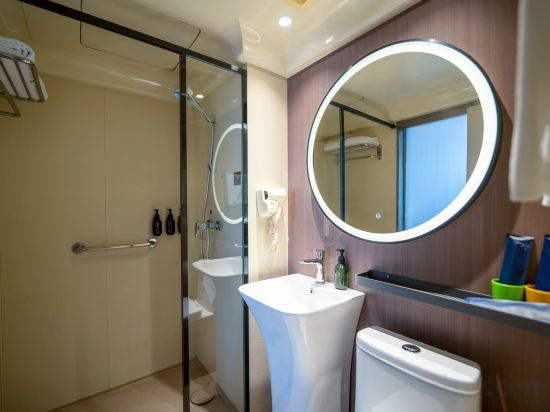
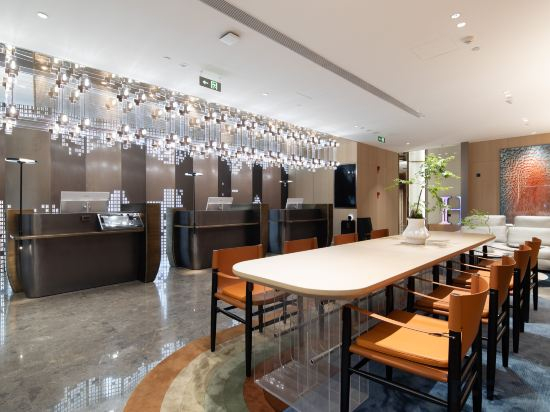
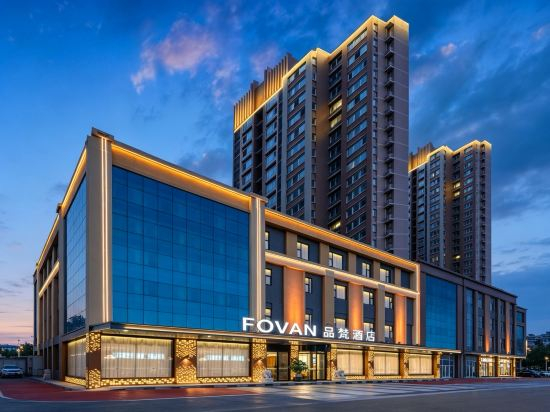
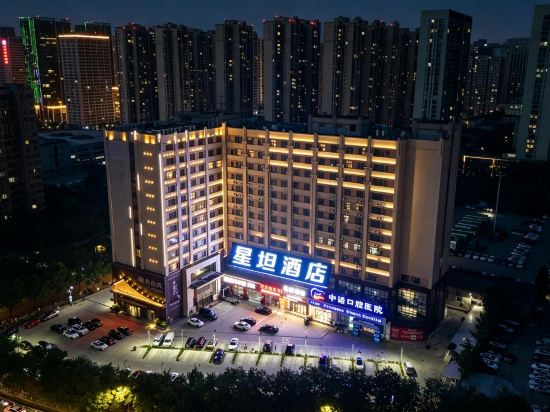
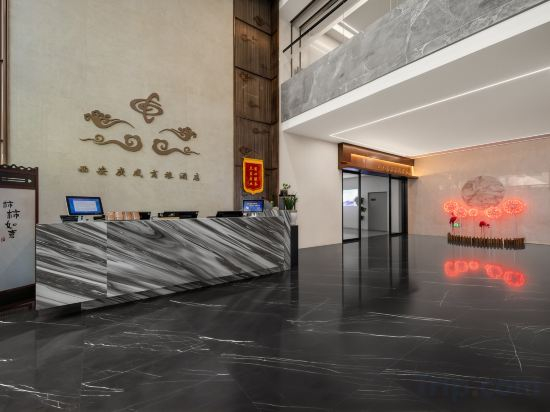
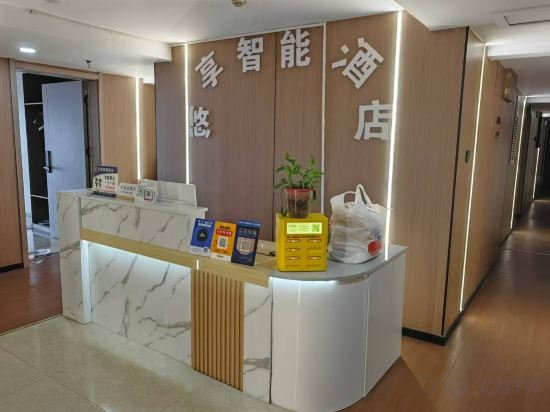
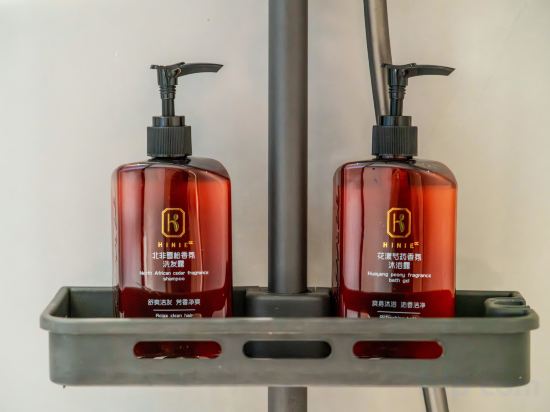
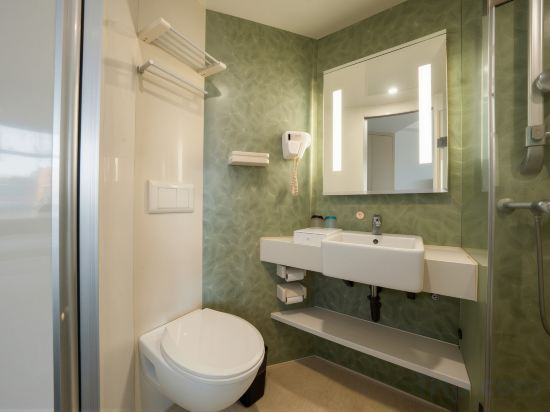
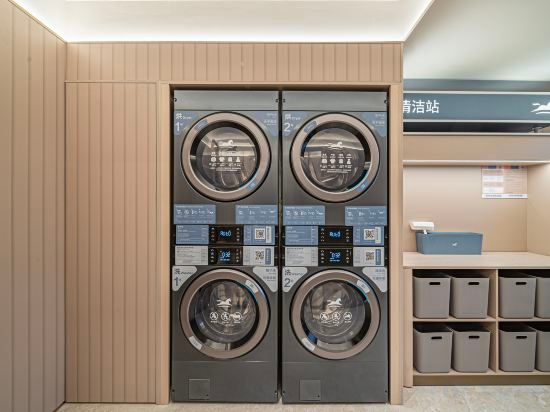

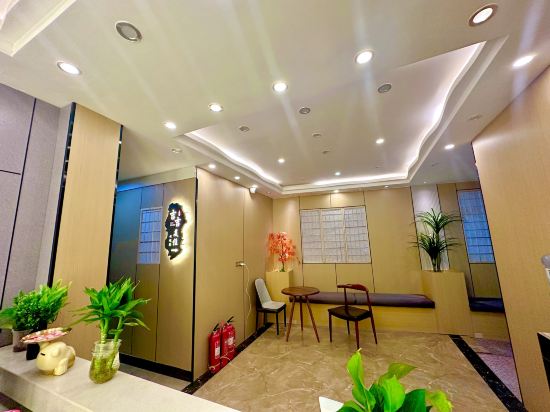
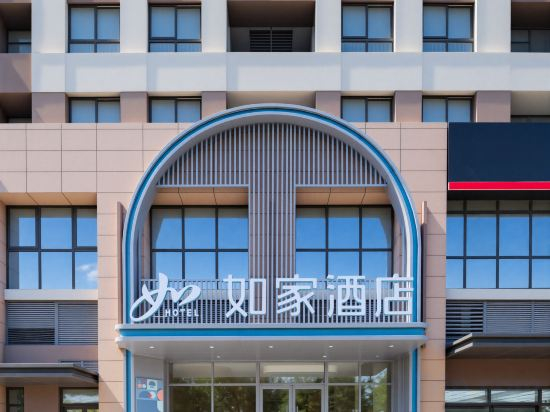
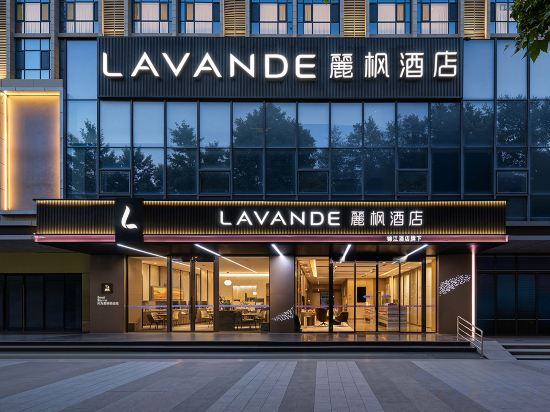
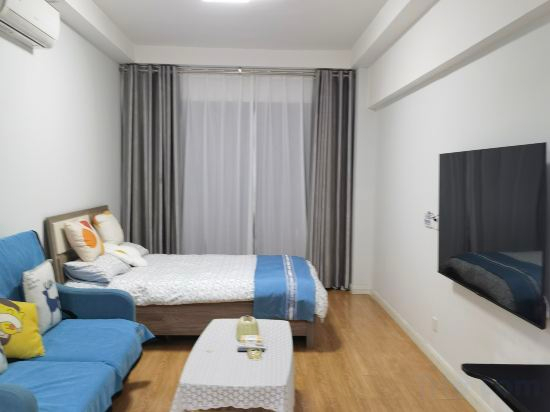
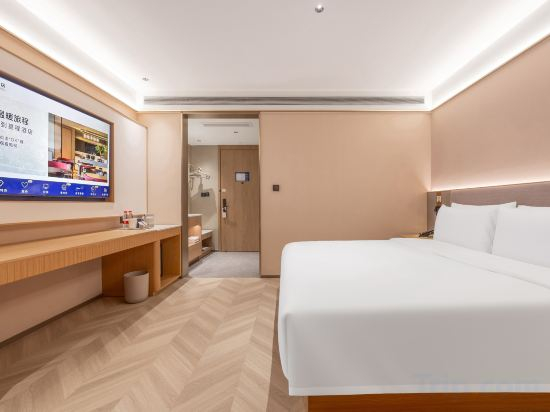
Luchen INS Cinema Hotel (Taohuatan)
Qingfeng Xiaozhu Homestay
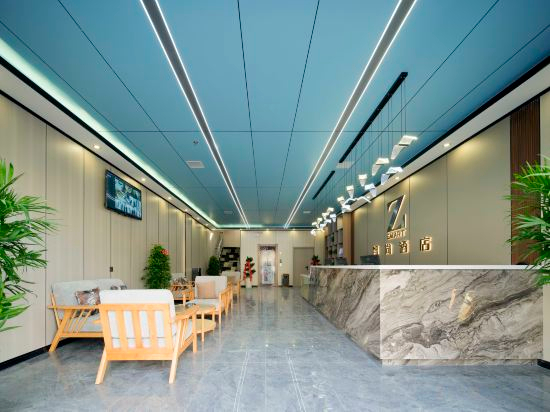
Zsmart Hotel (Xi'an Zaohua Subway Station Sanqiao)
Starway Hotel (Xi'an Chanba Jinrong Cheng Taohuatan Subway Station)
Jiaya Hotel (Fengcheng 2nd Road City Library Subway Station)
H·CRYSTAL Hotels
Elong Hotel (Gaoxin Huawei Semiconductor Industrial Park)
Xingtan Hotel (Xi'an Daming Palace West Subway Station)
Guangcheng Business Hotel Xi'an (Daminggong West Metro Station, Line 2)
Yuxiang Smart Hotel (Xi'an Fengcheng 1st Road)
Qingyunju Hotel (Xi'an Zaohe Subway Station Branch)
H Hotel(Xi‘an Foreign Studies University Branch)
Hanting Hotel (Dongcheng Avenue Branch of Xi'an World Expo Park)
Aihauser Hotel (Xi'an Tangdu Hospital Textile City Subway Station Branch)
Jiji Meizhu Hotel (Tangdu Hospital Fangzhicheng Subway Station)
Homeinn Hotel (Xi'an Chanba Qianhai Life Financial Center)
Elong Anyue Hotel (Xi'an Tangdu Hospital textile city subway station)
Lavande Hotel Xi'an Fangzhicheng Metro (Near Tangdu Hospital)
Xi'an Haolaiwu (Fangzhicheng Subway Station Tangdu Hospital)
Starway Hotel(Xi'an Tangdu Hospital fangzhicheng Metro Stiation)
Hotels in Xincheng
Don't feel hesitant to book hotels in Xincheng at tiket.com! We'll make sure to provide all conveniences you need when doing a room reservation. Book your favourite hotel now only at tiket.com!

How to Book Hotels on tiket.com
1. Find the hotelEnter the name of the city, area, or hotel to find the place you want.
2. Select a roomOn the hotel detail page, you will see the available room options. Select a room that suits your needs.
3. Complete the booking detailsInput the contact details (the person who will be contacted by tiket.com and the hotel about the booking) and the guests’ details.
4. Select Add-onsYou can also buy additional services such as meal packages, transportation, and many more.
5. Pay your bookingSelect the payment method and complete your transaction. Don’t forget to use the promo code to get a cheaper hotel price at tiket.com.
6. Get the reservation e-voucherAfter the payment is successful, the e-voucher will be available on the Your Orders menu and sent to the email listed in the contact details.